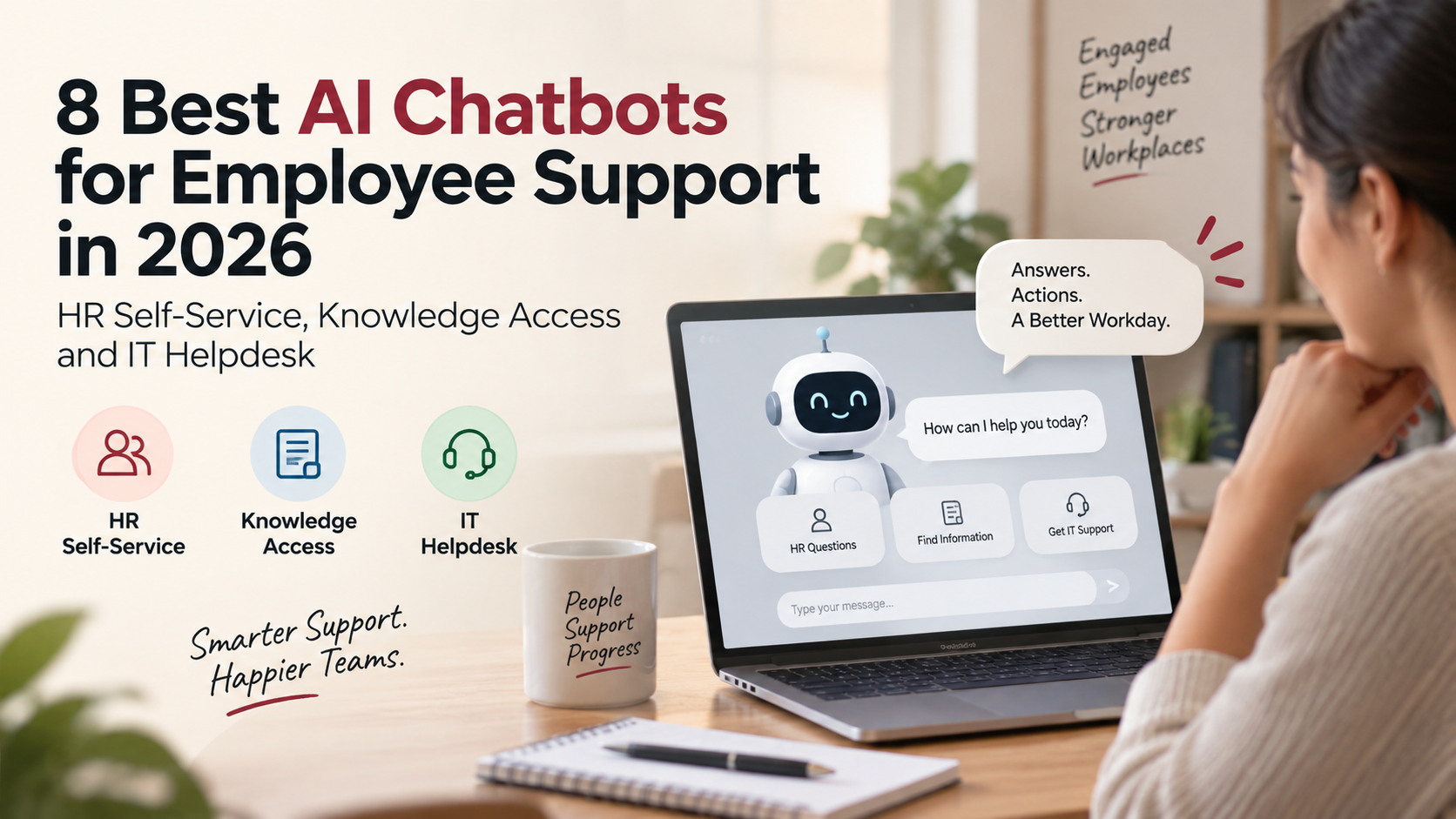
The best AI chatbots for employee support in 2026 include HubEngage, ServiceNow EmployeeWorks, Microsoft Employee Self-Service, Workday Sana, Simpplr, Leena AI, Aisera, and SAP Joule.
They are not interchangeable. HubEngage is particularly strong for frontline knowledge access and employee support. ServiceNow has the deepest case for combined HR and IT service automation. Microsoft makes sense when employees already work inside Microsoft 365. Workday and SAP are strongest when the answer or action lives inside their own HR systems.
The first buying decision, then, is not which chatbot sounds smartest.
It is how much work you expect it to finish.
The Best AI Employee Support Chatbots at a Glance
| Platform | Best fit | HR self-service | Knowledge access | IT helpdesk | Pricing approach |
| 1. HubEngage | Frontline and distributed employee support | Strong | Strong | Moderate | Custom |
| 2. ServiceNow EmployeeWorks | Enterprise HR and IT service automation | Very strong | Very strong | Very strong | Custom |
| 3. Microsoft Employee Self-Service | Microsoft 365 organizations | Strong | Strong | Very strong | Microsoft 365 Copilot and/or usage-based Copilot Studio |
| 4. Workday Sana Self-Service Agent | Existing Workday customers | Very strong | Strong | Limited outside connected systems | Available through Workday Flex Credits |
| 5. Simpplr AI Assistant | Intranet-led employee self-service | Strong | Very strong | Strong through connected systems | Custom |
| 6. Leena AI | Independent HR and enterprise support assistant | Very strong | Strong | Strong | Per-employee pricing for Universal Assistant |
| 7. Aisera Assistant | IT service desk automation with broader employee service | Strong | Strong | Very strong | Custom |
| 8. SAP Joule HR Service Assistant | SAP SuccessFactors environments | Very strong | Strong | Limited as a primary IT helpdesk | Custom |
This ranking gives weight to the employee experience as well as the automation behind it. A chatbot that can reset a password is useful. A chatbot employees cannot easily reach is much less so.
“Chatbot” Is Becoming the Wrong Word for the Best Products
A few years ago, an employee chatbot usually meant an FAQ window.
You typed “How many vacation days do I get?” and the bot searched a prepared list of answers. If you asked the question differently enough, it often got lost.
That category still exists. It is no longer where the interesting work is happening.
The stronger employee support products in 2026 can interpret a question, search approved company information, account for who the employee is, connect to another business system, perform an action, update a ticket, and hand the conversation to a support specialist when necessary.
Consider two conversations.
An older HR chatbot might answer:
“You can request parental leave in the HR portal.”
A stronger employee support agent can identify the employee’s location, retrieve the applicable policy, explain the eligibility rules, open the correct request process, prefill available information, and route an unusual case to HR.
The conversation looks similar.
The amount of work happening behind it is completely different.
That distinction shapes the rankings below.
1. HubEngage: Best for Frontline Employee Support and Knowledge Access
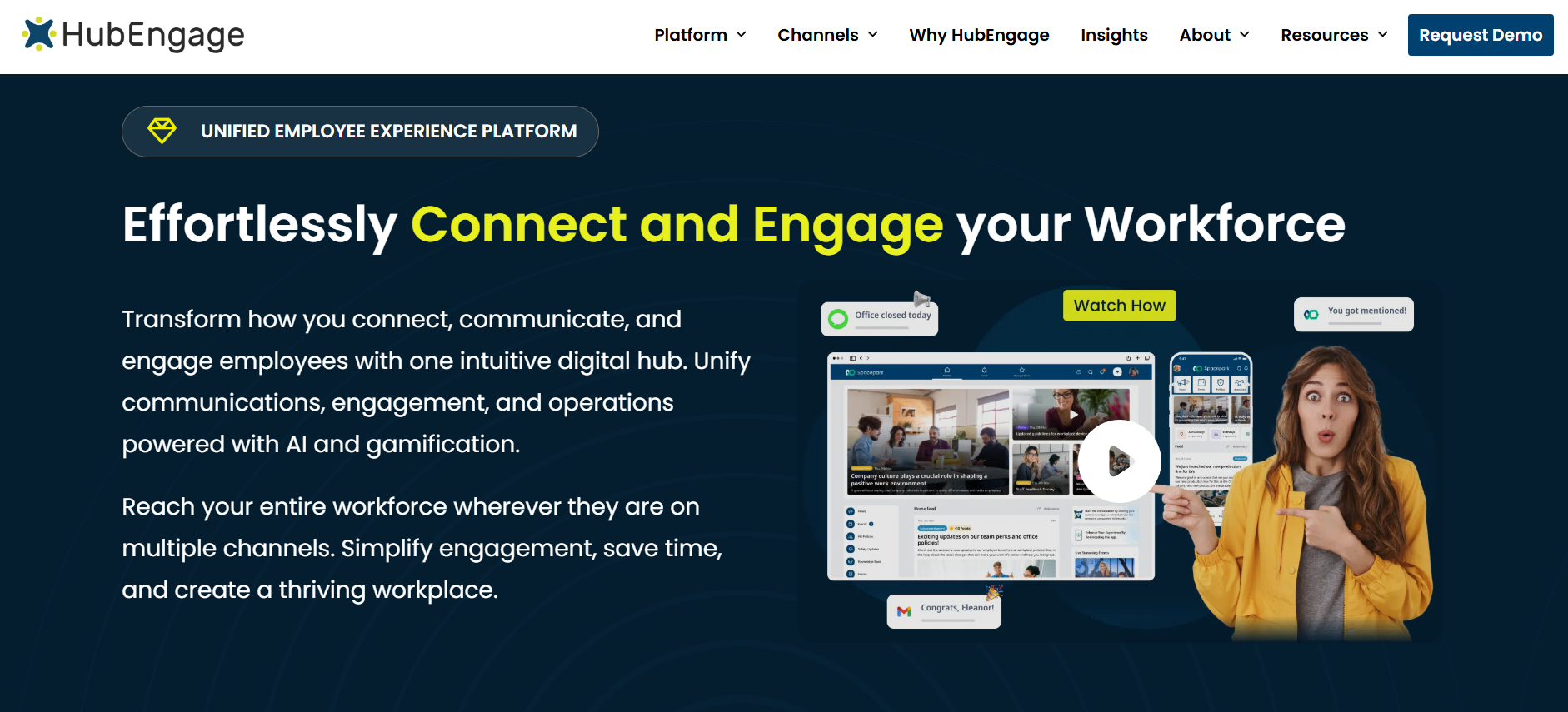
HubEngage takes the first spot because employee support has an access problem that many chatbot comparisons ignore.
A corporate employee can usually open Teams, search SharePoint, visit the IT portal, or send HR an email.
A production worker starting a night shift may have none of those habits.
For that employee, support needs to live somewhere they can actually reach.
The HubEngage AI Chatbot can run inside a broader employee platform available through mobile and web. That makes it especially relevant for companies with frontline, hourly, field, healthcare, hospitality, retail, manufacturing, or other distributed employee groups.
The assistant can connect with information held in sources such as SharePoint, OneDrive, Google Drive, company knowledge bases, learning systems, support sites, websites, and helpdesk content. Answers can include source attribution, which is important when the employee is asking about a policy rather than something casual.
It also supports follow-up questions and automatic language translation.
That makes the experience less brittle.
An employee should be able to ask, “What is our bereavement policy?” and then follow with “What if it is my spouse’s parent?” without starting again from scratch.
HubEngage is also interesting because the chatbot does not have to sit by itself. The same employee environment can include company communications, surveys, recognition, messaging, documents, an intranet, and other workplace resources.
That matters for adoption.
Another independent chatbot icon is rarely what an hourly workforce is asking for. Putting support inside an employee app they already use is easier to defend.
There is a limit, though.
I would not rank HubEngage above ServiceNow or Aisera for an organization whose main requirement is autonomous IT service management. If your priority is diagnosing device problems, provisioning software, updating configuration records, managing complex IT tickets, and orchestrating technical remediation, specialist IT service platforms go deeper.
HubEngage is more convincing when the problem is employee access to HR answers, workplace information, policies, resources, and support from a platform built to reach the whole workforce.
Pricing is quote-based rather than published as a fixed chatbot rate. Buyers should confirm whether the AI assistant, employee app, required integrations, and other modules are included in the same proposal.
Best fit: Organizations with frontline or distributed employees that want AI-powered support and knowledge access inside a broader employee experience platform.
2. ServiceNow EmployeeWorks: Best for Enterprise HR and IT Service Automation
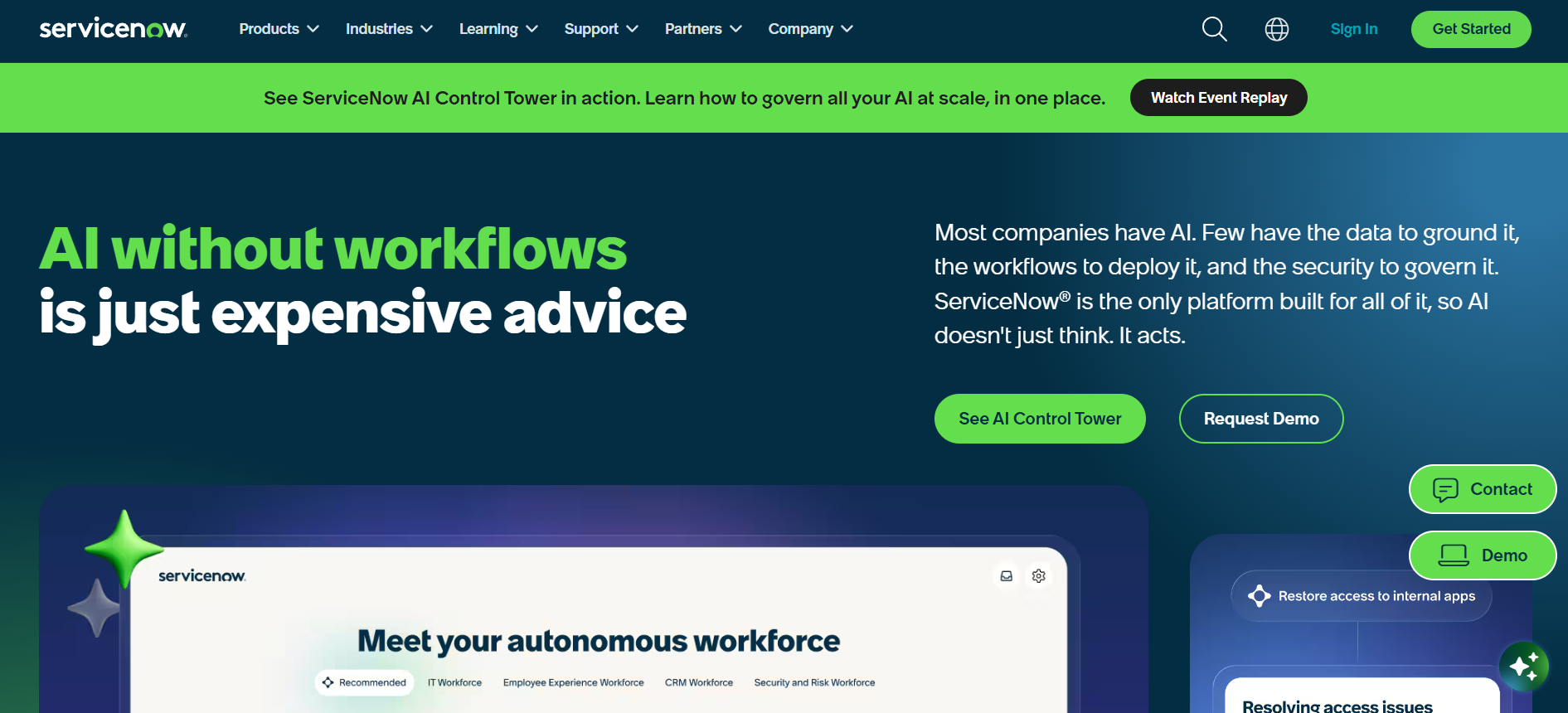
ServiceNow is the product I would move to the top if the assignment were narrower: Which platform can do the most serious work across an enterprise service desk?
Its position changed substantially after ServiceNow completed its acquisition of Moveworks in December 2025.
In February 2026, ServiceNow introduced EmployeeWorks, combining Moveworks’ conversational AI and enterprise search with ServiceNow workflows and employee-service infrastructure.
That combination makes sense.
Moveworks had already built its reputation around giving employees one conversational interface for requests spread across applications. ServiceNow already sat underneath many large companies’ IT, HR, workflow, case-management, and service operations.
EmployeeWorks brings those ideas closer together.
An employee can ask for a policy, check a request, update a record, start an approval, or trigger another business process from one conversational interface. The system can then send work to the appropriate data source, agent, or workflow while respecting role and permission rules.
The difference becomes obvious in IT.
Suppose an employee types:
“My VPN stopped working after I changed my password.”
A basic chatbot may return an article explaining how to troubleshoot VPN access.
A more capable service agent can examine the request, check the relevant systems, start the correct remediation process, update or create an incident when necessary, and keep the employee informed without making them decipher the IT catalog.
That is a different category of employee support.
ServiceNow’s current HR Service Delivery packaging also includes Moveworks capabilities, HR knowledge search, case and knowledge management, Employee Center, Virtual Agent, and AI agents at different package levels.
For organizations already running ServiceNow, the argument is particularly strong. You may be able to improve the employee-facing experience without introducing another system of record underneath it.
The drawback is scale and complexity.
A 600-person business that mainly wants employees to ask benefit questions may find ServiceNow far heavier than necessary. ServiceNow earns its place when there are enough workflows, systems, tickets, permissions, and support teams to justify the machinery.
Pricing remains quote-based.
Best fit: Large organizations that want one AI entry point for HR, IT, requests, enterprise search, cases, and service workflows.
3. Microsoft Employee Self-Service: Best for Microsoft 365 Organizations
Microsoft has moved beyond asking companies to build every employee chatbot from scratch.
Its Employee Self-Service offering now provides dedicated HR and IT agent starters built with Copilot Studio, plus an Employee Self-Service hub that can route requests between domain agents.
That creates a straightforward proposition for Microsoft-heavy workplaces.
Employees already spend their day in Microsoft 365. They know Teams. Their identity sits in Microsoft Entra. SharePoint often contains company information. Power Platform connectors already reach other business applications.
Adding employee self-service inside that environment can be less disruptive than introducing another destination.
The HR agent can answer policy questions, guide employees toward benefits or organizational resources, and connect with workflows.
The IT agent is designed for tasks such as troubleshooting, device setup, account support, and access to IT resources. More complex cases can move into escalation paths instead of forcing the employee to start again somewhere else.
The broader Copilot Studio model also gives organizations room to connect HRIS, ITSM, identity, knowledge, and other systems.
That flexibility is Microsoft’s strength.
It is also the source of some of the work.
The difference between a Microsoft agent demo and a dependable production employee-support service can include connector design, environment management, permissions, testing, Power Platform administration, cost controls, and application lifecycle management.
Organizations with strong Microsoft and Power Platform teams may see that as control.
Organizations looking for something closer to an out-of-the-box employee helpdesk may see it as implementation work.
Pricing also needs careful reading.
Microsoft 365 Copilot is currently listed at $30 per user per month for enterprise customers, subject to a qualifying Microsoft 365 plan. Copilot Studio also offers usage-based options and prepaid capacity. The cost of an employee-support deployment therefore depends on who needs Microsoft 365 Copilot, how the agents are published, which connectors are involved, and how much agent usage the organization generates.
Do not compare Microsoft’s headline license price with a quote from a dedicated chatbot vendor without modeling the full deployment.
Best fit: Organizations already standardized on Microsoft 365, Teams, Entra, SharePoint, and Power Platform that want configurable HR and IT self-service.
4. Workday Sana Self-Service Agent: Best for HR Tasks Inside Workday
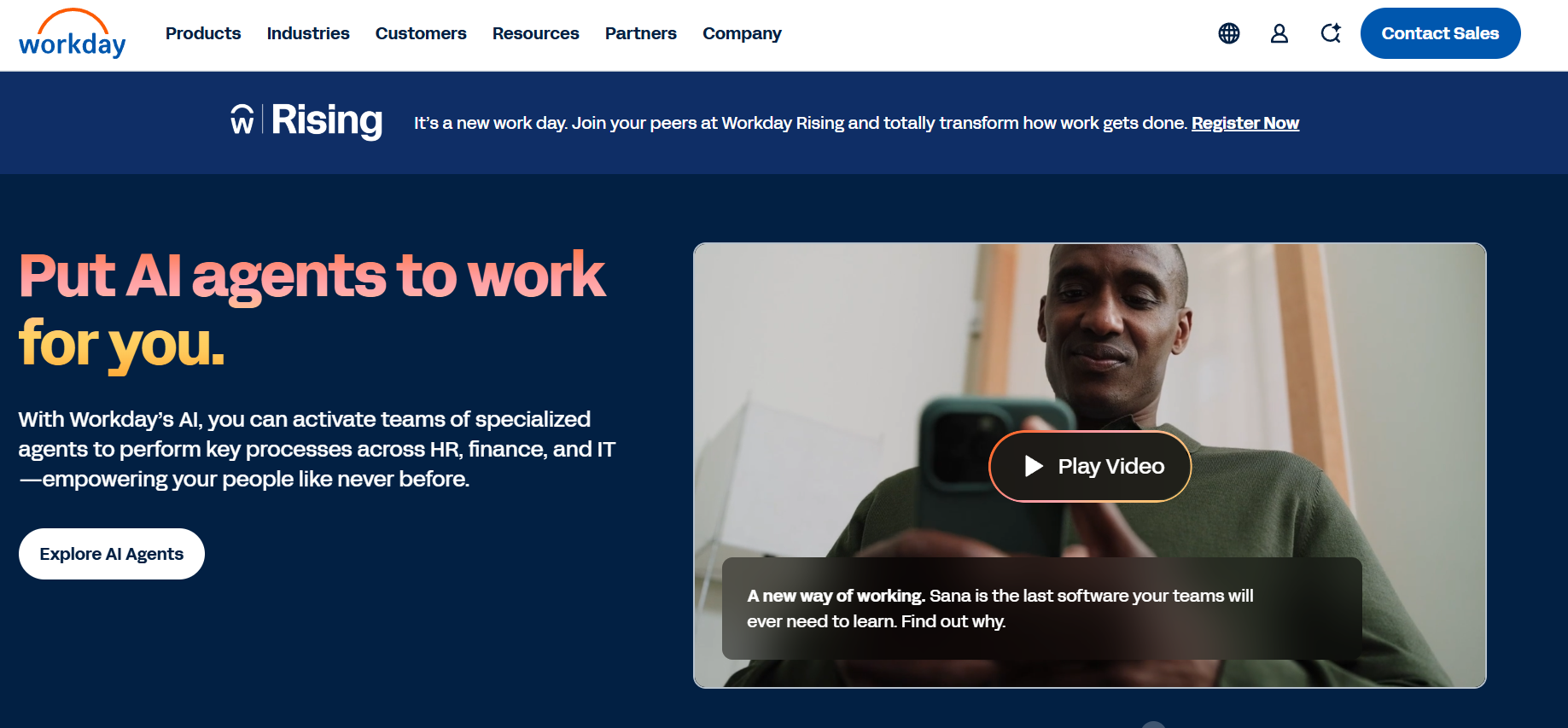
Workday made one of the more important employee-support product moves of 2026 when it made Sana for Workday and the Sana Self-Service Agent broadly available in March.
The appeal is simple.
If Workday already knows the employee’s pay, time, role, manager, absence information, organizational structure, and HR processes, an AI assistant connected directly to that context can do much more than search a generic FAQ.
Sana Self-Service Agent launched with more than 300 skills spanning areas such as pay, time, and absence.
Employees can ask questions and move directly into an action.
They can check time-off information and submit a request. They can ask about changes to pay. They can update personal information. Managers can get guidance tied to existing Workday data and organizational rules.
In May 2026, Workday also made Sana Self-Service Agent available inside Microsoft 365 Copilot. That is a meaningful design choice because employees do not necessarily want to visit their HR system every time they have an HR question.
The strongest reason to buy Sana is also the reason I would not recommend it universally.
It is strongest when Workday is already central to the organization.
If your employee support problem spans Jira, ServiceNow, custom IT systems, a large independent knowledge estate, and several non-Workday applications, products built specifically to sit above many systems may be easier to position as a universal support front door.
Sana Enterprise expands Workday’s reach into other applications, but buyers should separate the Self-Service Agent’s HR and finance strengths from the wider enterprise-assistant proposition when comparing costs.
Workday says Sana for Workday and the Self-Service Agent are available to Workday customers through Flex Credits without a separate license or paywall. Usage still consumes the commercial capacity associated with the Workday model, so “included” should not be read as “unlimited at zero cost.”
Best fit: Existing Workday customers that want conversational HR and finance self-service grounded directly in Workday data and processes.
5. Simpplr AI Assistant: Best When the Intranet Is the Employee Support Front Door
Simpplr approaches employee support from the intranet side.
That creates a different starting point from ServiceNow, which begins closer to service management, or Workday, which begins with HCM.
The idea is that employees already come to the intranet for news, policies, people information, documents, links, and workplace knowledge. The AI assistant becomes another way to access that environment.
Simpplr’s current AI offering can answer questions across company knowledge and deliver support in the intranet, mobile app, Slack, Teams, and other employee channels. It also connects with enterprise systems such as Microsoft 365, Google Workspace, Workday, and ServiceNow.
The more interesting part is the movement from answer to action.
Simpplr now positions its AI agents as capable of connecting to core systems so an employee can submit a request, update information, or complete another task conversationally instead of simply being pointed toward the correct page.
This is a sensible direction for an intranet provider.
One of the frustrations with older intranets was that they became directories of links.
Need PTO? Here is the Workday link.
Need a laptop? Here is the ServiceNow link.
Need a policy? Search these SharePoint folders.
An AI-driven employee hub has the chance to reduce that navigation without pretending the intranet itself needs to become the system of record for everything.
Simpplr also emphasizes source-based answers, permission awareness, and administrative controls over AI use. Those are important capabilities when an assistant searches several company repositories.
The best fit is an organization where the intranet is already intended to be the digital workplace entrance.
If the primary requirement is an advanced autonomous IT helpdesk, ServiceNow or Aisera belongs higher on the list.
Simpplr uses customized pricing based on company size, complexity, and support requirements. Some premium capabilities can affect the final package, so buyers should confirm whether AI Assistant, enterprise search, required connectors, and service-delivery functions are included.
Best fit: Organizations that want employee support, enterprise knowledge, intranet content, and connected workplace systems accessible through one employee hub.
6. Leena AI: Best Independent Assistant for HR, IT and Back-Office Support
Leena AI has spent years in the employee-support category, which gives it a different product history from vendors that recently added a generative AI layer to an existing suite.
Its current Universal Assistant spans HR, IT, and finance use cases.
For HR, employees can ask policy questions, complete onboarding activities, raise cases, check ticket status, and interact with HR processes.
For IT, the assistant can support requests such as password resets, software access, account issues, and service tickets.
Leena’s architecture is designed to connect with systems organizations already use rather than forcing the company to replace its HRIS or service desk first. The vendor currently advertises more than 200 prebuilt connectors.
That is useful for companies whose employee-support environment looks messy on a diagram.
A benefits answer may sit in a document repository. PTO may run through Workday. IT tickets may sit in ServiceNow. Procurement could be somewhere else. Employees do not care.
They want one place to ask.
Leena also deserves credit for publishing more about how it prices the Universal Assistant than many enterprise AI companies.
Its Universal Assistant uses a flat per-employee, per-year license with unlimited assistant use. The exact per-employee rate is still customized according to headcount, workforce mix, and use cases, but the commercial structure is easier to understand than an undefined pool of AI consumption credits.
Its separate autonomous agent products use a different platform-plus-usage model.
That distinction matters. An employee assistant used thousands of times per day can behave very differently financially under flat licensing than under a model where every interaction consumes credits.
Leena says average customer go-live is around 45 days. As always with enterprise integration claims, the useful question is how long your required workflows take, not the vendor-wide average.
Best fit: Companies that want an independent employee support layer across HR, IT, finance, and existing enterprise applications.
7. Aisera Assistant: Best for IT Service Desk Automation Beyond Simple Ticket Deflection
Aisera comes into this comparison with a stronger IT heritage than most HR chatbots.
It can support employee questions across IT and HR, but its IT capabilities are where the product becomes particularly interesting.
Aisera’s AI agents can handle areas such as account access, application provisioning, service requests, ticket management, and technical support. Employees can interact through channels including Microsoft Teams and web experiences, while the agent connects into service-management and enterprise systems behind the scenes.
There is a practical difference between deflecting a ticket and resolving the reason the ticket existed.
Older service desk automation often tried to prevent tickets by showing an employee a knowledge article.
Sometimes that works.
Sometimes the employee has already read the article and still cannot log in.
The more useful AI service desk model can identify the request, gather the relevant context, execute an approved workflow, and create or escalate a case only when the automation cannot finish the job.
Aisera is built closer to that model.
There is also a current ownership detail buyers should know.
Automation Anywhere has acquired Aisera. The companies are positioning the combination around agent-based process automation and self-service across departments.
That does not make Aisera a worse product. It does mean buyers evaluating it in late 2026 should ask about roadmap, packaging, integrations with Automation Anywhere, support arrangements, and which capabilities will remain distinct.
Pricing is customized.
Best fit: Enterprises that want serious AI-driven IT support and automation, with the ability to extend employee service into HR and other internal functions.
8. SAP Joule HR Service Assistant: Best for SAP SuccessFactors HR Support
SAP’s employee-support story changed during 2026 with the introduction of new Joule assistants and agents.
The HR Service Assistant is particularly relevant for SuccessFactors customers.
It can answer policy questions, direct employees to appropriate self-service actions, coordinate specialist agents for areas such as time and payroll, and create cases when a request needs more complex support.
SAP also introduced an HR Knowledge Assistant aimed at giving employees cited, context-aware answers to HR and compliance questions.
That source visibility is useful.
Employees should be able to distinguish between “the AI thinks this is probably the policy” and “this answer comes from the approved policy that applies to you.”
SAP’s strength is the same as Workday’s: business context.
For a company already running core HR processes in SuccessFactors, the assistant can sit close to the information and processes employees are asking about.
Its weakness in this particular comparison is breadth.
I would not choose SAP Joule as my first product if the main problem were an independent IT helpdesk spanning several non-SAP tools. Its position becomes stronger as the requirement moves toward HR self-service, payroll, time, employee records, and SuccessFactors processes.
Pricing is handled through SAP’s enterprise sales model rather than a simple public chatbot rate.
Best fit: SAP SuccessFactors customers that want employee HR support embedded more deeply into their existing SAP environment.
Knowledge Access Is the Part Buyers Are Most Likely to Underestimate
A chatbot demo starts with the answer.
A successful deployment starts with the documents behind it.
Suppose an employee asks:
“Can I carry unused PTO into next year?”
The AI finds three sources.
The employee handbook says five days.
An old benefits PDF says ten.
A local HR page says employees in California follow a different rule.
What should the chatbot say?
The model is only one part of that problem.
Someone has to decide which source is authoritative, which content is current, which rule applies to which employee, and what the assistant should do when documents conflict.
That is why your knowledge base is becoming AI infrastructure.
Companies that skip the knowledge work often discover the issue after launch. The assistant is technically functional. Employees start asking real questions. Suddenly HR is debugging policy ownership rather than chatbot software.
Before procurement, I would ask each vendor to demonstrate a deliberately messy knowledge problem.
Give the system an outdated document, a current policy, and a location-specific exception.
Then ask the same question as two employees in different states.
See what happens.
That is a more useful test than asking whether the platform uses retrieval-augmented generation.
HR Self-Service Needs Personalization Without Guessing
HR questions are rarely universal.
“What is our maternity leave policy?” sounds like a knowledge question.
The correct answer may depend on state, employee classification, tenure, union status, benefits eligibility, or another factor.
That means useful HR self-service requires context.
The chatbot needs to know enough about the employee to find the applicable answer, but it should not invent a conclusion where HR judgment is required.
This line is especially important for sensitive cases.
An AI assistant can explain the published leave policy.
It should be much more cautious about interpreting whether a particular medical situation qualifies an employee for protected leave.
It can tell an employee where to report harassment.
It should not decide whether misconduct occurred.
It can explain the documented process for requesting an accommodation.
It should not independently decide whether the employee is entitled to one.
Good employee support software needs an escalation path that feels like part of the same experience.
“Contact HR” is not much of an escalation if the employee then has to search for an email address and explain everything again.
IT Helpdesk AI Should Be Judged by Resolution, Not Deflection
Ticket deflection has become one of those software metrics that sounds more useful than it always is.
Imagine 1,000 employees ask an AI assistant for help.
The bot prevents 400 tickets from being created.
Great.
Unless 250 of those employees gave up because the chatbot kept showing them the wrong article.
A better metric is successful resolution.
Did the employee’s account get unlocked?
Was the approved software provisioned?
Did the VPN start working?
Did the laptop request reach the correct approval process?
Was an unresolved problem transferred to an IT technician with the conversation and diagnostic context intact?
That is the standard I would use when comparing ServiceNow, Microsoft, Aisera, Leena AI, or any other product claiming IT helpdesk automation.
Do not reward a chatbot merely for making the ticket disappear.
Frontline Employees Need a Different Support Design
This category can become very office-centric very quickly.
Many employee-support products assume an employee has a company laptop, corporate email, Teams or Slack, single sign-on, and enough time to sit with a support portal.
A frontline employee may have none of those things.
Picture a hotel housekeeper who needs to check a bereavement policy.
Or a machine operator whose payroll deduction looks wrong.
Or a field technician who needs an equipment procedure and has five minutes before the next job.
Where does the assistant live?
Can the employee access it from a personal phone?
Does the login require corporate email?
Will it work inside the employee app they already use?
Does it support the employee’s language?
Can the answer link directly to the authoritative source?
Can a sensitive request move to a private case?
Those questions can change the shortlist.
This is one reason HubEngage sits first in this comparison even though specialist service-management products have deeper IT automation. A support system only creates value after employees can reach it.
AI Employee Support Needs a Permission Model You Can Explain
There is another problem hiding behind the friendly chat box.
The chatbot can often search far more information than an employee ever could manually.
That creates enormous value.
It also creates a very efficient way to expose information to the wrong person if permissions are poorly designed.
An employee asking about “layoff planning” should not receive a confidential leadership document because enterprise search indexed it.
A manager should not gain access to an employee-relations case simply because the assistant found a semantically relevant result.
A U.S. employee should not receive a policy intended for another country because the title happens to match their question.
Before deploying any employee chatbot, test what the assistant is not allowed to answer.
Use accounts from several roles.
Ask for information above their permission level.
Ask questions where similarly named documents have different access rules.
Ask what happens when a source is removed.
Ask how quickly access changes propagate through the AI index.
For broader governance, the NIST Artificial Intelligence Risk Management Framework remains a useful voluntary reference for thinking about how AI systems are governed, measured, tested, and managed.
The goal is not to produce another compliance binder.
It is to know how the system behaves before an employee discovers the boundary for you.
The Best Chatbot Should Know When to Stop Chatting
One of my favorite evaluation questions is:
“What happens when the chatbot should not answer?”
Vendors spend much more demo time showing what their AI can do.
Support teams should spend just as much time thinking about what it should hand off.
A good escalation can preserve the conversation, collect required details, identify the correct team, create the case, communicate expected next steps, and let the employee track what happens afterward.
A poor escalation ends with:
“I’m sorry I couldn’t help. Please contact support.”
That is not employee self-service.
That is a dead end written politely.
This becomes even more important with HR.
Payroll errors, employee relations, leave situations, workplace complaints, accommodations, benefits disputes, and personal circumstances can move beyond an automated conversation quickly.
Design the exit before launch.
Do You Need One Employee Chatbot or Several Specialist Agents?
The 2026 market is moving toward an interesting answer: often both.
Employees want one entrance.
The organization may need several agents behind it.
That is already visible in Microsoft, ServiceNow, SAP, and Workday.
The employee does not need to know whether their question is being handled by an HR agent, payroll agent, IT agent, benefits agent, knowledge agent, or another workflow.
They ask once.
The platform routes the work.
That model is more promising than forcing employees to learn a menu of bots.
“Ask the IT bot for passwords, HR bot for PTO, payroll bot for taxes, and intranet bot for policies” is software architecture exposed as employee experience.
Most employees will ignore the distinction and message HR anyway.
If you are evaluating the broader shift from assistants toward software that can run routine workflows, our guide to the best AI tools for HR teams in 2026 covers chatbots alongside other categories of HR AI.
Pricing AI Chatbots Is Getting Harder, Not Easier
There are now several competing ways to charge for an employee assistant.
HubEngage, ServiceNow, Simpplr, Aisera, and SAP primarily use customized enterprise proposals.
Leena AI prices its Universal Assistant on a per-employee, per-year basis, with the actual rate depending on company characteristics.
Microsoft mixes user licensing with agent consumption and Copilot Studio capacity.
Workday uses Flex Credits.
That makes a simple “price per user” comparison misleading.
I would model a real year of support instead.
Suppose you have 10,000 employees, 4,000 of whom rarely use a laptop. You receive 6,000 HR and IT support requests each month. Employees ask far more questions than that because many questions never become tickets.
Now estimate what the AI will actually do.
Will it answer questions only?
Will it search several knowledge repositories?
Will it execute workflows?
How many employees need a paid productivity-AI license?
Do chatbot interactions consume credits?
Are SMS or mobile channels separate?
Does enterprise search cost extra?
Are connectors included?
Does the vendor charge separately for implementation, additional agents, or premium support?
A cheap chatbot can become expensive when every useful action sits behind another SKU.
A higher-priced platform can look more reasonable if it removes several existing tools or materially cuts support workload.
You need the full operating cost.
How I Would Test These Eight Products
I would not begin with “show us your AI.”
I would give each vendor the same six employee problems.
A warehouse employee without corporate email asks which bereavement policy applies to them.
A new hire cannot connect to the VPN.
An employee asks why their take-home pay changed.
A manager wants to request software for a new team member.
An employee asks a sensitive leave question the AI should escalate.
A terminated employee attempts to retrieve information after their access has been removed.
Then I would watch.
Where does the answer come from?
Does the assistant identify the source?
Does it understand the employee’s context?
Can it perform the next action?
Does it respect permissions?
When it cannot finish, does the next person receive the conversation?
Can a frontline employee access the same help without sitting at a company laptop?
Those are much harder questions to fake with a polished chatbot demo.
Which AI Chatbot Should You Choose?
For a frontline or widely distributed workforce, HubEngage is where I would start, particularly when employee support needs to live alongside communications, mobile access, intranet resources, surveys, recognition, and other employee services.
For the deepest combination of IT, HR, enterprise search, cases, and workflow execution, ServiceNow EmployeeWorks is the stronger enterprise option.
For organizations already centered on Microsoft 365, Microsoft Employee Self-Service and Copilot Studio deserve a serious look before adding another standalone assistant.
For existing Workday customers, Sana Self-Service Agent has a major advantage because it can work directly with the HR and finance data employees are asking about.
For organizations treating the intranet as the front door to work, Simpplr provides an interesting mix of employee knowledge, search, support, and connected actions.
Leena AI is one of the strongest independent choices when you want one assistant across HR, IT, finance, and several existing systems.
Aisera belongs high on an IT-heavy shortlist where autonomous service resolution matters.
And SAP Joule HR Service Assistant is most compelling when SuccessFactors already sits at the center of HR operations.
The important part is knowing which problem you are buying for.
If employees mostly cannot find policies, prioritize trustworthy knowledge access.
If HR is buried in repetitive requests, test self-service actions and escalation.
If IT has thousands of low-level tickets, measure completed resolutions.
If half the workforce does not have a corporate inbox, solve access before anything else.
A chatbot is easy to demo.
Employee support is harder.
Buy for the second one.
Frequently Asked Questions
What is the best AI chatbot for employees in 2026?
HubEngage is a strong overall option for organizations with frontline and distributed employees because it combines AI knowledge access with a broader mobile employee platform. ServiceNow EmployeeWorks is stronger for complex enterprise HR and IT automation. Microsoft Employee Self-Service is particularly attractive for Microsoft 365 organizations, while Workday Sana is strong for existing Workday customers.
What can an HR chatbot do?
Modern HR chatbots can answer policy questions, explain benefits, retrieve employee-specific information, guide employees through HR processes, create cases, check request status, and in some systems complete actions such as requesting time off or updating employee information.
Can AI chatbots replace an IT helpdesk?
They can automate part of the workload, especially routine requests such as password resets, software access, common troubleshooting, status checks, and knowledge questions. Complex incidents, security problems, unusual technical failures, and situations requiring judgment still need IT specialists.
What is the difference between an employee chatbot and an AI agent?
A chatbot primarily provides a conversational interface. An AI agent can usually go further by using tools, retrieving contextual data, making permitted decisions, and executing actions in connected systems. Many products marketed as chatbots in 2026 now contain agent capabilities behind the conversation.
Can employee AI chatbots connect to Workday or ServiceNow?
Yes. Several products in this comparison connect with systems such as Workday, ServiceNow, Microsoft 365, SharePoint, HRIS platforms, ITSM tools, and knowledge repositories. The depth varies considerably. Some connections provide search, while others can create cases, update records, request services, or run workflows.
How much does an employee AI chatbot cost?
There is no standard price. Many enterprise vendors use cu