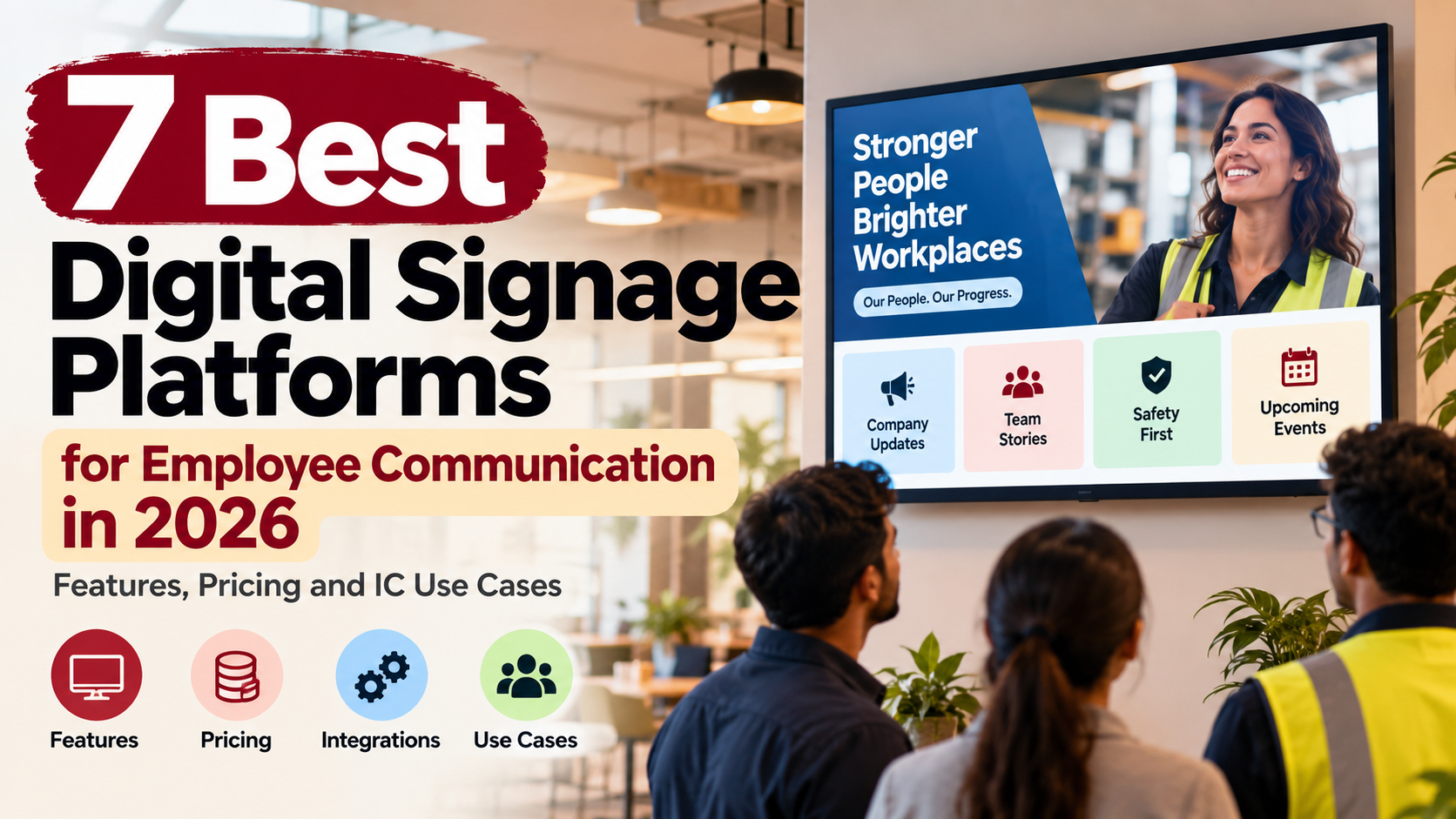
The best digital signage platforms for employee communication in 2026 are HubEngage, ScreenCloud, Appspace, Poppulo, Yodeck, Rise Vision, and OptiSigns. They all put content on workplace screens, but that similarity disappears quickly once you compare how they handle employee targeting, local publishing, emergency alerts, Microsoft 365 content, hardware, analytics, and pricing.
HubEngage is the strongest fit when signage needs to sit inside a wider employee communication program rather than operate as a separate screen-management system. ScreenCloud and Poppulo go deeper into dedicated enterprise signage. Appspace combines signage with a broader workplace platform. Yodeck and OptiSigns offer unusually clear per-screen pricing, while Rise Vision deserves attention where alerts and straightforward screen management matter.
For Internal Communications teams, the core use case is simple: reach employees where they physically work, including people who rarely sit at a computer or open company email.
Research note: Product features, packaging, hardware support, and public pricing were checked against current vendor documentation in September 2026. Public prices below exclude taxes, implementation, displays, mounting, networking, and optional services unless specifically stated.
Why Digital Signage Matters for Internal Communications
Digital signage fills a gap that email, intranets, and employee apps cannot completely solve.
An employee has to open an email. They have to log into an intranet. They need a device for an employee app. A screen mounted beside a time clock, in a hospital staff area, or near a warehouse break room does not ask the employee to do any of those things before seeing the message.
That difference becomes important when part of your workforce is deskless. SHRM research on communicating with deskless employees found that 62% of surveyed HR professionals identified limited computer access during the workday as a communication barrier, while 56% cited irregular schedules. SHRM’s research on communication with deskless workers
The communication problem is broader than device access. ContactMonkey’s 2026 internal communications research found that many teams still struggle with consistent reach and proving whether communication changes behavior, even as frontline audiences grow.
That makes digital signage useful, but only for the work it is good at. A screen can make an open-enrollment deadline visible to everybody passing through a break room. It cannot privately explain one employee’s benefits eligibility. It can reinforce a new safety procedure. It should not display a six-page safety policy in 18-point type.
The best employee communication strategy therefore does not ask whether signage should replace email or mobile communication. It asks which part of the message each channel should handle.
The 7 Best Digital Signage Platforms Compared
| Platform | Best for | Strong IC use case | What stands out | Current pricing approach |
| 1. HubEngage | Frontline and multi-channel employee communication | Reusing company campaigns across employee screens, app, web, email and SMS | Signage sits inside a wider employee communication and engagement platform | Custom; primarily tied to employee count and configuration |
| 2. ScreenCloud | Dedicated multi-location signage networks | Corporate, factory and warehouse screen networks with local publishing | Strong governance, hardware flexibility, secure dashboards and alert support | Core $20/screen/month; Pro $30 annually; Enterprise custom |
| 3. Appspace | Enterprises combining signage with employee and workplace services | Publishing the same campaign to screens, mobile, intranet and collaboration tools | Signage, employee communications, kiosks and workplace management in one platform | Device/user model; free tier; paid pricing varies |
| 4. Poppulo | Large enterprise signage and IC programs | Global screen networks requiring strong governance and proof of play | Enterprise scale, approvals, device monitoring, analytics and integrations | Custom based on network, hardware and services |
| 5. Yodeck | Value-conscious companies and Microsoft-oriented signage | Displaying SharePoint news, Teams content and dashboards across sites | Transparent pricing and hardware included with annual plans | Free 1 screen; Basic $8, Premium $12, Enterprise $16/screen/month annually |
| 6. Rise Vision | Workplaces where alerts and everyday signage share the same screens | Safety alerts, company announcements and operational content | CAP emergency alerts and broad hardware support | Public pricing varies by segment; business plans start around $11 to $12/display/month |
| 7. OptiSigns | Flexible signage without buying a wider employee communications suite | Dashboards, workplace announcements and recognition | Low entry pricing, broad hardware support and 100+ apps/integrations | Free option; annual Standard $9, Pro $11.25, Pro Plus $13.50/screen/month |
The pricing column is only a starting point. Digital signage costs are unusually sensitive to hardware and scale. A $9 software license attached to 250 new commercial displays is a very different purchase from reusing 12 televisions you already own.
What Makes Employee Communication Signage Different From Ordinary Digital Signage?
A restaurant menu board and an employee communication screen use similar underlying technology, but the management problem is different.
Internal Communications needs to know who owns each screen, which employees are expected to see it, whether local managers can publish, what happens when an urgent notice has to override the normal playlist, and how content from systems such as SharePoint or Power BI stays current.
You also have privacy questions. A sales leaderboard may be acceptable in one company and inappropriate in another. A hospital cannot casually put employee or patient information on a screen visible from a public corridor. An HR deadline can be appropriate for everybody while an employee-specific message belongs somewhere private.
This is where generic digital signage comparisons tend to become less useful. Templates matter, but governance, integration depth, device reliability, and the amount of manual publishing work usually matter more after the first few months.
1. HubEngage
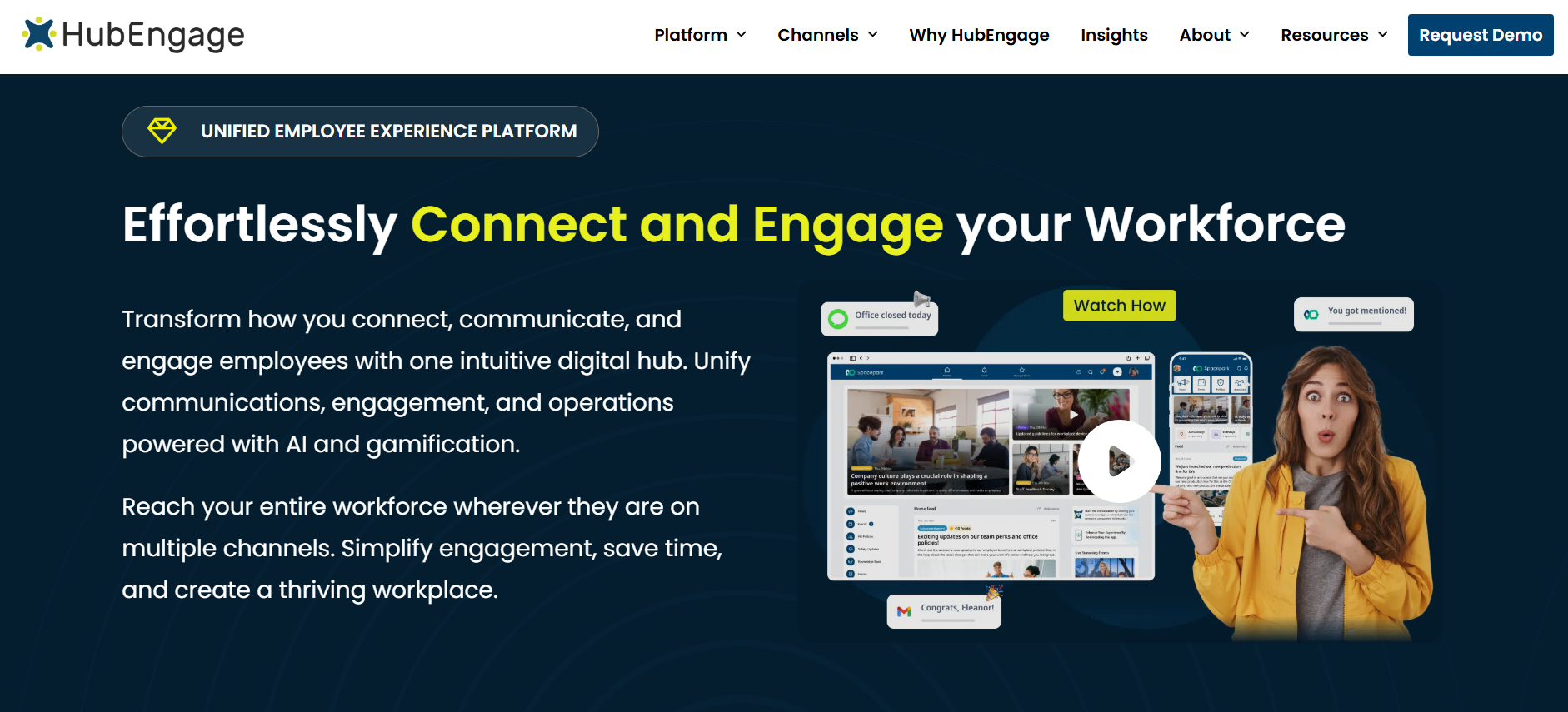
Best for: Companies that want digital signage to function as one channel inside a broader employee communication program, particularly across frontline and distributed workforces.
HubEngage approaches signage differently from a traditional signage-first vendor. The screen is one destination inside a wider employee platform that can also include mobile, web, email, SMS, surveys, recognition, messaging, and other employee communication functions.
That distinction is important for Internal Communications teams because duplicate publishing is one of the quiet costs of digital signage.
Imagine your team publishes an open-enrollment announcement in an employee app on Monday. If the signage system is completely separate, somebody then needs to open another platform, resize or rebuild the creative, target the correct locations, schedule it, and remember when to remove it.
HubEngage is designed so existing employee content can also move onto digital displays. The platform says it can auto-format and publish communication across its supported channels, which gives it a stronger case when the organization is trying to maintain one communication workflow rather than several disconnected publishing calendars.
What can you actually show on HubEngage screens?
The platform supports company announcements, images, videos, recognition, birthdays, work anniversaries, new hires, event information, surveys, and other employee content.
The HRIS and payroll connections are particularly relevant for recurring content. Instead of an Internal Communications coordinator maintaining a birthday spreadsheet and designing slides every month, employee information can be synchronized so milestone content updates automatically.
That is a small example, but it gets at a bigger point. The best signage content is often the content that can stay accurate without requiring somebody to rebuild it manually every week.
QR codes make the screen less passive
Each communication can include a QR code that moves the employee from the shared screen to a personal device. An employee can scan to read a longer announcement, watch a video, RSVP, or participate in a survey.
That is useful because a physical display is naturally a broadcast medium. The QR handoff creates a practical next step without forcing the screen itself to become interactive.
You could run a benefits campaign where the display says:
Open enrollment closes November 13. Scan to compare your options.
That is a better use of signage than trying to fit plan details, deductibles, deadlines, and instructions on one television slide.
What hardware does HubEngage need?
HubEngage currently recommends Android or Google smart TVs for new purchases. If you already own compatible Android or Fire TV hardware, the display application can be installed directly. Existing non-Android screens can be connected through an Android or Google TV stick or one of the hardware devices supported by HubEngage.
For more centrally managed deployments, its documentation also lists devices such as Station M2 and Elo Backpack hardware that can be provisioned for customers.
That makes the entry barrier relatively low if you already have TVs. I would still avoid assuming that the cheapest streaming stick is automatically the right answer for a 24/7 industrial deployment. Consumer hardware and commercial signage hardware have different expectations around uptime, remote management, heat, OS updates, and support.
How does HubEngage price digital signage?
This is one of the more unusual pricing models in the group.
HubEngage says pricing is based primarily on employee count rather than publishing a simple price per display. Monthly, annual, and multiyear contracts are available, with longer commitments carrying more favorable pricing.
Digital signage can also be purchased without buying every other HubEngage module.
For buyers, that means you should request two configurations if you are seriously evaluating the platform: signage by itself, and signage as part of the wider communications package you would realistically deploy.
That comparison tells you whether consolidation changes the economics.
Where HubEngage fits less well
If your requirement is purely to operate 15 screens and you have no need for employee-app, email, SMS, survey, recognition, or other workforce communication features, the wider platform may be more than you need.
Its case becomes substantially stronger when digital signage employee communication is part of a multi-channel strategy rather than a standalone AV project.
You can see the current HubEngage digital signage platform if that broader model matches your requirements.
2. ScreenCloud
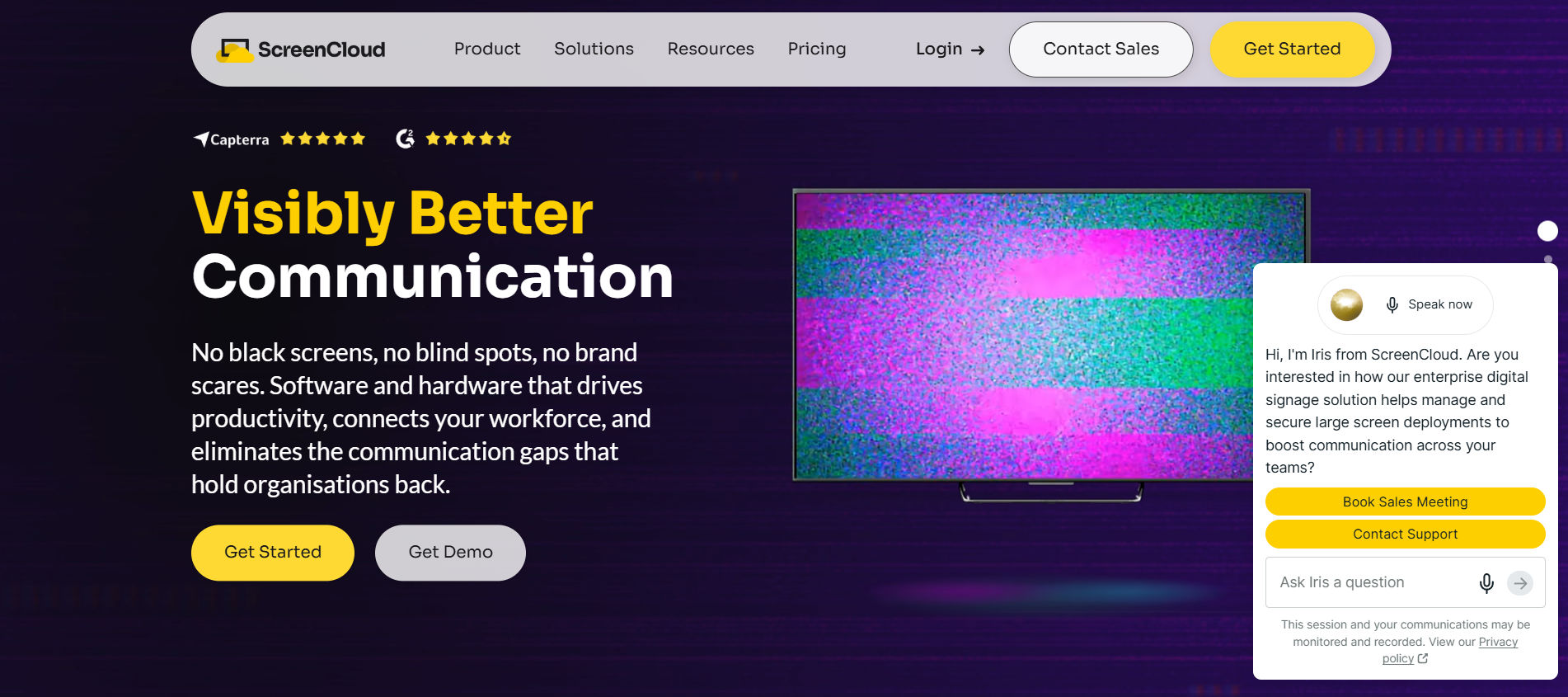
ScreenCloud is easier to understand as a dedicated signage system.
Its platform is designed around screen networks, content applications, dashboards, device management, permissions, templates, integrations, and maintaining control as more screens and publishers are added.
That makes it a particularly good comparison for organizations where digital signage itself is becoming an operational system rather than one feature inside an employee app.
What does ScreenCloud cost?
ScreenCloud Core currently costs $20 per screen per month when billed annually.
Pro costs $30 per screen per month annually. Enterprise pricing is customized.
There is an unusual hardware benefit attached to annual Core and Pro subscriptions: ScreenCloud currently includes a player with the annual plan. Organizations that do not need the included player can instead opt for a first-year discount.
That changes the real comparison with vendors that charge less for software but require you to buy all the media players separately.
Core versus Pro matters for Internal Communications
Core is enough for simpler signage. It includes access to ScreenCloud’s app and integration library, unlimited file storage, templates, and the central publishing environment.
Pro is where the product becomes more interesting for a larger Internal Communications operation. Custom user permissions are available on Pro and Enterprise, secure dashboard functionality sits higher in the feature set, and ScreenCloud’s Emergency Alerts app is included with Pro and Enterprise.
The distinction matters because local publishing tends to become a governance problem as screen networks grow.
A 10-screen network can survive with two administrators.
A 250-screen network across dozens of sites may have corporate Communications, local HR, Facilities, Operations, safety teams, and regional managers all asking for publishing access.
You need to know whether the software can let a plant communicator manage only the plant screens, while Corporate keeps control over global templates and urgent messages.
ScreenCloud provides user groups, standard roles, custom roles on higher plans, and controls around which screens and content each group can manage.
Emergency alerts are more developed than on many signage platforms
ScreenCloud’s Emergency Alerts application can connect with Common Alerting Protocol systems and providers such as Omnilert and Alertus. Alerts can automatically override normal screen content, and targeting can be limited to affected locations rather than taking over every screen in the company.
The app is included on Pro and Enterprise, which is important when comparing plan prices.
If emergency signage is part of your purchase, test it as an emergency workflow rather than a content feature.
Have the vendor trigger an alert.
Check how quickly the normal playlist disappears.
Check how the alert ends.
Take one device offline.
Confirm which administrator roles can initiate an alert.
Those details matter more than the existence of an “Emergency Alerts” label.
What does ScreenCloud run on?
ScreenCloud is hardware-flexible. Current support spans dedicated ScreenCloud players, Android, supported Fire OS devices, Windows, macOS, ChromeOS, Samsung Tizen, and other environments depending on model and operating-system version.
There is an important 2026 hardware detail here.
Amazon’s consumer Fire TV environment has changed. ScreenCloud now recommends the purpose-built Amazon Signage Stick over ordinary Fire TV sticks for new deployments. Some newer Amazon devices use Vega OS and are not compatible with the ScreenCloud Fire OS player.
That is exactly the kind of issue that makes old digital-signage buying guides age badly. A $40 consumer device may look attractive on a spreadsheet and create avoidable support work later.
What can you measure?
ScreenCloud supports analytics around screen and content operations, and Proof of Play is available as a premium add-on.
That wording matters.
Proof of Play tells you that content was displayed. It does not prove an employee looked at the screen, understood the message, or acted.
If measurement matters, combine playback data with something downstream, such as QR scans, policy acknowledgements, registrations, training completion, or survey results.
Where ScreenCloud fits best
I would shortlist ScreenCloud for a manufacturer, corporate campus, hospital system, retailer, or distributed business that expects signage to become a serious network with many locations, administrators, dashboards, and content sources.
I would be less inclined to choose it when signage is simply one small part of a much broader employee-app project. In that scenario, a multi-channel communications platform can reduce the number of systems Communications has to operate.
3.
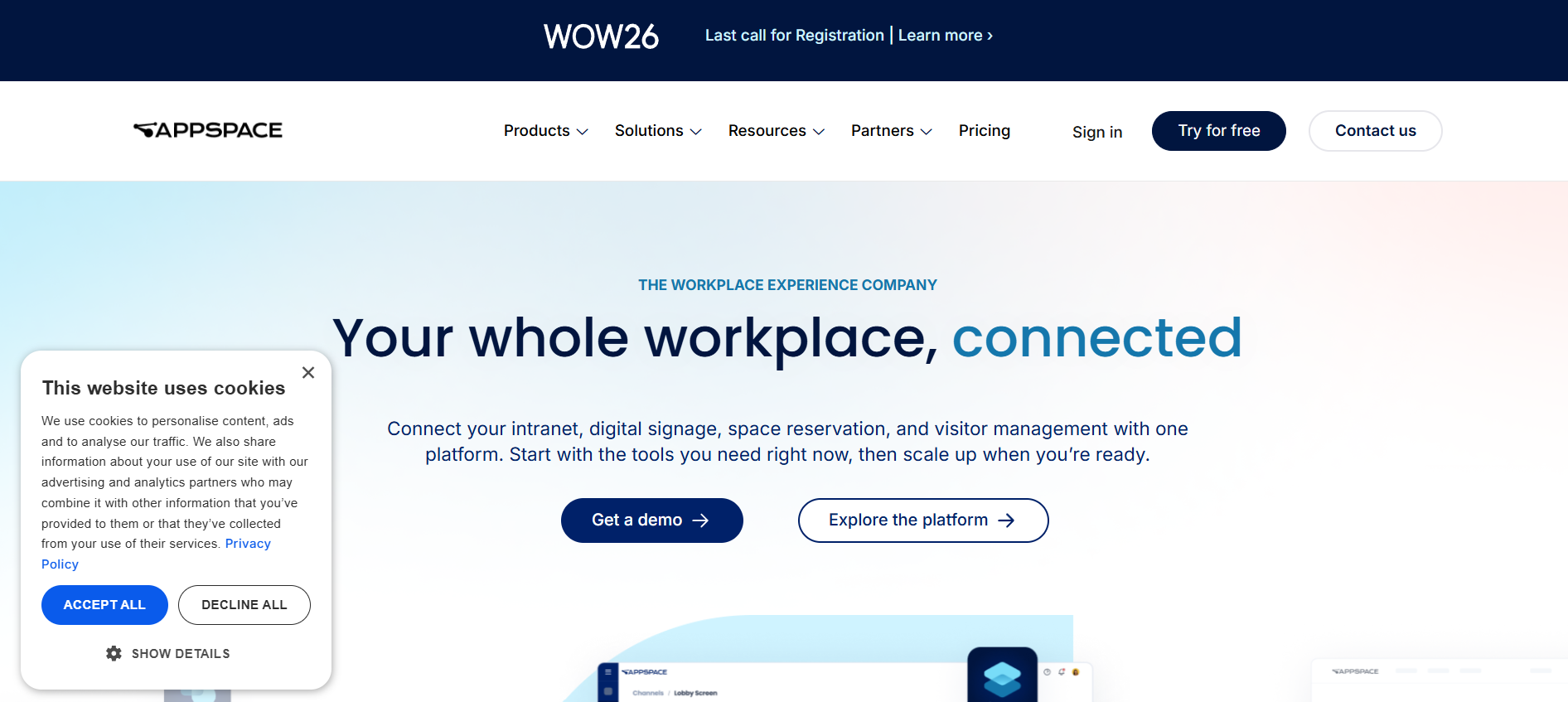
Appspace is difficult to classify as “digital signage software” because signage is only one part of what the company sells.
The same platform covers employee communications, an employee app, intranet functionality, room and desk booking, kiosks, wayfinding, visitor experiences, collaboration environments, and workplace screens.
That breadth makes Appspace particularly relevant when the buying committee includes Internal Communications, Workplace Experience, Facilities, and IT.
How Appspace pricing actually works
Appspace prices using both users and devices rather than a simple universal per-screen rate.
A “device” can be a digital sign, room display, kiosk, or another supported endpoint. A “Premium User” is somebody who accesses Appspace employee or workplace functions directly.
The Free package currently includes one Appspace Device ID, two Premium Users, 5 GB of storage, and 5 GB of monthly bandwidth.
Express increases that to 25 Premium Users and 25 Device IDs. Enterprise starts at 50 Premium Users and 50 or more Device IDs, with the final commercial arrangement adjusted to the deployment.
Additional cloud storage is currently listed at $0.10 per GB per month, while extra bandwidth is $0.15 per GB per month.
That model requires a little more planning than multiplying a screen count by $12.
If you intend to use only signage, count devices.
If the Employee App, workplace booking, and other functions are part of the same project, user licensing becomes part of the economics too.
The frontline package is particularly relevant to this article
Appspace now sells a dedicated frontline communications package covering the mobile app, intranet, digital signage, and kiosks.
Workers can access it through QR code, SSO, or shared devices without requiring company email. That makes it substantially more relevant to deskless communication than a traditional office-signage product.
For a manufacturing company, you could use screens for visible shift and safety communication, kiosks for self-service information, and the mobile experience for content employees need to carry with them.
The Internal Communications team can then publish across those surfaces from the same broader environment.
Microsoft environments are a natural fit
Appspace can pull content from systems such as SharePoint and distribute communication across digital signage, the Appspace employee experience, Microsoft Teams, and other channels.
That matters when SharePoint is already where corporate news is created.
One of the most frustrating signage workflows is copying a company story that already exists in SharePoint, turning it into another image, uploading it to the signage CMS, and then repeating the process whenever the original changes.
A connection that keeps the source content synchronized removes that maintenance.
Alerts work across more than the screens
Appspace Alerts can take over device content with a full-screen message and can also be tied into wider Broadcast workflows.
Broadcasts can extend urgent communication into mobile push, the Employee App, email, enterprise messaging, and other channels depending on the configuration.
This is a stronger model for crisis communication because an employee may be away from the physical sign precisely when the urgent message is issued.
Hardware support is broad
Appspace supports a long list of endpoint environments, including Android, BrightSign, Chrome OS, Windows, Linux, LG webOS, Samsung signage platforms, and multiple enterprise collaboration devices.
It also supports live streaming, multi-zone layouts, touch experiences, approval workflows, analytics, scheduling, and device monitoring.
That breadth is attractive for a company with an existing mix of hardware.
It can also make procurement more involved. You are evaluating a workplace platform, not simply buying a screen player.
Where Appspace may be too much
If your entire requirement is “put announcements on 20 break-room screens,” Appspace is probably not the first product I would investigate.
It becomes more compelling when Communications and Workplace teams are trying to consolidate signage, mobile, intranet, kiosks, alerts, and physical workplace functions.
4. Poppulo
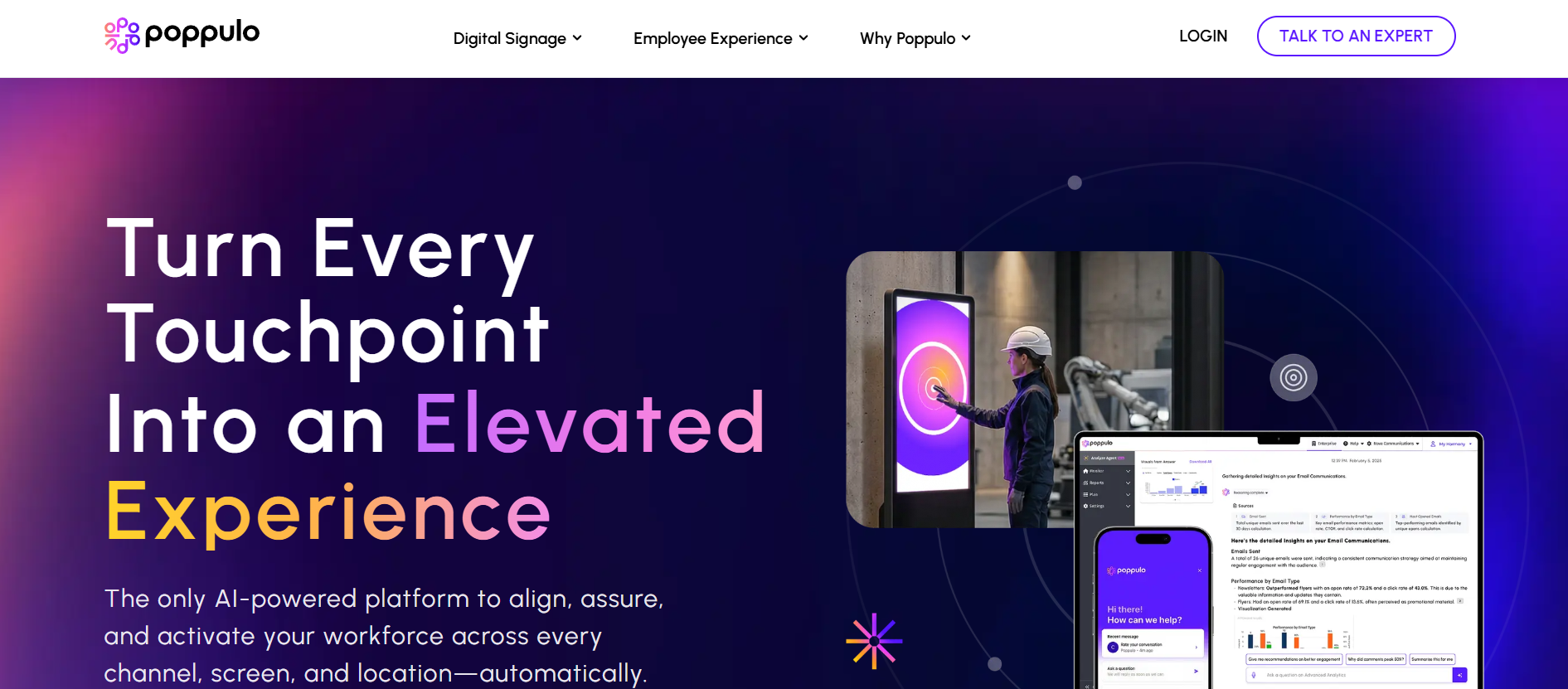 Poppulo belongs on the enterprise end of this comparison.
Its digital signage product is designed for organizations where screens have become a managed network with central governance, local contributors, multiple data sources, monitoring requirements, and a need to prove what content ran where.
That is a different operating problem from managing a few staff televisions.
Pricing is built around the deployment
Poppulo does not publish a simple per-screen list price.
Its current digital signage pricing model is shaped by network size, number of locations, hardware, support, and services.
The core platform includes centralized content and device management, scheduling, monitoring, reporting, administration, and brand controls. Larger deployments can also combine software, hardware, and services into financed arrangements.
That makes Poppulo harder to budget from a public web page, but the pricing structure matches the kind of buyer it targets.
For an enterprise RFP, I would ask the proposal to separate software, hardware, professional services, implementation, support, replacement hardware, and optional integrations so Finance can see which costs are recurring.
Governance is one of Poppulo’s stronger reasons to shortlist it
The platform supports granular roles, permissions, reusable templates, brand controls, content approvals, targeting by location or department, scheduling, and screen takeovers.
Those controls matter when Communications wants local participation without creating a publishing free-for-all.
Suppose Corporate owns a national safety campaign, while 60 facilities need to add local messages.
The weak model gives 60 local administrators access to the entire screen network.
The other weak model gives nobody local access, which means every cafeteria menu and site notice becomes a Corporate Communications request.
A mature signage system should sit between those extremes.
Poppulo is explicitly built around that type of delegated publishing.
Poppulo goes deeper on proof of play than many IC platforms
Its current analytics cover device status, playback reporting, content frequency, dashboards, exports, and proof of play.
That is useful for highly controlled environments because you can verify when and where a message actually ran.
Again, do not confuse that with employee comprehension.
Proof of play means the signage system completed its job. Whether the communication completed its job is a separate measurement question.
Integrations are extensive
Poppulo documents more than 80 integrations for digital signage and the wider communications environment.
Relevant examples include Power BI, Tableau, Google Analytics, Microsoft 365 calendars, alerting systems, weather and news feeds, HR systems, and various enterprise data sources. Its wider communications platform also connects with SharePoint, Teams, Workday, SAP, Microsoft Entra ID, and other systems.
For IC teams, live integrations can solve a major content-maintenance problem.
A production KPI should come from the KPI system.
A room schedule should come from the scheduling system.
A company news story should ideally come from the source where Communications already maintains it.
Manual copying should be the exception.
Hardware deserves a serious conversation
Poppulo supports enterprise player environments including BrightSign, and its 2026 updates extended support to current BrightSign Series 6 hardware.
This kind of hardware becomes relevant when reliability, remote support, security, and long operating hours matter more than saving $70 on a consumer streaming stick.
Who should choose Poppulo?
I would put Poppulo on the shortlist for large enterprises, global IC teams, healthcare systems, campuses, transportation environments, and other organizations expecting hundreds or thousands of endpoints.
I would not start here for a 12-screen office rollout unless Poppulo’s wider employee communications platform is already part of the picture.
If you are comparing enterprise communication platforms rather than signage alone, the TurnOnWork Staffbase alternatives comparison provides more context on how broader IC suites differ.
5. Yodeck
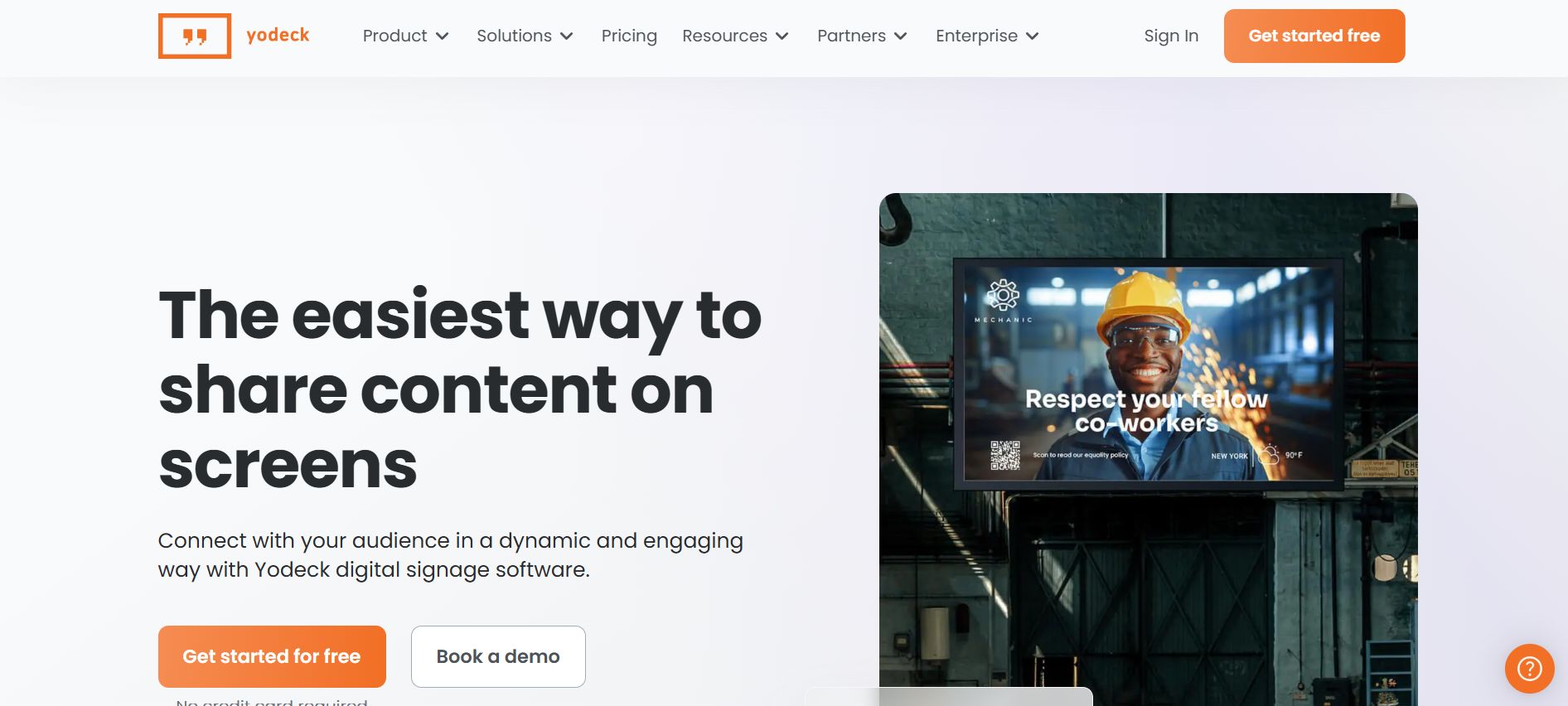
Yodeck is one of the most interesting products in this comparison because it combines low public pricing with a surprisingly serious feature set.
It is also one of the easiest products to model financially before speaking to Sales.
Pricing is unusually clear
Yodeck’s current annual pricing is:
| Plan | Annual price per screen/month | What changes materially |
| Free | $0 for one screen | Basic single-screen deployment |
| Basic | $8 | Core media, templates, scheduling and essential apps |
| Premium | $12 | Microsoft 365/Google apps, advanced scheduling, data apps and API features |
| Enterprise | $16 | SAML SSO, workspaces, custom roles, stronger administration and security |
| Enterprise+ | Custom | Onboarding, dedicated management and tailored support |
There is one pricing detail that deserves to be in every serious Yodeck comparison: you cannot mix different paid plan levels inside the same Yodeck account.
If most of your screens only need Basic but five executive dashboards require Premium, you cannot simply upgrade those five within the same account. You would need to upgrade the account or manage the higher-tier screens through another account.
That can materially change cost at scale.
The included hardware can change the economics significantly
Every annual Basic subscription currently includes a Yodeck Player, based on Raspberry Pi hardware.
Basic receives the 1 GB version, which Yodeck sells separately for $85.
Premium and Enterprise annual plans include a 4 GB Player Plus, which currently sells separately for $155 and is intended for heavier content such as 4K video, dashboards, and multi-zone layouts.
If you already have compatible hardware, Yodeck offers an alternative discount rather than forcing you to take another player.
That makes a 100-screen Yodeck quote more interesting than the subscription rate alone suggests.
Microsoft content is a major strength at the Premium tier
Yodeck’s premium application set includes Microsoft Teams Channels, Viva Engage, SharePoint News, Power BI, Tableau, and other business content.
For an Internal Communications team using Microsoft 365, that can remove a large amount of duplicated work.
You could display SharePoint company news, a Power BI safety dashboard, local calendar information, and selected Teams updates without rebuilding every item specifically for signage.
That is the kind of integration depth I would test during a pilot.
Do not simply ask whether “SharePoint integration” exists.
Ask whether the exact SharePoint content type you publish can be displayed, how authentication works, how quickly updates appear, and what happens if permissions change.
Enterprise adds the controls larger organizations are likely to need
Yodeck Enterprise adds workspaces and hierarchies, SAML SSO, custom roles and permissions, stronger security controls, branded templates, billing entities, and higher-touch support.
Audit logs are an Enterprise feature and are currently retained in-platform for 90 days, although they can be downloaded for longer storage.
That is the kind of detail security and compliance teams should know before selecting a tier.
Embeddable feeds address one signage limitation
Yodeck also offers an Embeddable Feeds add-on starting at $6 per month.
It lets organizations display signage content through a web destination or direct link.
That does not make physical signage a remote-employee channel, but it can reduce duplicated publishing when you want the same visual feed accessible through another digital destination.
Where Yodeck is weaker
Yodeck is a digital signage system first.
It can display workplace communication very well, but it does not become a full employee communication suite simply because it integrates with Teams and SharePoint.
If your requirement extends deeply into employee-app communication, surveys, recognition, messaging, or personalized employee feeds, compare the cost of Yodeck plus those other systems against a broader employee platform.
6. Rise Vision
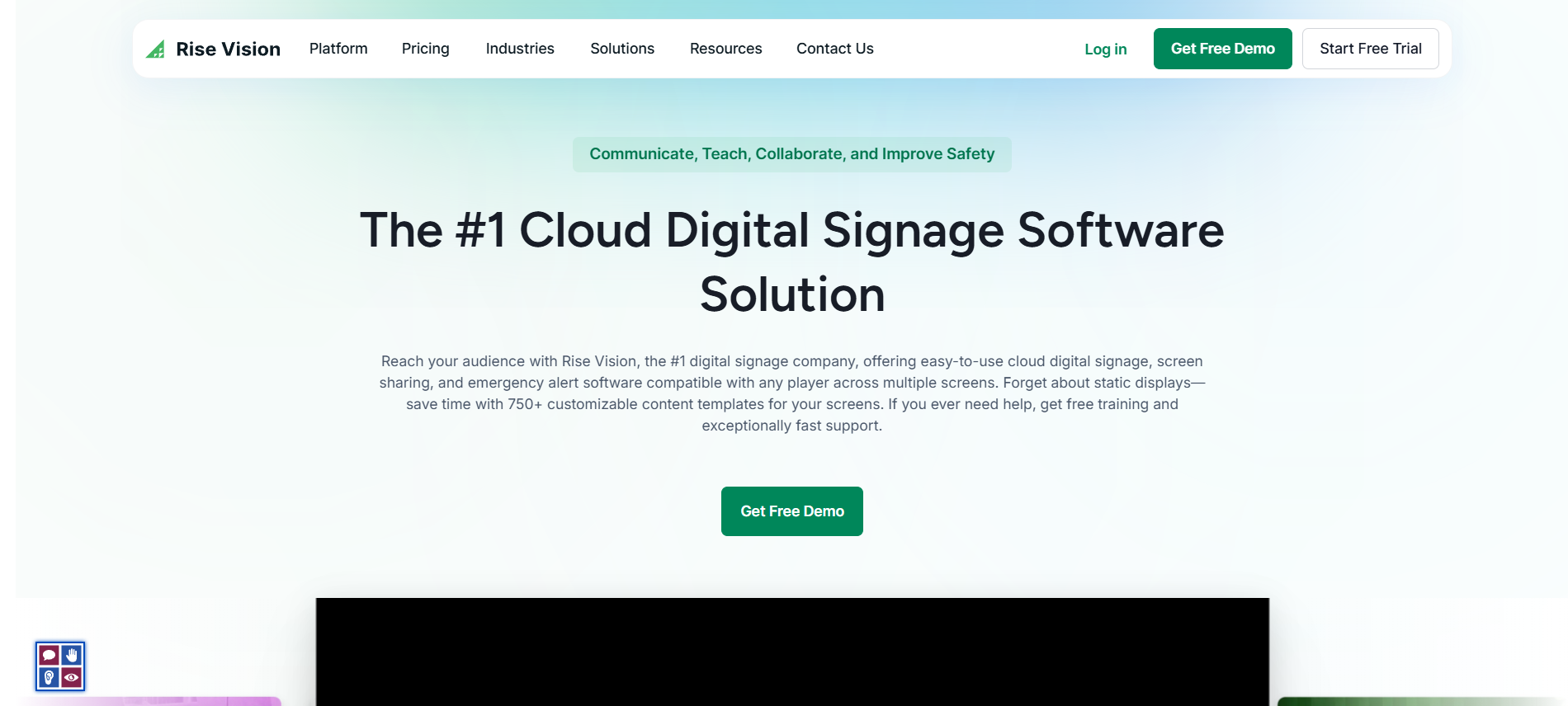
Rise Vision deserves a place here mainly because it handles the overlap between routine digital signage and urgent communication particularly well.
It has a long education presence, which is obvious from its pricing pages and template library, but the same platform is also positioned for offices, healthcare, manufacturing, and enterprise communication.
Pricing needs a little explanation
Rise Vision’s public pricing varies by industry and billing structure, which is why different vendor pages can show slightly different figures.
Its main public pricing page currently shows Basic around $11 per display per month, while other current Rise Vision business materials reference business pricing beginning around $119 annually per display.
Its 2026 healthcare pricing example lists Basic at $12 per display per month, Advanced at $14, and Enterprise at $180 per display annually.
The useful conclusion is not to argue over the one-dollar difference. It is to understand that Rise Vision applies segment and billing differences, including volume discounts, so a business buyer should request pricing against the actual number of screens and features required.
Emergency communication is the product’s clearest strength
Rise Vision supports Common Alerting Protocol integrations that can automatically override scheduled content.
That means your normal employee playlist can disappear when the emergency system sends an alert, rather than depending on a Communications administrator opening the CMS quickly enough.
CAP alert support requires the appropriate Rise Vision plan and a compatible third-party alert provider.
This distinction matters for buyers.
Some signage products let an administrator manually publish a red emergency slide.
A CAP integration can respond automatically to an upstream emergency system.
Those are not the same capability.
Hardware is very flexible
Rise Vision supports a wide range of environments, including Android, Windows, ChromeOS, Linux, Apple TV, BrightSign, Raspberry Pi, LG webOS, and several collaboration or presentation systems.
Companies can bring their own hardware, buy equipment outright, or use Rise Vision’s Hardware as a Service options in supported markets.
The Hardware as a Service model can be useful when Facilities or IT does not want to own the replacement cycle.
Instead of treating media players as a one-time purchase that slowly becomes obsolete, hardware can sit inside a longer service arrangement.
That convenience has a cost, so compare the multi-year hardware subscription with outright ownership.
The higher tiers matter for enterprise use
Rise Vision’s more advanced packages add features such as CAP alerts, Microsoft and Google integrations, company-wide scheduling overrides, screen-status notifications, approval workflows, SAML SSO, screen sharing, and more centralized administration depending on plan.
The platform also supports authenticated web pages and dashboards including Power BI.
That gives it more workplace depth than its education-heavy branding might initially suggest.
An interactive deployment can become expensive quickly
Rise Vision currently lists its Interactive Display License at $1,200 per display per year, and it requires the appropriate higher-tier plan.
Its recommended Elo interactive displays are separately priced in the thousands of dollars.
That is fine for a deliberate interactive directory or recognition wall.
It is unnecessary if your use case is simply displaying company announcements in a break room.
Who should shortlist Rise Vision?
I would look at it seriously when screens are expected to serve employee communication, safety messaging, and emergency alerting in the same physical environment.
It is especially relevant when hardware flexibility matters and the team wants published pricing rather than beginning immediately with enterprise sales discovery.
7. OptiSigns
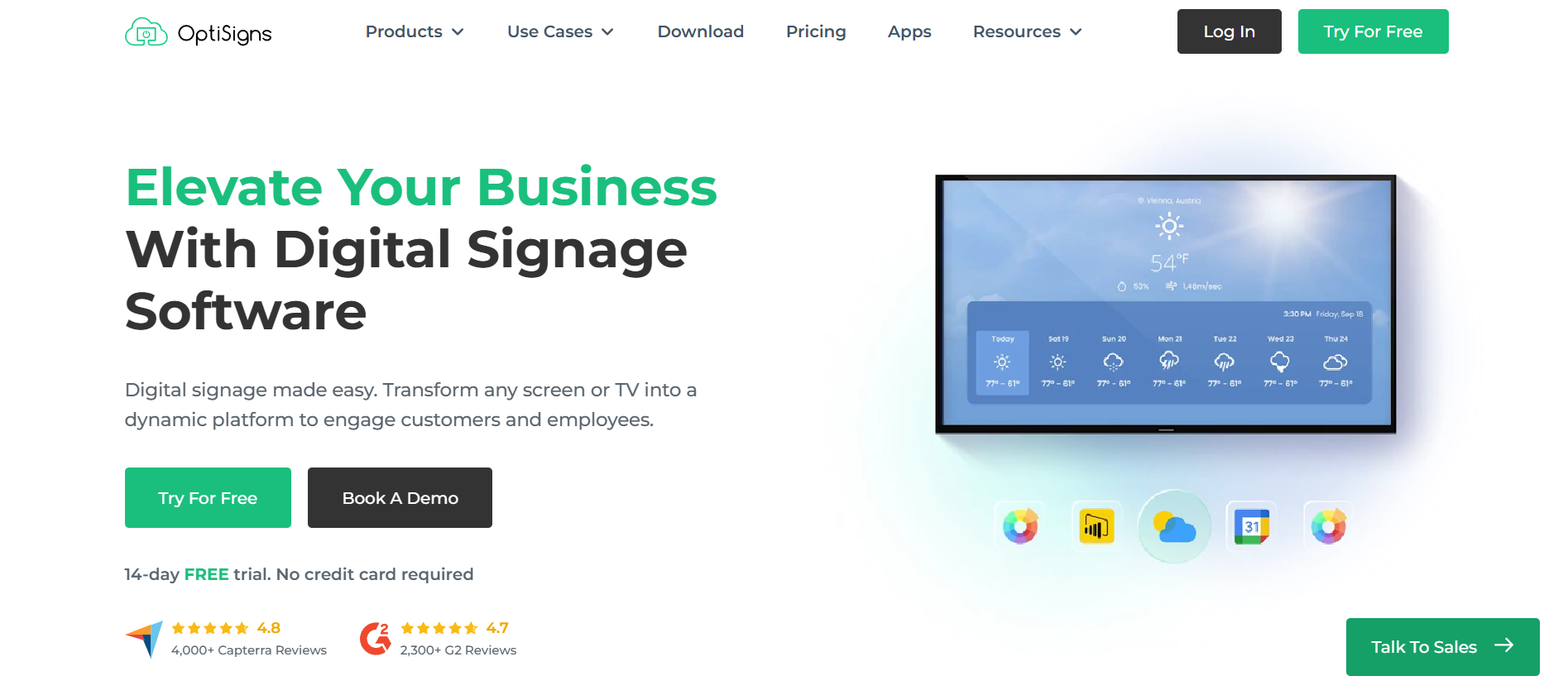
OptiSigns has one of the widest hardware stories in this comparison and some of the lowest public starting prices.
It is a good example of why organizations should separate “employee communication platform” from “software capable of displaying employee communication.”
OptiSigns can do the second job well.
Current pricing
OptiSigns currently prices annual plans as follows:
| Plan | Annual price per screen/month | Particularly relevant additions |
| Free | $0 | Limited apps and storage; useful for basic evaluation |
| Standard | $9 | Playlists, schedules, templates, feeds and core signage |
| Pro | $11.25 | Advanced roles, folder security, approvals and proof of play |
| Pro Plus | $13.50 | Microsoft 365, Google Workspace and dashboard integrations |
| Engage | $27 | Interactive kiosk and scan-to-interact capabilities |
| Enterprise | $40.50 | Enterprise controls and support; 25-screen minimum |
Monthly rates are higher.
That tier structure is worth studying because the $9 headline price does not include every feature an Internal Communications department is likely to want.
If local teams need approval workflows, you are already looking at Pro.
If SharePoint, Power BI, OneDrive, Google Workspace, or other workplace content is central to the deployment, Pro Plus becomes more relevant.
If you need interactive kiosks, pricing jumps again.
Hardware support is extremely broad
OptiSigns can run on its own devices as well as Android, Windows, Mac, Linux, Raspberry Pi, ChromeOS, BrightSign, supported Samsung and LG commercial displays, Apple TV, Amazon hardware, and other environments.
Its OptiStick currently costs $99.99 and supports 4K playback, Wi-Fi, Ethernet, and remote management.
That flexibility is valuable if you already have mixed hardware across locations.
It also creates a procurement question: standardize or support everything?
Supporting six device types because the software technically allows it can create more work for IT than selecting one or two approved configurations.
The Fire TV situation is a good example of why hardware research matters
OptiSigns is currently moving away from recommending ordinary Amazon Fire TV Sticks for new deployments.
Changes to Fire OS, auto-start behavior, and Amazon’s newer Vega OS have made consumer Fire TV hardware less attractive for unattended digital signage. OptiSigns recommends purpose-built signage devices such as its OptiStick or Amazon’s dedicated Signage Stick instead.
A generic comparison written two years ago might still tell you to buy a pile of Fire TV Sticks.
That advice is exactly why hardware should be verified immediately before a rollout.
Workplace integrations are strong at the right tier
OptiSigns supports content from Microsoft 365, Google Workspace, Power BI, Slack, and Teams.
It can also display secure dashboards and live operating information, which makes it useful for warehouses and production environments where a screen may carry both company communication and operational data.
For example, one screen could rotate between a safety notice, recognition message, daily throughput dashboard, training reminder, and company announcement.
That is more useful than filling an employee screen with corporate news all day.
Where OptiSigns is less specialized
OptiSigns serves many signage use cases outside Internal Communications.
That gives buyers flexibility, but it also means your Communications team needs to design the operating model.
Who owns the screens?
What percentage of playback belongs to corporate communication?
Can Operations override that?
Who approves local content?
Which KPIs are appropriate for public display?
When does content expire?
A dedicated IC platform may answer more of those questions in its workflow. A general signage platform gives you the tools and expects you to establish the rules.
What Would 50 Screens Cost in Software?
A practical comparison helps because a difference of a few dollars per screen becomes noticeable at scale.
The table below uses current published annual rates for 50 screens. It is illustrative, excludes taxes, discounts, implementation, and optional add-ons, and should not be treated as a vendor quote.
| Product and plan | Published annual rate | Approx. software cost for 50 screens/year | Hardware note |
| ScreenCloud Core | $20/screen/month | $12,000 | Annual plan currently includes a player or first-year discount |
| ScreenCloud Pro | $30/screen/month | $18,000 | Annual player benefit also applies |
| Yodeck Basic | $8/screen/month | $4,800 | 1 GB Yodeck Player included annually |
| Yodeck Premium | $12/screen/month | $7,200 | 4 GB Player Plus included annually |
| Yodeck Enterprise | $16/screen/month | $9,600 | 4 GB Player Plus included annually |
| OptiSigns Standard | $9/screen/month | $5,400 | Hardware separate |
| OptiSigns Pro | $11.25/screen/month | $6,750 | Hardware separate |
| OptiSigns Pro Plus | $13.50/screen/month | $8,100 | Hardware separate |
This table also explains why software price cannot be the whole decision.
A $4,800 annual subscription that includes the players may compare very differently with a $5,400 subscription followed by 50 separate hardware purchases.
The reverse can also be true if you already own compatible commercial players and would rather not replace them.
HubEngage, Appspace, and Poppulo cannot be placed honestly in this table without quotes because their commercial structures are not simple public per-screen subscriptions.
What Hardware Do You Actually Need for Digital Signage?
For somebody new to the category, the hardware is easier to understand if you separate it into three parts.
You need a display that employees can see, something capable of running or receiving the signage application, and network connectivity so administrators can update the content remotely.
Sometimes the media player is built into the TV.
Sometimes it is a small device attached through HDMI.
Sometimes it is a dedicated enterprise player mounted behind the display.
The cheapest option is often to reuse an existing television and connect a low-cost device.
That can be perfectly reasonable for a staff room where somebody can physically reach the screen if it freezes.
The requirements change when you have 300 displays across 40 sites.
At that point, remote restart, OS support, security patches, device status, commercial warranties, replacement processes, offline playback, and the expected operating hours become more important than the initial hardware saving.
Hardware approaches across the seven platforms
| Platform | Practical hardware approach |
| HubEngage | Android/Google smart TVs, Android/Google sticks, Fire TV in supported configurations, or managed hardware options |
| ScreenCloud | Dedicated ScreenCloud players plus Android, Windows, Tizen, ChromeOS and other supported devices |
| Appspace | Broad enterprise support including Android, BrightSign, Windows, Samsung, LG, Chrome OS and collaboration endpoints |
| Poppulo | Enterprise player infrastructure including current BrightSign hardware and other supported configurations |
| Yodeck | Raspberry Pi-based player included with annual plans, plus Android, Windows, BrightSign, Tizen, webOS and others |
| Rise Vision | Broad BYOD support plus vendor hardware and Hardware as a Service |
| OptiSigns | Very broad BYOD range plus OptiStick and other purpose-built OptiSigns devices |
The important decision is not whether a platform supports your existing TV.
It is whether the combination of screen, player, operating system, network, and management approach is something IT can support for the next three to five years.
Consumer TVs vs. Commercial Displays
You do not automatically need commercial displays.
A regular television may be sufficient for a small internal network running during normal office hours. If it fails, somebody can replace it from a local electronics store.
Commercial signage displays become more attractive when screens run for long periods, sit in difficult-to-access locations, require portrait orientation, need centralized device management, or are expected to remain in service for several years.
They are also built for business use rather than streaming entertainment, which can reduce problems with home screens, ads, automatic power management, consumer account requirements, or OS changes.
The right answer can vary by location.
A corporate kitchenette may justify a consumer screen.
A safety display mounted high above an operating production line probably deserves more careful hardware selection.
What Happens When the Internet Goes Down?
This question should be part of every signage demo.
Most serious platforms cache at least some content locally so a screen does not immediately turn blank when connectivity drops. What continues to work depends on the player, application, and content type.
A downloaded image or video can often keep playing.
A live Power BI dashboard cannot keep updating without a connection.
A web page may fail.
An emergency alert coming from a cloud service may not arrive if the player has lost connectivity.
Ask each vendor which content is cached, how long playback continues, whether administrators can see that a device has gone offline, and what the employee sees during the outage.
The phrase “offline playback” is useful, but it does not mean the entire system works normally without a network.
Which Platforms Are Strongest for Emergency Alerts?
Emergency communication is one of the areas where the seven products differ most.
ScreenCloud supports a dedicated alert application on Pro and Enterprise that can connect with CAP providers.
Appspace can override normal content through Alerts and broader Broadcast functionality, including integrations with third-party alert systems.
Poppulo supports screen takeovers and external alert integrations as part of its enterprise signage environment.
Rise Vision makes CAP alerting one of its core higher-tier use cases.
HubEngage can distribute urgent communication across signage and other channels, including SMS, but its current public signage documentation focuses more heavily on targeted employee communication than on a dedicated CAP-based signage alert system. If CAP or mass-notification integration is mandatory, confirm the exact workflow during procurement.
Yodeck and OptiSigns can display urgent screen content, but emergency-system integration is less central to their public employee-communication positioning than it is for ScreenCloud, Appspace, Poppulo, or Rise Vision.
That does not automatically make one product safer.
A digital sign should usually be one part of an emergency communication system, not the only warning mechanism.
Which Platform Works Best With Microsoft 365?
This question comes up often because many Internal Communications teams already create content in SharePoint, Teams, PowerPoint, and Power BI.
Yodeck has one of the clearest Microsoft stories at a relatively low public price. Premium adds applications including Teams Channels, Viva Engage, SharePoint News, and Power BI.
OptiSigns Pro Plus adds Microsoft 365 and dashboard integrations, including workplace content and Power BI.
Appspace can take SharePoint content and distribute it into signage and other employee communication channels, while also integrating deeply with Teams and broader Microsoft workplace environments.
Poppulo has connections into SharePoint, Teams, Power BI, Entra ID, and other Microsoft systems across its wider platform.
ScreenCloud supports Microsoft content and secure dashboards, although the relevant capabilities may depend on plan.
Rise Vision includes Microsoft Office and Power BI functionality in its feature set depending on package.
HubEngage also integrates with SharePoint and Microsoft Teams through the wider employee communication environment.
If Microsoft 365 is the main content source, do not ask vendors only whether they “integrate with SharePoint.”
Bring one real SharePoint news story, one Power BI dashboard, and one Teams use case into the demo.
Ask the vendor to put each on a screen.
Then change the source content.
The useful question is how much work remains after the initial integration.
Where Should You Put Internal Communication Screens?
Screen placement determines whether signage becomes useful or decorative.
A lobby screen may look impressive but do very little for employees if most staff enter through another door.
A warehouse time-clock area can be effective because employees pass it at predictable points in the shift.
Break rooms give people more time to absorb information, so the content can be slightly more detailed.
Hospital staff areas can support short operational and HR messages, provided screens are positioned so patient or sensitive information is protected.
Retail back rooms, employee entrances, cafeterias, elevators, locker areas, production-floor transition zones, and dispatch areas can all work, depending on how the workforce moves.
Ragan’s 2026 coverage of frontline communication at Goodwill Central Texas is useful here because it describes a mixed channel approach involving manager communication, digital signage, and physical material rather than pretending one channel reaches everybody equally. Ragan’s frontline communication example
The question I would ask at every proposed screen location is straightforward:
Which employees pass this screen, how often, and how long do they realistically have to read it?
If nobody can answer, you probably have not found the right location yet.
What Should You Put on Employee Communication Screens?
The best screen content is information employees can understand quickly.
That usually includes deadlines, short company announcements, safety reminders, shift information, event promotion, recognition, local operating data, benefits reminders, leadership updates, training prompts, and clear calls to action.
Detailed policies are usually poor signage content.
The screen should tell employees that the updated leave policy is available and where to find it. It should not attempt to display the policy itself.
The same logic applies to HR campaigns.
Instead of putting an entire benefits brochure on the screen, use the display to create awareness:
Open enrollment closes Friday. Scan to compare your plans.
The full explanation belongs on a private digital channel.
How Often Should Screen Content Change?
There is no useful rule saying every slide should change daily.
The more important rule is that expired content should disappear and recurring screens should not look abandoned.
A safety metric may update automatically.
A cafeteria menu may change daily.
A company event can stay visible for a week.
A benefits reminder can become more frequent as the deadline approaches.
A new-hire recognition slide may be relevant for several days.
What tends to fail is a playlist where the same 14 slides run for two months because nobody clearly owns the channel.
This is why governance matters as much as software.
Every recurring content type needs an owner and, ideally, an expiration rule.
Central Publishing vs. Local Publishing
Large signage networks eventually run into the same problem: Corporate wants consistency while local teams want relevance.
Both sides have a point.
Corporate Communications should control major company messages, brand standards, templates, and high-priority campaigns.
The plant manager should not have to email headquarters to change a lunch schedule.
A useful governance model gives central teams ownership of the global layer and delegated publishers control of approved local areas.
The platform should support that structure through roles, permissions, folders or workspaces, templates, and approvals.
Poppulo, ScreenCloud, Appspace, Yodeck Enterprise, OptiSigns Pro and higher, and enterprise Rise Vision configurations all provide different versions of this control.
When evaluating them, ask the vendor to build the permission model during the demo.
Do not accept “yes, we have roles” as the whole answer.
Why Proof of Play Is Not Proof of Communication
One of the most important distinctions in digital signage measurement is the difference between delivery and effect.
If a system tells you that a slide played 400 times, that is useful.
You know the technical system delivered the content.
You still do not know how many employees looked at it.
You do not know whether they understood it.
You do not know whether they did what the message asked.
Internal Communications research is increasingly moving toward this distinction. Ragan and Interact reported in 2026 that 62% of respondents considered desired employee action part of meaningful engagement, while only 8% connected communication data with employee behaviors or actions. Ragan and Interact’s communication measurement research
A more useful measurement chain is:
Screen online → content played → employee noticed → employee understood → employee acted → business result changed
The signage platform can usually help most with the first two stages.
QR scans, survey responses, enrollment activity, training completion, fewer repetitive questions, safety outcomes, and other business data help with the rest.
For a more complete model, see the TurnOnWork guide to measuring internal communications ROI.
Digital Signage vs. Email, Intranet, SMS and Employee Apps
There is no sensible winner because each channel has different strengths.
Email is good for information people need to keep or revisit.
An intranet is good for organized knowledge and long-lived information.
An employee app can support personalized, interactive mobile communication.
SMS is valuable when urgency and direct delivery matter.
Digital signage is good at repeated visibility in a physical workplace.
Axios HQ’s 2026 workplace communication research, based on more than 1,200 U.S. executives and employees, continues to examine the relationship between communication quality, organizational alignment, and the time organizations lose when communication breaks down. Axios HQ’s 2026 State of Workplace Communication
The lesson for signage buyers is not to keep adding channels.
It is to give each channel a defined job.
A safety campaign might start with a manager briefing, use signage to reinforce the visual instruction, send a mobile notification for employees away from the screen, and store the permanent procedure on the intranet.
That is more coherent than publishing the same long message everywhere.
Security Questions Most Signage Comparisons Skip
Digital signage can look harmless because the employee sees only a television.
Behind that television may be an authenticated dashboard, HR data, employee names, company metrics, API credentials, user accounts, and devices connected to the corporate network.
IT should therefore be involved before the hardware is ordered.
Ask how credentials for secure dashboards are stored.
Ask whether the player requires inbound firewall access.
Ask how devices receive security updates.
Ask whether SSO is available for administrators.
Ask whether custom roles and audit logs are included in your pricing tier.
Ask what happens when an administrator leaves.
Ask how the vendor handles lost or stolen players.
Ask whether consumer TV operating systems receive the same management controls as dedicated players.
The answer may change which hardware you select even if the software platform stays the same.
Accessibility and Language Need to Be Designed Into the Screen
Digital signage is visual, which creates its own accessibility responsibilities.
Text needs enough contrast and size to remain readable from the actual viewing distance. Videos used for employee communication should include captions when spoken information matters. Important instructions should not rely on color alone.
Language matters too.
A multilingual workforce may need different playlists by location or content designed to communicate clearly with less text.
Do not solve a language problem by squeezing four full translations onto one 55-inch screen.
If a site has a dominant language, target the appropriate version. If several languages are common, rotate concise versions or use a QR route to more detailed translated content.
This is another reason employee segmentation matters.
How to Calculate the Real Cost of a Digital Signage Project
Software is the easiest cost to see, but it is rarely the only one.
A realistic budget needs the subscription, screens, players, mounting, cabling, networking, installation, replacement hardware, support, content creation, implementation work, and staff time required to keep the channel current.
For a simple deployment, existing TVs and inexpensive players may keep first-year cost low.
For a hospital or industrial network, the organization may require commercial displays, wired networking, managed players, professional installation, stronger warranties, and spare equipment.
The purchase should therefore be modeled over several years rather than comparing only monthly software rates.
A low software price does not save money if the hardware requires frequent manual intervention.
A more expensive enterprise platform does not automatically create value if the company uses only basic playlists.
Match the cost model to the operating environment.
A Practical Way to Shortlist the Seven Platforms
| Your situation | Platforms I would investigate first | Reason |
| Frontline workforce plus app/email/SMS communication | HubEngage, Appspace | Signage sits inside a broader employee communication environment |
| Large dedicated signage network | ScreenCloud, Poppulo | Strong device management, governance and enterprise screen controls |
| Microsoft-heavy internal communications team | Yodeck, Appspace, Poppulo, OptiSigns | Strong connections with Microsoft content and workplace tools |
| Safety and emergency alert requirements | Rise Vision, ScreenCloud, Appspace, Poppulo | Stronger documented alert and override functionality |
| Tight initial budget | Yodeck, OptiSigns | Clear low public per-screen pricing |
| Existing mixed screen/player hardware | OptiSigns, Rise Vision, ScreenCloud, Appspace | Broad hardware support |
| Small number of simple employee screens | Yodeck, OptiSigns | Less need to purchase a wider enterprise IC environment |
| Global enterprise with many local publishers | Poppulo, ScreenCloud, Appspace | More advanced governance and distributed administration |
The table is a starting point, not a substitute for testing.
A platform can look perfect against a feature matrix and still create a frustrating publishing workflow for your team.
The Demo I Would Give Every Finalist
Give each vendor the same real employee communication campaign.
Tell them you operate three sites.
Corporate Communications needs to publish one safety message everywhere.
A local administrator at Site A needs to add a location-specific shift message without editing the corporate content.
Site B uses a Power BI dashboard.
Site C has just lost internet connectivity.
Now change the corporate message.
Trigger an emergency alert.
Remove the local administrator’s access.
Take one player offline.
Ask the vendor to show what the central administrator sees.
Then have somebody from your own Communications team make the next update without the salesperson guiding them.
That exercise exposes publishing friction, permissions, monitoring, integrations, offline behavior, and alert workflows in a way a prepared demo rarely does.
Frequently Asked Questions
What is digital signage for employee communication?
Digital signage for employee communication uses workplace screens to display company announcements, safety information, deadlines, recognition, operating data, events, and other internal messages.
The screens are usually managed remotely through a cloud content-management system. They are particularly useful in workplaces where employees do not spend most of the day at a computer.
What is the best digital signage platform for internal communications?
There is no single answer for every organization.
HubEngage is particularly strong when signage needs to connect with a broader employee communication program. ScreenCloud and Poppulo are stronger choices for dedicated enterprise signage networks. Appspace fits organizations combining workplace services and communications. Yodeck and OptiSigns offer lower transparent starting prices, while Rise Vision is particularly relevant when emergency alerts matter.
Does digital signage replace email?
No.
Email carries detail and gives employees information they can return to. Digital signage creates physical visibility.
For important employee campaigns, the two channels often work better together than either one does alone.
Does digital signage work for remote employees?
A physical workplace screen cannot reach an employee working from home.
Some platforms can reuse the same content through mobile apps, intranets, browser feeds, email, or other channels, but that is another delivery method.
Digital signage should be evaluated for the physical workforce it can actually reach.
Can an ordinary TV be used for employee digital signage?
Often, yes.
If the signage application can run on the TV or on a compatible player connected through HDMI, an existing television may work.
For larger deployments, commercial displays can be easier to manage and are usually designed for longer operating hours. Test the exact model before buying dozens of screens.
Do you need a media player for every screen?
Not always.
Some smart TVs can run signage applications directly. Other deployments use a separate media player for each display.
Yodeck includes its own player with annual paid plans. ScreenCloud includes a player option with annual Core and Pro subscriptions. Other vendors let organizations buy their preferred hardware or use supported devices they already own.
What happens if a digital signage screen loses internet access?
Most mature signage products can cache at least some content locally, allowing downloaded media to continue playing.
Live dashboards, web content, cloud-driven updates, and new emergency messages may stop working until connectivity returns.
Ask vendors to demonstrate offline behavior rather than assuming every feature continues normally.
Can digital signage show Power BI dashboards?
Yes, several products in this comparison support Power BI or authenticated dashboard content, including ScreenCloud, Appspace, Poppulo, Yodeck, Rise Vision, and OptiSigns in the appropriate configuration.
Check the pricing tier and authentication method carefully. Showing a public webpage is very different from securely displaying a dashboard that normally requires a user login.
Can digital signage show Microsoft Teams or SharePoint content?
Yes, depending on the platform and plan.
Yodeck offers apps for Teams Channels and SharePoint News on applicable tiers. Appspace, Poppulo, OptiSigns, ScreenCloud, and HubEngage also support different Microsoft content or integration scenarios.
Use your actual SharePoint and Teams content during vendor testing because the word “integration” can mean different things.
Can digital signage be used for emergency communication?
Yes, but the depth varies significantly.
ScreenCloud, Rise Vision, Appspace, and Poppulo all document dedicated alert or emergency-system capabilities. Some support Common Alerting Protocol providers or connections to existing mass-notification systems.
Signage should normally supplement other emergency channels rather than become the only way employees receive a safety instruction.
How many screens should a company install?
There is no meaningful number based only on employee count.
Start by mapping where employees work, enter, take breaks, change shifts, or naturally pause. Then determine whether each proposed screen has a defined audience.
Ten well-placed screens can be more useful than fifty screens installed wherever a spare wall happened to exist.
How long should digital signage messages stay on screen?
The answer depends on how much employees need to read and how far away they are.
Short headlines and simple calls to action work better than paragraphs. Test your actual content from the real viewing distance rather than judging it on a laptop preview.
If an employee needs a minute to read the slide, the message probably belongs somewhere else.
What should we measure after launching employee digital signage?
Start with screen health and content delivery, then move toward employee action.
Device uptime, playback records, and playlist delivery tell you whether the system worked. QR scans, event registrations, training completion, benefits actions, survey responses, employee feedback, and other business results can tell you whether the communication worked.
How often should we update workplace digital signage?
Update it whenever the information changes, and automatically expire content that has a known end date.
A screen that repeatedly shows last month’s event teaches employees that the channel cannot be trusted.
The exact publishing cadence matters less than accuracy, relevance, and clear content ownership.
Final Take
The best digital signage employee communication platform is the one your Communications team can keep useful after the launch project is over.
HubEngage fits organizations that want signage connected to a broader employee communication environment. ScreenCloud and Poppulo go deeper into dedicated signage operations. Appspace connects screens with the wider workplace. Yodeck and OptiSigns make the economics easier to model, while Rise Vision has a particularly clear role where safety alerts matter.
Whichever direction you take, test the publishing workflow, hardware, permissions, alerts, integrations, and measurement before you test another template.
The screen is the easy part. Running the channel well is the real purchase.