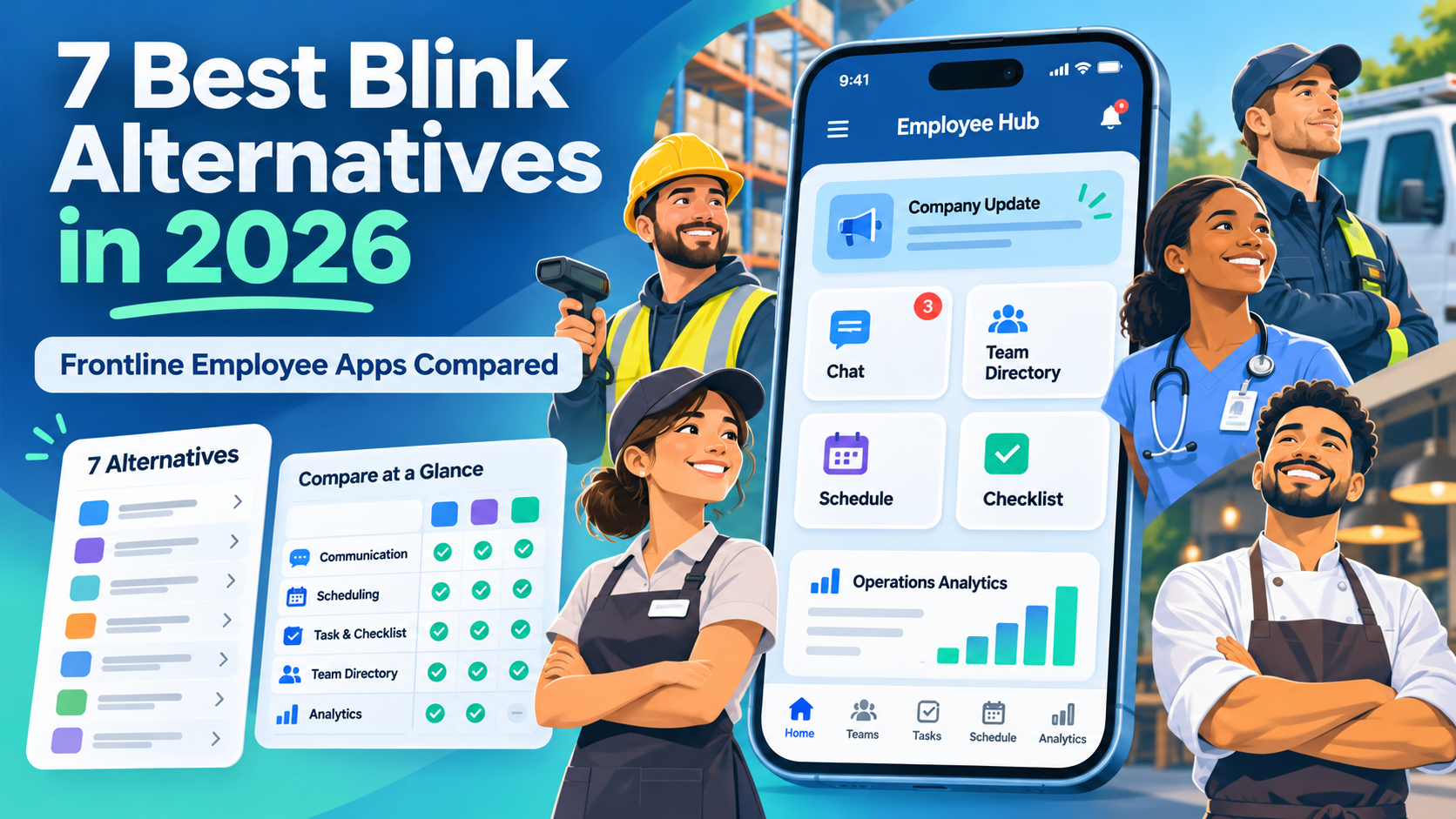
The seven Blink alternatives worth comparing in 2026 are HubEngage, Connecteam, Workvivo, Staffbase, Beekeeper by LumApps, Flip AI, and Firstup.
HubEngage combines employee communication with recognition and surveys. Connecteam brings communication together with workforce scheduling and daily operations. Workvivo emphasizes employee experience and workplace communities. Staffbase and Firstup focus on enterprise communications, while Beekeeper and Flip AI connect frontline employees with operational tools and workplace services.
The right Blink replacement depends on what employees need to do, how they access workplace technology, which systems the organization already uses, and the total cost of ownership.
For HR directors, internal communications leaders, IT teams, and operations managers, choosing an employee app involves more than comparing messaging features. The platform needs to reach employees across locations and shifts, make important information accessible, and support daily work without unnecessary complexity.
This guide compares seven Blink competitors by features, pricing transparency, frontline accessibility, integrations, limitations, and practical use cases. It also explains when keeping Blink may make more sense than switching.
What Are Blink Alternatives, and Why Should Businesses Consider Them?
Blink alternatives are employee communication and experience platforms that offer capabilities overlapping with Blink, such as workplace messaging, announcements, employee resources, surveys, knowledge access, and integrations with business systems.
These applications are especially relevant to frontline workers who do not spend most of their working hours at a desk. Examples include retail associates, healthcare staff, hospitality employees, manufacturing workers, warehouse teams, and field technicians.
Unlike traditional intranets that often assume employees regularly use corporate computers and email accounts, frontline employee apps generally emphasize mobile access, targeted notifications, and practical ways to access workplace information.
Organizations consider alternatives to Blink for several reasons:
- They want to consolidate communication, recognition, surveys, and engagement tools.
- Employees need scheduling, time tracking, forms, or task management in addition to messaging.
- Corporate communications teams require more advanced targeting, reporting, or publishing governance.
- The business wants employees to access HR systems through a simpler mobile experience.
- Existing software costs, integration requirements, or employee adoption problems justify exploring other options.
However, switching is not always necessary.
Blink already offers a mobile-first employee communication platform with feeds, chat, workplace knowledge, engagement features, integrations, and AI-assisted capabilities. Depending on the subscription, it can support a considerable portion of an organization’s employee communication requirements.
Replacing Blink makes sense when a competitor offers a meaningful improvement in functionality, workforce accessibility, operational efficiency, or total ownership cost.
The objective should be solving a documented business problem rather than replacing software simply because another platform has more features.
7 Best Blink Alternatives at a Glance
The following platforms address different frontline communication and workforce needs. Their placement reflects editorial organization, not measured product-performance rankings.
| Platform | Best for | Main differentiator | Pricing |
|---|---|---|---|
| 1. HubEngage | Communication and employee engagement | Multichannel communication, recognition, surveys, and messaging | Custom quote |
| 2. Connecteam | Small businesses and shift-based operations | Scheduling, time tracking, tasks, and communication | Free options; Communications Basic from $29/month |
| 3. Workvivo | Employee experience and workplace culture | Social feeds, recognition, communities, and knowledge | Custom quote |
| 4. Staffbase | Large-enterprise communications | Employee app, intranet, publishing governance, and campaigns | Custom quote; frontline-specific pricing |
| 5. Beekeeper by LumApps | Frontline communication and workflows | Targeted updates, checklists, forms, and operational workflows | Custom quote |
| 6. Flip AI | Connected employee services and AI workflows | Mobile employee access, HR services, identity, and automation | Growth from €4,950/year; Enterprise quote |
| 7. Firstup | Enterprise communication campaigns | Multichannel publishing, audience targeting, analytics, and employee journeys | Custom quote |
How Were These Platforms Selected?
These seven platforms were selected because they address one or more of Blink’s central use cases: frontline communication, access to workplace information, employee engagement, operational coordination, and connections to everyday business systems.
Each platform was evaluated using six considerations:
- Employee communication capabilities, including messaging, publishing, and audience targeting.
- Frontline accessibility, including mobile experiences and access for workers without corporate email.
- Engagement and operational capabilities, including recognition, surveys, scheduling, and workflows.
- Integrations, administration, security, and governance.
- Pricing transparency and potential total ownership costs.
- Important functional limitations and the types of organizations most likely to benefit.
The comparison is based on publicly available vendor product documentation and pricing information.
No independent hands-on product testing, vendor performance benchmarking, or customer surveys were conducted for this comparison. The recommendations are editorial assessments intended to help buyers create a shortlist, not objectively determined rankings.
7 Best Blink Alternatives
1. HubEngage
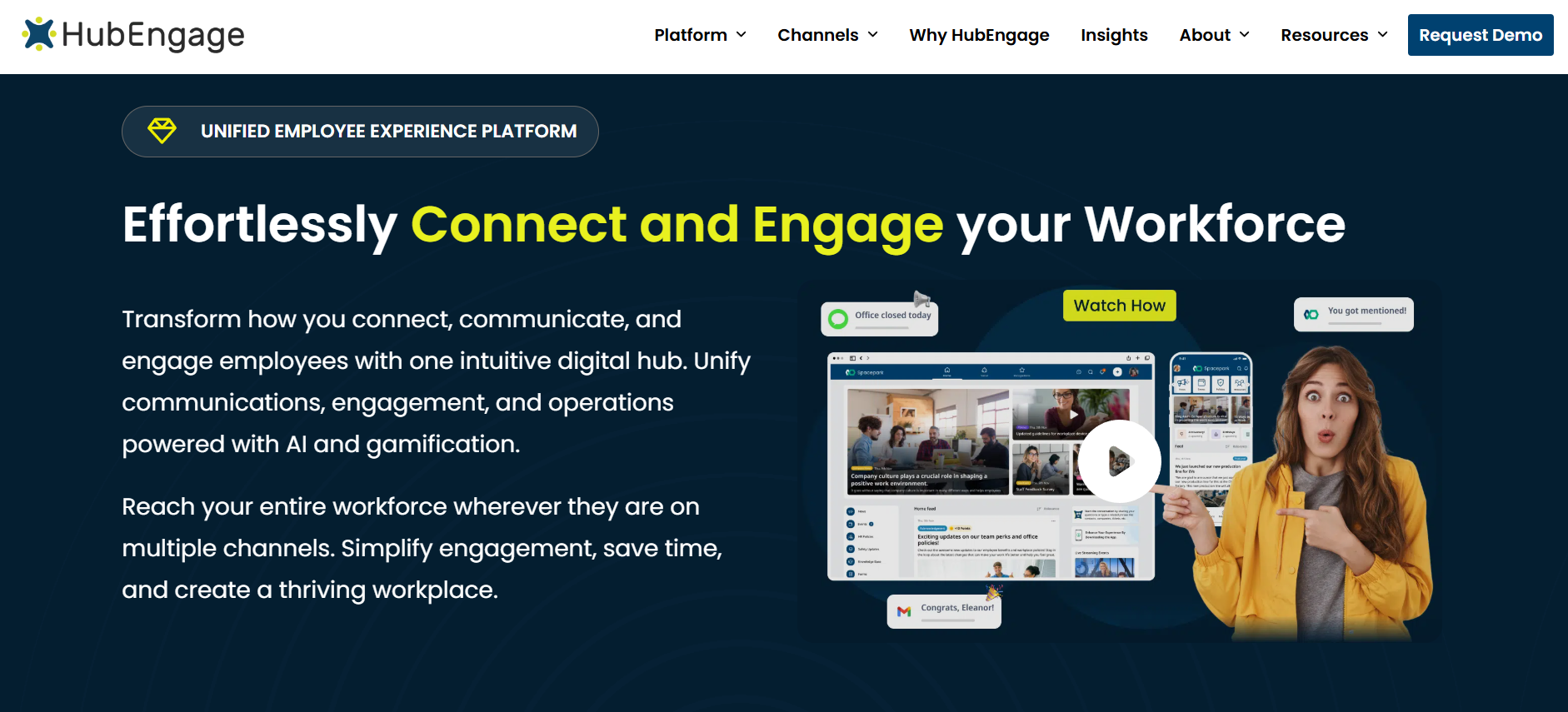
Best for: Organizations that want communication, employee recognition, surveys, and engagement features in one mobile-first employee experience platform.
HubEngage’s employee mobile app combines workplace announcements, employee recognition, social engagement, surveys, and team messaging.
Its modular structure allows organizations to select relevant communication and engagement capabilities rather than relying on entirely separate applications for every function.
An important differentiator is multichannel communication. HubEngage supports employee communication through mobile applications, web experiences, intranet, email, SMS, and digital signage.
That approach is useful when employees do not all access information through the same channel.
For example, a distributed hospitality organization might use push notifications for urgent operational updates, digital displays for workplace announcements, and employee recognition features to highlight team contributions across properties.
Key capabilities
- Targeted workplace announcements and push notifications.
- Employee recognition, rewards, and gamification.
- Pulse surveys and employee feedback.
- Direct and group messaging.
- Employee communities and social engagement.
- Multichannel communication and workplace resources.
- Reporting and engagement analytics.
- Connections with HR, payroll, and collaboration platforms.
HubEngage describes integration options involving Microsoft Teams, SharePoint, Workday, ADP, and UKG. Buyers should confirm the precise integration method and required configuration for their existing systems.
How HubEngage compares with Blink
Both platforms cover workplace communication and employee engagement.
HubEngage deserves consideration when the organization wants to place particular emphasis on recognition, employee listening, participation, and communication across multiple delivery channels.
It may also be relevant when HR and internal communications teams want to consolidate separate engagement tools.
Limitations
HubEngage should not automatically be treated as a replacement for specialized scheduling, workforce management, or time-and-attendance software.
Buyers also need to distinguish core modules from additional channels. HubEngage’s published employee-app information indicates that web and email access can be included without additional channel charges, while SMS and digital displays may involve additional costs.
Pricing: Customized according to workforce size, modules, delivery channels, and contract terms. Request a written proposal identifying included functionality, integrations, support, and any additional channel fees.
2. Connecteam
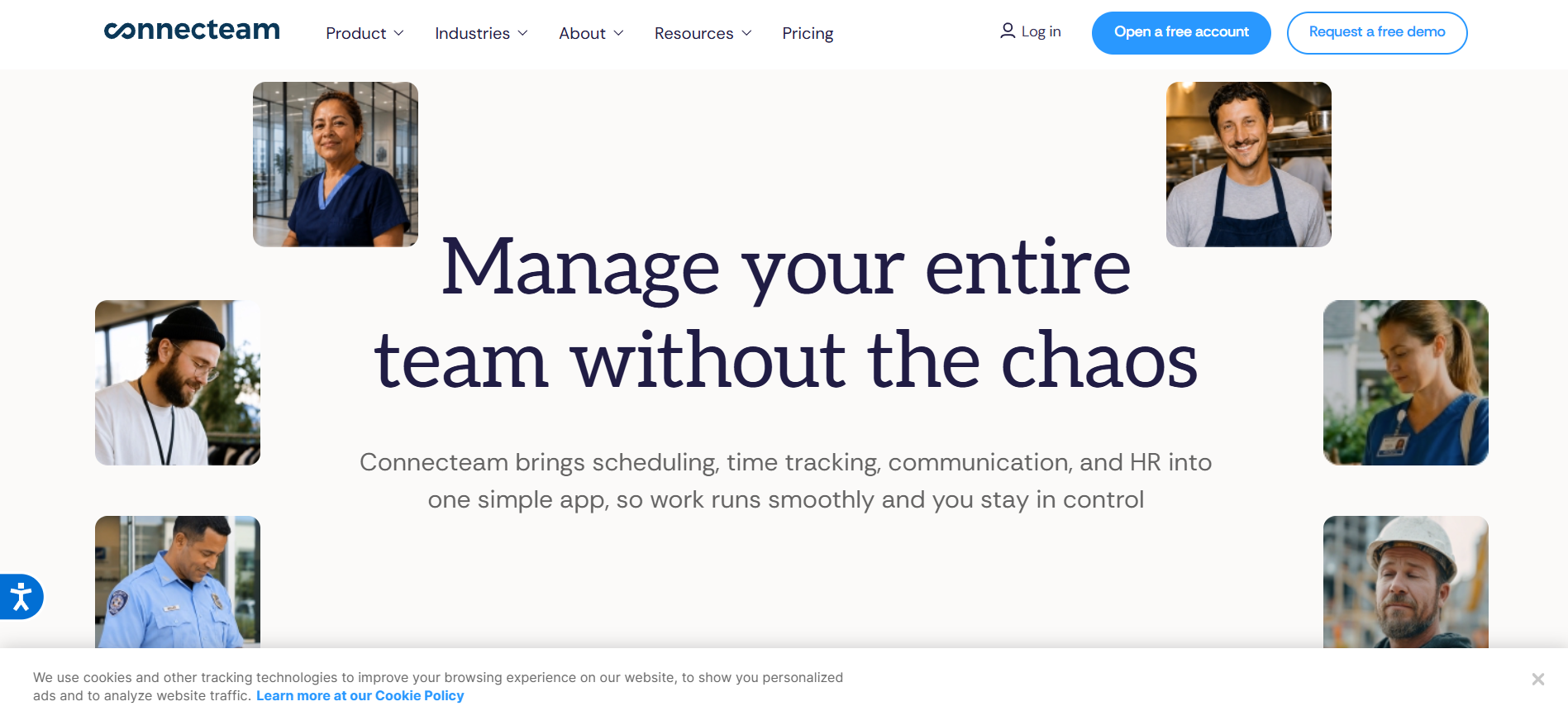
Best for: Small and midsize businesses, restaurants, retailers, and field-service organizations that need workforce operations alongside employee communication.
Connecteam takes an operations-focused approach to frontline employee software.
While Blink primarily emphasizes employee communication and access to workplace information, Connecteam combines communication with tools for managing shifts, employee time, operational tasks, documents, and training.
Its product is organized into three main hubs:
- Operations Hub: Scheduling, time clocks, forms, and tasks.
- Communications Hub: Chat, company updates, directories, surveys, events, and knowledge resources.
- HR & Skills Hub: Training, employee documents, recognition, onboarding, and HR-related functions.
This structure makes Connecteam particularly relevant when employees currently use separate applications to communicate with managers, view schedules, record hours, and complete routine workplace activities.
Key capabilities
Connecteam supports personal and group messaging, company announcements, surveys, employee directories, shift scheduling, time tracking, digital forms, operational tasks, onboarding, and courses.
The exact functionality varies by hub and subscription level.
For example, more advanced communication features such as scheduled updates, automatic translation, and certain read-confirmation controls are associated with higher Communications Hub tiers.
How Connecteam compares with Blink
Connecteam is worth evaluating when the organization’s main problem extends beyond communication.
A service company managing rotating shifts might benefit from giving employees one place to view their schedules, complete tasks, submit forms, and contact supervisors.
However, a large enterprise whose main requirement is sophisticated internal communication governance may find Staffbase or Firstup more aligned with that specific need.
Limitations
Connecteam’s modular pricing means the entry-level Communications Hub price does not include unrestricted access to its scheduling and HR functionality.
Organizations also need to assess the administrative requirements of managing several hubs and determine whether the selected subscription supports the necessary permissions, automations, integrations, and reporting.
Pricing: Connecteam’s Communications Basic plan starts at $29 per month for the first 30 users with annual billing. Additional users currently cost extra, and Advanced, Expert, and Enterprise options have different prices.
The vendor also describes a free Small Business Plan for very small teams and a restricted free Limited plan for eligible teams of up to 30 users.
3. Workvivo
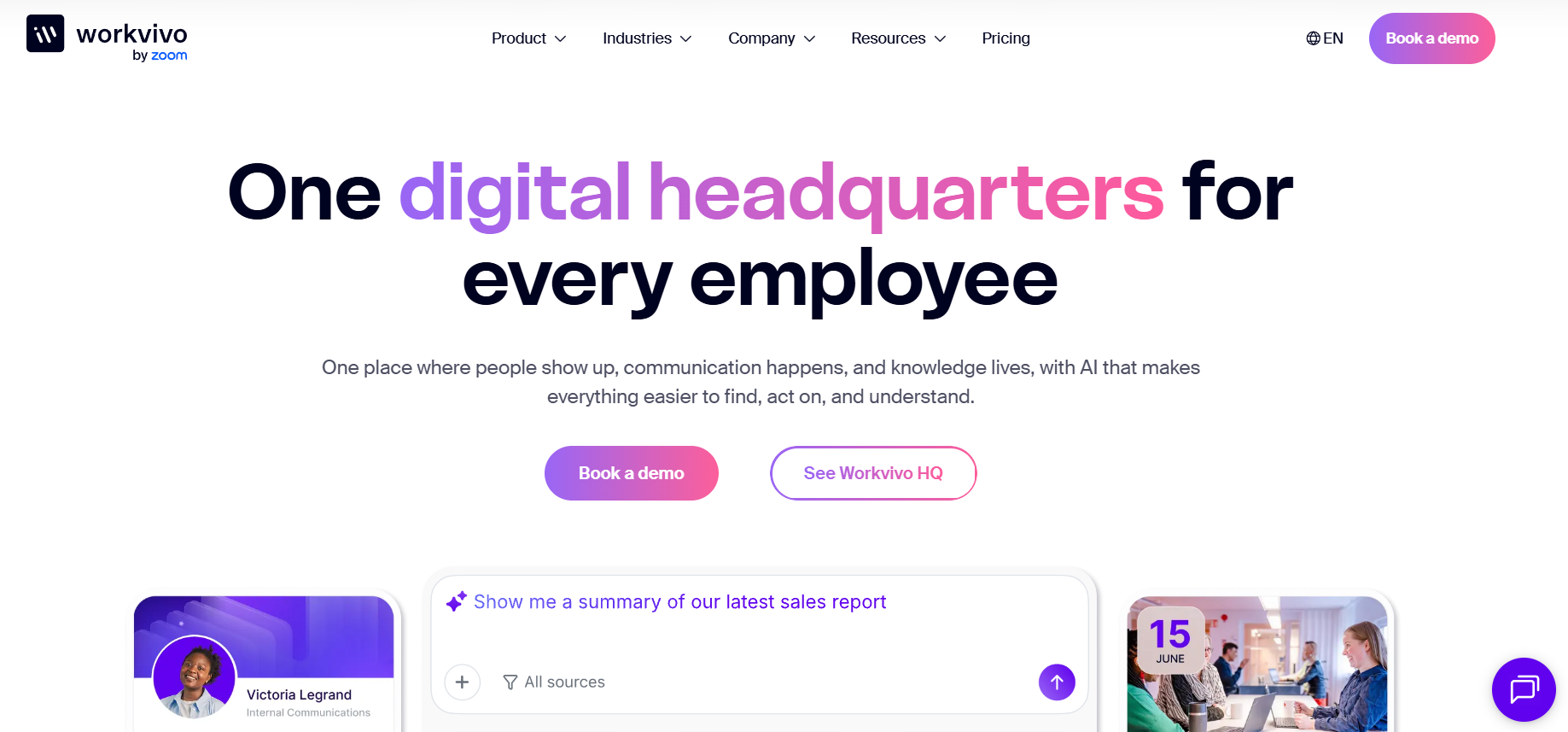
Best for: Mid-sized and large organizations prioritizing workplace culture, employee communities, recognition, leadership communication, and a connected digital employee experience.
Workvivo by Zoom combines internal communication with social collaboration, workplace knowledge, and employee engagement.
Its approach focuses on making workplace communication more participatory rather than treating employees only as recipients of corporate announcements.
Employees can follow company updates, recognize colleagues, participate in communities, access workplace information, and engage with leadership content.
Workvivo HQ provides the core employee experience environment, combining communication, knowledge, engagement, and platform administration.
Key capabilities
- Personalized activity feeds and company announcements.
- Employee recognition, shoutouts, and awards.
- Communities, spaces, and workplace discussions.
- Knowledge pages and document access.
- Events, podcasts, and internal communication campaigns.
- Employee directories and workplace integrations.
- Communication analytics and AI-assisted content functions.
Workvivo’s broader portfolio also includes optional products and capabilities.
Its Seer offering focuses on employee listening, surveys, and engagement intelligence. Chat provides additional real-time communication capabilities, while HQ Agent extends the platform into AI-assisted search and actions involving connected systems.
These products should not be assumed to be included in every Workvivo HQ subscription.
How Workvivo compares with Blink
Workvivo deserves consideration when creating a connected employee experience is a higher priority than adding workforce scheduling or time tracking.
For example, an organization with office employees, field teams, and regional locations may want a shared environment for leadership updates, recognition, communities, and institutional knowledge.
Workvivo can serve that broader employee experience objective.
Limitations
Workvivo is not primarily a dedicated scheduling or time-and-attendance platform.
Organizations requiring those capabilities should evaluate existing workforce systems and the integrations required to access them.
Buyers should also carefully distinguish core HQ features from products such as Seer, Chat, and HQ Agent when comparing proposals.
Pricing: Customized according to licensing and organizational requirements. Workvivo states that it offers product demonstrations rather than a standard free trial.
4. Staffbase
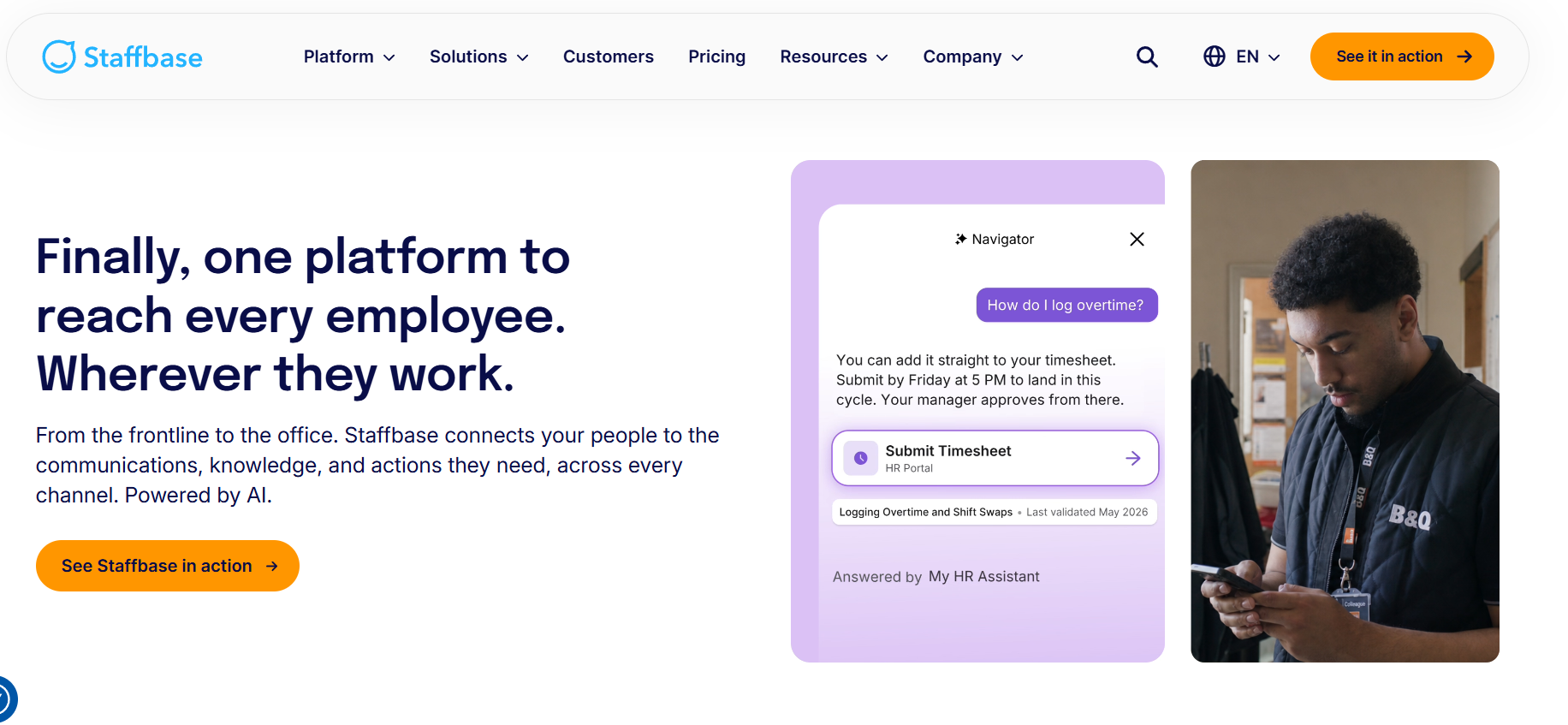
Best for: Large enterprises requiring structured internal communications across locations, departments, business units, and employee groups.
Staffbase offers an employee app, intranet, and enterprise communication management capabilities.
Its platform is particularly relevant to organizations where central communication teams need consistent messaging while regional or local administrators also publish information for specific employee groups.
The employee app supports frontline access and can help workers without corporate email accounts receive organizational information.
Staffbase also provides broader intranet, publishing, and workplace knowledge capabilities for organizations that need communication across both desk-based and frontline populations.
Key capabilities
- Targeted employee announcements and notifications.
- Mobile employee experiences and branded access.
- Enterprise intranet and knowledge resources.
- Employee communication campaigns.
- Publishing permissions and content governance.
- Employee engagement features and analytics.
- Connections to workplace services and HR systems.
- AI-assisted workplace search and employee support.
Staffbase document integrations involving Microsoft 365, Workday, and ServiceNow, among other systems.
These connections may allow employees to reach information or initiate workplace activities without navigating several disconnected interfaces.
How Staffbase compares with Blink
Staffbase is worth evaluating when communication complexity is a major purchasing factor.
For example, a multinational manufacturer may need corporate announcements translated for regional workforces while local site leaders publish operational information under established permissions.
Staffbase’s broader publishing and governance model is relevant to those requirements.
Limitations
Its enterprise scope can introduce more configuration, administration, and implementation work than a narrowly focused employee communication application.
Organizations should also distinguish native Staffbase functionality from capabilities delivered through integrations, particularly when evaluating HR transactions, schedules, and operational processes.
Pricing: Staffbase uses customized pricing and offers dedicated frontline workforce configurations. It also describes pricing approaches for organizations combining desk-based and frontline employees.
5. Beekeeper by LumApps
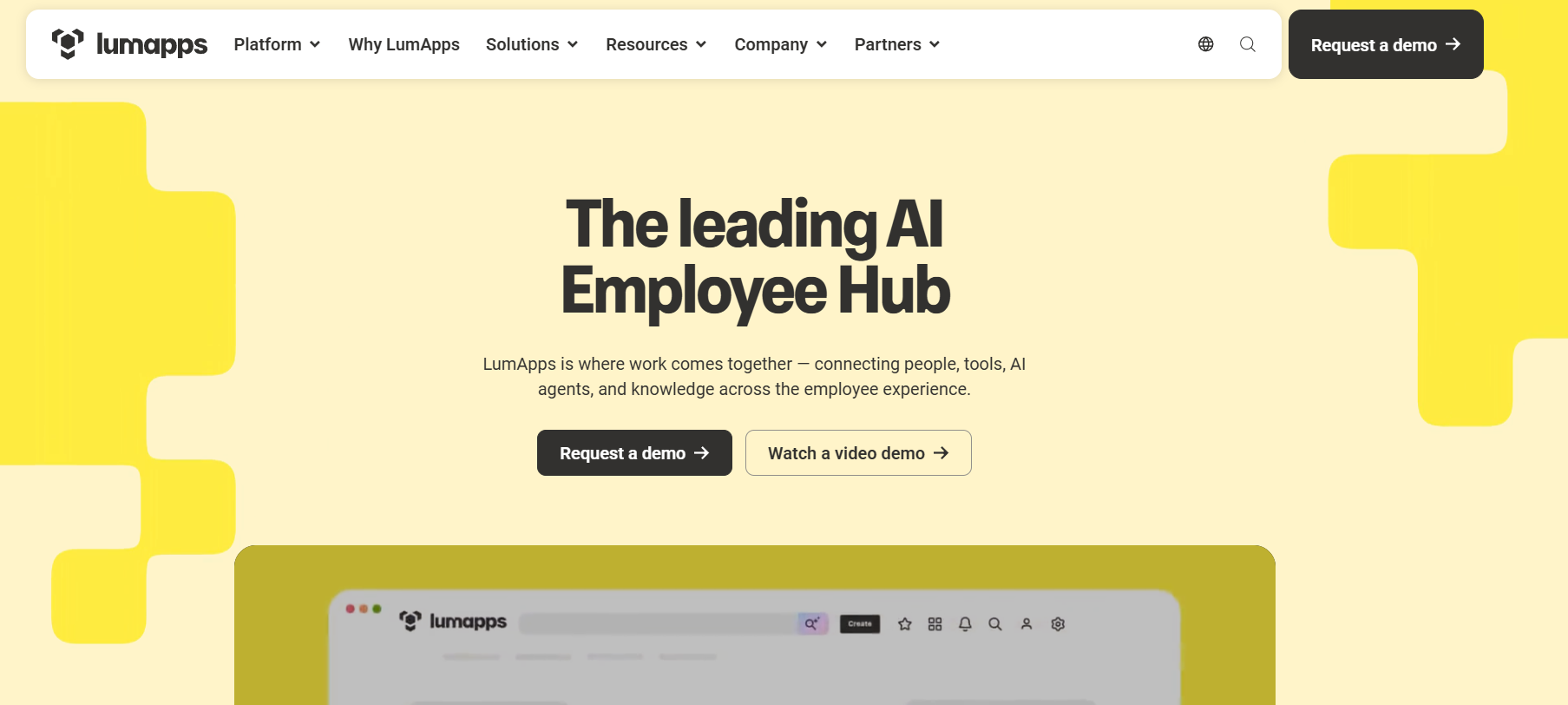
Best for: Hospitality, retail, manufacturing, logistics, and field-based organizations that want frontline communication connected to everyday operational workflows.
Beekeeper by LumApps combines mobile-first employee communication with tasks, forms, checklists, and digital workflows.
It is especially relevant when employees need to do something after receiving information, rather than simply reading an announcement.
For example, a manufacturing supervisor may need employees to review a procedure and complete an associated checklist. A hospitality team may need a mobile form for reporting maintenance issues or completing recurring operational tasks.
Beekeeper connects those types of activities with workplace communication.
Key capabilities
- Targeted updates by role, shift, or location.
- Mobile access without requiring corporate email.
- Employee communication and workplace information.
- Digital checklists, forms, and incident reports.
- Operational tasks and workflow automation.
- Mobile learning and onboarding activities.
- Communication and completion analytics.
- Integrations with HR and business systems.
LumApps describes integration capabilities involving Workday, ServiceNow, SAP SuccessFactors, and UKG.
What changed with LumApps?
LumApps and Beekeeper announced plans to combine their businesses in July 2025.
As of November 2026, LumApps presents Beekeeper as part of its broader employee hub offering while continuing to support the existing frontline product.
LumApps states that existing Beekeeper customers retain their current experience, contracts, pricing, login arrangements, and support contacts in the immediate term. The combined product experience is being introduced in phases.
This distinction matters for new purchases because not every feature promoted across the broader LumApps platform should be assumed to be available in every existing Beekeeper deployment.
How Beekeeper compares with Blink
Beekeeper is worth shortlisting when communication must connect directly with operational execution, such as completing checklists, submitting workplace requests, or managing routine frontline tasks.
Limitations
The combined product direction introduces additional questions about current functionality, future integration, and licensing.
Buyers should require demonstrations of the exact available workflows, confirm which modules belong to their proposed contract, and request written clarification of any expected transition.
Pricing: Quote-based. Confirm workflow modules, integration costs, support arrangements, and the contractual status of current versus planned functionality.
6. Flip AI
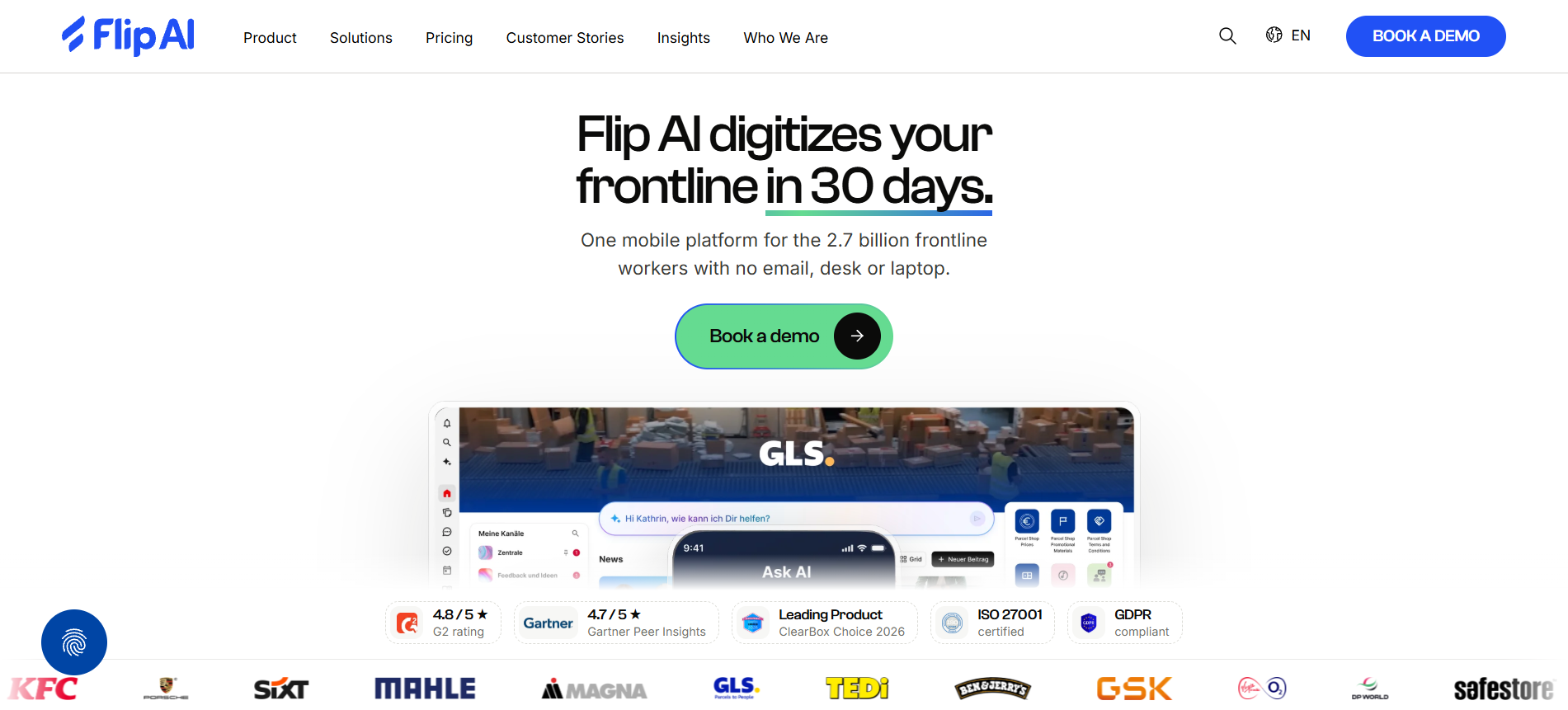
Best for: Distributed frontline organizations seeking mobile employee communication, connected HR services, employee identity capabilities, and AI-assisted operational workflows.
Flip AI has expanded beyond its original employee communication focus toward a broader frontline technology platform.
In October 2026, the company announced its Flip AI positioning to reflect its increased emphasis on connected enterprise systems, workflow automation, and AI-supported frontline operations.
The platform combines workplace communication and employee knowledge with capabilities designed to make HR and operational systems more accessible to frontline staff.
Key capabilities
- Employee newsfeeds and communication channels.
- Direct and group messaging.
- Mobile access to company knowledge and resources.
- Translation and multilingual communication.
- Task access and employee directories.
- HR-related mini-apps and connected services.
- AI-powered knowledge and workflow capabilities.
- Frontline identity and authentication options.
The important consideration is that these capabilities do not all belong to the same subscription package.
Flip AI’s published Growth package includes core communication functions such as messaging, knowledge access, translation, and task capabilities.
Advanced features involving the AI Flow Builder, AI App Builder, native HR integrations, and Frontline Identity are listed under its Enterprise offering. Some AI capabilities are available as Growth add-ons.
How Flip AI compares with Blink
Flip AI is particularly relevant when the purchasing objective extends beyond employee communication into easier access to HR information and operational systems.
For example, a distributed retail organization may want workers to use a single employee interface to find company policies, access HR services, and complete selected workplace processes.
Those requirements justify investigating Flip AI’s broader capabilities.
Limitations
The main trade-off involves implementation complexity and package boundaries.
Organizations should verify which HR systems are supported, what information AI features can access, how identity permissions are managed, and whether connected workflows need additional configuration.
AI-enabled automation should also be assessed for accuracy, auditability, and human oversight.
Pricing: Flip AI advertises a Growth package starting at €4,950 annually for organizations with up to 300 employees. Enterprise pricing is customized.
US buyers should confirm the applicable contract currency, commercial terms, and included features.
7. Firstup
Best for: Large enterprises that need personalized communication campaigns, coordinated publishing, employee audience targeting, and automated communication journeys.
Firstup is an enterprise employee communication platform focused on helping organizations distribute relevant messages through multiple channels and measure employee engagement.
Its capabilities are particularly useful when communication teams need to coordinate campaigns for different departments, facilities, employee types, and stages of the employee lifecycle.
Rather than relying on one company-wide message, Firstup allows organizations to build audiences using employee information and coordinate communications accordingly.
Key capabilities
- Employee mobile experiences and workplace content.
- Multichannel publishing across mobile, web, and email.
- Audience segmentation using workforce data.
- Centralized content creation and campaign planning.
- Communication analytics and reporting.
- AI-assisted communication capabilities.
- Employee engagement and feedback features.
- Automated employee communication journeys.
Firstup’s public pricing page describes three levels: Essential, Professional, and Premier.
Essential covers foundational multichannel communication, audience targeting, and engagement measurement.
Professional adds more advanced AI-assisted delivery, behavioral targeting, and communication capabilities.
Premier extends the platform with employee journey automation, personalized workplace experiences, and connected self-service access.
How Firstup compares with Blink
Firstup is worth considering when sophisticated enterprise communication management is more important than day-to-day workforce scheduling.
For example, a national healthcare organization might need different onboarding, policy, benefits, and organizational change communications for specific employee populations.
Firstup’s targeting and journey capabilities are relevant to those requirements.
Limitations
Firstup is not primarily a dedicated scheduling or time-and-attendance application.
Organizations should also recognize that advanced employee journeys and personalization depend on the purchased tier and the accuracy of the connected employee data.
For smaller companies with straightforward communication needs, its enterprise-oriented functionality may be more than necessary.
Pricing: Customized quotes across Essential, Professional, and Premier packages. Confirm implementation costs, required integrations, and the tier needed for specific features.
How Does Blink Compare With Its Leading Competitors?
Blink remains a relevant employee communication platform in 2026.
It provides mobile-first workplace communication, chat, company feeds, knowledge access, recognition, employee engagement features, and integrations.
According to Blink’s official pricing page, its published US starting prices are:
- Core: $3.75 per user per month, billed annually.
- Pro: $5 per user per month, billed annually.
- Enterprise: Customized pricing.
The actual functional differences depend on subscription level.
For example, higher-tier Blink offerings add capabilities involving richer configuration, multilingual publishing, AI assistance, administration, and enterprise integrations.
Organizations should compare the features included in their current Blink subscription against the competitor configuration being proposed.
Blink vs. Connecteam vs. Workvivo
| Evaluation area | Blink | Connecteam | Workvivo |
|---|---|---|---|
| Primary focus | Employee communication and workplace access | Workforce operations and communication | Employee experience and culture |
| Employee messaging | Core capability | Communications Hub | Chat available as an add-on |
| Scheduling and time tracking | Not the primary product focus | Dedicated Operations Hub capabilities | Not the primary product focus |
| Recognition | Available | HR & Skills capabilities | Shoutouts, awards, and recognition |
| Announcements | Central capability | Company updates and feeds | Personalized feeds and campaigns |
| Knowledge access | Workplace knowledge hub | Knowledge Base | Knowledge pages and employee hub |
| Pricing | Published Core and Pro rates | Published hub-based pricing | Customized quote |
| Main purchasing reason | Communication and employee access | Daily workforce operations | Community and employee experience |
These platforms overlap, but they are not interchangeable.
Choose Blink when the organization primarily needs reliable workplace communication, messaging, and access to employee information without introducing broader workforce-management functionality.
Choose Connecteam when scheduling, time clocks, operational tasks, and digital forms are central requirements.
Choose Workvivo when the organization prioritizes employee communities, recognition, workplace culture, and a broader employee experience environment.
Other alternatives address more specialized needs.
Staffbase and Firstup are relevant when enterprise communication governance and campaign management become more complex.
Beekeeper by LumApps is worth evaluating when employees must complete operational processes through their frontline application.
Flip AI is relevant when organizations want to connect workplace communication with employee services, identity, and AI-supported workflows.
HubEngage deserves consideration when recognition, employee feedback, and multichannel communication are central to the business case.
The important question is not which platform has the longest feature list, but which one provides the right combination of functions without unnecessary cost or complexity.
Are There Cheaper or Free Alternatives to Blink?
Connecteam is among the clearest alternatives to investigate when public pricing and free options are important, particularly for smaller organizations.
However, its pricing structure differs from Blink’s.
| Pricing consideration | Blink | Connecteam |
|---|---|---|
| Published starting price | Core: $3.75/user/month annually | Communications Basic: $29/month annually |
| Starting user coverage | Per-user licensing | First 30 users included |
| Additional users | Additional licensed-user costs | Additional per-user charges |
| Free option | Free trial | Free Small Business and Limited options |
| Scheduling | Verify required workflows and integrations | Available through Operations Hub |
| Enterprise contracts | Custom quote | Custom Enterprise plans |
Connecteam’s published starting Communications Basic price does not provide unrestricted access to its Operations and HR & Skills hubs.
Its free offerings also have eligibility and feature restrictions.
For larger organizations, quote-based vendors may offer configurations that better match a particular mix of frontline and office-based employees. Staffbase, for example, publishes information about dedicated frontline licensing.
Other platforms have their own commercial considerations.
HubEngage’s costs depend on modules, workforce requirements, and selected communication channels. Workvivo and Firstup use customized commercial proposals. Flip AI publishes a fixed Growth starting price for smaller deployments but uses Enterprise quotes for larger organizations.
Because these vendors use different pricing structures, comparing entry-level prices alone can be misleading.
How Should Businesses Calculate the Real Cost of Switching?
The appropriate financial comparison is annual total cost of ownership rather than subscription price alone.
Annual total cost of ownership = software subscriptions + required add-ons + implementation + integrations + administration + training + migration and transition costs.
For example, replacing Blink with a platform that includes scheduling might allow an organization to retire a separate scheduling application.
Alternatively, a new platform may require paid integrations, additional identity-management capabilities, training, or more administrative support.
A meaningful comparison should consider whether those expenses are offset by genuine operational improvements or savings.
Ask every shortlisted vendor to quote the same requirements:
- Total employee count, including temporary, part-time, and seasonal employees.
- Required communication channels, employee groups, and subscription modules.
- HR, payroll, scheduling, and identity integrations.
- Implementation, migration, training, and ongoing administration.
- Support levels, security requirements, and contractual service commitments.
- Renewal terms, minimum licensing commitments, and cancellation provisions.
The organization should also identify which existing applications can realistically be retired.
An integration that merely opens another application does not necessarily replace that application’s functionality.
For a more detailed approach, see TurnOnWork’s guide to auditing your frontline technology stack.
Which Blink Alternative Is Best for Your Industry and Workforce Size?
Industry influences software requirements, but the actual workflows and employee access needs should determine the shortlist.
Two businesses in the same industry may need different platforms because they use different workforce systems, communication models, and management processes.
Retail and Hospitality
Retailers and hospitality businesses commonly need to communicate across stores, properties, shifts, departments, and seasonal workforces.
Employees may need local announcements, schedules, task assignments, training information, and communication with supervisors.
Connecteam is worth evaluating when scheduling and daily operational management are priorities.
Beekeeper and Flip AI deserve consideration when digital workflows, forms, and employee services are important.
HubEngage and Workvivo may be more appropriate when recognition, employee participation, and communication are the main objectives.
A retailer already satisfied with its scheduling platform may have little reason to replace that system simply to gain features available elsewhere.
Healthcare
Healthcare organizations need consistent workforce communication across departments, facilities, and shifts.
Important considerations include permissions, employee identity, reliable information distribution, data protection, and the ability to reach staff who do not regularly access corporate computers.
Staffbase and Firstup are relevant for enterprise-wide communication programs.
HubEngage and Workvivo can be evaluated for employee engagement, recognition, and workplace information.
Beekeeper and Flip AI may be relevant where frontline workflow support or connected employee services are required.
However, suitability for healthcare communication does not automatically establish suitability for handling protected health information.
The US Department of Health and Human Services explains that whether a software vendor is a HIPAA business associate depends on its role and access to protected health information.
Healthcare buyers should establish their intended data use, contractual obligations, access controls, and technical safeguards before deployment.
Manufacturing and Logistics
Manufacturing and logistics organizations often need employees to receive updates, locate procedures, complete checklists, and report operational issues.
Beekeeper and Flip AI are relevant when communication needs to connect with digital workflows and operational systems.
Staffbase deserves consideration for enterprise communications across facilities and regions.
Connecteam may suit organizations needing shift management, time tracking, and routine operational tasks.
For safety-sensitive activities, communication software should support established procedures rather than replace them.
A newsfeed or read receipt is not automatically sufficient evidence that an employee has understood a safety requirement or completed necessary training.
Large Enterprises
Large organizations typically have additional requirements involving complex employee populations, multiple languages, regional publishing controls, identity management, and data governance.
Staffbase and Firstup have strong enterprise communication orientations.
Workvivo is relevant when community and employee experience are central priorities.
HubEngage, Beekeeper by LumApps, and Flip AI may also be appropriate when their engagement, workflow, or frontline access capabilities align with the organization’s requirements.
Enterprise buyers should emphasize integration architecture, contractual commitments, security, administration, and implementation support rather than treating the total number of features as a measure of value.
Which Blink Alternative Should a Company With 500 Frontline Employees Choose?
For an organization with approximately 500 frontline employees, the right choice depends on the primary problem being addressed.
Consider a hypothetical retailer operating several locations with rotating shifts, regional managers, and a small corporate communication team.
It could have very different needs depending on whether the company wants to improve employee engagement, eliminate duplicate scheduling applications, or standardize operational workflows.
| Primary requirement | Platforms to evaluate first | Why |
|---|---|---|
| Communication, recognition, and surveys | HubEngage, Workvivo | Engagement and employee experience capabilities |
| Scheduling, time tracking, and daily tasks | Connecteam | Workforce operations functionality |
| Enterprise communication governance | Staffbase, Firstup | Targeting, campaigns, and publishing controls |
| Frontline forms and operational checklists | Beekeeper by LumApps | Workflow and task execution |
| HR access, identity, and AI workflows | Flip AI | Connected employee services and automation |
At this workforce size, organizations should compare properly scoped quotes rather than applying entry-level prices without checking eligibility.
For example, Flip AI’s published Growth package is limited to organizations with up to 300 employees. A 500-person deployment would therefore require an Enterprise pricing discussion.
It is also important to determine whether all employees require the same capabilities.
Corporate communication administrators, regional managers, frontline associates, and shift supervisors may have different access needs.
A practical evaluation would begin with three platforms that represent distinct approaches to the organization’s requirements.
Test each with employees from different locations, shifts, and job functions.
The objective is to identify which system delivers the greatest improvement in the most important workflows while remaining manageable for employees, supervisors, HR, and IT.
How Should Businesses Evaluate Blink Alternatives Before Switching?
A vendor demonstration can help establish available features, but it cannot reliably show how those features will perform in every workplace environment.
For frontline organizations, actual access, usability, operational usefulness, and manager adoption can be more important than the number of features presented during a sales demonstration.
A structured evaluation helps buyers compare vendors consistently.
The TurnOnWork Frontline Fit Score
The TurnOnWork Frontline Fit Score is an editorial evaluation framework for comparing frontline employee applications against common purchasing requirements.
It is not an established industry benchmark, independently validated software rating, or published performance ranking of these vendors.
Organizations can adapt the following weighting model to their own priorities.
| Evaluation factor | Weight | What to examine |
|---|---|---|
| Frontline accessibility and adoption | 25% | Login, device access, usability, and employee participation |
| Communication reliability and targeting | 20% | Message delivery, relevant audiences, and reporting |
| Operational workflow fit | 20% | Tasks, forms, knowledge, and required employee actions |
| Integrations, security, and governance | 15% | Identity, HR systems, permissions, and administration |
| Employee experience and engagement | 10% | Recognition, feedback, communities, and ease of use |
| Total cost of ownership | 10% | Licensing, implementation, support, and operating costs |
| Total | 100% |
Rate each factor from 1 to 5 using evidence from the same evaluation process.
A score of 1 indicates poor fit, while 5 indicates that the platform strongly meets the documented requirement.
Calculate the overall result using:
Weighted score = Sum of [(factor rating ÷ 5) × factor weight].
When weights are expressed as percentage points, the final result is out of 100.
For example, assigning a rating of 3 out of 5 to every factor produces an overall score of 60 out of 100.
This is a hypothetical illustration, not a rating of any platform.
The model can help identify trade-offs, but it should not replace professional assessment of important requirements.
A platform with a high overall score may still be unsuitable if it fails a mandatory security, accessibility, legal, or safety requirement.
Run a Representative Frontline Pilot
A useful pilot should test ordinary employee activities under realistic conditions.
A six-step evaluation process can help:
1. Select representative participants.
Include employees across locations, shifts, job functions, languages, device types, and management levels.
2. Test employee access.
Check onboarding, login, account recovery, shared-device access, and employee offboarding.
3. Send realistic communications.
Publish a policy announcement or operational update. Examine targeting, reach, comprehension, and acknowledgments where appropriate.
4. Test a work-related action.
Ask employees to locate a procedure, complete a checklist, respond to a survey, or access their schedules.
5. Evaluate the manager experience.
Check how supervisors publish local information, support employees, monitor completion, and resolve problems.
6. Compare measurable results.
Record task completion, support requests, employee feedback, administrative effort, and workflow outcomes. Compare these with the current Blink experience.
For example, a platform may achieve a high activation rate but still create operational problems if overnight employees cannot find procedures or managers must repeatedly explain how to submit required forms.
Adoption is important, but meaningful use matters more than the number of accounts created.
TurnOnWork’s comparison of frontline employee communication apps provides additional context for evaluating communication reach, employee access, and operational requirements.
What Should a Successful Pilot Demonstrate?
Before approving a replacement, an organization should have evidence that the proposed platform:
- Allows the intended employees to access their accounts successfully.
- Delivers relevant information to the correct employee groups.
- Supports the required work activities without unnecessary steps.
- Meets mandatory security, privacy, and operational requirements.
- Can be administered by the responsible internal teams.
- Provides sufficient value to justify the purchase and migration costs.
A successful pilot does not need to demonstrate that employees prefer every aspect of the new system.
It needs to establish that the platform solves the organization’s most important problems without introducing unacceptable new ones.
What Security, Integration, and AI Features Should Buyers Verify?
Employee communication platforms increasingly connect with HR, identity, productivity, and operational systems.
Those integrations can improve the employee experience, but they can also introduce additional security and administration requirements.
Organizations should request current technical documentation rather than relying on broad claims such as “enterprise-grade security.”
| Evaluation area | Important questions |
|---|---|
| Identity and access | Does the platform support the required SSO, MFA, and employee login methods? |
| Employee provisioning | Can employee accounts be created, updated, and deactivated through approved processes? |
| Personal devices | How is company information handled on employee-owned smartphones? |
| Permissions | Can access be limited by role, location, department, and employment status? |
| Integrations | Are HR and operational systems connected through native integrations, APIs, or third-party services? |
| Security assurance | Which current audit reports, certifications, and security documents are available? |
| Data management | Where is data hosted, how long is it retained, and what export or deletion options exist? |
| AI controls | What data can AI features access, and what permissions and review mechanisms apply? |
| Reliability | Which support procedures, availability commitments, and offline capabilities are contractually supported? |
Why AI Features Require Additional Evaluation in 2026
AI capabilities are becoming more prominent across employee communication and experience platforms.
Workvivo, Staffbase, Firstup, and Flip AI describe AI-supported functionality, but their available features serve different purposes.
An AI writing assistant that helps a manager draft an announcement is different from a system that searches workplace knowledge or triggers an action in a connected HR platform.
Organizations should distinguish three categories.
AI-assisted communication: Generates, edits, translates, or summarizes workplace content.
AI-powered knowledge access: Helps employees retrieve information from authorized documents and connected knowledge systems.
AI-assisted actions and workflows: Initiates or supports processes in connected systems.
The third category requires particularly careful assessment.
For example, an AI assistant that retrieves an employee’s leave balance presents different risks from one that can initiate a leave request or modify an employee record.
Buyers should verify permissions, audit logs, data access restrictions, error handling, and human approval requirements.
For high-impact HR decisions, safety-related information, or actions affecting employee rights, accountable human review remains important.
Organizations should also determine whether the AI functions being demonstrated are generally available, offered as paid add-ons, or dependent on a particular enterprise configuration.
What Are the Biggest Mistakes Organizations Make When Replacing Blink?
Replacing employee communication software can create unnecessary complexity when the decision is based on feature counts rather than actual workflows.
Comparing Products With Different Scope
One common mistake is comparing Blink’s basic communication subscription with an alternative’s much broader workforce-management package.
A more expensive platform may replace separate scheduling or HR software, making its higher subscription cost reasonable.
However, those additional capabilities provide little value if the organization does not need them.
Compare equivalent requirements before comparing price.
Assuming Integrations Replace Entire Applications
A platform may display an employee’s schedule through an integration without providing the full scheduling functionality required by managers.
Similarly, opening an HR portal from an employee app does not mean the platform can independently complete every HR transaction.
Ask vendors to demonstrate the full process, including approvals, exceptions, and changes to employee records.
Overlooking Managers and Local Administrators
Managers frequently help employees access applications, explain updates, reinforce required actions, and resolve operational issues.
A new employee app can fail to gain traction if local supervisors do not understand their responsibilities or find its administration difficult.
Manager training should therefore be part of the implementation plan.
Neglecting Migration and Historical Information
Replacing Blink may involve transferring workplace documents, employee directories, knowledge content, communication archives, and relevant acknowledgment records.
These materials can have different export, security, and retention requirements.
Organizations should confirm migration feasibility before canceling the existing platform.
Mistaking Application Consolidation for Better Employee Experience
Reducing the number of applications can simplify work, but only when the remaining systems perform the necessary functions well.
An employee who needs several additional steps to find a schedule or complete a routine request may experience more friction despite having fewer applications installed.
The appropriate objective is to improve everyday work, not merely reduce the software inventory.
Frequently Asked Questions About Blink Alternatives
Can a Frontline Employee App Replace a Company Intranet?
Yes, in some organizations.
A modern employee app may provide sufficient knowledge management, workplace navigation, search, permissions, and access to company resources to replace a traditional intranet.
However, larger organizations may still need advanced content governance, structured publishing, enterprise search, and document management.
Staffbase and Workvivo are examples of platforms with broader digital workplace capabilities.
The appropriate decision depends on whether the business needs a communication app, an intranet, or a more comprehensive employee hub.
Do Frontline Employee Apps Require Corporate Email Addresses?
Not necessarily.
Blink, Staffbase, Beekeeper, and several other frontline-focused platforms support or describe access models for employees without corporate email accounts.
However, identity requirements differ.
Some implementations may depend on phone numbers, personal email addresses, invitations, organization-managed identities, or other authentication methods.
Buyers should test employee onboarding, account recovery, contractor access, and shared-device scenarios rather than assuming every platform supports the same process.
Can Blink Alternatives Replace Workforce Scheduling Software?
Some can.
Connecteam provides dedicated scheduling and time-tracking functionality through its Operations Hub.
Other employee communication platforms may provide schedule access through integrations or connected applications.
Before replacing a scheduling platform, organizations should verify schedule creation, approval rules, shift changes, employee availability, payroll connections, and relevant manager workflows.
Can Businesses Migrate From Blink Without Losing Employee Information?
Migration may be possible, but the available options depend on export tools, APIs, contractual terms, data formats, and the receiving platform.
Before switching, identify which employee information, documents, announcements, acknowledgments, and communication records must be preserved.
Ask both providers to explain their export, import, retention, and deletion processes.
Where records have legal or operational significance, involve the responsible internal teams before migration.
Should Frontline Employees Use Personal Smartphones for Workplace Apps?
Personal-device access can be practical, but employers need clear policies addressing privacy, security, accessibility, employee consent, and any applicable employment requirements.
Depending on jurisdiction and circumstances, organizations may also need to consider wage-and-hour obligations and device-related expense reimbursement.
Employers should provide suitable access alternatives for workers who cannot or do not wish to use personal devices.
Shared devices, kiosks, or other communication channels may be necessary.
Final Verdict
The right Blink alternative depends on the organization’s communication priorities, operational requirements, workforce characteristics, and existing technology.
HubEngage is worth shortlisting when employee communication, recognition, surveys, and engagement need to work together.
Connecteam is particularly relevant when scheduling, time tracking, and operational tasks are central requirements.
Workvivo deserves consideration for employee communities, workplace recognition, and broader employee experience.
Staffbase and Firstup address different aspects of complex enterprise communications, including governance, targeting, campaigns, and personalization.
Beekeeper by LumApps is relevant when frontline communication must connect with operational workflows. Flip AI deserves attention when the organization wants to expand into connected HR services, frontline identity, and AI-assisted processes.
There is also a reasonable case for retaining Blink.
If the existing deployment reaches employees effectively, supports required workflows, integrates with important systems, and has a competitive total ownership cost, switching may provide little additional business value.
The strongest purchasing decision is the one supported by documented requirements, representative employee testing, appropriate security reviews, and comparable commercial proposals.
A frontline employee app should ultimately help people receive important information, access relevant resources, complete their work, and stay connected without unnecessary complexity.