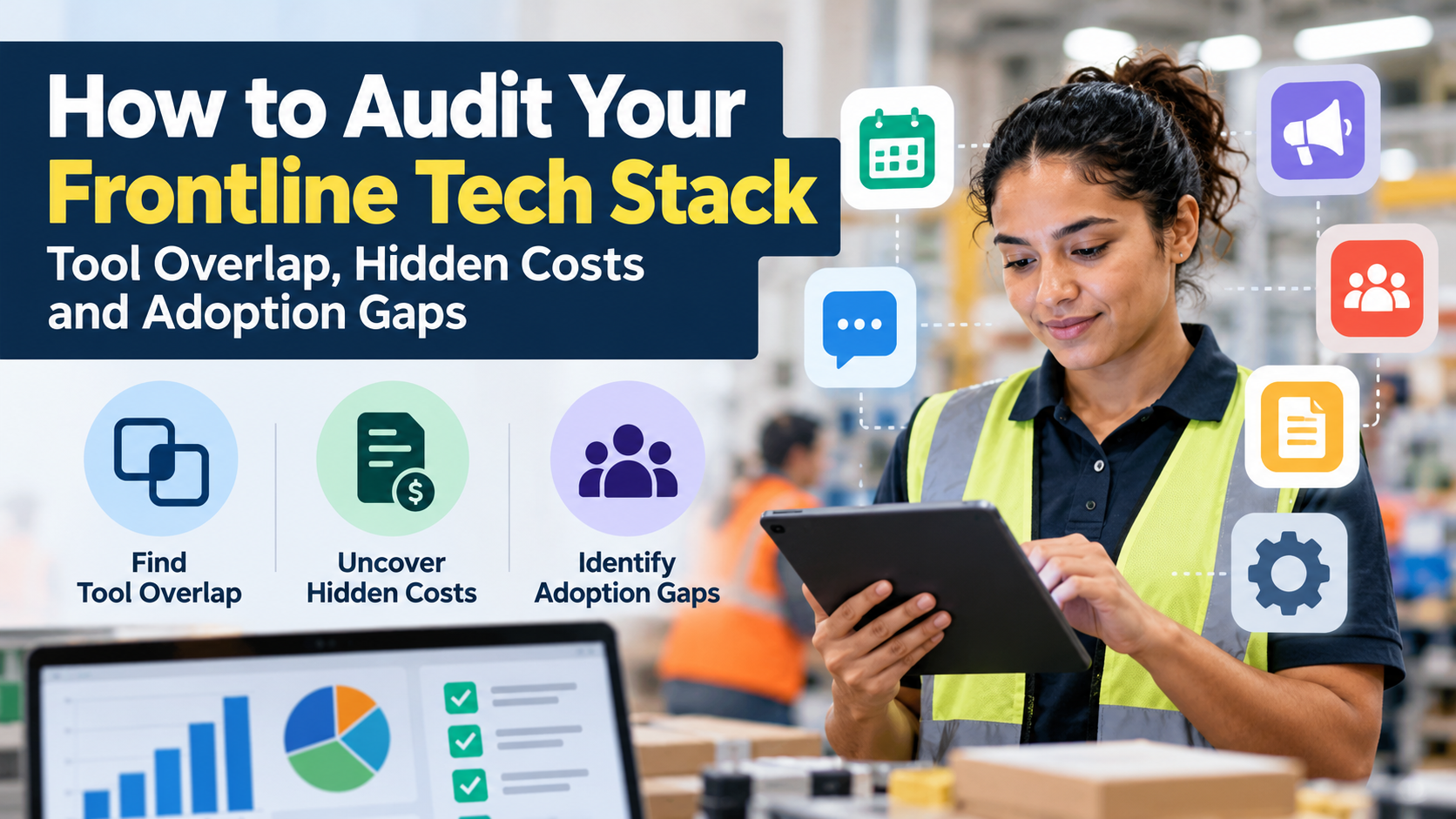
A tech stack audit evaluates whether frontline technology is accessible, actively used, cost-effective, and necessary. Start by inventorying applications, mapping overlapping functions, calculating ownership costs, and measuring employee adoption. Platforms such as HubEngage, Staffbase, Workvivo, Connecteam, and Beekeeper by LumApps illustrate why organizations must assess communication, engagement, and operational tools together. The goal is not simply fewer applications, but less employee friction, stronger operational performance, and more accountable technology spending.
Key Takeaways
- Audit employee workflows, not just software licenses. A low-cost application can be expensive when it creates duplicate work, delays, or repeated manager intervention.
- Identify overlap at the capability and workflow level. Two tools may support messaging without being interchangeable for urgent alerts, shift coordination, or corporate communication.
- Measure meaningful employee adoption. Account activation, monthly logins, completed tasks, and successful access represent different levels of technology use.
- Calculate total cost of ownership. Subscription charges alone exclude implementation, integrations, administration, training, device requirements, and other expenses.
- Consolidate selectively. Keep specialized tools when they support important workflows more effectively than an all-in-one platform. Remove applications only after validating coverage, security, employee access, and transition risk.
What Is a Frontline Tech Stack Audit, and Why Does It Matter?
A frontline tech stack audit is a structured assessment of the applications, systems, integrations, and digital workflows employees use to perform their jobs. It examines technology spending alongside functionality, workforce accessibility, employee adoption, operational value, and organizational risk.
A traditional HR technology audit may focus on payroll, benefits administration, applicant tracking, HR information systems, and learning management platforms.
A frontline technology audit requires a broader perspective.
Employees in retail stores, warehouses, manufacturing plants, hospitals, hospitality businesses, and field operations often interact with several systems during one shift. These may include scheduling applications, time clocks, employee communication software, training platforms, recognition systems, digital forms, and operational task-management tools.
Each application may solve a legitimate business problem. The difficulty begins when the combined technology environment becomes harder to navigate than the work it was intended to support.
Consider a retail associate who must use one application to view schedules, another to receive company announcements, a third to complete training, and a fourth to acknowledge updated procedures.
The organization may regard these as four successful technology deployments. The employee experiences four different entry points, login procedures, notification systems, and support processes.
A good frontline tech stack audit establishes whether those separate experiences are necessary.
What should a technology stack audit evaluate?
| Audit dimension | Central question | Evidence to collect |
|---|---|---|
| Application inventory | Which tools are currently deployed? | Application register, contracts, invoices, department purchases |
| Functional overlap | Which platforms perform similar jobs? | Capability matrix, workflow demonstrations, configuration records |
| Financial efficiency | What does each tool actually cost? | Invoices, contracts, administrative labor, implementation expenses |
| Employee adoption | Can employees access and successfully use the tool? | Eligible users, activation, relevant usage, task completion |
| Integration quality | Can information move reliably between systems? | Data flows, integration logs, error reports |
| Employee experience | Does the tool make frontline work easier? | Employee interviews, task observations, support tickets |
| Security and governance | Is access and employee data managed appropriately? | Permissions, vendor documentation, privacy reviews |
| Business value | Does the technology improve a meaningful result? | Baseline metrics, operational outcomes, credible savings estimates |
The audit should also include unofficial tools and local workarounds. A site may rely on spreadsheets or messaging groups because its approved platforms do not adequately support the work.
The National Institute of Standards and Technology’s Cybersecurity Framework 2.0 provides an important foundation. Its asset-management guidance calls for maintaining inventories of software, services, systems, and relevant data flows. It also addresses identifying unnecessary or redundant technology that increases organizational risk.
For frontline organizations, that inventory should connect technology assets with the people and processes they serve.
Why frontline employees need a different audit approach
Frontline workforce technology must operate within working conditions that desktop-focused assessments can overlook.
A nurse may need immediate access to approved procedures but cannot repeatedly navigate unrelated applications during patient care. A warehouse employee may have intermittent wireless connectivity. A restaurant worker may not have a corporate email address. A manufacturing employee may be prohibited from carrying a personal smartphone in certain areas.
These are not minor usability preferences. They influence whether employees can perform required tasks safely, consistently, and on time.
They also explain why technology problems can remain invisible in headquarters reporting. Applications may appear successfully deployed while supervisors compensate for access failures through manual reminders, repeated explanations, and duplicate paperwork.
TurnOnWork describes this accumulated operational friction as workforce experience debt. A tech stack audit helps identify where disconnected tools and poorly designed processes contribute to that recurring cost.
How Do You Audit a Frontline Tech Stack Step by Step?
A reliable audit follows eight stages: define the scope, inventory applications, map workflows, identify overlap, analyze spending, measure adoption, evaluate integrations and risks, and prioritize decisions. HR, IT, Finance, Operations, Procurement, and Internal Communications should contribute evidence rather than assessing technology independently.
Step 1: Define the audit scope and business objectives
Begin by identifying the operational problems the audit needs to address.
An organization may want to reduce software costs, improve frontline communication, simplify onboarding, consolidate employee applications, or resolve inconsistent technology adoption across locations.
These objectives require different measurements.
For example, a cost-focused audit must examine contracts and utilization. An employee-experience audit needs more observation of actual workflows. A security-focused audit requires additional attention to identity, permissions, data handling, and integrations.
A comprehensive review should examine all three perspectives, but the initial priorities must be explicit.
Define:
- The departments, locations, and employee populations included.
- The application categories being assessed.
- The reporting period for financial and usage information.
- The business processes considered critical.
- The teams responsible for reviewing findings and approving decisions.
Include representative day, night, weekend, and rotating-shift employees. Part-time and seasonal workers may also experience different access requirements.
For larger organizations, a pilot covering several representative locations can establish a repeatable method before the assessment expands company-wide.
Step 2: Build a complete application inventory
The next task is to document every application supporting the frontline workforce, whether the organization considers it an HR platform, an IT application, or an operational tool.
An HR tech stack audit that covers only systems purchased by HR will miss applications owned by Operations, Communications, Safety, Training, and individual business units.
Collect information from procurement records, software expense reports, identity systems, IT asset registers, finance records, vendor contracts, and department managers.
Use a consistent inventory format.
| Inventory field | Information to capture |
|---|---|
| Application | Vendor and product name |
| Business owner | Accountable department and decision-maker |
| Primary use | The employee or operational problem it supports |
| User population | Eligible employees, roles, locations, and employment types |
| Commercial terms | License model, committed seats, contract value |
| Renewal details | Renewal date, notice deadline, termination conditions |
| Integrations | HRIS, payroll, identity, scheduling, APIs, and other connections |
| Usage evidence | Active accounts, relevant feature use, task completion |
| Employee access | Mobile, desktop, shared-device, and no-email options |
| Risk profile | Data classification, security controls, critical dependencies |
| Current status | Active, pilot, legacy, planned retirement, or unknown |
Review tools that operate outside normal procurement channels.
These might include department-level subscriptions, site-specific messaging products, free applications used for business purposes, or spreadsheets that have become essential operational systems.
This is the practical starting point for a SaaS audit or SaaS sprawl assessment.
An application cannot be optimized if no one knows it exists, who owns it, or what would happen if it disappeared.
Step 3: Map the employee journey across existing tools
An application inventory reveals what the organization owns. Workflow mapping reveals what employees actually experience.
Select representative activities and document every digital interaction involved in completing them.
Useful examples include:
- Checking a work schedule or requesting a shift change.
- Receiving and acknowledging a safety update.
- Finding the latest operating procedure.
- Completing mandatory training.
- Submitting a leave request.
- Reporting a maintenance issue.
- Responding to an employee survey.
- Recognizing a coworker or accessing workplace news.
For each workflow, record the starting point, required applications, number of sign-ins, repeated data entry, manager involvement, and final outcome.
Suppose an employee submits a leave request through one application, but the supervisor must manually enter the approved absence into scheduling software.
Both tools may have reasonable adoption rates. The workflow still contains unnecessary work.
That distinction is important: successful use of two separate applications does not demonstrate an efficient process.
Step 4: Identify software tool overlap
Software overlap occurs when multiple applications provide similar functionality to the same workforce. It becomes harmful duplication when organizations pay for or maintain separate capabilities without a justified operational benefit.
The audit should compare actual capabilities, not just vendor feature descriptions.
Create a functional overlap matrix.
| Function | Questions to investigate | Potential duplication |
|---|---|---|
| Employee announcements | Where are company updates published? | Intranet, employee app, team messaging |
| Direct messaging | Which tools support approved work conversations? | Messaging app, collaboration platform, workforce app |
| Surveys | Where is employee feedback collected? | Engagement platform, survey product, HRIS |
| Recognition | How are employees recognized? | Recognition software, employee app, HR platform |
| Knowledge access | Where are approved policies and procedures maintained? | Intranet, LMS, shared drive, knowledge base |
| Shift coordination | How are schedules, swaps, and availability handled? | Scheduling application, operations suite |
| Forms and acknowledgments | Which systems capture employee submissions? | Workflow platform, employee app, digital forms |
The most important distinction is between feature overlap and workflow redundancy.
Two systems may both provide messaging, but one might support urgent operational escalation while the other manages broad company announcements, translations, and acknowledgments.
Replacing one with the other is reasonable only if the remaining system can perform the required work at an acceptable level of reliability, usability, and risk.
Ask application owners to demonstrate the actual workflows rather than relying on feature checklists.
Where duplication appears likely, establish whether one platform can replace the other without reducing necessary functionality.
Step 5: Conduct a software utilization analysis
Software utilization analysis compares purchased capacity with actual usage and the business value delivered.
This is where Finance, IT, Procurement, and application owners should examine both contracted licenses and operational activity.
Start with the number of licenses purchased, assigned, and eligible for use. Then compare those figures with activated accounts and activity appropriate to each application’s purpose.
Be careful with interpretation.
A daily communication application might reasonably be expected to show frequent usage. A seasonal benefits application may be valuable despite infrequent access. A safety incident reporting tool should not be judged unsuccessful simply because employees rarely submit incidents.
For that reason, application utilization must be evaluated against the workflow it supports.
Look for:
- Purchased licenses assigned to inactive or departed employees.
- Paid premium features that teams never use.
- Duplicate subscriptions across departments.
- Applications retained after their original project ended.
- Contract minimums that exceed reasonable demand.
- Unused products bundled into broader enterprise agreements.
The FinOps Foundation’s guidance on licensing and SaaS emphasizes understanding contractual rights, commitments, usage, secondary charges, and the distinction between underused licenses and contractual overdeployment.
Review renewal terms before projecting savings. An unused license may be recoverable immediately, at the next renewal, or only when a longer agreement expires.
Step 6: Evaluate access, integrations, and technology risks
A digital workplace audit should establish whether employees can use applications under normal working conditions and whether the systems exchange information reliably.
For frontline environments, test access on actual devices, networks, and shift schedules.
Review account provisioning, single sign-on, authentication recovery, mobile performance, shared-device behavior, offline requirements, accessibility, and permission management.
Then examine integrations.
A scheduled data transfer is not necessarily equivalent to real-time synchronization. Likewise, an embedded link to another application is not the same as an integration that transfers data, maintains accurate permissions, or completes a transaction.
Document the direction, frequency, and reliability of each integration, along with the owner responsible for resolving failures.
Security and privacy findings should be reviewed with qualified internal specialists before a consolidation decision.
Step 7: Validate potential improvements with frontline employees
Do not declare two applications interchangeable until representative employees have demonstrated that the proposed replacement works.
A limited pilot should include workers with different roles, schedules, languages, device access, and levels of technical confidence.
Ask participants to complete ordinary tasks without continuous assistance.
Measure the number of steps required, task success, completion time, support requests, and employee feedback. Include error handling, lost connectivity, and account recovery where relevant.
The purpose is not to establish which interface employees find most attractive. It is to determine whether the proposed workflow is dependable and easier to complete.
A product that performs well in a headquarters demonstration may still fail at a warehouse workstation or shared kiosk.
Step 8: Prioritize renewal, replacement, and consolidation decisions
The final step is to convert the evidence into decisions.
For each application, establish whether the organization should retain it, improve adoption, renegotiate licensing, integrate it more effectively, consolidate its functionality, replace it, or retire it.
Assign an accountable owner, a proposed timeline, an expected financial or operational benefit, and the conditions that must be met before the change proceeds.
Avoid treating application removal as the default outcome.
An audit is successful when it reduces unnecessary complexity without weakening important processes.
What Hidden Costs Should a Frontline Technology Audit Uncover?
The hidden costs of employee technology include more than unused subscriptions. They also arise from integration maintenance, training, support, manual workarounds, device requirements, duplicate administration, and the cost of moving between systems.
These expenses are often distributed across departmental budgets, making the overall financial burden difficult to see.
Subscription and licensing waste
SaaS sprawl occurs when an organization accumulates software subscriptions faster than it evaluates their continuing necessity and value.
Common drivers include decentralized purchasing, department-specific budgets, overlapping platform features, poorly managed renewals, and insufficient offboarding of unused accounts.
Software license optimization should investigate whether employees need the licenses assigned to them, whether lower-cost tiers meet their requirements, and whether existing enterprise contracts already provide comparable functionality.
However, contracted entitlements and actual access rights must be verified before changes are made.
Integration and administration costs
Separate applications may require separate user provisioning, permissions, support arrangements, reporting, and vendor management.
HR or IT teams may maintain several employee directories, manually synchronize records, or troubleshoot data mismatches.
These activities consume staff capacity even when the work does not appear on a software invoice.
Managers may incur similar costs when they repeatedly enter information, reconcile schedules, forward communication, or help employees navigate disconnected systems.
Training and employee time
Employee technology adoption has a real labor component.
Employees need time to learn required applications, complete training, recover forgotten passwords, and resolve technical problems.
For US employers, work-related technology requirements also raise wage-and-hour considerations.
The US Department of Labor’s Fact Sheet #22 on hours worked under the Fair Labor Standards Act explains that work performed with an employer’s knowledge may be compensable even when it was not specifically requested. Employers should evaluate required training, work-related app activity, and communication expectations under applicable federal and state rules rather than assuming employees can perform these activities without pay outside their shifts.
Device and connectivity expenses
Mobile-first software may reduce dependence on desktop computers, but it does not eliminate infrastructure requirements.
Organizations may need shared kiosks, managed devices, network access, mobile-data arrangements, device replacement, or technical support for a bring-your-own-device program.
These costs should be included when comparing technology options.
A lower subscription price does not automatically mean a lower total cost if the implementation requires significant additional infrastructure.
How to calculate total cost of ownership
Total cost of ownership (TCO) measures the full cost of purchasing, implementing, operating, supporting, and eventually replacing or retiring a technology system over a defined period.
For a first-year assessment:
First-year TCO = subscription costs + implementation + integration + administration/support + training + device/access costs + other applicable costs.
For a multi-year comparison, include recurring annual expenses, one-time project costs in the years they occur, contractual increases, and expected migration or exit expenses. Avoid double-counting expenses already included in vendor fees or internal cost allocations.
Consider this hypothetical example.
| Cost component | Illustrative annual or first-year cost |
|---|---|
| 1,000 licenses at $4 per user/month | $48,000 |
| Integration and configuration | $9,000 |
| Internal administration and support | $12,000 |
| Training and paid learning time | $6,000 |
| Device and connectivity support | $5,000 |
| Total first-year cost | $80,000 |
These are hypothetical figures for demonstrating TCO calculations, not pricing or cost benchmarks for any specific software vendor.
The organization might initially describe the application as a $48,000 annual subscription. Its modeled first-year ownership cost is $80,000.
Some of those expenses may decline after implementation; others may recur or increase. Separating one-time and ongoing costs makes subsequent comparisons more reliable.
This financial analysis should also account for planned transition expenses. Consolidation may require data migration, integration redevelopment, contract termination, and temporary parallel operation.
How Do You Measure Frontline Employee Technology Adoption?
Frontline software adoption should be measured through access, activation, meaningful use, and successful completion of relevant work. Login counts alone cannot establish that a technology investment is working.
For employee communication software, the desired outcome may be timely receipt and understanding of an important update. For scheduling, it may be successful access to a schedule or completion of a shift-change request.
Different tools need different outcome measures.
Technology adoption metrics worth tracking
| Metric | Calculation or approach | What it reveals |
|---|---|---|
| Account activation rate | Activated accounts ÷ eligible employees × 100 | Initial registration and access |
| Meaningful adoption rate | Employees completing defined useful actions ÷ eligible employees × 100 | Practical use among the intended population |
| Active-user rate | Active users ÷ eligible or assigned users × 100 | Activity within a defined period |
| Task completion rate | Successfully completed tasks ÷ attempted tasks × 100 | Whether the application supports the work |
| Communication reach | Employees demonstrably reached ÷ intended audience × 100 | Actual audience coverage |
| Support-request rate | Related support requests per relevant user population | Friction and technical problems |
| Completion time | Time required to finish representative tasks | Workflow efficiency |
| Data or integration error rate | Failed transactions ÷ relevant transactions × 100 | System reliability |
Consider an organization with 800 employees eligible to use a frontline application.
If 620 employees activate accounts, the activation rate is 77.5%.
But if only 310 employees complete the relevant actions during the defined measurement period, the meaningful adoption rate is 38.75%.
That gap warrants investigation. It does not, on its own, prove the application is unnecessary.
The organization must determine whether the missing usage reflects lack of access, poor onboarding, limited awareness, low relevance, insufficient time, or the natural frequency of the activity.
Segment adoption by employee population
Company-wide averages can conceal serious access disparities.
Examine results separately for meaningful groups, such as:
- Frontline and desk-based employees.
- Locations, business units, and operational roles.
- Day, evening, overnight, and rotating shifts.
- Newly hired and established employees.
- Full-time, part-time, and seasonal populations.
- Employees using personal, company-provided, or shared devices.
Use appropriate privacy safeguards and avoid publishing identifiable results for very small groups.
A company may report strong aggregate adoption while a night-shift workforce lacks practical access to the application.
That is an organizational access gap, not necessarily a motivation problem.
Why frontline employees stop using applications
Employee technology adoption gaps typically require investigation across several possible causes rather than one assumption about employee willingness.
Access problems: Employees cannot register, authenticate, recover accounts, or use the platform on available devices.
Unclear value: The application provides information employees already receive elsewhere, or it does not help them complete important work.
Workflow interruptions: Employees must leave one application to complete a related task in another.
Poor communication: Employees do not understand why the tool was introduced or which activities should move into it.
Manager inconsistency: Supervisors continue using old processes, leaving workers uncertain about which system is authoritative.
Practical limitations: Connectivity, language, accessibility, privacy concerns, personal-device policies, or insufficient paid training time restrict usage.
Organizations should observe real tasks and speak with employees before prescribing more training or sending additional adoption reminders.
Mobile accessibility and device security
Accessibility must be tested rather than inferred from a vendor’s description of an application as mobile-friendly.
The World Wide Web Consortium’s Web Content Accessibility Guidelines (WCAG) 2.2 provide testable criteria relevant to accessible digital content across desktop, mobile, and kiosk environments.
Evaluate text readability, keyboard navigation, assistive technology compatibility, error messages, forms, and other accessibility needs.
Device security also matters. NIST SP 800-124 Revision 2 covers enterprise mobile-device security across organization-provided and personally owned devices.
A balanced frontline access model should protect company information without placing unreasonable technical or financial burdens on workers.
For a related assessment of reach, channel availability, and employee understanding, see TurnOnWork’s multichannel internal communications audit checklist.
Which Frontline Technology Platforms Should You Evaluate for Overlap?
Organizations should compare platforms against their actual responsibilities, not assume that applications marketed for employee experience, communication, or workforce operations provide identical functions.
HubEngage, Staffbase, Workvivo, Connecteam, and Beekeeper by LumApps are useful examples because they demonstrate different approaches to frontline communication, engagement, knowledge, and day-to-day work.
The descriptions below reflect publicly available vendor documentation as of October 17, 2026, rather than independent hands-on testing. Actual functionality, integrations, licensing, and contractual availability should be confirmed with each vendor.
1. HubEngage
Best fit: Organizations reviewing separate employee communication, recognition, surveys, engagement, and workplace information applications.
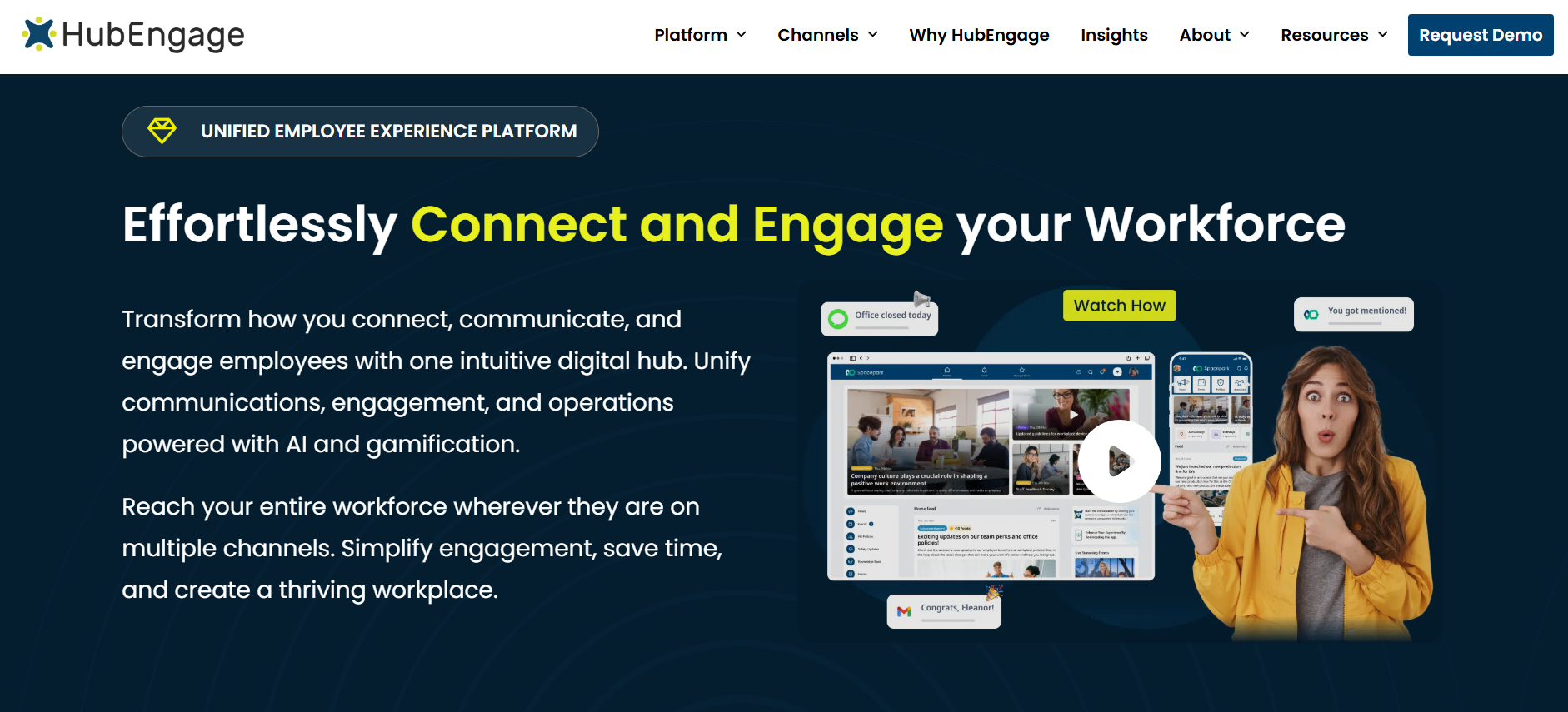
HubEngage’s employee experience platform combines multichannel communications, employee recognition, surveys and forms, social engagement, and access to workplace resources. Its delivery options include mobile applications, web, email, SMS, and digital displays, which makes it relevant to organizations with a mixture of desk-based and frontline employees.
During an audit, examine whether existing communication and engagement applications duplicate capabilities already available through HubEngage. Confirm the functionality included in the proposed contract, employee identity requirements, reporting, and integrations. Organizations primarily seeking advanced scheduling, payroll, or specialized operational execution should separately assess whether those needs require dedicated systems.
2. Staffbase
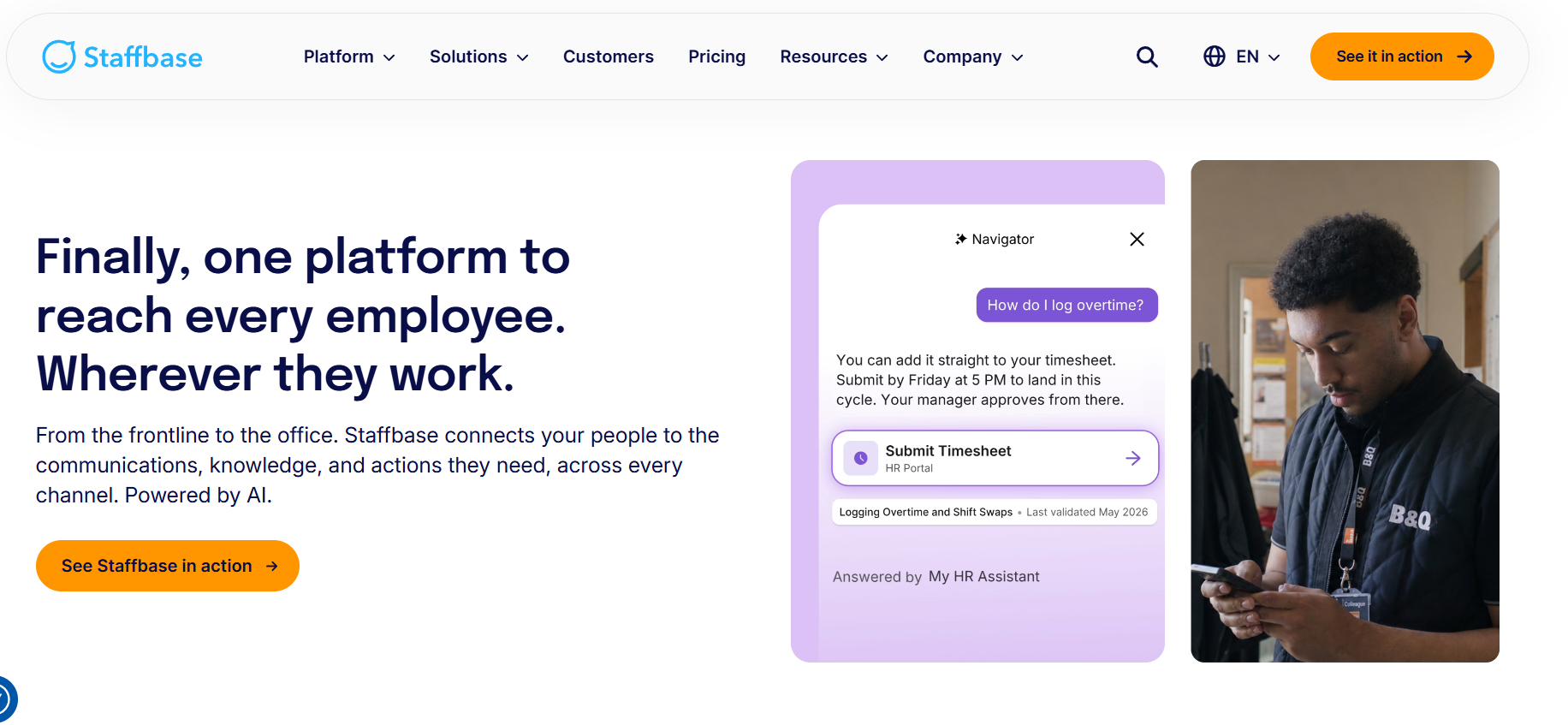
Best fit: Larger organizations prioritizing structured internal communication, employee information, and a centrally managed digital workplace.
Staffbase provides an employee application with targeted communication, news, messaging, surveys, forms, personalized content, and access to workplace services. Its frontline offering includes features designed for employees without regular corporate email access, alongside integration options for existing enterprise systems.
During an audit, evaluate overlap with current intranets, employee communication applications, and content-distribution channels. Check whether communication functionality can replace existing products without reducing local relevance or workforce access. Organizations whose primary challenge involves complex scheduling, time tracking, or operational task execution should validate whether complementary tools remain necessary.
3. Workvivo
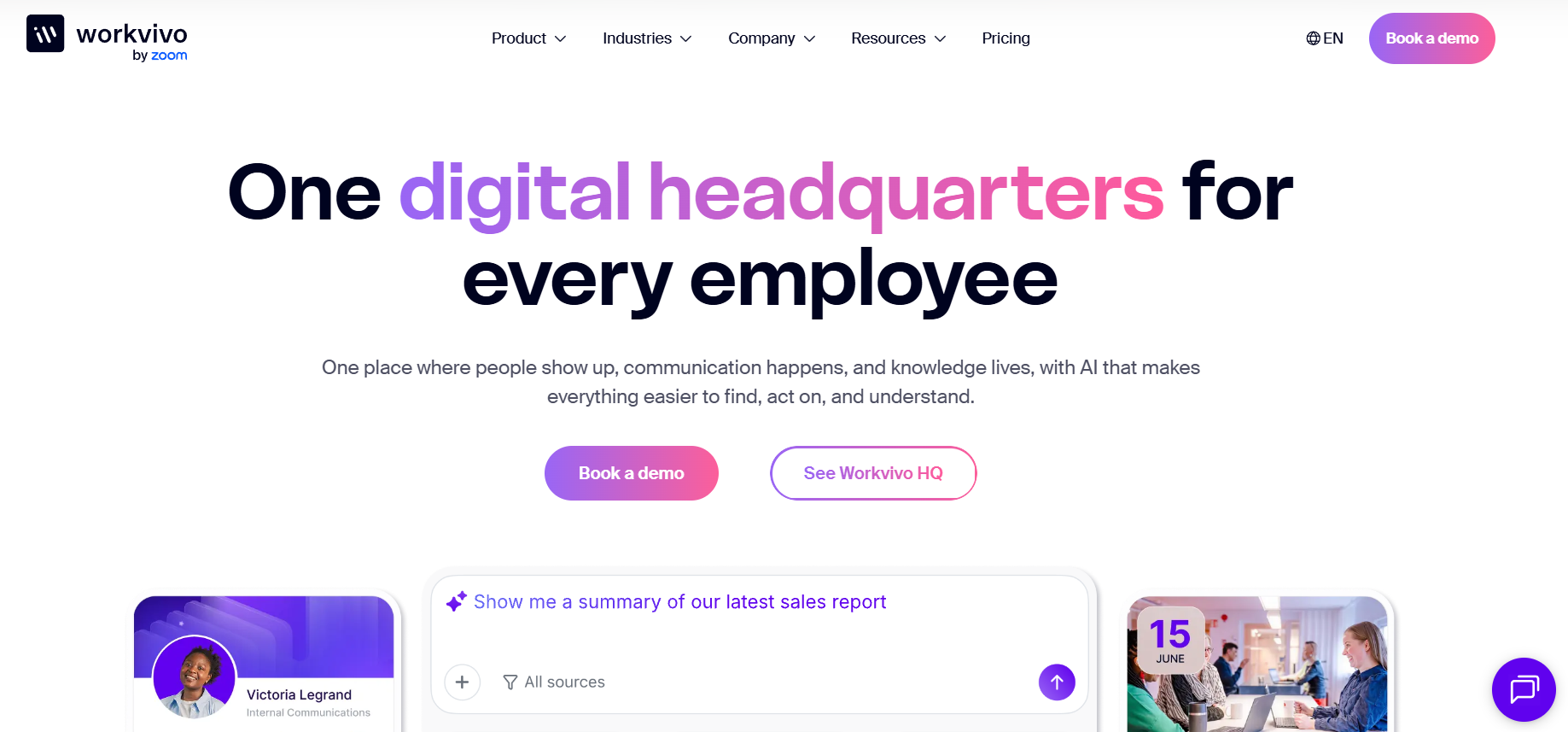
Best fit: Organizations emphasizing employee community, leadership communication, engagement, and a shared workplace experience.
Workvivo by Zoom supports employee feeds, communities, internal communication campaigns, chat, video communication, and workplace engagement features. Its communication capabilities include targeting, translation, analytics, and frontline-facing channels such as workplace display screens.
During an audit, examine whether Workvivo duplicates the organization’s existing social intranet, collaboration, or employee communication platforms. Test message relevance, employee account access, mobile usability, and actual participation across frontline locations. Organizations requiring specialized workforce scheduling, timekeeping, or extensive operational workflows should evaluate those needs separately rather than assuming communication and engagement capabilities replace dedicated operations software.
4. Connecteam
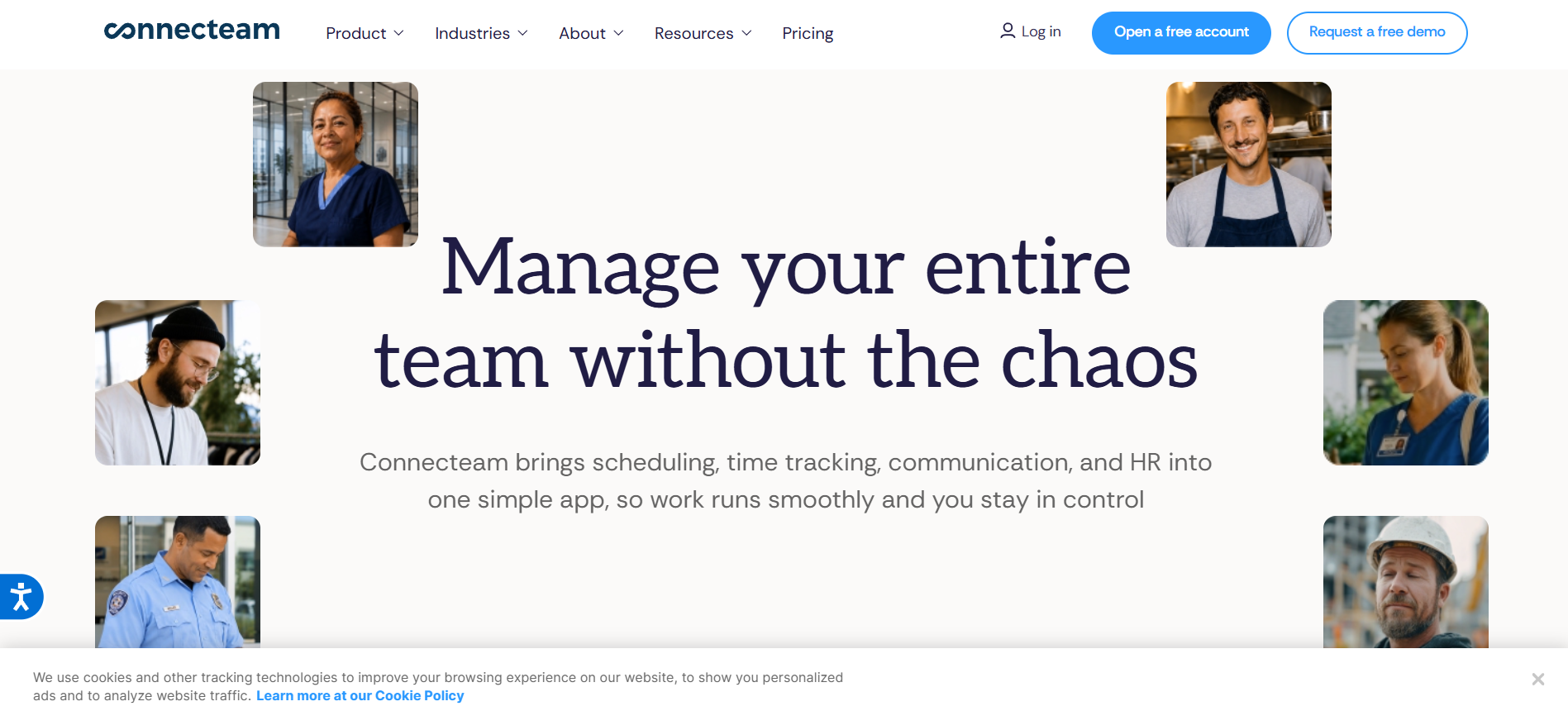
Best fit: Frontline operations that want employee communication alongside scheduling, time tracking, forms, and daily task management.
Connecteam organizes capabilities into operations, communication, and HR-related areas. Its documented tools include time clocks, job scheduling, digital forms, quick tasks, messaging, updates, knowledge resources, and employee training features.
During an audit, compare these capabilities with existing workforce management, forms, training, and communication products. Evaluate the practical depth of each workflow, applicable subscription tiers, and the reliability of any required integrations. Organizations with complex enterprise intranet governance or advanced communications campaign requirements should assess whether dedicated communication platforms offer advantages that justify their continued use.
5. Beekeeper by LumApps
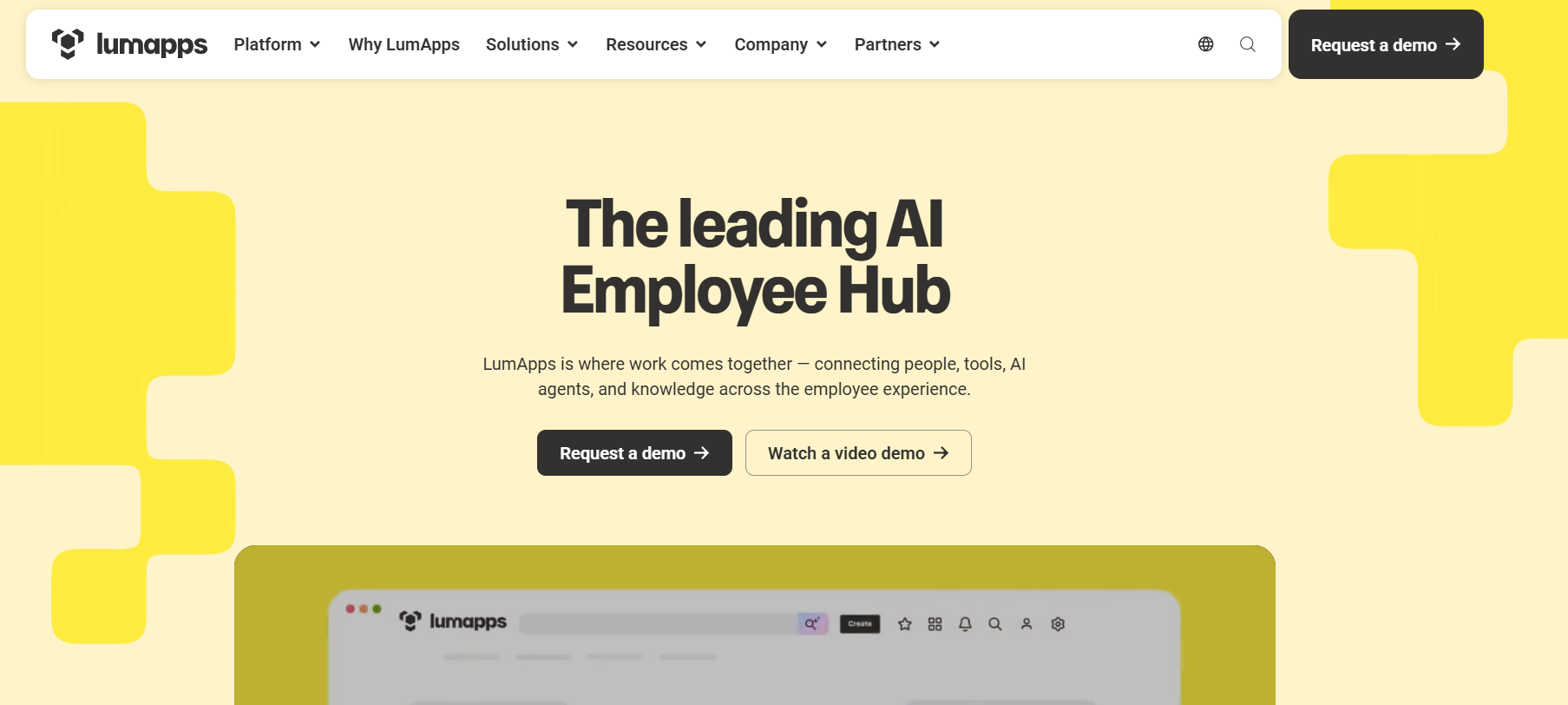
Best fit: Frontline-intensive organizations that need mobile communication, digital workflows, and stronger connections between operational employees and enterprise information.
Beekeeper, now part of LumApps, supports frontline communication, digital forms, workflows, task-related activities, and access to workplace resources. The companies combined in 2025, and LumApps’ 2026 documentation describes plans to connect Beekeeper’s frontline capabilities more closely with its wider employee experience platform.
During an audit, assess overlapping communication, knowledge, and workflow applications while distinguishing available features from future integration plans. Organizations evaluating the combined offering should request current product demonstrations, deployment details, licensing terms, and migration timelines. Existing customers should also confirm which capabilities remain separate and which are available within their present contracts.
Comparing the platforms by audit priority
| Platform | Main capability areas to examine | Important validation question |
|---|---|---|
| HubEngage | Communication, recognition, surveys, employee engagement, workplace information | Can existing engagement and communication applications be consolidated? |
| Staffbase | Internal communications, employee app, intranet access, content management | Can employees access the right information without fragmented channels? |
| Workvivo | Social communication, communities, leadership updates, engagement | Does it reduce or duplicate existing collaboration and employee community tools? |
| Connecteam | Scheduling, time tracking, tasks, forms, communication | Which current operational tools can its capabilities genuinely replace? |
| Beekeeper by LumApps | Frontline communication, workflows, knowledge, operational access | Which combined-platform capabilities are available and contractually supported? |
These products are not universally interchangeable. Their suitability depends on the organization’s existing systems, priorities, workforce requirements, and contractual arrangements.
For broader product selection considerations, TurnOnWork’s frontline employee communication apps comparison examines a wider set of platform options.
How Can You Decide Whether to Consolidate or Keep Best-of-Breed Software?
The decision should depend on functionality, employee access, integration quality, ownership costs, and operational risk. Consolidation is useful when it removes unnecessary complexity without weakening important tasks. Best-of-breed software remains appropriate when specialized requirements justify a dedicated application.
A unified employee platform can reduce application switching, simplify communication, and bring several employee-facing activities into one place.
However, a specialized workforce management system may offer scheduling rules, payroll connections, or industry-specific capabilities that a broader employee experience platform does not fully replace.
The correct comparison is the complete future-state workflow, not the number of products removed.
Consolidation versus best-of-breed software
| Decision factor | Consolidated platform | Best-of-breed approach |
|---|---|---|
| Employee entry points | May reduce the number of separate destinations | May require several applications |
| Specialized functionality | Depth varies by platform | Can provide focused capabilities |
| Integration requirements | Some functionality can reside within one platform | More cross-product integrations may be needed |
| Vendor administration | Fewer primary vendors may simplify oversight | Additional vendors and contracts require management |
| Flexibility | More functions depend on one platform’s roadmap | Components may be replaced independently |
| Migration complexity | May require substantial workflow and data changes | Can preserve established specialist systems |
| Vendor concentration | Greater dependence on one provider | Dependency distributed across providers |
Avoid assuming that one application automatically provides a simpler experience.
A poorly organized consolidated platform can reproduce the same confusion inside a larger system.
Conversely, several well-integrated applications can provide an effective experience when employees have a clear starting point and can complete their work without unnecessary handoffs.
TurnOnWork Frontline Technology Decision Score
The TurnOnWork Frontline Technology Decision Score is an editorial evaluation model designed to help HR, IT, Finance, and Operations teams compare applications using consistent criteria.
It is not an established industry standard or a validated predictive assessment.
Score each application from 0 to 5 on six dimensions, where 0 indicates that requirements are not met and 5 indicates strong, verified performance.
| Evaluation dimension | Weight | What to examine |
|---|---|---|
| Frontline reach and accessibility | 25 points | Can intended employees reliably access the platform? |
| Task effectiveness | 25 points | Does the application support important workflows successfully? |
| Integration and data quality | 15 points | Does information move accurately across required systems? |
| Financial fit | 15 points | Is ownership cost justified by verified value? |
| Security and privacy | 10 points | Are material risks appropriately controlled? |
| Administration and support | 10 points | Can the organization manage the platform efficiently? |
| Total | 100 points |
Calculate each dimension’s weighted points using:
Weighted points = (dimension score ÷ 5) × dimension weight
Then add the six weighted scores.
For example, an application receiving 4/5 for reach, 5/5 for task effectiveness, 3/5 for integration, 3/5 for financial fit, 4/5 for security, and 4/5 for administration would receive 79 out of 100.
That result identifies the application’s relative strengths and gaps. It does not automatically mean the application should be retained or replaced.
The model should be applied after documenting actual business requirements, not as a substitute for them.
How to interpret the results
As a practical initial classification, TurnOnWork suggests the following decision bands:
| Score | Suggested review approach |
|---|---|
| 80–100 | Strong candidate for retention or broader use, subject to critical requirements |
| 60–79 | Investigate correctable gaps before deciding on replacement |
| 40–59 | Conduct a detailed remediation, replacement, or consolidation review |
| Below 40 | Investigate retirement or substantial redesign, with dependency and risk checks |
These thresholds are editorial starting points, not empirically established benchmarks.
Some requirements should operate as mandatory conditions rather than weighted preferences. A serious unresolved security issue, inaccessible mandatory workflow, or inadequate safety-related function should not be offset by a favorable cost score.
Likewise, a system used infrequently for an essential legal or operational purpose may warrant retention despite modest adoption metrics.
The score organizes discussion. Human judgment, technical validation, and business accountability determine the action.
How Should You Evaluate Integrations, Data Silos, and Security?
Integration quality should be judged by whether information remains accurate, current, appropriately protected, and usable across the employee journey. A long list of advertised integrations does not establish that the organization’s required workflows are supported.
Start by mapping the movement of employee information between HRIS, payroll, identity management, scheduling, training, communication, and operational systems.
Identify the authoritative source for each important data element.
For example, the HRIS may own employment status, the scheduling platform may own shift assignments, and an employee application may use those attributes to determine which messages an employee receives.
The audit should verify whether role changes, transfers, and departures are reflected correctly throughout the environment.
Questions for IT and security teams
- Does the platform support the organization’s required identity and authentication processes?
- How are new employees provisioned and departing employees deprovisioned?
- Which employee attributes and personal information move between systems?
- Are integrations real-time, scheduled, manual, or dependent on third-party middleware?
- What happens when an integration fails?
- Who manages access permissions, service accounts, and administrative privileges?
- What contractual requirements govern data retention, deletion, export, and vendor access?
- Can the organization retrieve its information and terminate the service without unacceptable disruption?
Where Microsoft 365 or Google Workspace is involved, CISA’s Secure Cloud Business Applications (SCuBA) project provides security configuration baselines and assessment resources. The project focuses on those supported cloud environments rather than serving as a complete audit framework for every HR or frontline application.
An HR technology audit should also consider employee privacy. Usage data can be valuable for diagnosing access problems, but monitoring should remain proportionate, transparent, and aligned with applicable requirements.
NIST’s Privacy Framework offers a voluntary approach to identifying and managing privacy risks associated with organizational data processing.
The objective is to understand whether systems support work reliably, not to create unnecessary individual surveillance.
What changes when frontline platforms use AI?
In 2026, organizations should separately assess AI features that generate communications, translate workplace content, summarize feedback, search internal knowledge, or answer employee questions.
These functions may reduce administrative work or improve access to information. They can also introduce new questions about source accuracy, permissions, sensitive employee data, and the reliability of generated answers.
Review which AI capabilities are enabled, which data sources they can access, what information is sent to providers, and how administrators control permissions.
For safety-critical or legally consequential information, test whether employees receive current, approved guidance and whether human review is required.
NIST’s AI Risk Management Framework provides a voluntary foundation for evaluating AI-related risks. Its generative AI profile addresses additional considerations relevant to systems that produce content or answers.
Do not give extra audit credit simply because a vendor offers AI. Assess whether a particular capability improves a measurable employee or operational outcome.
How Do You Measure the ROI of Frontline Technology?
Frontline technology ROI should compare credible, attributable financial benefits against the incremental cost of the investment. Adoption and satisfaction can support the analysis, but neither should automatically be converted into a financial return.
Use this basic formula:
ROI (%) = [(financial benefits − investment costs) ÷ investment costs] × 100
The comparison period must be consistent, and the financial benefits should be incremental to a documented baseline.
For a consolidation project, calculate the net difference between the current environment and the proposed future environment.
That includes costs eliminated, additional costs introduced, migration expenses, and any necessary ongoing support.
Which benefits can be included?
Potential benefits may include:
- Avoided subscription and renewal costs.
- Reduced external integration or support spending.
- Lower paid overtime attributable to specific administrative processes.
- Documented reductions in error correction or rework.
- Reduced transaction costs for completed operational activities.
- Eliminated costs associated with redundant systems.
Employee time savings also matter, but their financial treatment requires care.
If a process saves supervisors several hours per week, the organization has released capacity. That is not automatically equivalent to a payroll saving.
The economic benefit depends on whether the time is redeployed productively, reduces overtime, avoids additional staffing, or produces another demonstrable outcome.
Example of a frontline software ROI calculation
Assume an organization expects a consolidation project to generate $30,000 in annual, demonstrable financial benefits while introducing $20,000 in incremental annualized costs.
Using the formula:
ROI = [($30,000 − $20,000) ÷ $20,000] × 100 = 50%
This is an illustrative calculation, not a typical industry return.
The estimate remains conditional until the organization confirms its baseline, implementation expenses, realized benefits, and appropriate allocation of one-time costs.
Measure outcomes after implementation
A technology stack optimization project should be evaluated after employees begin using the revised workflows.
Track whether changes improve:
- Successful completion of frontline tasks.
- Speed and accuracy of information delivery.
- Time spent on administrative work.
- Employee access to required knowledge.
- Integration reliability and data accuracy.
- Support requests and repeated workflow exceptions.
- Actual software spending against the approved business case.
For communication-related technology, examine whether important messages lead to understanding and appropriate action rather than relying entirely on opens or clicks.
If technology changes touch employee onboarding, evaluate whether newly hired workers can access required information, complete essential activities, and receive effective support. TurnOnWork’s deskless employee lifecycle guide provides additional context on these access and transition points.
The strongest ROI analysis connects technology improvements to observable operational outcomes while acknowledging other factors that may affect performance.
What Should a Frontline Technology Audit Checklist Include?
A complete frontline technology audit checklist should cover applications, licensing, employee access, workflow effectiveness, integration quality, security, ownership, and financial value.
The following checklist can be used as a working assessment by HR, IT, Finance, Internal Communications, and Operations.
| Audit area | Verification checklist |
|---|---|
| Inventory | Every active application has been identified, including local and unofficial tools |
| Ownership | Each system has an accountable business owner |
| Contracts | Pricing, renewal dates, notice periods, and commitments are documented |
| Overlap | Comparable features and duplicate workflows have been evaluated |
| Workforce coverage | Eligibility is mapped across roles, locations, and shifts |
| Adoption | Activation, meaningful use, and task completion have been assessed |
| Mobile access | Applications have been tested on relevant frontline devices |
| Accessibility | Important workflows have been evaluated against appropriate accessibility requirements |
| Identity | Employee onboarding, transfers, and deprovisioning work reliably |
| Integrations | Data sources, synchronization, and integration failures are documented |
| Security | Relevant controls, permissions, and material risks are reviewed |
| Privacy | Employee-data collection, use, retention, and access are understood |
| Financial analysis | TCO and realistic savings opportunities are calculated |
| Business value | Important outcomes have baselines and measurement owners |
| Consolidation | Replacement capabilities have been validated with users |
| Migration | Data transfer, training, support, and service continuity are planned |
| Decision ownership | Every significant recommendation has an accountable owner |
Use the following fields to document each finding:
Application or workflow | Finding | Supporting evidence | Affected employee group | Risk | Recommended action | Accountable owner | Due date | Verification method
Avoid recording a finding as confirmed merely because a manager suspects it.
For example, “Employees do not use the communication app” is an assumption until the audit distinguishes eligible users, access failures, usage patterns, and legitimate reasons for infrequent activity.
A stronger finding would identify the affected population, the observed behavior, and the evidence required to support a corrective action.
What Mistakes Should Organizations Avoid During a Tech Stack Audit?
The most damaging audit mistakes arise when organizations prioritize visible license savings over the experience of completing work. A successful review should simplify technology without creating new operational gaps.
Treating low usage as proof that software has no value
Some applications support occasional but essential activities.
Emergency communications, compliance reporting, annual benefits enrollment, and specialized incident processes may naturally have limited usage frequency.
Evaluate them against readiness, reliability, and required outcomes rather than applying daily-active-user expectations.
Eliminating overlapping software without testing replacement workflows
Two products may advertise similar features but differ in reliability, permissions, integration depth, or suitability for a particular workforce.
Use realistic employee tasks and document what the replacement can and cannot do.
Counting promised savings before contracts allow them
Subscription reductions may not produce immediate financial savings if an organization remains bound by a multi-year commitment.
Review renewal dates, termination provisions, minimum commitments, and migration dependencies before including savings in the business case.
Ignoring frontline employees during the assessment
An audit conducted entirely through procurement records and administrative dashboards can miss the reasons employees experience technology as difficult or unnecessary.
Include employee feedback, direct observation, and realistic tests of required workflows.
Assuming managers can compensate for missing technology
Managers may temporarily bridge communication or system gaps, but relying on manual intervention can create recurring administrative work and inconsistent execution.
Measure these workarounds instead of treating them as evidence that the existing technology environment functions adequately.
Consolidating too much at once
Replacing several applications simultaneously can disrupt training records, scheduled work, internal communication, payroll-related processes, or access to critical documents.
Prioritize lower-risk opportunities and validate migration procedures before retiring systems that support essential work.
How Should HR and IT Act on the Audit Findings?
HR and IT should translate the audit into a phased improvement plan with clear ownership, measurable outcomes, and controlled transitions.
The first goal is to address serious access, security, and operational problems. Financial optimization should proceed alongside those improvements rather than undermine them.
Days 1–30: Establish the baseline
Complete the application inventory, identify responsible owners, collect contracts, and map representative employee workflows.
Prioritize high-risk access failures, material security issues, and critical integration problems for appropriate escalation.
Create a preliminary view of application costs, potential duplication, and adoption gaps. Validate the findings with HR, IT, Procurement, Finance, Operations, and employee representatives.
Days 31–60: Validate opportunities
Review the most significant overlap and underutilization findings.
Conduct workflow demonstrations and targeted frontline testing. Confirm whether proposed consolidation options meet requirements for access, security, integration, and specialized functionality.
Calculate TCO and potential net financial benefits using actual contracts and documented implementation assumptions.
Decide which applications should be retained, optimized, renegotiated, or considered for replacement.
Days 61–90: Implement controlled improvements
Begin with changes that have clear owners and manageable operational risk.
These may include reclaiming eligible unused licenses, correcting provisioning problems, removing duplicated communication workflows, improving employee guidance, or piloting a replacement platform.
For system retirement, establish a documented migration and rollback plan. Preserve required records and confirm that employees retain access to essential services.
Measure the results against the original baseline.
Make technology audits an ongoing management practice
A one-time software audit can identify immediate inefficiencies, but new applications, workforce changes, vendor product updates, and contract renewals will continue to affect the environment.
A practical operating model includes ongoing application inventory maintenance, periodic usage and workflow reviews, and timely contract assessments before renewal deadlines.
Organizations with significant software complexity may benefit from quarterly reviews of high-cost or high-risk applications, alongside a broader annual assessment.
There is no universal review frequency. It should reflect the size of the technology environment, contractual obligations, and operational risks.
A simple purchasing rule can also prevent avoidable SaaS sprawl: before approving a new employee-facing application, establish whether an existing platform can already perform the required workflow adequately.
Frequently Asked Questions
How often should a frontline organization conduct a tech stack audit?
A comprehensive annual review is a reasonable starting point, supported by more frequent reviews of high-cost, high-risk, or poorly adopted applications. Major acquisitions, technology migrations, rapid workforce growth, or restructuring may justify an earlier reassessment.
Contract renewal deadlines should also determine timing. An audit completed after a notice deadline may identify savings that cannot be realized until a later contract period.
What is the difference between an HR technology audit and a frontline tech stack audit?
An HR technology audit typically concentrates on applications supporting HR administration, talent management, employee records, benefits, and related processes.
A frontline tech stack audit includes those systems where relevant but also examines scheduling, operational tasks, communication, shared devices, knowledge access, training, employee experience, and the technology employees encounter during their shifts.
The frontline audit therefore places greater emphasis on practical access, operational execution, and cross-departmental workflows.
Can a single employee application replace the entire frontline technology stack?
Usually not. An employee application may consolidate communication, engagement, knowledge, forms, and access to other systems, depending on its capabilities.
Specialized payroll, scheduling, compliance, workforce management, or industry-specific applications may still be needed.
The objective should be a coherent employee experience, not necessarily a single vendor.
What is the biggest sign of frontline SaaS sprawl?
One strong warning sign is employees and managers repeatedly using different applications to complete what should be a straightforward process.
Other indicators include unclear application ownership, overlapping paid features, inconsistent employee records, unclaimed licenses, and repeated administrative work.
These signals should trigger investigation rather than automatic system removal.
Who should own the frontline technology audit?
IT or a digital workplace function may coordinate the application inventory, identity, integrations, and security assessment. HR and Employee Experience should help define workforce access and employee outcomes. Operations should validate practical workflows, while Finance and Procurement assess contracts and costs.
An executive sponsor should ensure that cross-functional decisions have clear accountability.
No single department should assess the technology environment solely from its own budget or reporting perspective.
Final Thoughts
A frontline tech stack audit should answer a practical question: Does the organization’s technology make everyday work easier, or does it require employees and managers to compensate for unnecessary complexity?
Software inventories and cost reports provide the starting evidence. Employee workflows, meaningful adoption, integrations, and operational outcomes reveal whether the applications are creating value.
The most effective technology stack optimization efforts do not pursue consolidation for its own sake. They preserve necessary capabilities, remove unjustified duplication, improve frontline access, and make responsibilities clearer.
Start with the workflows that employees struggle to complete, establish what those problems cost, and test whether existing technology can resolve them before adding another application.
That is how a frontline technology audit becomes a practical tool for improving both workforce experience and operational performance.