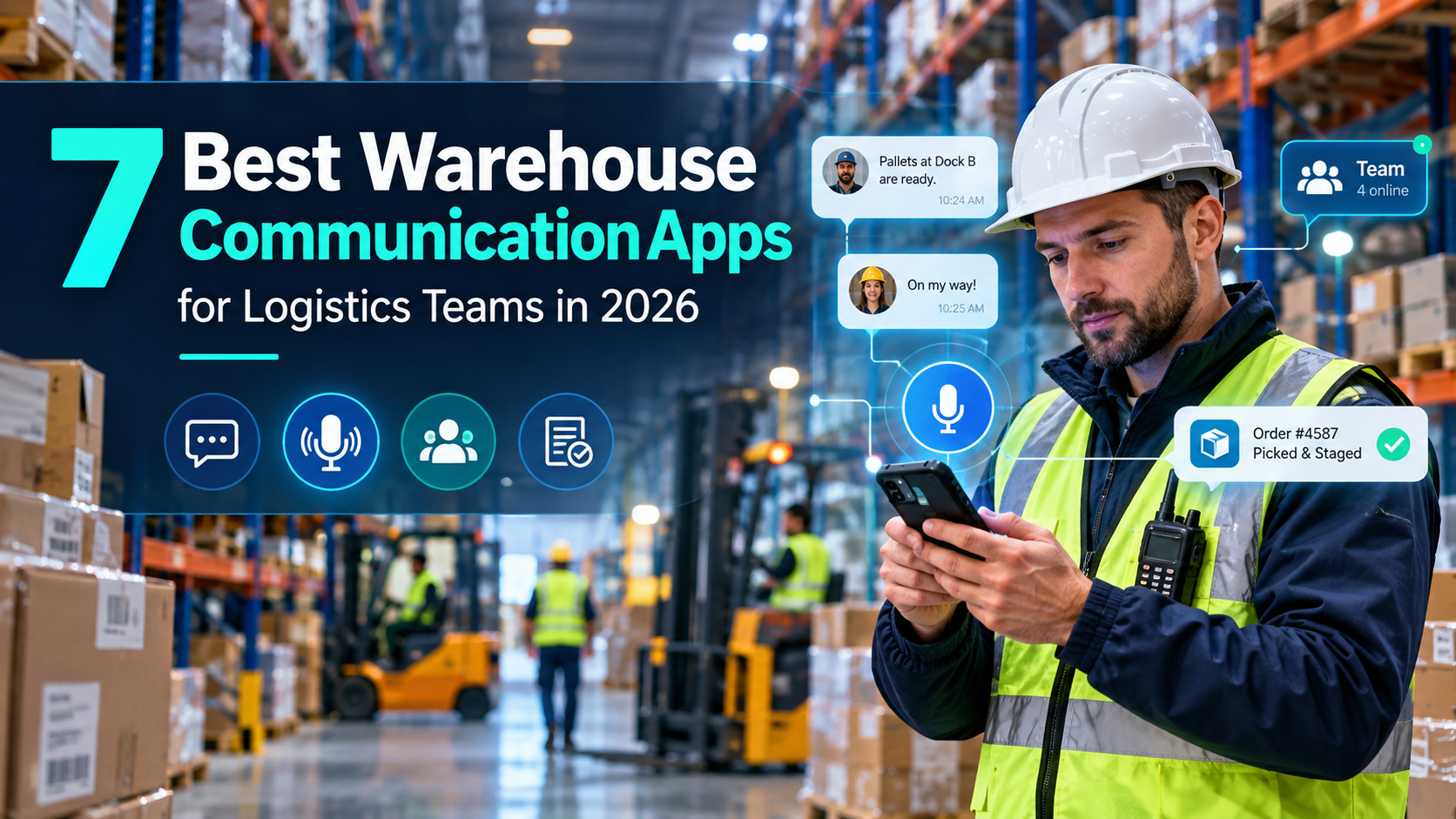
The best warehouse communication apps for logistics teams in 2026 are HubEngage, Connecteam, Blink, Beekeeper by LumApps, WorkJam, Microsoft Teams, and Zello Work. HubEngage is suited to multichannel employee communication, Connecteam combines messaging with workforce operations, Blink focuses on deskless access, Beekeeper connects updates with workflows, WorkJam supports frontline execution, Microsoft Teams fits Microsoft-based operations, and Zello specializes in push-to-talk voice communication.
The right choice depends on how warehouse employees receive messages, coordinate shifts, report problems, and access information while working.
A distribution center communicating across three shifts has different requirements from a smaller warehouse that primarily needs scheduling and group chat. Likewise, a logistics operation coordinating loading docks through voice communication may not need an extensive employee engagement platform.
This guide compares seven platforms using current vendor documentation, published pricing, operational capabilities, and warehouse-specific buying considerations. It also provides a practical evaluation framework for comparing products before committing to a contract.
Quick Answer: Which Warehouse Communication App Is Best?
Each platform serves a different operational priority.
| Platform | Best For | Why Consider It |
|---|---|---|
| HubEngage | Multichannel warehouse employee communication | Mobile, SMS, email, messaging, and digital signage |
| Connecteam | Small and mid-sized warehouse operations | Employee chat, scheduling, forms, and tasks across product hubs |
| Blink | Mobile-first communication for deskless staff | Employee newsfeed, chat, knowledge access, and no-email onboarding |
| Beekeeper by LumApps | Frontline communication and workflows | Targeted updates, digital forms, task assignments, and reporting |
| WorkJam | Large shift-based logistics workforces | Communication connected to workforce operations and task execution |
| Microsoft Teams | Warehouses using Microsoft 365 | Collaboration, Shifts, and Walkie Talkie |
| Zello Work | Real-time voice coordination | Push-to-talk channels, voice messaging, and supported emergency features |
Our recommendation: Start with the operational problem rather than the software category.
Choose a communication-focused platform when reaching employees is the main challenge. Consider an operations-oriented platform when scheduling, assignments, and handovers are equally important. Prioritize push-to-talk tools when rapid voice coordination is essential.
How We Evaluated the Warehouse Communication Apps
This comparison focuses on software relevant to warehouse supervisors, distribution center managers, logistics operations teams, and organizations employing deskless or shift-based workers.
Seven platforms were selected because they represent different approaches to frontline communication, workforce operations, and voice coordination.
The assessment considers six buying criteria:
- Employee accessibility: Mobile access, onboarding for workers without corporate email, and shared-device considerations.
- Communication capabilities: Messaging, announcements, notifications, voice communication, and audience targeting.
- Operational coordination: Scheduling, shift handovers, forms, task assignments, and acknowledgments.
- Scalability and integration: Suitability for multiple facilities and connections to existing business systems.
- Security and workforce governance: Identity management, permissions, privacy, and working-time controls.
- Pricing transparency: Published entry prices, module requirements, and potential additional expenses.
Product capabilities and pricing were checked against official vendor information on October 18, 2026. Workplace safety recommendations were checked against relevant government and workplace safety guidance.
Research limitation: This is a documentation-based editorial comparison, not an independently conducted hands-on product test. The recommendations reflect documented capabilities and likely use cases, not measured performance in a live warehouse.
The ordering is intended to make the comparison useful, not to represent a statistically validated ranking.
Warehouse Communication Software Comparison: Features and Pricing
| Platform | Main Strength | Main Limitation | Published Starting Price |
|---|---|---|---|
| HubEngage | Multichannel employee reach | Advanced warehouse execution needs separate evaluation | Custom quote |
| Connecteam | Communication and operations in one app | Different hubs have separate pricing | $29/month, first 30 users, per hub |
| Blink | Simple frontline communication and access | Advanced translation and administration are plan-dependent | $3.75/user/month |
| Beekeeper by LumApps | Mobile workflows and frontline communication | Combined product capabilities are evolving | Custom quote |
| WorkJam | Workforce orchestration and targeted communication | Advanced operations modules can increase costs | $799/month, up to 500 users |
| Microsoft Teams | Microsoft 365 collaboration and scheduling | Requires appropriate licensing and deployment | Microsoft 365 F1 with Teams: $3/user/month |
| Zello Work | Fast push-to-talk voice communication | Not a complete workforce management platform | $6.80/user/month |
Prices are in USD. Connecteam, Blink, WorkJam, and Zello prices shown use annual billing. Microsoft pricing reflects published US list pricing following July 2026 changes. Taxes, additional users, implementation, hardware, integrations, and optional modules may affect total costs.
7 Best Warehouse Communication Apps Reviewed
1. HubEngage — Best for Multichannel Warehouse Employee Communication
Best for: Logistics companies and distribution centers that need to reach employees through multiple communication channels.
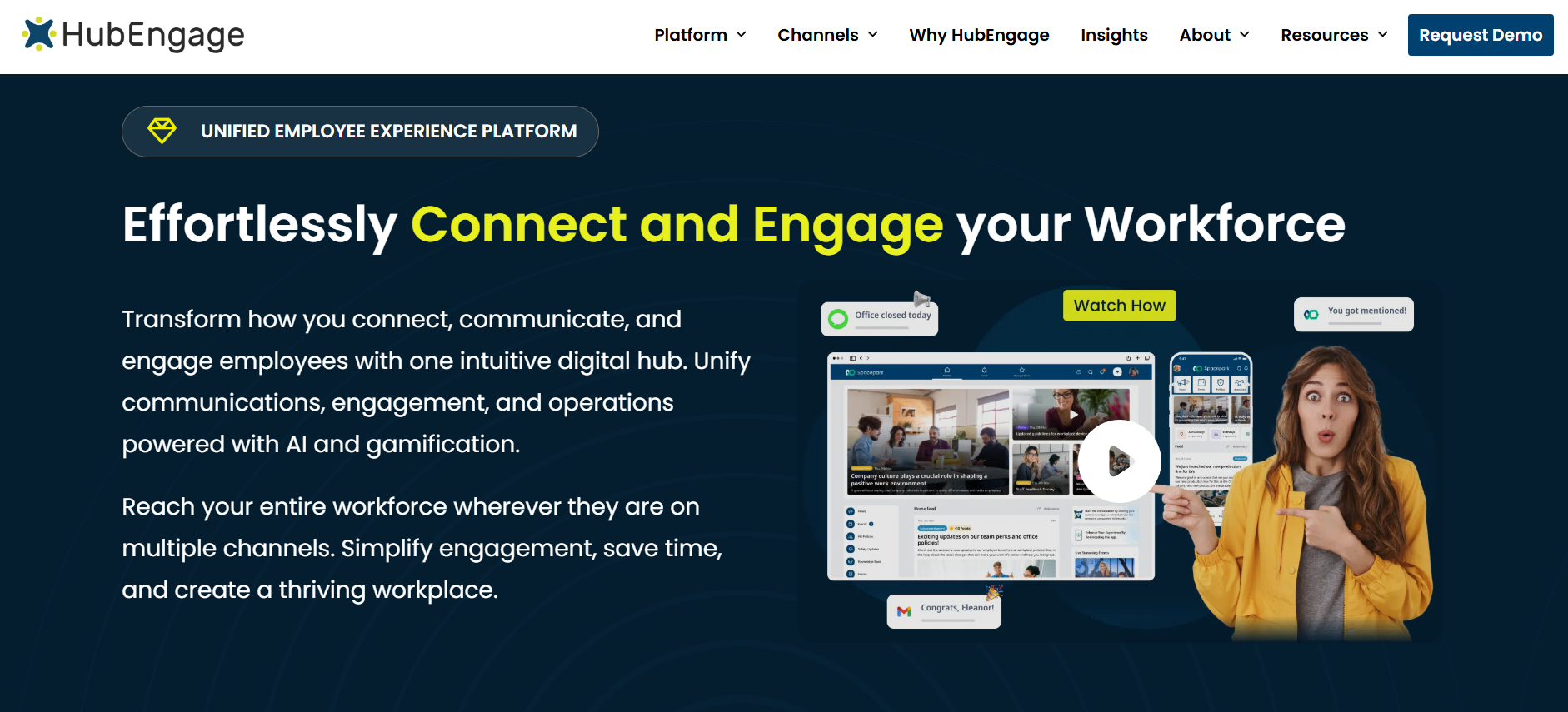
HubEngage is an employee communication and engagement platform for frontline, deskless, and office-based workers.
Its communications capabilities include mobile applications, secure individual and group messaging, email, SMS, web access, and digital signage.
This combination is relevant to warehouses where some employees carry smartphones, others work near shared displays, and supervisors need to distribute updates across facilities or shifts.
Key capabilities: HubEngage supports targeted communication, employee recognition, surveys, company resources, and AI-assisted access to workplace information. Administrators can distribute different updates according to organizational groups such as location, department, or role.
Warehouse example: If a loading dock becomes unavailable, a distribution center could notify affected teams through mobile messages and SMS while placing an operational notice on warehouse displays.
Limitations: HubEngage emphasizes communication and employee experience rather than specialized warehouse management. Buyers needing advanced labor planning, inventory execution, or equipment task management should evaluate integrations and any required additional applications. Enrollment without corporate email should also be demonstrated for the intended workforce.
Pricing: Custom pricing based on employee count and requirements. HubEngage offers different contract terms, and its SMS offering has usage-related pricing considerations.
Choose HubEngage if: Your primary challenge is reaching different employee groups through several channels while supporting workplace engagement and communication measurement.
Official source: HubEngage transportation and logistics communication platform.
2. Connecteam — Best for Small and Mid-Sized Warehouse Operations
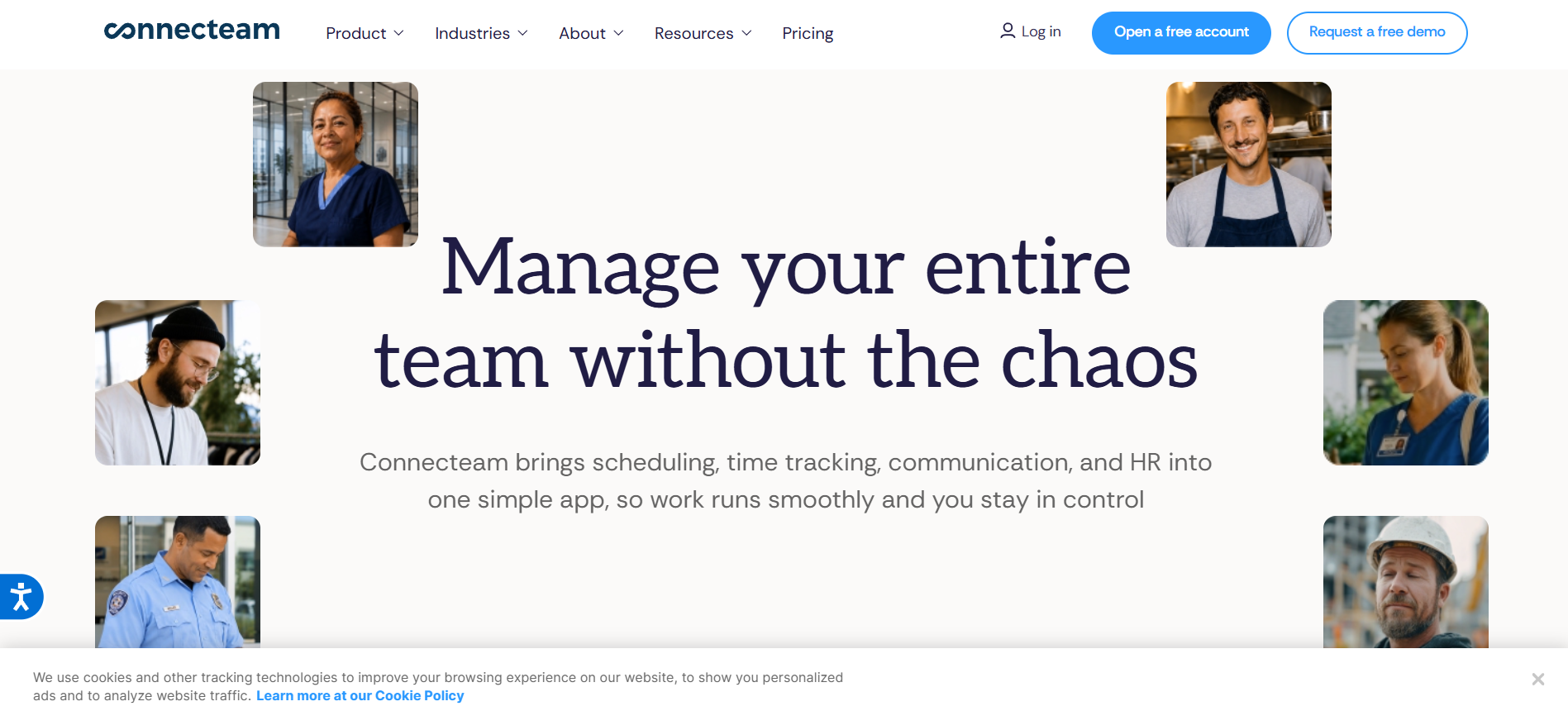
Best for: Warehouse businesses seeking communication, employee scheduling, time tracking, and routine operational tools within one application.
Connecteam organizes its functionality into Communications, Operations, and HR & Skills hubs.
The Communications Hub includes individual and group chat, company updates, employee directories, surveys, events, and a knowledge base.
The Operations Hub provides scheduling, time clocks, forms, checklists, and task management.
Key capabilities: Supervisors can communicate staffing changes while using the Operations Hub for daily schedules or inspection tasks. Higher Communications tiers include capabilities such as read confirmations, automated groups, and translation.
Warehouse example: Before a shift begins, a supervisor could communicate staffing changes, share the schedule, and assign a daily equipment inspection checklist through the appropriate Connecteam hubs.
Limitations: The three-hub structure requires careful budgeting. A company purchasing communication and operations functionality may need more than one subscription. Read confirmation and automated translation are not included in every Communications plan.
Pricing: Communications Basic starts at $29 per month for the first 30 users when billed annually. Advanced starts at $49 and Expert at $99 under the same billing arrangement. Additional users and other hubs have separate charges.
Choose Connecteam if: You manage a smaller or growing warehouse operation and want communication closely connected to workforce administration without starting with a large enterprise platform.
Official source: Connecteam pricing and plan comparison.
3. Blink — Best for Mobile-First Warehouse Staff Communication
Best for: Distribution centers employing deskless workers who need straightforward access to company information without depending on corporate email accounts.
Blink is a mobile-first employee communication platform centered on frontline news, messaging, communities, and workplace resources.
Its features include a personalized employee newsfeed, direct and group messaging, knowledge access, and notifications.
Blink also supports employee activation methods that do not require a corporate email address.
Key capabilities: Communications teams can publish relevant updates to different employee groups. Blink’s Pro plan adds multilingual publishing and real-time translation, while Enterprise expands integrations, administration, and governance capabilities.
Warehouse example: A fulfillment center could publish different instructions for receiving, picking, packing, and dispatch teams. Workers would see information relevant to their assignments instead of receiving every company announcement.
Limitations: Blink offers communication and related employee tools, but it should not automatically be treated as a complete warehouse workforce management system. Organizations requiring extensive labor scheduling or inventory-linked execution should verify the necessary integrations and features.
Pricing: Core starts at $3.75 per user per month, and Pro starts at $5 per user per month, both billed annually. Enterprise pricing requires a custom quote.
Choose Blink if: Frontline employee adoption, mobile access, and consistent delivery of workplace information are more important than extensive operational orchestration.
Official source: Blink pricing and features.
4. Beekeeper by LumApps — Best for Frontline Communication and Workflows
Best for: Warehouse operations that want communication connected to incident reporting, task management, and everyday frontline processes.
Beekeeper is a mobile-first frontline platform that became part of LumApps following their 2025 merger.
The platform continues to support frontline communication while the companies work toward a broader, unified employee experience.
Key capabilities: Beekeeper offers targeted updates by role, shift, and location, along with digital checklists, forms, incident reporting, task assignments, and workplace workflows.
Employees can use secure mobile access without requiring corporate email accounts.
Warehouse example: An employee discovering a damaged storage rack could use a digital form to report the issue. A supervisor could then assign follow-up work through the organization’s configured process. The reporting workflow should complement established procedures for isolating hazards.
Limitations: The Beekeeper and LumApps integration is developing in phases. Buyers should confirm whether a desired capability is available in the current Beekeeper product, part of a broader LumApps offering, or still on the product roadmap.
Pricing: Custom quote. LumApps states that existing Beekeeper customers retain their current contracts, pricing, login, and support arrangements during the immediate transition.
Choose Beekeeper by LumApps if: Your warehouse needs a mobile communication platform that also helps employees submit operational information and complete structured workflows.
Official source: Beekeeper by LumApps.
5. WorkJam — Best for Large Logistics and Shift-Based Workforces
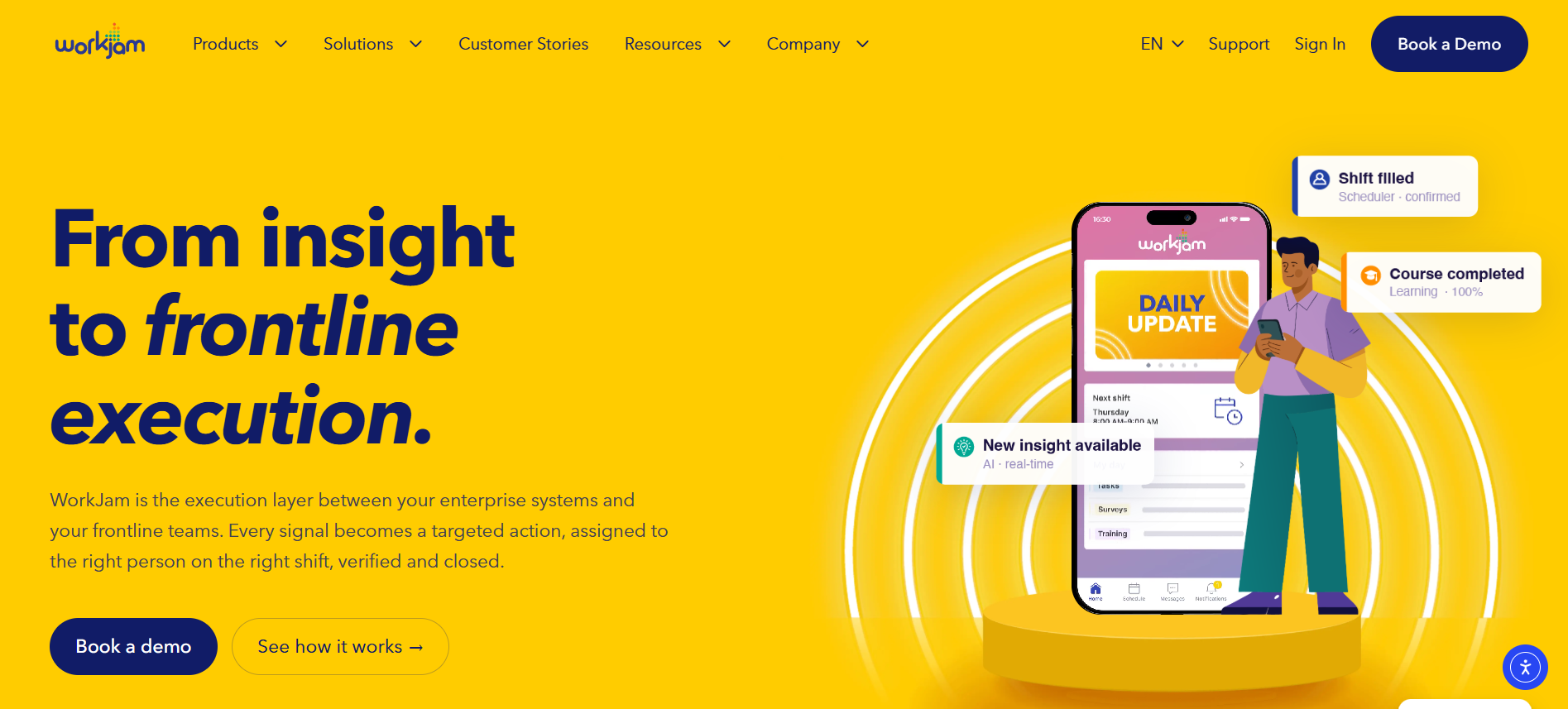
Best for: Larger distribution and logistics organizations that want workforce communication integrated with scheduling, task execution, and operational coordination.
WorkJam combines employee communication with frontline operations capabilities.
Its platform supports targeted announcements, workforce scheduling-related functions, tasks, learning, and operational workflows.
Key capabilities: Administrators can target communication based on location, role, department, and shift status. Messages can be connected to acknowledgments, assigned activities, or training requirements.
In July 2026, WorkJam announced autonomous AI capabilities intended to connect enterprise signals with frontline assignments and follow-up actions. Buyers should confirm availability in the specific product configuration being offered.
Warehouse example: When an inventory discrepancy is reported, an appropriately configured WorkJam workflow could help direct a follow-up task to a responsible supervisor and capture completion information.
Limitations: WorkJam’s operational scope may exceed the requirements of smaller warehouses. Advanced task, staffing, and learning functionality can involve additional products or licensing. Integration requirements should be confirmed before assuming warehouse system data can automatically trigger actions.
Pricing: Frontline Connect Essential starts at $799 per month, billed annually, for up to 500 users. Operations Elite 500 starts at $1,599 per month, billed annually. Additional modules may increase costs.
Choose WorkJam if: Communication is only one part of a larger effort to coordinate frontline labor, training, and task execution across facilities.
Official sources: WorkJam pricing and WorkJam autonomous AI announcement.
6. Microsoft Teams — Best for Warehouses Already Using Microsoft 365
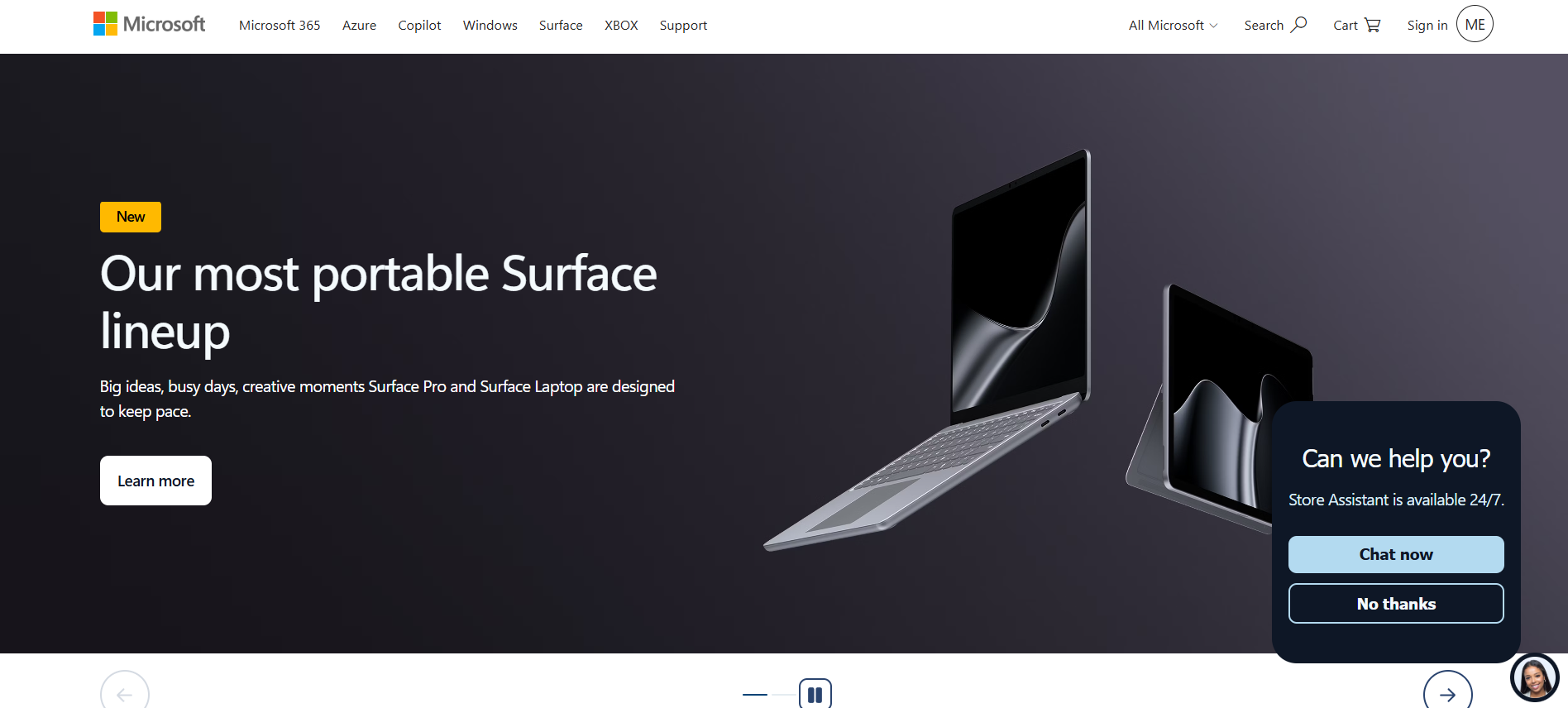
Best for: Logistics companies with Microsoft 365 infrastructure that want collaboration, employee scheduling, and voice communication within their existing technology environment.
Microsoft Teams provides workplace messaging, group communication, collaboration channels, and document access.
For frontline operations, Microsoft offers Shifts and Walkie Talkie capabilities.
Key capabilities: Shifts enables supported scheduling activities such as publishing schedules, managing shift requests, and coordinating time-off requests. Walkie Talkie provides push-to-talk voice communication through supported mobile devices using Wi-Fi or cellular data.
Organizations can also evaluate connectors and integrations with compatible workforce management systems.
Warehouse example: A regional logistics business could create Teams channels for separate distribution centers, manage eligible employee schedules through Shifts, and use Walkie Talkie for communication between supervisors.
Limitations: Teams deployment depends on appropriate licenses, user identities, device access, administration, and network coverage. Shifts capabilities also differ according to deployment and connector configuration.
Microsoft Teams is not a dedicated warehouse management system.
Pricing: Microsoft’s published US list price for Microsoft 365 F1 with Teams increased to $3 per user per month effective July 1, 2026. Other plans and licensing arrangements have different prices and entitlements.
Choose Microsoft Teams if: Your organization already uses Microsoft 365 and wants to extend familiar collaboration infrastructure to warehouse employees.
Official sources: Microsoft Teams Shifts documentation and Microsoft Walkie Talkie documentation.
7. Zello Work — Best for Real-Time Warehouse Voice Communication
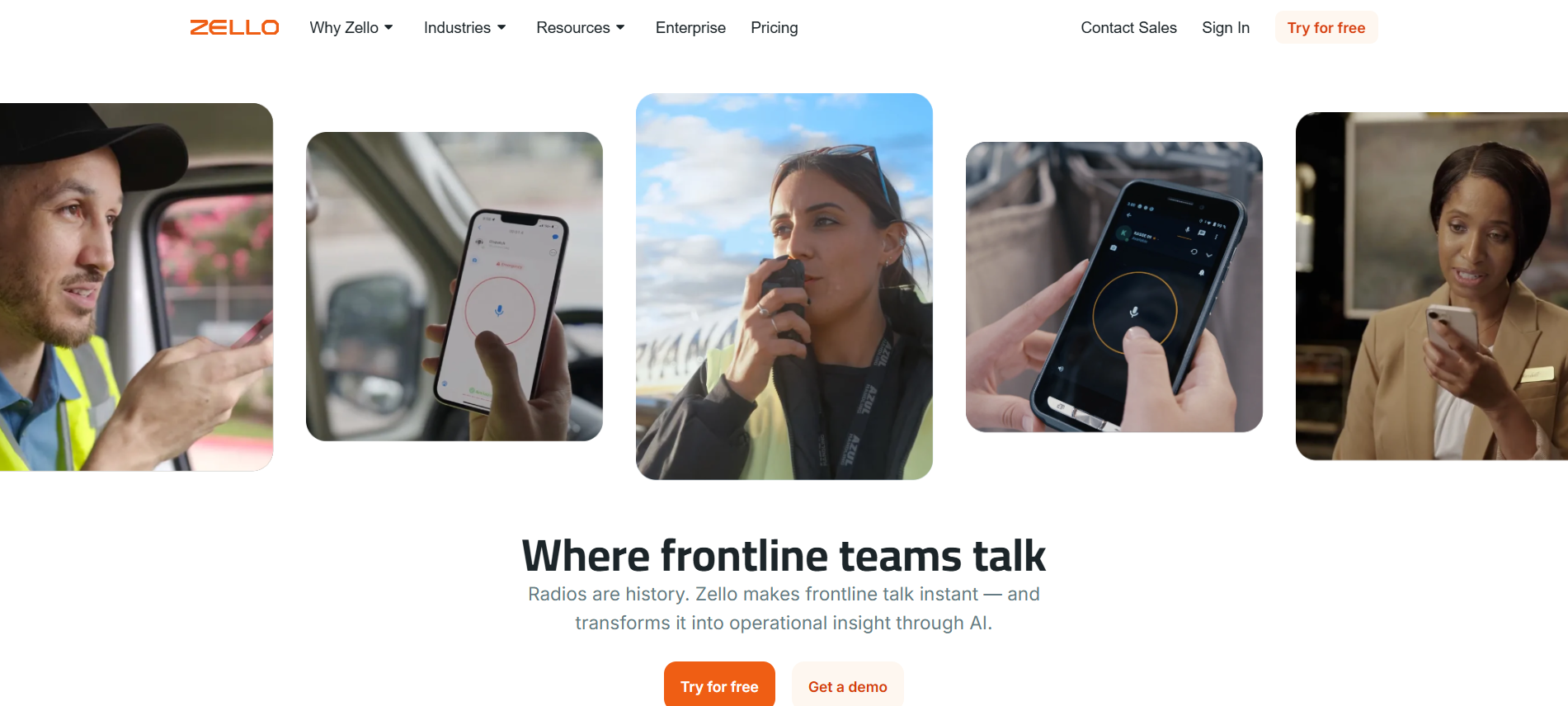
Best for: Warehouses that require immediate voice coordination between teams working in different operational areas.
Zello Work turns compatible smartphones and other supported devices into business push-to-talk communication tools.
Employees can exchange voice messages through managed channels using internet connectivity.
Key capabilities: The Core plan provides live voice communication, private channels, text and photo messaging, and administrative controls. The Plus plan adds capabilities including transcription, translation, communication storage, AI summaries, and panic-button features.
This makes Zello different from platforms built primarily around employee newsfeeds or company announcements.
Warehouse example: A receiving supervisor could use a voice channel to contact dispatch or loading personnel when an unexpected shipment arrives or an assigned dock changes.
Limitations: Zello is not a comprehensive scheduling, policy management, or workforce engagement platform. It also depends on network availability.
Even when using a plan with emergency alert capabilities, a warehouse must maintain appropriate emergency procedures and backup communication systems.
Pricing: Core starts at $6.80 per user per month when billed annually, or $8 with monthly billing. Plus starts at $12.75 per user per month annually, or $15 monthly.
Choose Zello Work if: Immediate voice coordination is your primary requirement and your organization already has separate systems for schedules, documentation, and workforce administration.
Official source: Zello Work pricing and capabilities.
What Is Warehouse Communication Software?
Warehouse communication software helps employees, supervisors, and logistics managers exchange information about daily operations, safety, schedules, and responsibilities.
Unlike conventional office tools, warehouse communication systems must work for people who may spend most of their shifts away from computers.
Employees may move between loading docks, picking stations, receiving areas, and storage locations. Some work overnight or use shared devices.
Common uses include communicating shipment exceptions, reporting equipment faults, announcing schedule changes, distributing policies, and documenting handovers.
Warehouse communication software should also be distinguished from other systems:
- Warehouse management systems (WMS) manage inventory and warehouse processes such as receiving, storage, picking, and dispatch.
- Workforce management systems (WFM) handle scheduling, labor availability, timekeeping, and related workforce operations.
- Communication platforms help employees receive updates, collaborate, provide feedback, and coordinate follow-up activities.
Some products overlap these categories. However, organizations should verify the specific capabilities rather than assuming that all advertised integrations or modules are included.
For comparisons beyond logistics operations, see TurnOnWork’s guide to frontline employee communication software.
How Should Logistics Teams Choose Warehouse Communication Software?
The best buying approach is to identify the communication failure creating the greatest operational risk or inefficiency.
Choose Based on Your Main Operational Need
| Requirement | Start With |
|---|---|
| Communicating across mobile, SMS, and warehouse displays | HubEngage |
| Combining messaging with schedules and checklists | Connecteam |
| Reaching employees without corporate email accounts | Blink or Beekeeper |
| Linking communication to operational workflows | WorkJam or Beekeeper |
| Extending an existing Microsoft environment | Microsoft Teams |
| Supporting rapid voice coordination | Zello Work |
| Managing communication across many facilities | HubEngage, Blink, or WorkJam |
These are shortlist recommendations, not performance rankings.
A smaller warehouse might prioritize low implementation complexity and straightforward employee onboarding. A large third-party logistics provider may place greater emphasis on facility-specific targeting, user permissions, integrations, and standardized operational processes.
What Should Buyers Test Before Purchasing?
Use the same scenarios when evaluating every shortlisted vendor.
Scenario 1: Urgent operational update
A loading dock becomes unavailable during a shift. Can the supervisor notify affected workers, confirm the appropriate message was received, and communicate through an alternative channel if necessary?
Scenario 2: Shift handover
The outgoing team leaves two inventory exceptions unresolved. Can the incoming supervisor find the issues, understand responsibility, and document the next action?
Scenario 3: No-email onboarding
A temporary employee starts work without a corporate email account. Can the worker enroll securely and access the correct information?
Scenario 4: Multilingual instructions
An operating update must reach workers with different language preferences. Can the organization control translations and verify the accuracy of critical wording?
Scenario 5: Integration
An operational system identifies an exception. Can the proposed communication platform receive the information and support the intended workflow through a documented integration?
A vendor demonstration should show the actual process, including limitations and additional licensing requirements.
What Features Matter Most in Warehouse Communication Software?
Mobile Access and Alternative Communication Channels
Mobile access is important, but warehouse communication should not assume employees can safely look at phones during every activity.
Test enrollment, connectivity, device compatibility, and employee access during different shifts.
Digital signage, supervisor briefings, approved voice devices, or other established channels may be necessary for certain situations.
Real-Time Updates and Acknowledgments
The system should help managers identify who needs an operational message and whether acknowledgment is appropriate.
A message marked as read does not prove that the employee understood the instruction or completed the required action.
Warehouses must maintain appropriate safety procedures independently of software notifications.
The Occupational Safety and Health Administration’s warehousing guidance addresses hazards involving forklifts, materials handling, storage systems, and other warehouse activities.
Multilingual Communication
Translation features can make routine announcements more accessible to employees who use different languages.
However, safety-critical instructions should be reviewed for accuracy.
OSHA’s education and training guidance explains the importance of providing safety training in languages and at literacy levels workers understand.
Translation tools can assist communication, but automatic translation alone should not be relied upon to validate hazardous work instructions.
Shift Handover and Action Tracking
Warehouse communication tools should preserve the information needed by incoming employees.
Useful handover records include equipment restrictions, unresolved inventory issues, delivery exceptions, outstanding tasks, responsible employees, and deadlines.
The UK Health and Safety Executive recommends two-way shift handovers supported by both verbal and written communication.
For a practical handover structure, see TurnOnWork’s shift handover communication guide.
Security and Privacy
Employee communication systems may handle contact details, workplace messages, schedules, and other personnel information.
Buyers should assess authentication, permissions, employee account removal, data retention, and personal-device policies.
The FTC’s guidance on protecting personal information provides useful considerations for organizational data security.
How Can Warehouse Managers Improve Communication Between Shifts?
Effective shift communication depends on a repeatable process rather than simply having a messaging application.
Step 1: Standardize the handover record. Every unresolved issue should identify what happened, where it occurred, the current status, the responsible person, and the required follow-up.
Step 2: Target the correct employees. A dock restriction may affect receiving, maintenance, and supervisors without requiring a company-wide announcement.
Step 3: Confirm important information. Require acknowledgment for appropriate operational updates, while treating task completion and safety verification as separate activities.
Step 4: Transfer outstanding responsibilities. Incoming and outgoing supervisors should discuss important unresolved items and confirm ownership.
Step 5: Review recurring failures. Identify missed handovers, delayed acknowledgments, duplicated messages, and issues repeatedly carried across shifts.
The HSE’s shift handover guidance supports preparing for handovers, involving both participants, and combining written records with verbal communication.
The goal is not simply faster messaging. It is dependable transfer of operational responsibility.
Warehouse Shift-Ready Communication Scorecard
The following editorial scorecard offers a practical way to compare warehouse communication platforms using consistent criteria.
It is an illustrative evaluation tool, not an independently validated industry benchmark or a set of measured vendor ratings.
| Evaluation Criterion | Suggested Weight | What to Verify |
|---|---|---|
| Employee accessibility | 20 | Secure access for permanent, temporary, and deskless workers |
| Important message delivery | 20 | Audience targeting, acknowledgments, and appropriate alternative channels |
| Shift handover and accountability | 20 | Structured records, assigned actions, and follow-up |
| Language and location targeting | 15 | Relevant updates for different sites, shifts, and languages |
| Operational integrations | 15 | Verified WMS, WFM, and HR system compatibility |
| Cost and governance | 10 | Licensing, permissions, implementation, and ongoing costs |
| Total | 100 |
How to Calculate a Score
Rate each product from 0 to 5 for each criterion, based on evidence obtained from a product demonstration or pilot.
Weighted criterion score = (Rating ÷ 5) × Criterion weight
For example, a rating of 4 out of 5 for employee accessibility earns 16 of the available 20 points.
Add the six weighted results to obtain a score out of 100.
Use identical test scenarios and evidence requirements for every vendor.
Important: A high score should not override a serious failure in essential security, employee access, or safety requirements. A product that cannot satisfy mandatory requirements should not advance solely because it performs well on less critical features.
How Much Does Warehouse Communication Software Cost in 2026?
Warehouse communication software costs depend on workforce size, selected features, contract length, and deployment requirements.
Published starting prices vary because vendors use different pricing structures.
For example, Connecteam’s entry price covers the first 30 users within a specific hub, while Blink charges per user. WorkJam’s Frontline Connect Essential offering covers up to 500 users under its published package.
Zello also charges per user, but its Core and Plus plans provide different functionality. Microsoft pricing depends on eligible licenses and the organization’s existing technology environment.
HubEngage and Beekeeper require custom pricing inquiries.
What Additional Costs Should Buyers Check?
Ask about implementation, additional modules, employee onboarding, device purchases, SMS usage, integration development, support, and contract minimums.
A practical budgeting formula is:
Annual total cost = Subscription fees + implementation + integrations + devices + training + support and usage charges
Then calculate:
Annual cost per employee = Annual total cost ÷ Number of employees supported
This provides a more useful comparison than looking at subscription prices alone.
A lower-priced communication plan may cost more overall if the business must purchase additional scheduling or task-management software.
How Should Warehouses Measure Communication Effectiveness?
Communication success should be measured through employee access, information delivery, understanding, and follow-through.
The following metrics can help warehouse managers identify problems.
| Metric | Calculation or Method | Purpose |
|---|---|---|
| Employee activation | Activated employees ÷ eligible employees × 100 | Measure access |
| Critical message acknowledgment | Required recipients acknowledging ÷ required recipients × 100 | Measure confirmation |
| Time to acknowledgment | Elapsed time between message delivery and acknowledgment | Measure responsiveness |
| Shift handover completion | Completed required handovers ÷ scheduled handovers × 100 | Measure process consistency |
| On-time action resolution | Actions completed by deadline ÷ actions due × 100 | Measure follow-through |
| Communication-related incidents | Consistently classify and review reported incidents | Identify recurring failures |
These measures should be reviewed by shift, department, and warehouse location.
An overall activation rate can conceal poor adoption among temporary employees or night-shift workers.
For more guidance, see TurnOnWork’s internal communications KPIs and metrics guide.
Changes in operational performance should be interpreted carefully. Improved results after a software rollout do not, on their own, establish that the application caused the improvement.
Common Warehouse Communication Mistakes to Avoid
Relying Only on Smartphone Notifications
Employees may be unable to access phones during some warehouse activities.
Organizations should establish alternative communication arrangements, particularly for safety-sensitive situations.
The HSE’s safety-critical communication guidance provides useful principles for ensuring important information reaches the appropriate personnel.
Sending Every Message to Every Employee
Excessive notifications make it harder to distinguish routine announcements from important operational changes.
Segment messages by location, department, role, or shift wherever appropriate.
Overlooking Night and Rotating Shifts
Important updates should not depend on employees attending daytime meetings.
The CDC’s workplace fatigue guidance, updated in July 2026, explains that nonstandard work schedules can affect attention, memory, judgment, and reaction times.
Communication processes should accommodate these working conditions.
Ignoring Working-Time Obligations
Mobile communication should not automatically create an expectation that hourly employees remain available outside scheduled work.
The US Department of Labor’s off-the-clock guidance explains that work performed by covered nonexempt employees may qualify as compensable working time even when performed outside scheduled hours.
Employers should establish clear communication and escalation policies consistent with applicable employment requirements.
How Is AI Changing Warehouse Communication in 2026?
AI is appearing in employee communication platforms through content assistance, translation, information retrieval, summaries, and operational workflow support.
HubEngage describes AI-assisted access to organizational information. Blink offers AI-assisted functionality in eligible plans. Zello’s Plus offering includes transcription, translation, and AI communication summaries.
WorkJam’s announced autonomous AI capabilities focus on connecting enterprise information to frontline assignments and follow-up.
Potential warehouse applications include summarizing routine shift updates, drafting announcements, translating noncritical communication, finding approved procedures, and helping route operational exceptions.
However, AI-generated instructions require appropriate oversight.
Organizations should not rely exclusively on automated summaries or translations for equipment restrictions, hazardous work instructions, emergency responses, or incident decisions.
AI can assist the communication process without replacing operational accountability.
Frequently Asked Questions
What is the best warehouse communication app for logistics teams in 2026?
The best app depends on the warehouse’s main operational requirement. HubEngage is suited to multichannel communication, Connecteam to communication and workforce administration, Blink to mobile-first deskless access, Beekeeper to frontline workflows, WorkJam to workforce execution, Microsoft Teams to Microsoft-based operations, and Zello Work to instant voice coordination.
Which warehouse communication app is best for a small business?
Connecteam is worth considering for smaller warehouses needing scheduling, tasks, and messaging. Blink may fit businesses that mainly need employee news and communication. Zello Work is relevant when voice coordination is the primary requirement. Buyers should compare the total cost of the features they actually need.
Can warehouse communication software integrate with warehouse management systems?
Some platforms offer APIs, connectors, or configurable integrations that may connect communication workflows with warehouse management systems. Compatibility depends on the specific WMS, available connectors, subscription tier, and implementation design. Request a demonstration using the actual systems involved before purchasing.
Which warehouse communication apps support multilingual employees?
HubEngage, Blink, Beekeeper by LumApps, WorkJam, and Connecteam provide multilingual or translation-related capabilities. Zello also offers translation in eligible plans. Language availability, supported content, and licensing vary. Safety-sensitive translations should be checked by appropriately qualified people.
Can warehouse communication apps replace emergency alert systems?
No warehouse communication app should automatically be treated as a replacement for established emergency alarms, evacuation systems, or required safety procedures. Some products support urgent alerts and acknowledgments, but employers must evaluate reliability, network coverage, device restrictions, and backup arrangements.
What should a logistics company prioritize when comparing communication apps?
Start with employee access, reliable communication, shift handover, operational accountability, and workforce safety. Then compare integrations, governance, pricing, and implementation requirements. Use realistic warehouse scenarios to evaluate products and verify which capabilities are included in the proposed subscription.
Conclusion
The best warehouse communication software helps employees receive relevant information, understand responsibilities, and coordinate actions across shifts and operational areas.
HubEngage, Connecteam, Blink, Beekeeper by LumApps, WorkJam, Microsoft Teams, and Zello Work offer different combinations of communication, workforce management, and voice capabilities.
For logistics managers, the most useful selection process is to identify operational problems, shortlist products that address those problems, and compare them through consistent demonstrations or trials.
Evaluate employee access, shift coverage, communication reliability, security, integrations, and total cost before committing.
Effective warehouse communication is not measured by how many messages an organization sends. It is measured by whether the right information reaches the right people and supports the required action.