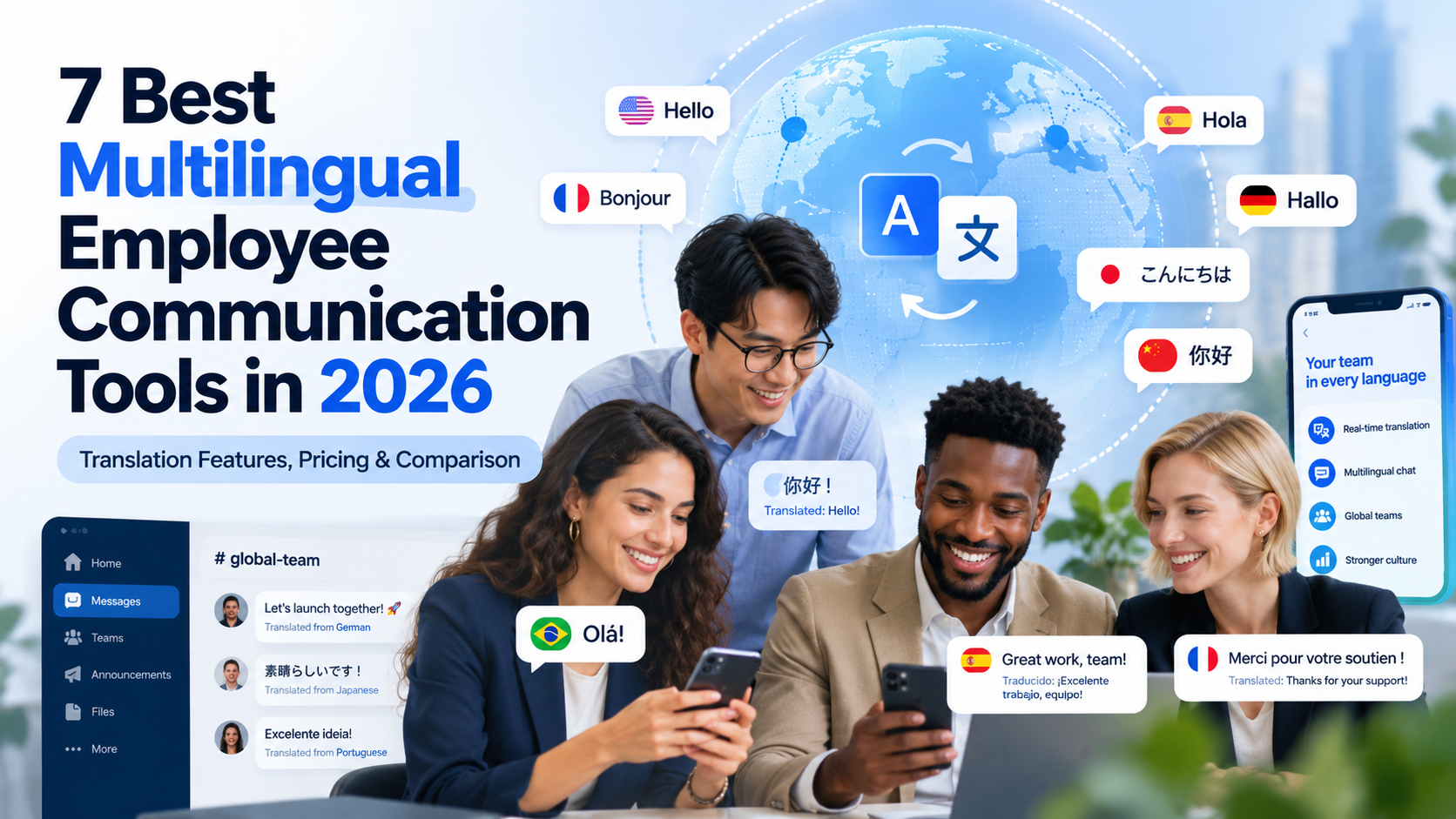
The multilingual employee communication tools worth comparing in 2026 are HubEngage, Staffbase, Blink, Connecteam, Beekeeper by LumApps, Speakap, and Workvivo. Each addresses different communication needs, from translating company announcements and employee surveys to supporting multilingual conversations between frontline workers.
HubEngage offers multichannel communication and translated SMS, Staffbase focuses on enterprise publishing, and Blink emphasizes mobile employee access. Connecteam combines translation-enabled communication with workforce management, while Beekeeper, Speakap, and Workvivo support different frontline and employee experience requirements.
The right choice depends on which languages employees use, what content needs translation, how employees access workplace information, and the cost of the complete translation-enabled package.
Key Takeaways
- Translation features matter more than headline language counts. A platform may translate announcements but not private messages, attached documents, or SMS. Interface localization and content translation are also separate capabilities.
- Different platforms serve different workforces. HubEngage and Staffbase support broader organizational communication, Blink focuses on mobile-first access, Connecteam combines communication with workforce operations, and Beekeeper, Speakap, and Workvivo provide different frontline or employee experience capabilities.
- Entry-level prices may exclude the translation functionality you need. Blink advertises Core starting at $3.75 per user monthly, but its Pro tier starts at $5 per user monthly, billed annually. Connecteam’s Communications Expert tier starts at $99 monthly for the first 30 users when billed annually.
- Machine translation needs safeguards. Routine announcements may be suitable for automatic translation, but safety instructions, sensitive HR notices, and clinical information can require qualified human review or interpretation.
- Successful communication requires more than delivery. Organizations should evaluate whether employees can access, understand, question, and act on translated information.
What Are the Best Multilingual Employee Communication Tools in 2026?
The following seven platforms offer different approaches to multilingual workplace communication. This comparison considers documented translation features, access for office and frontline employees, relevant business applications, pricing, and limitations.
| Platform | Best for | Documented translation capabilities | Published US pricing |
|---|---|---|---|
| HubEngage | Multichannel communications and employee engagement | Automatic translation of selected communications and surveys; multilingual SMS | Custom quote |
| Staffbase | Large global organizations | On-demand translation and multilingual publishing with machine-assisted drafts | Custom quote |
| Blink | Mobile-first employee communication | On-demand translation, multilingual publishing, and optional automatic content translation | Core: $3.75/user/month; Pro: $5/user/month, billed annually |
| Connecteam | Small and growing frontline teams | Translation of updates and language-aware in-chat translation | Communications Expert: $99/month for the first 30 users, billed annually |
| Beekeeper by LumApps | Deskless workforce communication and operations | Inline translation of chats, streams, comments, forms, and tasks | Custom quote |
| Speakap | Distributed retail, hospitality, and franchise teams | Automatic content translation into 100+ languages on Premium | Custom quote |
| Workvivo | Global employee experience and engagement | On-screen translation, translated articles, and multilingual knowledge pages | Custom quote |
How these tools were evaluated
This comparison is based on publicly available vendor documentation and product pricing reviewed on October 15, 2026.
The evaluation considers five factors:
- Translation capabilities and supported content types.
- Accessibility for frontline and office-based employees.
- Communication and operational workflows.
- Administrative controls and potential limitations.
- Published pricing and requirements for additional vendor quotes.
The recommendations are editorial assessments of documented functionality. They are not based on hands-on testing, independently measured translation accuracy, or a numerical ranking of vendors.
The numbered order is intended to organize the comparison, not establish that the first platform performs better than every alternative.
1. HubEngage — For Multichannel Multilingual Employee Communication
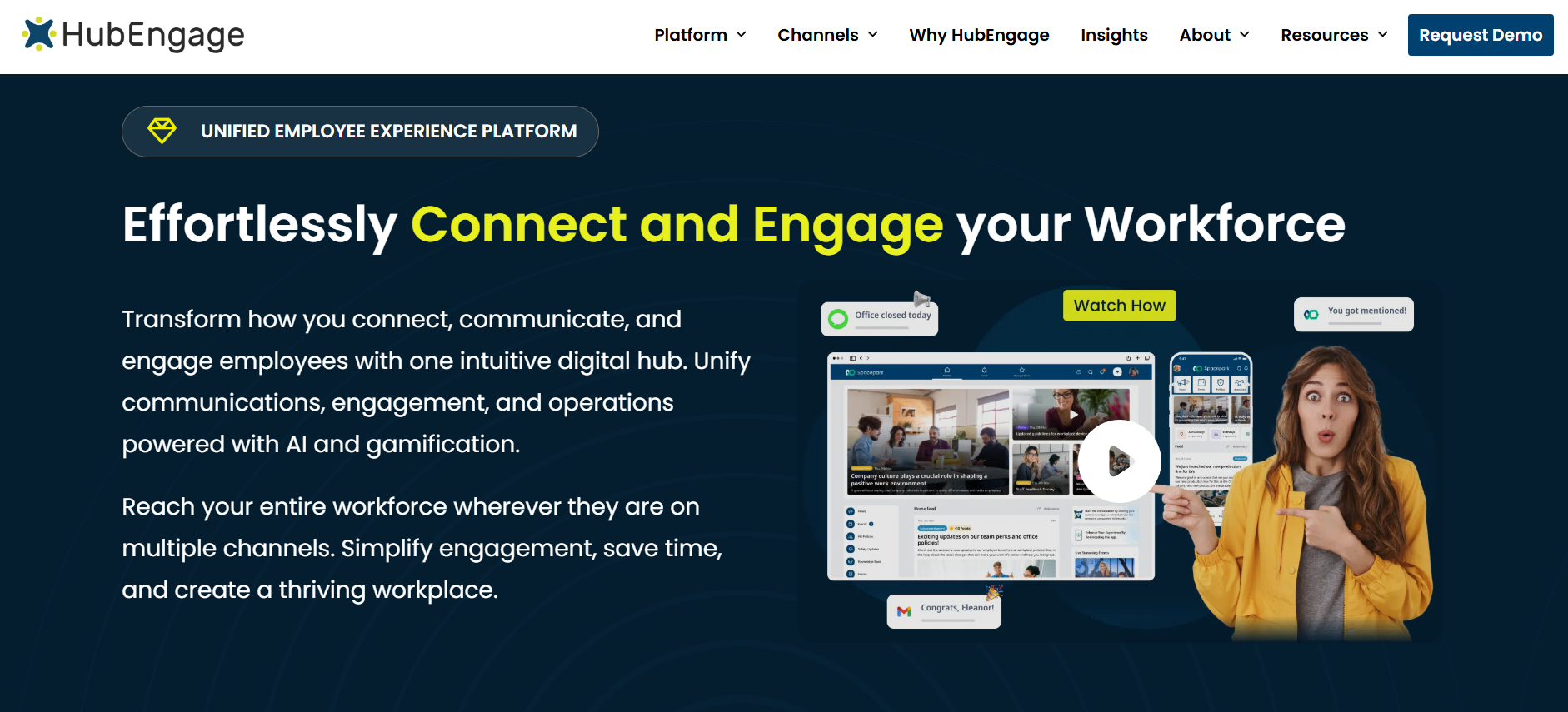
Best for: Organizations that need to reach employees through several channels, including mobile apps, email, SMS, employee communities, and surveys.
Translation coverage: Automatic translation for supported communications and surveys, with separate language coverage for employee text messaging.
HubEngage is an employee communication and engagement platform combining internal communications, employee messaging, recognition, surveys, and knowledge access.
Its main distinction is multichannel delivery. Rather than requiring everyone to access the same employee app regularly, organizations can distribute information through different channels according to employee roles and communication preferences.
This approach can be useful for manufacturing companies, healthcare organizations, hospitality groups, and employers with both office-based and deskless workers.
Translation and multilingual features
HubEngage advertises automatic translation into 14+ languages for structured employee communications and surveys.
Its employee text messaging solution separately supports automatic SMS translation into more than 30 languages.
The platform also supports audience segmentation, scheduled publishing, and communication through mobile and web experiences, email, and digital displays.
These capabilities can help organizations deliver relevant information to employees who do not routinely use corporate email.
For example, a manufacturer could publish an employee announcement through the company app and send a translated SMS notification to workers who are less likely to open the app during a shift.
HR could then collect feedback through a multilingual survey.
The important consideration is that translation coverage varies by product module. Buyers should not assume that the SMS language list also applies to every survey, social post, knowledge article, or private message.
Pricing and limitations
Pricing: HubEngage provides customized subscription proposals based on workforce size, selected modules, and contract requirements. A standard public price for the complete multilingual configuration is not available.
HubEngage is worth evaluating when a company wants employee communication, engagement, feedback, and multichannel distribution within a broader platform.
However, businesses seeking only basic multilingual chat may find that a narrower solution better fits their needs.
Buyers should confirm the supported languages for each channel, translation settings, costs associated with SMS usage, and any editorial approval controls required for sensitive content.
Purchasing consideration: Request a demonstration showing the same message distributed through two or more channels and confirm exactly where translation occurs.
2. Staffbase — For Enterprise-Wide Multilingual Internal Communications
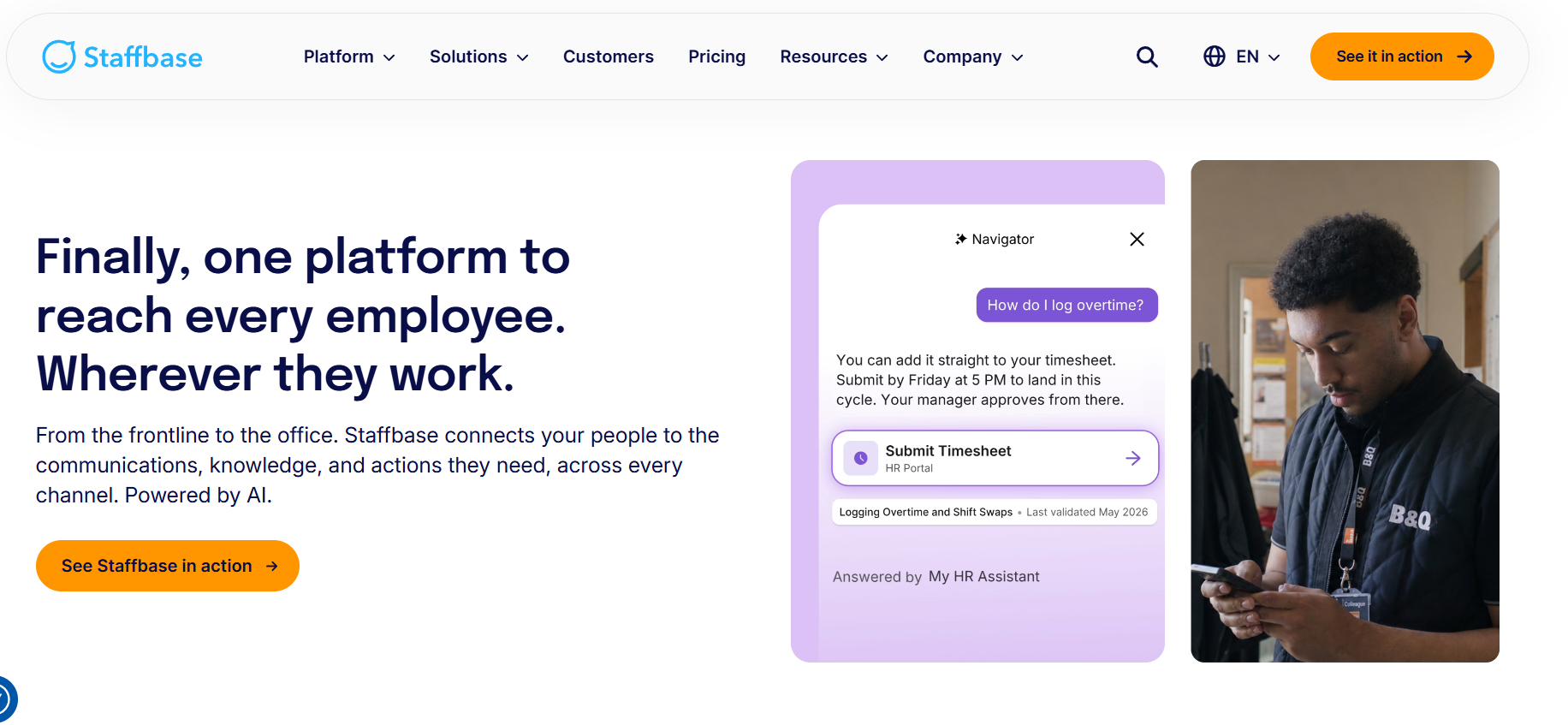
Best for: Large organizations coordinating employee communication across countries, business units, languages, and communication channels.
Translation coverage: On-demand translation of supported content and machine-assisted multilingual publishing workflows.
Staffbase provides internal communication software that includes employee apps, intranets, email communications, and enterprise publishing capabilities.
Its main advantage for multilingual workforces is structured content management.
Global communication teams can prepare organization-wide updates while regional editors create or maintain localized versions for employees in different markets.
This makes Staffbase relevant to organizations that need stronger oversight of policies, announcements, knowledge resources, and other centrally managed information.
Translation and multilingual features
Staffbase supports on-demand translation of app and intranet pages, posts, and comments into the language configured in an employee’s app profile.
Editors can also produce dedicated language versions of content.
For supported publishing workflows, they can create a translation manually, copy content from another language version, or generate a machine-translated draft.
Those drafts can then be edited before publication.
Staffbase advertises translation capabilities covering more than 110 languages. However, its documentation distinguishes languages available for interface navigation, content creation, and specific plugins.
For example, its employee app interface supports a different set of languages from the broader multilingual content system.
This distinction matters because a company’s required interface language might not be available even when the translation engine supports that language for published content.
Consider a global logistics organization with employees in the United States, Germany, and Southeast Asia.
The company could maintain controlled regional knowledge pages while allowing employees to request translations of everyday announcements.
For policy content, communicators can review and approve individual language versions rather than relying exclusively on automatic translation.
Staffbase explicitly recommends proofreading machine-translated content.
Pricing and limitations
Pricing: Staffbase uses customized pricing for different organizational requirements and workforce configurations.
The company does not publish a simple per-user subscription price that can be applied reliably to every multilingual deployment.
Staffbase is a relevant option for businesses that need coordinated publishing, localization, governance, and an enterprise intranet experience.
Its broader functionality may be unnecessary for organizations focused primarily on simple employee messaging.
Implementation requirements and administrative complexity should therefore be evaluated alongside translation capabilities.
Buyers should also verify whether their intended translation workflow applies to employee app content, intranet pages, email communications, and other channels separately.
Purchasing consideration: Ask the vendor to demonstrate how an editor updates a published policy in several languages and how employees access the correct approved version.
3. Blink — For Mobile-First Multilingual Employee Communication
Best for: Frontline and distributed employees who need easy access to workplace news, knowledge, communities, and everyday messaging.
Translation coverage: On-demand content translation, multilingual publishing, and optional automatic translation.
Blink provides a mobile-first employee communication experience built around company updates, direct messaging, employee communities, workplace resources, and engagement.
Its approach is relevant to organizations whose employees may not regularly use desktop computers or company email addresses.
Retail associates, healthcare employees, logistics teams, and field workers can access relevant information through the employee app.
Translation and multilingual features
Blink supports translation of feed posts, comments, and knowledge pages.
Employees can request a translation when they encounter content in an unfamiliar language.
For eligible organizations, administrators can enable automatic content translation so supported posts, comments, and pages appear in the employee’s preferred language without requiring a separate action.
Blink uses Microsoft translation services for this functionality.
Its help center describes support for more than 90 languages, while the public pricing page advertises content translation in more than 30 languages.
These figures should not be treated as interchangeable guarantees. Buyers need to confirm which languages are enabled for their specific subscription, translation direction, and content type.
Blink also allows employees to configure their preferred translation language.
This is useful when a worker’s preferred workplace language differs from the language selected for the mobile device or browser.
Pricing and limitations
Published pricing:
- Core: $3.75 per user per month, billed annually.
- Pro: $5 per user per month, billed annually.
- Enterprise: Custom quote.
Blink’s public pricing identifies multilingual publishing and real-time translation capabilities under Pro.
However, its translation documentation describes fully automatic content translation as a premium feature that may involve additional costs.
Organizations should establish whether their quote includes on-demand translation, automatic translation, multilingual publishing, or all three.
Blink is a strong candidate when mobile accessibility and regular employee updates are more important than sophisticated enterprise intranet management.
A limitation is that its documented content translation coverage should not be interpreted as proof that every private chat, attachment, or integrated application is translated.
Purchasing consideration: Test a feed announcement, knowledge page, and employee chat separately. Confirm the price and user experience for each translation workflow.
4. Connecteam — For Small and Growing Multilingual Frontline Teams
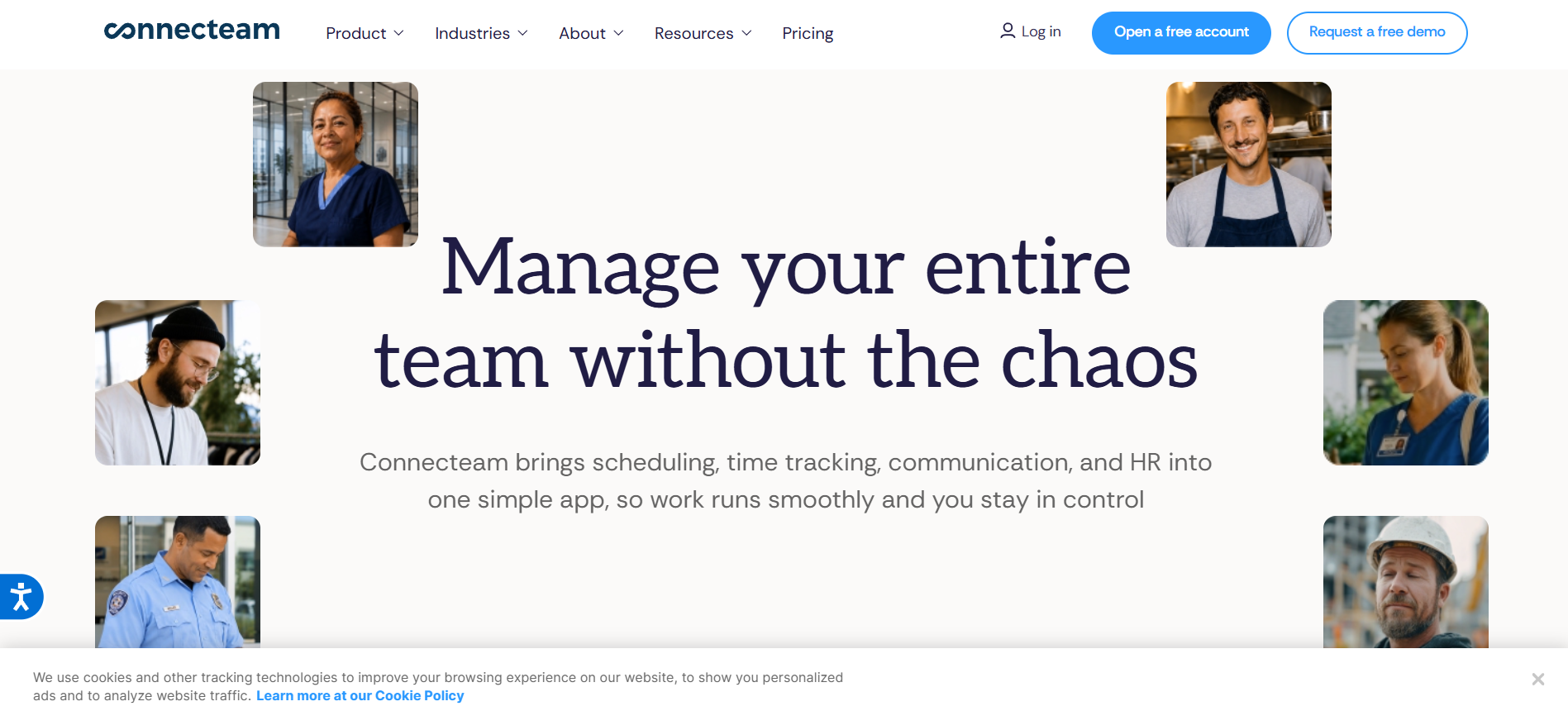
Best for: Small businesses and multi-location employers that need communication together with scheduling, tasks, and employee administration.
Translation coverage: Translation of company updates and employee chat messages on qualifying plans.
Connecteam combines employee communication with workforce management tools such as scheduling, time tracking, forms, tasks, training, and administration.
Its modular structure allows businesses to select different product hubs.
For example, a restaurant group may use the Communications Hub for announcements and messaging while adding the Operations Hub for scheduling and time tracking.
This makes Connecteam relevant to organizations that want operational coordination and employee communication in the same application.
Translation and multilingual features
Connecteam provides a feature called Auto Translate for company updates.
Administrators can enable translation, after which employees viewing eligible updates can select a translation option.
The translated content is displayed according to the relevant device or browser language.
Despite the feature name, this documented workflow requires an employee to choose to view the translation.
Connecteam also introduced in-chat translation functionality in July 2026.
Its chat system detects messages written in a different language from the employee’s configured language and makes an in-conversation translation option available.
On desktop, the translation uses the language configured for the Connecteam account. On mobile, the device language determines the translation language.
This can be particularly useful for a restaurant supervisor communicating with employees who use different languages.
For example, an employee might send a chat message in Spanish, and an English-speaking supervisor could translate it directly within the conversation.
The original message can be viewed again when needed.
Pricing and limitations
Pricing: Connecteam’s Communications Expert plan starts at $99 per month for the first 30 employees with annual billing.
Additional users cost $3 per user per month under the published annual-billing arrangement. Monthly billing is higher.
The Communications Expert tier lists both feed translation and AI message translation.
Other product hubs are priced separately.
Connecteam is appealing for small and growing frontline businesses because communication can sit alongside operational workflows.
However, the total cost increases if an organization also needs higher-level scheduling, HR, and training features from other hubs.
The product is also not a direct replacement for a complex global intranet simply because it provides translation.
Purchasing consideration: Compare the full cost of the required Communications, Operations, and HR & Skills configurations rather than comparing only the Communications Hub against a competitor’s complete platform.
5. Beekeeper by LumApps — For Multilingual Deskless Workforce Operations
Best for: Manufacturing, hospitality, and other frontline-heavy organizations where employee communication is closely connected to daily operational tasks.
Translation coverage: Inline translation for supported chat messages, streams, comments, forms, and tasks.
Beekeeper is a mobile-first frontline communication platform designed for employees who spend little time at a desk.
It combines workplace messaging and employee streams with operational features such as forms, task management, and access to workplace resources.
Beekeeper became part of LumApps in 2025, bringing its frontline-focused capabilities into a broader employee experience platform.
Existing Beekeeper functionality remains relevant, but organizations should distinguish capabilities available today from features expected through the combined product roadmap.
Translation and multilingual features
Beekeeper’s inline translation feature uses Google Cloud Translation.
Its documentation describes translation of chat messages, stream posts, comments, forms, and tasks.
Employees can request translations for supported content when the content language differs from their device or browser language.
In streams, employees can select a translation link beneath a post or comment.
In chats and tasks, users can access a translation option through the relevant message menu.
The feature relies on the language configured for the mobile device or browser rather than necessarily using the employee’s Beekeeper interface language.
This difference can affect multilingual users who keep their personal devices in one language while preferring workplace communication in another.
For example, employees at a hotel might use the app to receive announcements, report maintenance problems, and communicate across housekeeping and guest services.
Translation can help staff understand routine messages without copying them into a separate translation tool.
However, its output remains machine-generated and should be reviewed where errors could affect safety or operational decisions.
Pricing and limitations
Pricing: A standardized public US price for the translation-enabled configuration is not available. Organizations should request a detailed quote.
Beekeeper is particularly relevant when workforce communication must connect directly with operational execution.
Its purchasing limitations include reliance on approximate translations and the need to configure language preferences correctly.
Buyers should also verify access to tasks, forms, integrations, translation services, and administrative functionality under their selected subscription.
Because the LumApps and Beekeeper platforms are being integrated, it is important to clarify which capabilities are currently available and which are planned for later releases.
Purchasing consideration: Demonstrate a complete operational workflow, such as submitting a maintenance request in one language, translating it for a supervisor, assigning a task, and confirming completion.
6. Speakap — For Multilingual Retail, Hospitality, and Franchise Teams
Best for: Distributed employers operating multiple locations that need consistent announcements and employee communication across language groups.
Translation coverage: Automatic content translation into more than 100 languages on qualifying plans.
Speakap focuses on employee communication and engagement for organizations with substantial frontline workforces.
Its platform includes newsfeeds, employee announcements, group spaces, direct messaging, workplace resources, and employee directories.
These capabilities are relevant to employers operating stores, hotels, franchises, warehouses, and other distributed workplaces.
The platform emphasizes delivering communication to employees based on their roles, teams, and locations.
Translation and multilingual features
Speakap’s published pricing documentation identifies automatic content translation into more than 100 languages as a feature of its Premium package.
It also offers mobile applications, employee news, group chats, and location-relevant content.
For a hospitality group operating properties in multiple countries, automatic content translation can reduce the need to prepare every routine announcement manually.
For example, headquarters could distribute a company announcement while allowing employees in different language groups to access translated content.
This does not mean that every connected application, private message, or operational document automatically receives the same translation treatment.
Organizations should distinguish translated published content from language support inside messaging and other workflows.
Pricing and limitations
Pricing: Speakap uses customized quotes for its Basic, Premium, and Premium Plus packages.
Automatic content translation is listed under Premium, while additional capabilities such as expanded integrations, task management, and advanced analytics appear in Premium Plus.
Speakap states that its contracts are annual, with pricing influenced by the selected package and licensed users.
Its strengths are most relevant to organizations that need employee news, localized announcements, mobile access, and communication across multiple locations.
Companies seeking extensive workforce administration or task management should confirm the required subscription level and whether external software is needed.
Custom pricing also makes it difficult to compare costs without providing vendors with the same workforce size and feature requirements.
Purchasing consideration: Ask the vendor to demonstrate how a headquarters announcement is translated and delivered to employees across several locations, including whether each employee must request the translation.
7. Workvivo — For Multilingual Employee Experience and Global Communities
Best for: Organizations that want multilingual communication alongside employee recognition, organizational culture, knowledge sharing, and employee engagement.
Translation coverage: On-screen translation, translated articles, multilingual knowledge pages, and language-specific publishing features.
Workvivo is an employee experience platform combining internal communications, employee communities, recognition, workplace knowledge, and organizational engagement.
The platform supports mobile and desktop access for organizations with both office and frontline employees.
In 2026, Workvivo expanded its employee experience offering through Workvivo HQ, which combines communication, knowledge, engagement, and related platform capabilities.
Translation and multilingual features
Workvivo supports on-screen translation for employee posts, shout-outs, and comments.
When content appears in a language different from an employee’s device or browser language, the platform can present an option to view a translation.
The company documents the use of Amazon Translate for this functionality.
Workvivo also provides multilingual publishing and translation management for articles and knowledge pages.
Its 2026 article translation documentation describes administrator-defined default translation languages for new articles.
The newer page-building experience allows authors to manage translated content and employees to view available language versions.
When a user’s browser language matches an available page translation, that version can appear automatically.
Editors can also maintain manually revised versions.
This makes Workvivo relevant to organizations that want translated knowledge resources and employee participation within a common digital workplace.
For example, a global employer could publish employee news, regional knowledge pages, and recognition posts that employees access in their preferred languages.
However, translation of published content should not be confused with translation functionality within the platform’s separate Chat add-on.
Pricing and limitations
Pricing: Workvivo offers customized pricing based on workforce size, selected functionality, and organizational requirements.
Its current commercial structure centers on Workvivo HQ, with additional capabilities available separately.
Workvivo Chat is documented as a paid add-on. Additional offerings may include digital signage, advanced intelligence functionality, and other employee experience tools.
Workvivo is particularly suitable when multilingual communication is one element of a broader employee engagement and knowledge-sharing strategy.
Organizations requiring extensive live workforce coordination, scheduling, or operational task management may need additional applications.
Buyers should also verify which translation features apply to articles, knowledge pages, employee posts, and chat rather than treating them as a single capability.
Purchasing consideration: Request a demonstration of publishing a multilingual knowledge article, updating one language version, and checking what employees see when their language preferences differ.
How Does Multilingual Employee Communication Software Work?
Multilingual employee communication software helps organizations distribute workplace information across language differences.
Depending on the application, it can translate employee announcements, messages, knowledge articles, surveys, forms, and other business content.
However, multilingual capability does not necessarily mean that every part of the software operates in every advertised language.
The most important distinction is between the language of the application interface, translated published content, and translated conversations.
Five types of workplace translation
| Capability | What it does | Why it matters |
|---|---|---|
| Interface localization | Displays menus, buttons, settings, and navigation in another language | Helps employees use the application independently |
| On-demand translation | Allows employees to request a translation of supported content | Useful when employees occasionally encounter unfamiliar languages |
| Automatic content translation | Makes translated versions available or displays them automatically, depending on the product | Reduces manual translation work and may simplify access |
| Multilingual publishing | Allows organizations to create and maintain approved language versions | Useful for policies, formal announcements, and localized knowledge resources |
| Chat translation | Translates individual or group messages within conversations | Helps colleagues communicate across language differences |
These capabilities may overlap, but they are not interchangeable.
A platform might display its interface in Spanish while continuing to show company announcements only in English.
Another product might automatically translate newsfeed content but require an employee to select a translation option in chat.
Similarly, a platform that supports 100 languages for content translation might support fewer languages for its navigation interface.
This is why language counts should be evaluated alongside specific workflows.
Automatic language detection is not the same as automatic translation
Language detection identifies the language used in a message.
Translation converts that message into another language.
A communication app might detect a Spanish message and offer an English translation without displaying the translated message automatically.
Connecteam provides a useful example. Its chat functionality detects language differences and makes a translation option available within the conversation.
Likewise, Connecteam’s Auto Translate functionality for company updates does not mean every translated update appears automatically without employee interaction.
Organizations should therefore ask three questions:
- Does the platform detect the original language?
- Does it automatically create or display a translation?
- Does the employee need to take an additional action to read the translation?
The answers affect usability, especially when workers receive time-sensitive instructions during busy shifts.
Staffbase vs. Blink vs. Connecteam: Which Has Better Translation Features?
Staffbase, Blink, and Connecteam represent three different approaches to multilingual employee communication.
Staffbase focuses on enterprise-wide publishing and governance.
Blink emphasizes mobile accessibility and everyday employee communication.
Connecteam connects multilingual communication with practical workforce operations.
| Evaluation criterion | Staffbase | Blink | Connecteam |
|---|---|---|---|
| Main use case | Enterprise communication and intranets | Mobile-first communication | Frontline communication and operations |
| Announcement translation | Yes | Yes | Yes |
| Multilingual publishing | Dedicated language versions and editor workflows | Multilingual content publishing | Translation of eligible updates |
| Chat translation | Confirm specific messaging functionality | Confirm required chat coverage | Documented in-chat translation |
| Translation experience | On-demand and editor-controlled | On-demand and optional automatic translation | Employee-selected translation for documented updates and chats |
| Employee app | Yes | Yes | Yes |
| Broader functionality | Intranet, governance, multichannel content | Knowledge, communities, engagement | Scheduling, time tracking, tasks, forms |
| Pricing | Custom quote | Public starting prices | Public hub-level prices |
Choose Staffbase for centralized multilingual publishing
Staffbase is a relevant candidate when several regional teams must maintain language-specific versions of organizational information.
For example, a global manufacturer may need corporate policies distributed across multiple countries while preserving regional editorial oversight.
The ability to create, edit, and manage separate language versions can matter more than simple one-click translation.
Choose Blink for accessible mobile communication
Blink may be more appropriate when the primary concern is whether frontline employees can easily access announcements, knowledge, and workplace information.
A healthcare organization with employees who rarely use corporate email could prioritize mobile enrollment, ease of use, and translation of frequently viewed content.
The purchasing question is whether the required translation features are included in the selected subscription.
Choose Connecteam for communication tied to daily work
Connecteam is a useful comparison for restaurants, service businesses, and other employers already considering scheduling and operational software.
A restaurant chain could combine employee updates and multilingual chat with separate scheduling and workforce management modules.
However, businesses requiring advanced global intranet publishing may find a specialist enterprise communication platform more suitable.
Important: These comparisons concern workflow suitability. They do not establish that one vendor’s translation engine is more accurate than another.
Translation accuracy needs to be tested using the actual language pairs, terminology, and messages the organization uses.
Which Multilingual Communication Platforms Are Suitable for Frontline Industries?
The right employee communication tool varies by industry because working conditions determine what information employees need and how they can access it.
Healthcare organizations may prioritize confidentiality and formal communications.
Manufacturers may place greater importance on safety instructions and operational clarity.
Retail and hospitality employers may require frequent location-specific communication across shifts.
| Industry | Typical multilingual needs | Platforms to evaluate |
|---|---|---|
| Healthcare | Announcements, training, HR updates, employee feedback | HubEngage, Blink, Beekeeper, Staffbase |
| Manufacturing | Safety notices, operating procedures, shift changes | HubEngage, Staffbase, Beekeeper, Connecteam |
| Retail | Store announcements, promotions, onboarding, employee questions | HubEngage, Blink, Speakap, Connecteam |
| Hospitality | Housekeeping, maintenance coordination, operational updates | Beekeeper, Speakap, Connecteam, Blink |
| Logistics and field services | Driver communication, site instructions, urgent updates | Staffbase, HubEngage, Connecteam, Beekeeper |
These are suggested product shortlists based on documented capabilities and intended use cases, not independently verified results from deployments.
Healthcare: Protect confidentiality and clinical accuracy
Healthcare organizations must distinguish ordinary employee communications from information involving patients, medical decisions, or protected health information.
A hospital might use translated announcements for general HR updates, employee events, benefits information, and training reminders.
Those messages involve different risks from patient-care instructions, medical records, or sensitive employee health information.
If a software provider processes electronic protected health information on behalf of a HIPAA-covered organization, applicable business associate obligations may apply.
The US Department of Health and Human Services explains these requirements in its HIPAA guidance on cloud computing.
Organizations must assess the specific data, services, contracts, and processing arrangements involved.
A vendor’s general security marketing should not be treated as evidence that every application feature is appropriate for handling protected information.
For clinical or safety-sensitive content, qualified human review, approved terminology, and escalation procedures remain important.
Manufacturing: Translate instructions without compromising safety
Manufacturing communication frequently includes technical terms whose meanings depend on the equipment and procedure involved.
Words such as isolate, lockout, energize, and clearance may have precise operational meanings.
An automatically translated instruction may appear grammatically correct while communicating the wrong action.
Manufacturers should therefore evaluate whether their chosen platform supports controlled documents, version updates, employee acknowledgment, and access to approved instructions.
For safety-critical content, automated translation should be supplemented or replaced by a translation and verification process appropriate to the risk.
OSHA’s training standards policy statement explains that required employee training must be presented in language and vocabulary workers can understand.
Merely distributing machine-translated instructions is not sufficient evidence that employees understand the required procedures.
Retail: Reach employees across stores and shifts
Retail employees often need short, relevant communication that can be accessed between customer-facing responsibilities.
A promotion may require staff to understand display changes, product information, customer-service instructions, and reporting deadlines.
A suitable multilingual employee communication app should allow headquarters to target the correct locations and give employees a way to request clarification.
For example, a regional manager could send a translated update to specific stores, require acknowledgment, and review common questions before the promotion begins.
The most useful reporting would show not just that employees opened the message but whether stores completed the required changes.
Hospitality: Support two-way communication
Hotels, restaurants, and hospitality groups frequently operate with employees across housekeeping, maintenance, food service, and guest-facing departments.
These teams may need to exchange short operational messages throughout the day.
A maintenance request could originate in one language and reach a supervisor who speaks another.
Translation can help employees understand the request, but it must preserve practical details such as room numbers, locations, equipment names, and urgency.
During a software trial, hospitality teams should test real operational phrases rather than only general announcements.
Managers also need a reliable way to clarify messages when the translation is ambiguous.
Logistics and field services: Combine accessibility with urgency
Drivers, field technicians, cleaning teams, and mobile service workers may have limited access to email or desktop applications.
A suitable platform should support mobile communication, role-specific information, and a dependable escalation route.
In low-connectivity environments, organizations should also evaluate whether critical content remains accessible after it has been downloaded.
For urgent operational instructions, mobile notifications or SMS may be useful, but they should not become the organization’s only emergency communication method.
An effective process includes alternative channels and a way to confirm that the employee received and understood the instruction.
How Much Does Multilingual Employee Communication Software Cost?
Multilingual employee communication software costs vary according to licensing, translation functionality, employee count, distribution channels, integrations, and implementation requirements.
The lowest advertised price is not always the price of a complete multilingual deployment.
What affects the total cost?
| Cost component | What to verify |
|---|---|
| Base subscription | Per-user pricing, fixed tiers, minimum seats, and billing terms |
| Translation functionality | Included features, premium tiers, add-ons, or usage charges |
| SMS and communication channels | Messaging charges, delivery limits, and international coverage |
| Implementation | Setup, migration, configuration, and onboarding |
| Integrations | HRIS synchronization, identity management, and other software connections |
| Human translation | Review of policies, safety instructions, and sensitive communications |
| Administration | Editing, approval workflows, corrections, and content maintenance |
| Employee training | Onboarding, language-setting guidance, and manager enablement |
| Contract terms | Renewal conditions, price increases, minimum commitments, and extra users |
A complete budget should account for both technology and the work needed to maintain accurate multilingual content.
Why advertised prices can be misleading
Blink and Connecteam illustrate different pricing structures.
Blink publishes per-user subscription prices.
Connecteam uses fixed pricing for the first 30 employees in each paid hub, followed by additional-user charges.
However, a direct comparison between Blink Core and Connecteam Communications Expert would not establish which platform is cheaper for a multilingual workforce.
The plans include different capabilities, and the translation functionality required by the buyer may not be available in the entry-level package.
For example, a retailer with 200 employees should request quotes based on the same business requirements:
- Translation of employee announcements.
- Language support for employees’ actual languages.
- Two-way communication.
- Employee knowledge access.
- Required acknowledgments.
- Integrations and administration.
- Implementation and ongoing support.
Each vendor should price the lowest package that satisfies the complete requirements.
This creates a more useful comparison than dividing a starting subscription price by employee count.
How to calculate annual software costs
A practical budget model is:
Annual total cost of ownership = Software subscription + translation charges + implementation + integration + human review + administration + training and support
For a multi-year evaluation, include expected increases in employee count, additional locations, recurring review costs, and contract changes.
For example, Connecteam’s published Communications Expert pricing can be used to estimate the subscription component for a 200-person organization.
Under its annual-billing model:
- First 30 employees: $99 per month.
- Remaining 170 employees: 170 × $3 = $510 per month.
- Estimated Communications Expert subscription: $609 per month.
- Estimated annual subscription: $7,308.
This is an arithmetic illustration based on published list pricing, not a vendor quote or total implementation budget.
It does not include additional product hubs, professional services, applicable taxes, or other contract-specific charges.
The exercise shows why organizations should model pricing using their actual headcount and feature requirements.
Compare total cost, not just licenses
For a three-year software decision, evaluate the expected total expenditure and the operational requirements each product can satisfy.
A platform with higher licensing costs may still be preferable if it replaces several existing systems.
Conversely, a broad employee experience platform may be unnecessarily expensive if the organization only needs a reliable communication channel with occasional translation.
Neither outcome should be assumed without reviewing the actual software configuration and costs.
What Features Should You Look for in Multilingual Employee Communication Software?
Choosing a suitable multilingual employee communication platform requires more than comparing language counts.
Buyers should evaluate the complete process through which information is created, translated, delivered, understood, and acted upon.
1. Translation coverage for real content
Start with the information employees use regularly.
This may include announcements, chats, knowledge articles, documents, surveys, forms, and SMS.
Ask vendors to demonstrate each required content type.
Also confirm the languages and translation directions supported.
A platform that translates English into Spanish may not support every other combination the workforce needs.
Testing should include the actual language pairs used by employees.
2. Employee access without corporate email
Frontline workers may not have company laptops or email addresses.
A suitable communication app should support practical enrollment, secure authentication, account recovery, and access through supported devices.
Buyers should also evaluate shared-device rules, personal-device policies, and connectivity limitations.
Accurate translation provides little benefit if employees cannot access the content when they need it.
3. Two-way communication
Multilingual communication should support employee questions and feedback, not only announcements from management.
Employees may need to clarify instructions, report problems, participate in surveys, or speak with supervisors.
For example, an employee might receive a translated attendance policy but need to ask how the rule applies to a particular shift.
The platform should provide a dependable method for that question to reach someone authorized to answer it.
4. Translation review and governance
Automatic translation can reduce preparation time, but organizations remain responsible for communicating accurate information.
Evaluate whether administrators can review translated text, edit language versions, preserve approved terms, and update translations when the original content changes.
For important communications, the platform should support a process that identifies which versions have been approved.
This becomes particularly relevant for employment policies, compensation notices, benefits, safety instructions, and legally sensitive information.
5. Security and data processing
Employee communication systems may contain personal information, confidential company details, and operational records.
Translation functionality can introduce additional data-processing considerations when content is transmitted to external translation services.
Before enabling these capabilities, organizations should establish:
- Which providers process translated content.
- What data is transmitted and retained.
- Whether contractual safeguards and appropriate subprocessor agreements apply.
- Whether sensitive content can be excluded from translation.
- How access permissions, audit records, and retention controls operate.
Some platforms document the use of translation services from Microsoft, Google Cloud, or Amazon.
The existence of a well-known translation provider does not remove the need to review the application’s specific data-handling arrangements.
6. Measurement and employee understanding
Communication reporting should help organizations determine whether intended employees received important information.
Useful indicators may include employee activation, message views, acknowledgment records, survey responses, and participation by location or language group.
However, acknowledgment does not necessarily mean comprehension.
For important instructions, organizations should use appropriate knowledge checks, employee feedback, practical demonstrations, or supervisor verification.
A communication system is most useful when its reporting connects message delivery with meaningful outcomes.
The TurnOnWork Language-to-Action Evaluation Framework
The TurnOnWork Language-to-Action Scorecard is an editorial framework for comparing multilingual employee communication software according to practical workforce requirements.
It is not a formal industry standard, certification, or independently validated product benchmark.
The framework gives particular weight to language accessibility, translation governance, and frontline usability because these factors directly influence whether employees can use the information they receive.
| Evaluation criterion | Weight | What to assess |
|---|---|---|
| Language and content coverage | 25% | Required languages, language pairs, supported content types |
| Translation workflow and quality controls | 20% | Automatic/on-demand translation, editing, terminology, approvals |
| Frontline accessibility | 20% | Mobile access, enrollment, usability, shift access |
| Security and governance | 15% | Permissions, privacy controls, processing arrangements |
| Measurement and feedback | 10% | Views, acknowledgments, questions, outcome reporting |
| Total cost and implementation | 10% | Licensing, integrations, review costs, rollout requirements |
| Total | 100% |
How to use the scorecard
Score each platform from 0 to 5 for every criterion.
A score of 0 means the requirement is unsupported or fails the organization’s evaluation. A score of 5 means it is fully supported and verified against the requirements.
Calculate the weighted result using:
Weighted score = Sum of (criterion score ÷ 5 × criterion weight)
The maximum result is 100.
For example, a product scoring 4 out of 5 on language and content coverage would receive:
4 ÷ 5 × 25 = 20 points.
The same calculation applies to the remaining criteria.
Organizations can then compare products according to a consistent framework.
Adjust weights to match workforce needs
The proposed weights are a starting point rather than universal requirements.
A global enterprise publishing formal policies may place greater importance on content governance and language-version management.
A restaurant or hospitality group may prioritize mobile accessibility, in-chat translation, and communication during shifts.
A manufacturing organization may give greater weight to controlled translation workflows and verification of safety-related instructions.
Apply mandatory requirements first
Weighted scores should not override requirements that are essential for business operations.
A product should not advance merely because it performs well in other categories if it cannot support a required language, meet a necessary security obligation, or accommodate the organization’s safety communication processes.
The scorecard is most useful when it makes differences visible rather than reducing complex buying decisions to a single number.
How Do You Implement Multilingual Employee Communication Software Successfully?
A successful multilingual employee communication rollout begins with understanding the workforce, not configuring software.
Organizations need to know which languages employees prefer, how information currently reaches them, and where misunderstanding affects daily work.
A practical implementation process involves five stages.
Step 1: Identify language needs and communication gaps
Use employee feedback, existing workforce information, and observations from actual work locations.
Identify employees’ preferred communication languages and whether existing channels are accessible throughout their working hours.
Do not assume that nationality, location, or conversational English proficiency establishes the language an employee prefers for technical or workplace instructions.
Review communication difficulties across onboarding, operational updates, HR announcements, training, and employee feedback.
The underlying problem may involve technical terminology, inconsistent instructions, poor translations, limited access, or content written at an unnecessarily complex reading level.
TurnOnWork’s guide to language barriers in the workplace provides additional guidance on workforce communication and comprehension.
Step 2: Separate routine communication from sensitive content
Different workplace messages require different review processes.
A general event invitation or employee recognition post may be suitable for automatic translation.
A machine operating procedure, employee disciplinary notice, medical instruction, or emergency message requires greater care.
Create a content classification process that establishes when machine translation can be used, when bilingual staff should review content, and when qualified translators or interpreters are necessary.
Also determine who has authority to approve sensitive messages.
This reduces the likelihood of employees acting on unreviewed translations where errors could have significant consequences.
Step 3: Test the software with representative employees
Before organization-wide rollout, select a pilot group representing different locations, roles, languages, shifts, and levels of digital familiarity.
Use actual communication scenarios.
Examples include a supervisor sending an operational update, an employee asking a question, HR publishing a benefits announcement, and a worker opening a translated knowledge article.
Ask employees whether they can find the information, understand the message, and identify any action required.
Where possible, have qualified reviewers examine translation accuracy and terminology.
A successful demonstration of a translation button is not enough evidence that the entire communication process works.
Step 4: Train managers and assign responsibilities
Frontline managers often play a central role in employee communication because they explain instructions and address confusion at the point of work.
Manager training should cover the platform’s translation functions, clarification procedures, escalation routes, and limitations of automatic translation.
Responsibility can be divided across teams:
- Internal Communications: Content standards, publishing, approved versions.
- HR: Employee language preferences, onboarding, sensitive employee communication.
- IT: Access, identity management, integrations, privacy, and security.
- Operations: Practical understanding, execution, and worksite feedback.
These responsibilities should be documented before expansion.
The software cannot compensate for an unclear process in which nobody owns translation quality or employee understanding.
Step 5: Launch, measure, and improve
Begin with a manageable employee group or communication workflow.
Measure access, engagement, employee questions, translation difficulties, and completion of the intended actions.
Review common problems with employees and managers, then update the content and workflows.
For important messages, add comprehension checks rather than relying entirely on delivery metrics.
A recurring review can also reveal whether the platform has improved communication or merely added another channel.
TurnOnWork’s internal communications audit checklist for deskless teams provides a related framework for evaluating communication channels and operational effectiveness.
What Mistakes Should Organizations Avoid When Choosing Multilingual Communication Tools?
The most common mistake is evaluating translation as a feature rather than as part of an end-to-end communication process.
Several issues are particularly important.
Choosing software based only on supported language counts
A vendor may advertise extensive translation coverage but provide narrower support for navigation, employee messaging, documents, or other features.
The correct evaluation uses the organization’s required languages and actual content types.
Confusing automatic and on-demand translation
A feature described as automatic may still require employees to select a translation option.
This is not necessarily a problem, but it affects the user experience.
For frequently accessed information, an additional button may be acceptable. For time-sensitive communication, the organization should understand whether that extra action creates a practical barrier.
Assuming machine translation is always accurate
Automated translation can mishandle technical terms, abbreviations, informal expressions, and context-dependent language.
The organization should define which messages require human approval and how employees can report inaccurate translations.
Ignoring the cost of translation-enabled features
A basic subscription may exclude the translation tools that motivated the purchase.
Buyers should obtain written confirmation of the subscription tier, included languages, content types, add-on charges, and implementation costs.
Overlooking employee access
Employees may struggle with registration, device compatibility, authentication, or connectivity.
A well-translated message is ineffective if the intended audience cannot access it.
Treating delivery as proof of understanding
A high view count or completed acknowledgment can demonstrate activity, but not necessarily understanding.
For important communication, organizations need a way to identify whether employees understood the information and completed the required action.
How Should Organizations Measure Multilingual Employee Communication ROI?
Multilingual employee communication ROI should be evaluated using measurable costs and business outcomes.
The purpose is not to prove that every translated message creates financial value.
It is to understand whether the communication process becomes more efficient, accessible, and effective.
What should organizations measure?
| Measurement | What to compare | Why it matters |
|---|---|---|
| Translation preparation time | Staff hours before and after rollout | Measures administrative effort |
| External translation expenditure | Comparable translation costs | Identifies eligible cost reductions |
| Employee reach | Access and receipt across workforce groups | Reveals gaps in communication access |
| Message comprehension | Knowledge checks and practical demonstrations | Indicates understanding |
| Task completion time | Time required for relevant actions | Connects communication to work |
| Employee feedback participation | Responses across languages and locations | Measures opportunities to participate |
| Translation corrections | Reported issues and revised content | Identifies quality problems |
Organizations should establish baseline measurements before introducing new tools.
Without a baseline, it becomes difficult to determine whether observed changes resulted from the software or other operational improvements.
Calculate measurable financial returns
A basic financial ROI calculation is:
ROI (%) = [(Financial benefits − Total costs) ÷ Total costs] × 100
Financial benefits might include lower external translation expenditure, reduced communication preparation time, or demonstrable reductions in administrative work.
Total costs should include software subscriptions, implementation, integration, human review, administration, and support.
Employee engagement and communication quality should also be measured, but organizations should avoid assigning invented financial values to outcomes they cannot quantify reliably.
Example: Evaluating a multilingual retail rollout
Consider a retailer introducing translated employee announcements across several stores.
Before implementation, headquarters prepares separate language versions of messages, while store managers regularly answer repeated questions about instructions.
After rollout, the company measures the time required to prepare announcements, employee access, requests for clarification, and completion of required store activities.
If administrative preparation time falls, the company can calculate savings using recorded staff hours and appropriate internal cost assumptions.
It can also examine whether employees demonstrate better comprehension and whether tasks are completed more consistently.
However, improvements should not automatically be attributed entirely to the software.
Manager training, clearer writing, operational changes, and differences between locations can influence results.
Where practical, comparing similar locations or using a staged rollout can help the organization understand which changes contributed to the outcome.
Frequently Asked Questions About Multilingual Employee Communication Tools
Can multilingual employee communication tools translate SMS messages?
Some platforms can translate SMS messages.
HubEngage documents automatic SMS translation into more than 30 languages.
However, SMS delivery and SMS translation are different capabilities. A platform that sends text notifications does not necessarily translate their content.
Buyers should verify supported languages, message delivery, character limits, international coverage, and associated charges.
Do employee communication apps automatically detect employees’ languages?
Some applications detect the language of incoming messages.
Others use employee language preferences or device and browser settings to determine the translation language.
Automatic detection does not necessarily mean content will appear in translation without employee action.
Organizations should test the complete language-setting and translation workflow during onboarding.
What is the difference between employee communication software and a standalone AI translation tool?
Standalone translation tools primarily convert text or other supported content between languages.
Employee communication platforms add capabilities such as message distribution, employee access, permissions, workplace messaging, content management, and communication reporting.
A standalone translation tool may be sufficient for occasional document translation.
Organizations communicating regularly with large or distributed workforces may need a dedicated communication platform with appropriate administration and governance.
Can translated employee communication work without reliable internet access?
Some employee applications offer limited offline access to previously downloaded content or messages.
However, translation, synchronization, and delivery of new messages often require connectivity.
Organizations should test their specific offline requirements and establish backup communication channels for critical information.
Should employers use machine translation for every employee communication?
No.
Machine translation can be useful for routine workplace updates, but important safety instructions, sensitive employee relations matters, and legally or medically significant communications may require qualified human review or interpretation.
The review process should reflect the consequences of misunderstanding.
Which multilingual communication tool is most suitable for small businesses?
Connecteam and Blink are useful starting points for small businesses because they publish subscription prices and provide mobile employee communication.
Connecteam is particularly relevant when workforce operations are also required.
Blink is worth comparing when the main priority is employee communication and knowledge access.
However, buyers should compare the actual translation-enabled packages rather than entry-level subscription prices alone.
Final Verdict: Which Multilingual Employee Communication Tool Should You Choose?
The right multilingual employee communication tool depends on the organization’s workforce, communication channels, language requirements, and operating model.
HubEngage is worth evaluating for multichannel communication, translated SMS, surveys, and employee engagement.
Staffbase is suitable for organizations that need structured multilingual publishing and enterprise communication governance.
Blink is a strong candidate when the priority is mobile employee access, workplace knowledge, and translated content.
Connecteam makes sense for businesses combining employee communication with scheduling and frontline workforce management.
Beekeeper by LumApps is relevant when multilingual communication connects directly with deskless work and operational tasks.
Speakap suits distributed organizations that need localized frontline announcements and consistent communication across locations.
Workvivo is worth considering when multilingual communication forms part of a broader employee experience, knowledge, and engagement strategy.
No platform should be selected solely because it advertises the greatest number of languages or the lowest monthly starting price.
A dependable buying process begins with identifying employees’ actual languages and the communication workflows that matter most.
Organizations should then request product demonstrations using representative content, confirm translation-enabled pricing, review security and governance requirements, and test whether employees understand the information they receive.
Ultimately, multilingual employee communication software should be evaluated on more than the number of translations it produces.
Its value comes from helping employees receive accurate information, participate in workplace communication, resolve misunderstandings, and carry out their work with greater clarity.