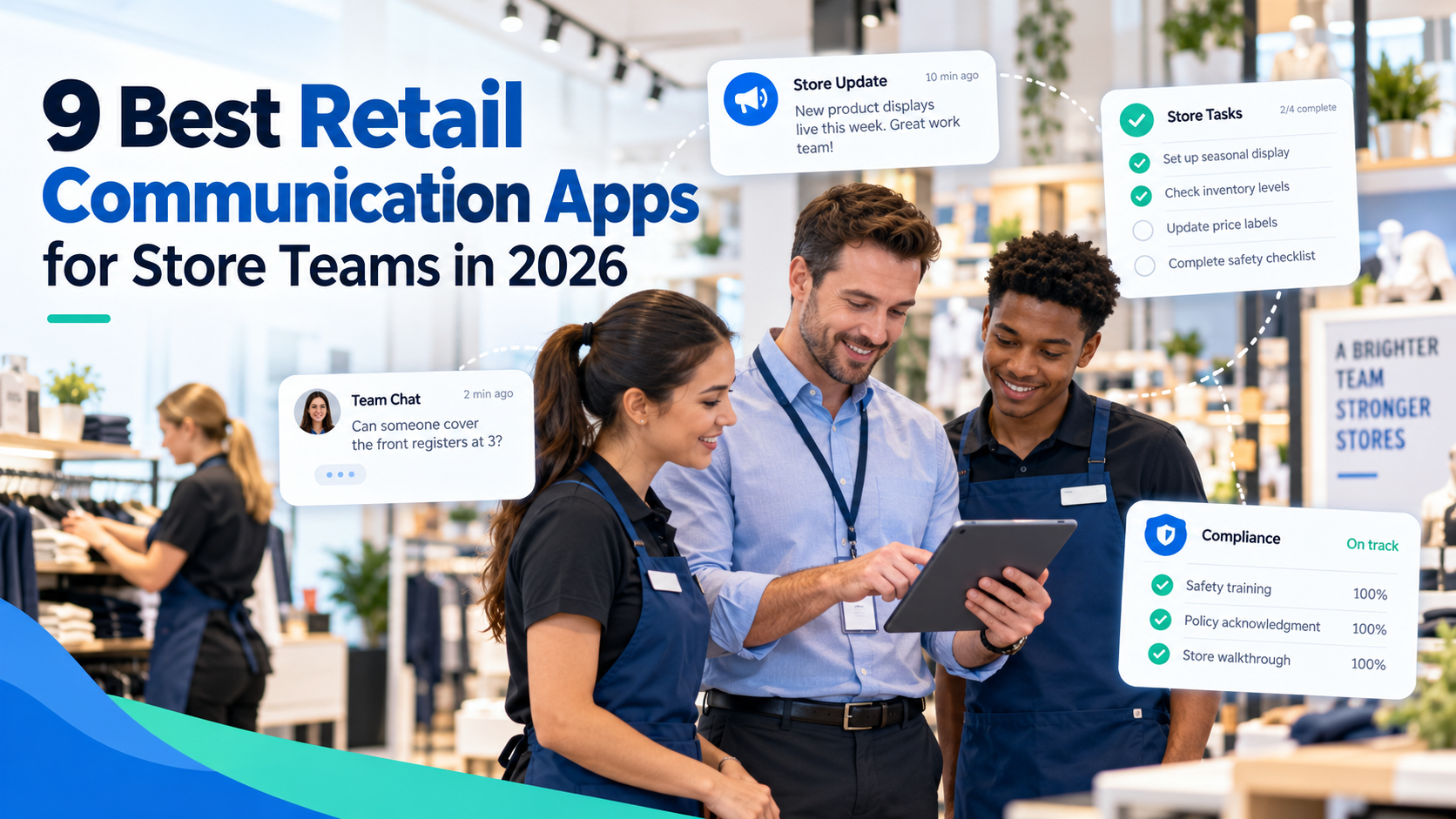
The best retail communication apps in 2026 are HubEngage, Zipline, YOOBIC, WorkJam, Cegid Retail Store Excellence, Beekeeper by LumApps, Theatro, Connecteam, and Blink. Each addresses a different part of retail communication, from corporate announcements and employee messaging to store tasks, visual merchandising checks, and hands-free coordination.
HubEngage combines multichannel employee communication with recognition, surveys, knowledge access, and retail task confirmation. Zipline and YOOBIC go deeper into store execution, while Theatro specializes in voice communication on the sales floor.
Retail stores need more than a general workplace chat app. Employees rotate across shifts, often lack corporate email, and must carry out operational instructions while serving customers. The right platform should help headquarters reach store teams, confirm important work, and identify locations that need follow-up.
Why Retail Stores Need Different Communication Tools
Consider a retailer launching a weekend promotion across 150 locations. Headquarters sends instructions on Thursday, but some store managers miss the email, others print an outdated version, and the evening shift never hears about the revised display requirements.
The communication may have been sent successfully. The promotion still might not be ready when customers arrive.
Retail communication has to connect three things: information distribution, store-level understanding, and operational execution.
That is difficult when employees have limited access to traditional workplace channels. SHRM’s 2024 research with Fidelity Investments found that 62% of surveyed US HR professionals identified limited computer access during the workday as a barrier to communicating benefits information to deskless workers. Another 56% cited irregular schedules.
Store communication also affects issues beyond ordinary company news. Pricing changes, product recalls, merchandising standards, and safety instructions require different levels of urgency and verification.
The National Retail Federation’s 2026 theft and violence research illustrates why operational communication remains important. Although the study found declining shoplifting incidents in 2025, retailers continued to report evolving external theft and fraud risks. Loss-prevention instructions need to reach the appropriate employees quickly, with clear escalation procedures.
For retailers reviewing their overall channel strategy, TurnOnWork’s guide to improving frontline employee communication explains how mobile apps, SMS, signage, manager briefings, and knowledge systems can work together.
A useful retail employee communication platform should not simply replace email with notifications. It should help employees understand what matters on their next shift and give managers a practical way to follow through.
9 Best Retail Communication Apps Compared
The following comparison focuses on retail-specific capabilities rather than general collaboration features. All nine products were reviewed using publicly available vendor information, including their communication tools, task support, integration capabilities, and published pricing as of October 12, 2026.
| Retail communication app | Best for | Standout feature | Task/compliance support | Pricing model |
|---|---|---|---|---|
| HubEngage | Multichannel communication and employee engagement | Mobile, email, SMS, digital signage, recognition, and task confirmation | Yes — confirmations and photo evidence | Custom quote |
| Zipline | Multi-location retail execution | Corporate-to-store messaging tied to task management and audits | Yes — extensive retail workflows | Custom quote |
| YOOBIC | Visual merchandising and store compliance | Photo-based execution verification and store audits | Yes — advanced verification | Custom, by locations/users and modules |
| WorkJam | Enterprise retail workforce coordination | Communication, staffing, tasks, audits, and learning | Yes — task/audit module | From $799/month; task add-on costs extra |
| Cegid Retail Store Excellence | Specialty retail, brand standards, and store operations | Visual merchandising, operational checks, and compliance reporting | Yes — retail-specific workflows | Custom quote |
| Beekeeper by LumApps | Frontline communication and digital workflows | Employee messaging, forms, checklists, and HR system connections | Yes — tasks and checklists | Custom quote |
| Theatro | Hands-free store communication | Voice-activated wearable communication | Limited — voice workflows, not a full audit suite | Custom quote |
| Connecteam | Small and growing retail chains | Scheduling, chat, time tracking, forms, and tasks | Yes — forms and photo proof | Free for eligible teams of up to 10; paid hubs from $29/month |
| Blink | Mobile-first employee communication | Targeted newsfeeds, secure messaging, and employee resources | Limited — task features require scope confirmation | From $3.75/user/month annually |
How to read the task/compliance column: “Yes” means the platform offers documented task, checklist, audit, or completion-tracking functions. It does not mean every platform provides equally sophisticated merchandising verification. “Limited” indicates that operational support exists but is not the product’s primary strength or that its exact scope requires further confirmation.
Pricing also needs context. A communication-only subscription should not be treated as equivalent to a package that includes store audits, workforce scheduling, implementation, and integrations.
1. HubEngage — Best for Multichannel Retail Communication and Employee Engagement
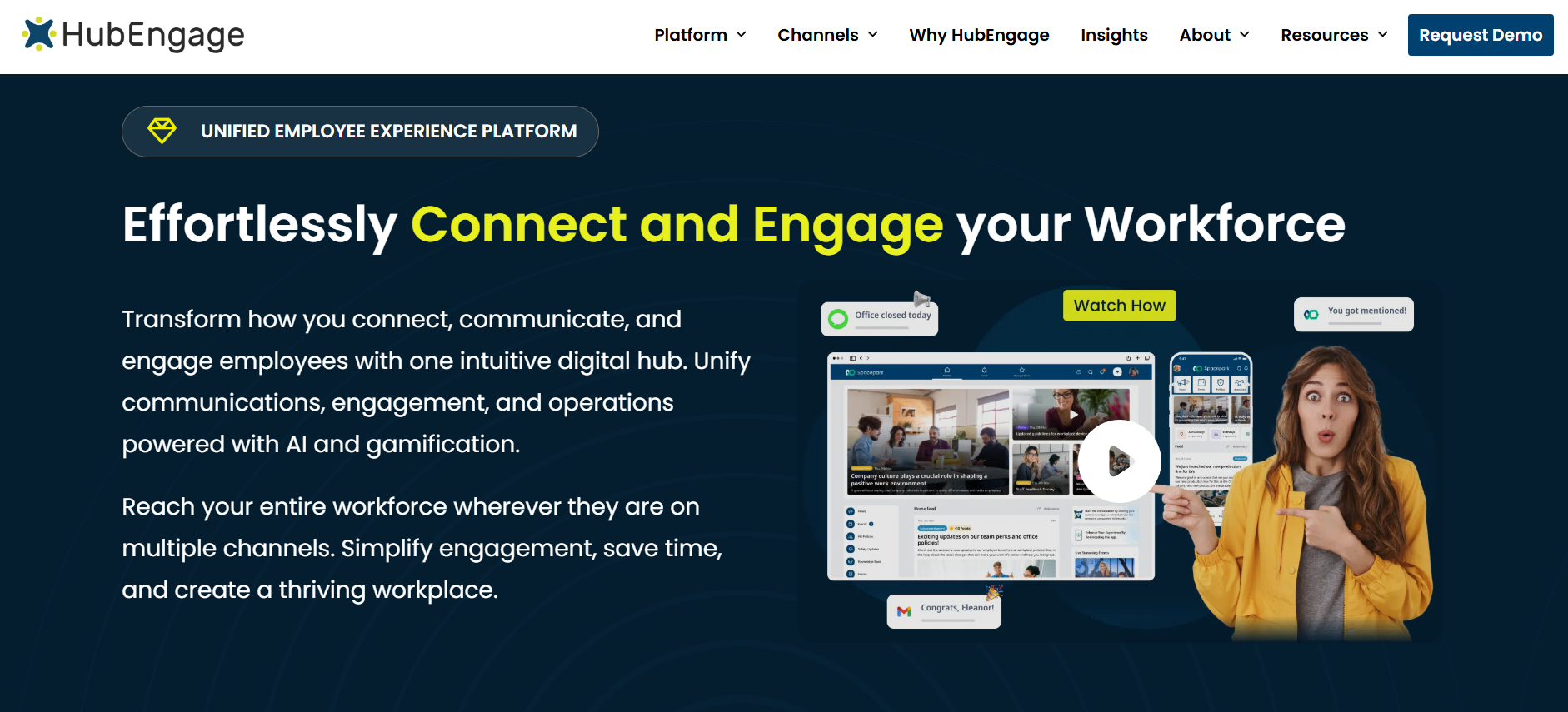
Best for: Retail organizations that want to connect corporate-to-store communication with employee engagement, recognition, feedback, knowledge, and task confirmation.
HubEngage is an employee experience and communication platform for distributed workforces. Its relevance to retail comes from its ability to reach employees through different channels while bringing broader employee communication and engagement activities into one environment.
That matters for organizations where headquarters communicates through email, store managers rely on mobile messaging, and frontline employees encounter company information through apps, SMS, or break-room displays.
Key capabilities
- Multichannel communication: Distribute relevant updates through mobile apps, web, email, SMS, and digital signage.
- Audience targeting: Direct communications to specific stores, districts, regions, departments, or employee groups.
- Retail task confirmation: Distribute operational directives and collect completion confirmations, including photo-backed evidence for relevant store activities.
- Employee engagement: Combine announcements with recognition, surveys, social participation, and learning.
- Knowledge and analytics: Centralize operational information and measure employee communication and participation.
The practical advantage is that store employees can receive more than instructions. They can access company information, provide feedback, participate in recognition activities, and receive relevant operational updates through the same wider employee experience platform.
How HubEngage fits retail operations
A merchandising team could distribute revised promotional instructions to selected stores, ask managers to confirm that displays are ready, and collect photos where appropriate. Store associates could also receive information about the promotion through the employee app, while relevant reminders appear through other supported channels.
That approach is useful when an organization wants to reduce the number of disconnected communication tools.
HubEngage also gives HR and Internal Communications teams a way to reach the same retail workforce with benefits information, onboarding material, recognition campaigns, and employee surveys without treating these activities as separate technology projects.
There is an important distinction, however. HubEngage documents retail task confirmation and photo evidence, but a retailer requiring highly detailed planogram scoring, extensive field-audit logic, or specialized visual-merchandising approval processes should compare those requirements directly with Zipline, YOOBIC, and Cegid Retail Store Excellence.
Similarly, buyers should verify the depth of any POS or workforce-management integrations rather than assuming that supporting operational communication means the platform natively performs scheduling or POS functions.
Pricing: Custom quote based on the deployment and selected capabilities. Public fixed subscription tiers were not available for the retail configuration reviewed.
Where it may fit less well: Retailers whose main purchasing requirement is an extensive store-audit and merchandising-compliance system rather than broader communication and employee experience.
Retailers interested in the combination can review HubEngage’s retail task management and communication capabilities.
2. Zipline — Best for Corporate-to-Store Communication and Execution
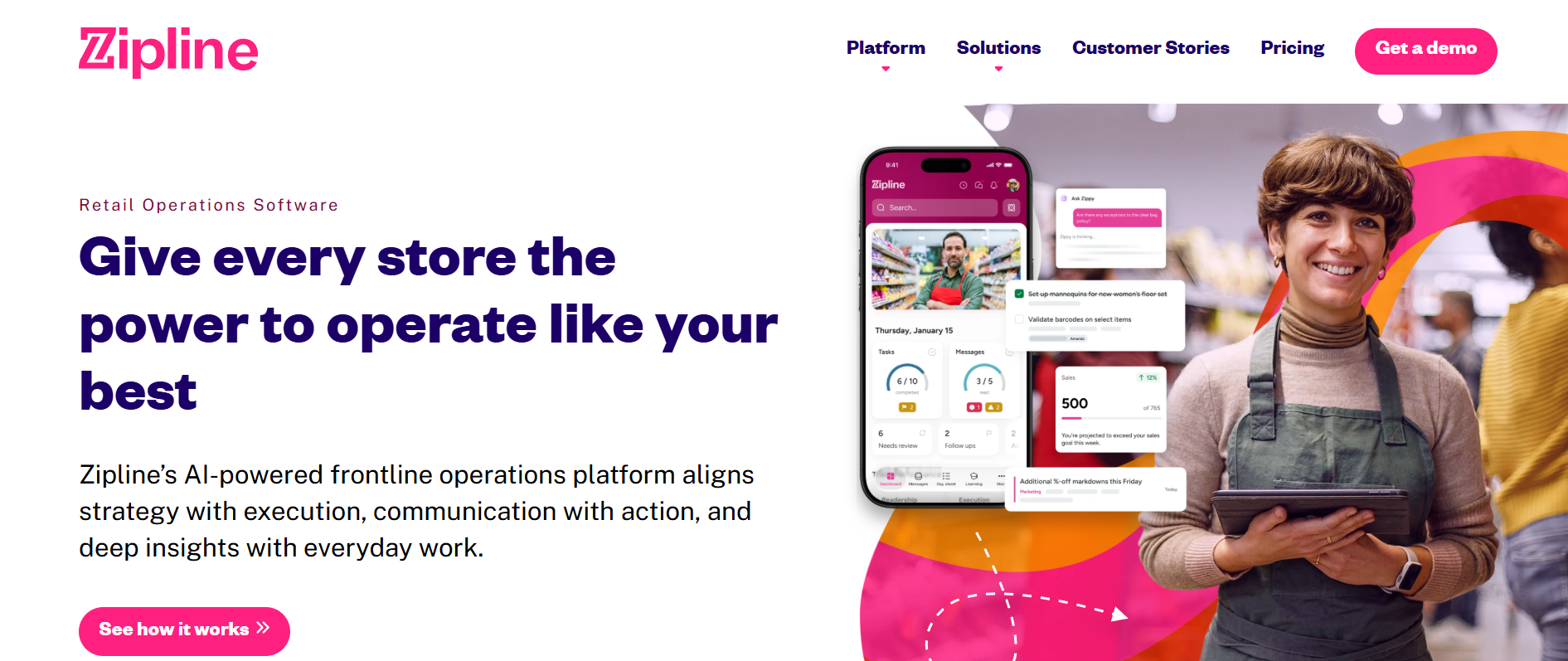
Best for: Retail chains that need one system for operational instructions, store tasks, communications, and execution reporting.
Zipline is designed around retail operations rather than general employee collaboration. Its platform combines corporate communication, task management, store audits, knowledge resources, and reporting.
For a retailer with dozens or hundreds of stores, that distinction is meaningful. Headquarters needs to know whether stores understood and completed an instruction, not simply whether an announcement appeared in a feed.
Zipline organizes information around store priorities. Employees can see relevant messages and assigned tasks while managers track execution across locations.
What Zipline does particularly well
- Targeted communications between headquarters, stores, and employees.
- Task assignments, deadlines, and completion tracking.
- Store assessments and operational audits.
- Photo submissions and approval workflows for completed store setups.
- Knowledge resources, learning content, and regional performance reporting.
Its store-audit tools support photo approvals, reviewer annotations, conditional questions, and structured assessment workflows.
Consider a chain introducing a new seasonal window display. Headquarters can distribute the setup instructions, assign the work, collect photographic evidence, and review completion by location.
That is a more complete workflow than asking every store manager to reply to an email with a photo attachment.
Retail execution and integrations
Zipline is particularly relevant to multi-location retail communication because it treats corporate instructions as operational work.
Its published integration capabilities include connections with workforce-management systems, learning platforms, service-management tools, and reporting systems. Zipline also describes integration options for schedules, shift swaps, time tracking, and employee access to business information.
That does not establish compatibility with every retailer’s POS or scheduling provider. Buyers should request a demonstration using their specific systems and data requirements.
The platform’s biggest advantage is its retail specialization, but that can also influence buying fit. A small independent retailer primarily seeking affordable staff chat and scheduling may find a broader, simpler workforce app more practical.
Pricing: Custom quote. Zipline describes modular pricing based on the organization’s deployment requirements; no standard public monthly rate was found.
Main limitation: Buyers seeking broad employee recognition, culture programs, or enterprise-wide multichannel communications should assess those requirements separately. Zipline’s clearest differentiation remains operational execution within retail environments.
3. YOOBIC — Best for Visual Merchandising and Photo-Based Compliance
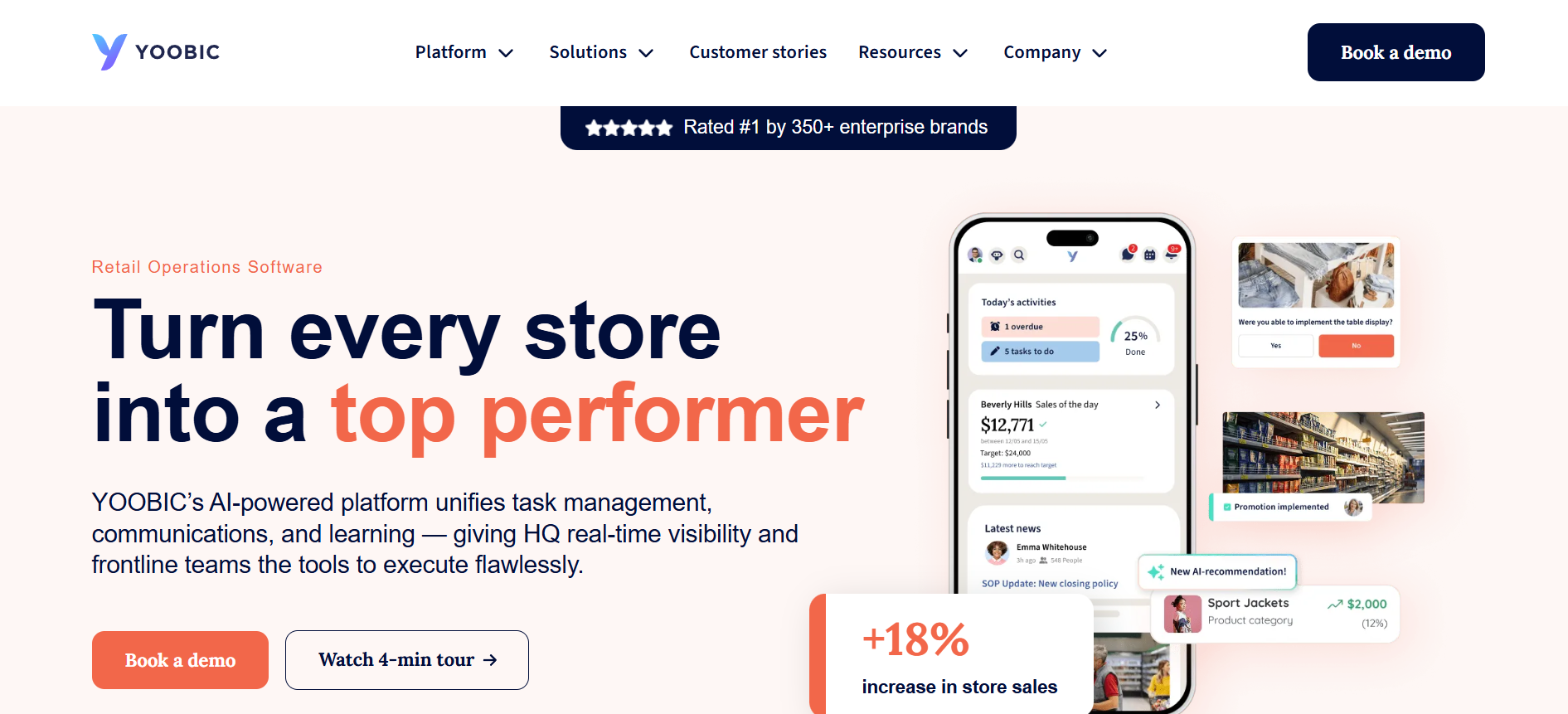
Best for: Multi-location retailers that need detailed store-task verification, visual merchandising consistency, and operational audit visibility.
YOOBIC combines frontline communication, task management, learning, and retail execution in a mobile platform.
Its distinction is the depth of its store-execution capabilities. Rather than treating photo uploads as optional attachments, YOOBIC incorporates visual evidence into merchandising workflows, audits, and corrective actions.
That is useful for fashion, grocery, specialty retail, convenience stores, and other businesses where consistent physical execution matters.
Retail features worth examining
- Digital store tasks, recurring checklists, and operational routines.
- Photo-based verification for visual merchandising and promotional displays.
- Store visits, scored audits, and corrective action plans.
- Targeted communications, employee knowledge, and learning content.
- Regional and store-level reporting on execution and compliance.
YOOBIC’s current retail offering also includes VM Copilot, which the company describes as an AI-supported system for reviewing submitted visual-merchandising photos against defined standards.
That introduces an important evaluation question: does the platform merely record that a display photo was submitted, or can it help determine whether the display follows the intended standard?
For retailers managing substantial volumes of display changes, the distinction can affect how quickly field teams identify and correct problems.
Where YOOBIC fits best
A retailer could distribute an approved planogram or campaign reference image, ask every location to complete the setup, require photographic evidence, and route exceptions for follow-up.
Managers could then see which stores need attention without reviewing each location through disconnected email threads.
YOOBIC is also relevant where task management and frontline training need to work together. Associates may need a short product-learning module before completing a new merchandising routine.
The platform publishes integration capabilities for connecting retail and workforce systems, but buyers should confirm the exact POS, scheduling, and data connections needed for their environment.
Pricing: Custom quote. YOOBIC states that pricing depends on the number of business locations or users, depending on selected modules. Available product areas include Task Management, Communications, Learning, and AI.
Main limitation: Organizations that only need a lightweight retail communication app may not require its extensive store-execution capabilities. Retailers should also establish which photo-review and AI features are included in the proposed package.
4. WorkJam — Best for Enterprise Retail Workforce Coordination
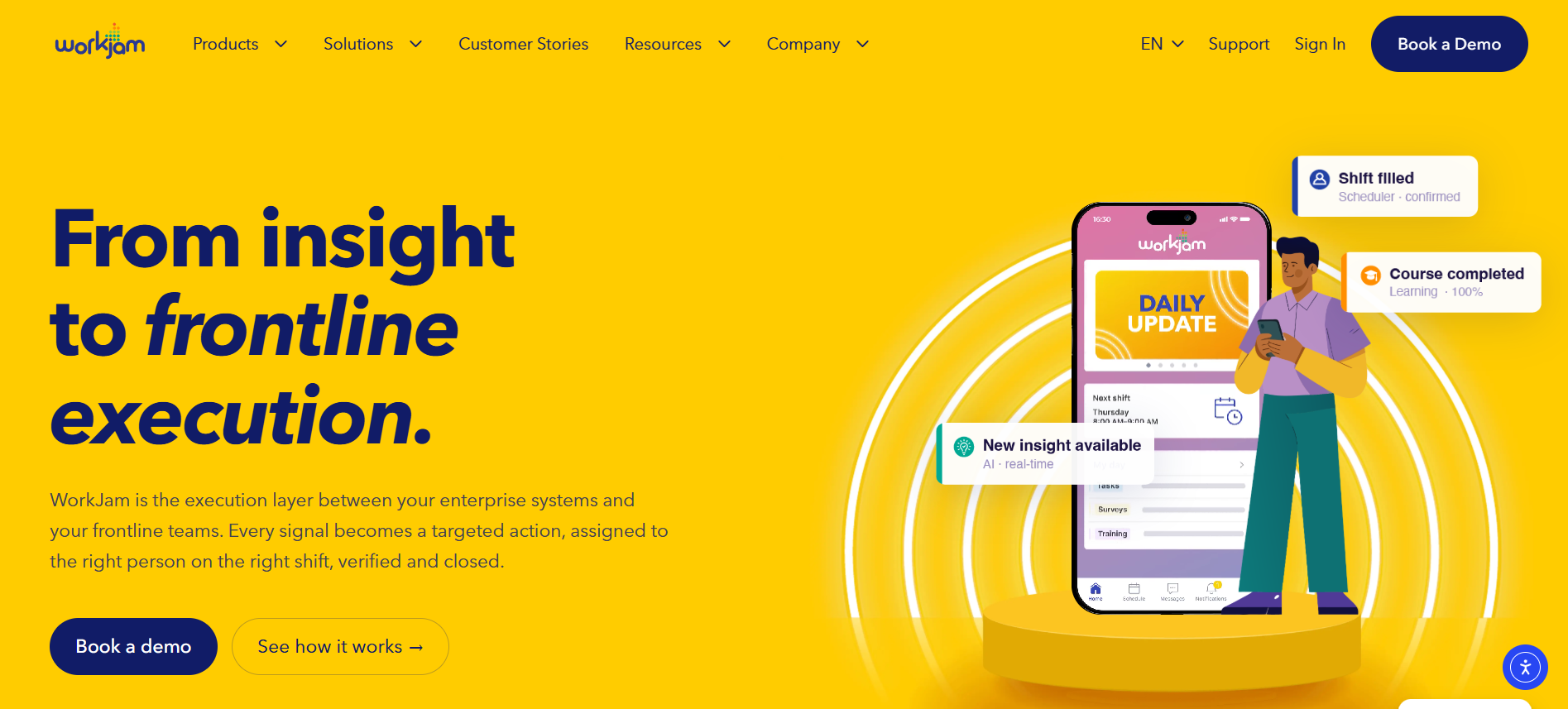
Best for: Large retail organizations connecting employee communication with scheduling, staffing, store tasks, audits, and workforce learning.
WorkJam approaches retail communication as part of frontline workforce operations.
Its retail platform brings together communications, task management, learning, and staffing. This makes it especially relevant to organizations where employees regularly move between scheduling systems, operational checklists, training resources, and internal messages.
WorkJam’s retail-specific documentation describes tasks that can be assigned to scheduled shifts, with photo, video, or digital sign-off options.
Key capabilities
- Targeted communications based on employee and operational attributes.
- Store-task management, audit workflows, and corrective actions.
- Shift-related staffing and workforce-management functions.
- Mobile employee learning and knowledge access.
- Integration options for existing workforce and business systems.
WorkJam can help address a common retail problem: the operating instructions for a shift sit in one system while the shift schedule and staffing information sit somewhere else.
For example, a retailer preparing for a major product launch might need to communicate selling guidance, confirm that employees have completed training, distribute display tasks, and coordinate additional staffing.
WorkJam is designed to connect those activities more closely.
Retail fit and important pricing details
WorkJam provides deeper workforce orchestration than communication-first products. Its published retail capabilities include store audits, photo evidence, and corrective workflows.
Retailers with established workforce-management infrastructure may also benefit from integrating WorkJam with those systems rather than replacing them.
However, buyers should pay close attention to packaging.
WorkJam’s publicly listed Frontline Connect plans are not equivalent to purchasing every workforce-operations feature.
Its published US pricing includes:
- Essential: $799 per month, billed annually, for up to 500 users.
- Operations Elite 500: $1,599 per month, billed annually.
- Operations Elite 1000: $2,499 per month, billed annually, for up to 1,000 users.
For the listed Operations Elite plans, Productivity Plus, which includes tasks, audits, and forms, is an additional paid module. The vendor lists that add-on at $999 per month for Operations Elite 500 and $1,599 per month for Operations Elite 1000.
Staffing and learning modules can also carry additional charges.
This is why retailers comparing WorkJam with dedicated retail task management software should request a quote for the exact configuration rather than using its communications entry price as the total cost.
Main limitation: A full communication, task, staffing, and learning deployment may require several modules and more integration planning than a basic employee communication app.
5. Cegid Retail Store Excellence — Best for Store Standards and Specialty Retail Operations
Best for: Specialty, apparel, luxury, and multi-location retail organizations focused on consistent store operations, merchandising standards, and compliance.
Cegid Retail Store Excellence, formerly known as StorIQ, is a retail operations platform that combines targeted communication with task management, store audits, and visual merchandising.
Its strongest use case is helping headquarters translate brand and operational requirements into consistent execution across stores.
For specialty retailers, that can include visual presentation, promotional readiness, store checks, and required operational routines.
Store operations capabilities
Cegid Retail Store Excellence supports:
- Corporate-to-store communications targeted to relevant locations.
- Centralized task assignment and monitoring.
- Visual merchandising instructions and photo sharing.
- Store audits, inspections, and configurable checklists.
- Reporting on task completion and operational compliance.
Cegid also documents mobile-friendly checklists, recurring checks, photo uploads, comments, and issue reporting. Its audit documentation describes offline use for supported workflows.
That last capability deserves attention in retail environments with unreliable connectivity, particularly in stockrooms, older buildings, or stores with uneven wireless coverage.
A strong fit for brand execution
Imagine a specialty retailer introducing a revised store layout across several regions.
With Cegid Retail Store Excellence, the operations team can distribute approved instructions, create execution tasks, collect feedback, and monitor progress across the store network.
This becomes especially valuable where a retailer must maintain the same presentation standards across company-owned and franchised locations.
Cegid also offers separate POS and unified-commerce products, including Cegid Retail. Its 2026 retail portfolio includes initiatives intended to connect store operations and commerce systems.
Buyers should distinguish those wider portfolio capabilities from the functions included in a specific Store Excellence subscription. Using Cegid Retail as a POS does not automatically establish the scope of every integration or workflow included in Store Excellence.
Pricing: Custom quote. Cegid does not publish a standard subscription price for Retail Store Excellence.
Main limitation: The platform is focused on retail operations and execution. Retailers placing greater emphasis on employee recognition, broad employee listening, or company-wide communication across nonretail workforces may need additional capabilities.
6. Beekeeper by LumApps — Best for Frontline Messaging and Digital Workflows
Best for: Retailers that want to replace fragmented messaging and paper-based processes with a mobile-first frontline employee platform.
Beekeeper has long focused on employees who do not work at desks or regularly use corporate email.
An important development for buyers in 2026 is that Beekeeper is now part of LumApps. LumApps states that the existing frontline platform remains available while becoming part of its wider employee-hub offering.
That change is relevant to retailers evaluating long-term vendor strategy, integration options, and how communication will connect frontline and corporate employees.
What the platform provides
- Targeted employee communication by role, shift, or location.
- Mobile messaging without requiring a traditional corporate email account.
- Digital forms, task assignments, and checklists.
- Automated workflows for routine frontline processes.
- Knowledge, onboarding, and training capabilities.
Beekeeper’s forms and workflows can be used for processes such as opening checks, maintenance requests, incident reports, and other recurring operational activities.
A store manager could replace paper opening checklists with digital submissions, receive updates from headquarters, and route an operational issue to the appropriate team.
Where it differs from retail specialists
Beekeeper is relevant to retail because it combines communication with frontline workflows, but it is not exclusively a retail-store execution platform.
Its strengths are broader: employee reach, operational forms, knowledge, integrations, and routine workflows across deskless industries.
That can be attractive to a retailer whose workforce also includes warehouses, distribution centers, and other nonstore operations.
For more specialized merchandising requirements, buyers should investigate how photo evidence, store-audit scoring, and corrective actions compare with Zipline, YOOBIC, or Cegid.
Pricing: Custom quote through the vendor. LumApps states that existing Beekeeper customers retain their current contracts and pricing during the immediate transition.
Main limitation: Retail-specific functions such as detailed planogram compliance may require additional configuration or a more specialized application. Buyers should confirm the roadmap and commercial terms associated with the LumApps integration.
7. Theatro — Best for Hands-Free Voice Communication in Retail Stores
Best for: Retail environments where employees need immediate communication while assisting customers, moving merchandise, or working away from a phone screen.
Theatro is the most different product in this comparison.
Instead of centering the employee experience on a mobile newsfeed, Theatro uses voice-activated wearable devices to help associates communicate and access information without stopping to use a phone.
For certain store operations, that is a meaningful advantage.
An employee assisting a customer with product availability may need to contact the stockroom immediately. A store manager responding to a customer issue may need to locate another team member without leaving the floor.
Those are live operational situations rather than typical internal communication campaigns.
How Theatro works
Theatro’s platform includes:
- Hands-free, voice-activated communication through wearable devices.
- Direct and group communication between employees.
- Voice-based information lookup through its virtual assistant.
- Manager communication, team huddles, and operational workflows.
- Integration capabilities involving POS systems, service buttons, and other retail technology.
Its documented applications include customer assistance, curbside pickup coordination, expert-group communication, and store information access.
Theatro also provides manager-facing tools and content distribution capabilities.
What makes voice communication different
Theatro can reduce the need for associates to check a screen while working with customers.
For a large-format retailer, home-improvement store, or high-service specialty environment, an associate may need immediate help locating inventory, checking product information, or finding a colleague with specialist knowledge.
Voice communication can make that interaction more practical than opening a messaging app.
However, Theatro should not be treated as a direct substitute for every other product in this list.
Its published platform includes workflows and task-related functions, but its primary differentiation is hands-free communication. Retailers needing comprehensive merchandising audits, photo-based approvals, or detailed compliance scoring should compare those requirements separately.
It is also important to evaluate wearable-device administration, charging, comfort, network coverage, and how employees share or receive devices across shifts.
Pricing: Custom quote. Public standard subscription pricing was not available for the configuration reviewed.
Main limitation: Theatro is better suited to real-time operational communication than to serving as a general employee engagement platform or a full retail task-management suite.
8. Connecteam — Best for Small Retail Chains and Budget-Conscious Teams
Best for: Small and growing retailers that want communication, scheduling, time tracking, and everyday tasks without immediately purchasing a complex enterprise platform.
Connecteam combines employee communication with practical workforce-management functions.
That makes it especially relevant to independent retailers, franchise operators, and smaller chains managing staff across multiple locations.
Where a larger retailer may already have separate systems for scheduling, payroll, communications, and store operations, a smaller business may prefer fewer applications.
Everyday retail features
Connecteam provides:
- Employee chat and company updates.
- Shift scheduling, availability, and time tracking.
- Digital tasks, forms, and recurring checklists.
- Photo evidence for selected operational tasks.
- Knowledge resources, employee onboarding, and other workforce functions.
Its retail offering also describes integrations involving systems such as Shopify, Square, and Clover.
For retailers already using one of those products, this is a useful starting point for evaluating scheduling, payroll, and operational data connections.
The exact integration still needs to be checked. A connection that supports sales reporting may not automatically synchronize every scheduling, employee, or POS transaction field.
How it works for a smaller chain
A retailer with several stores could use Connecteam to publish schedules, communicate shift changes, assign daily opening tasks, and collect completion updates.
Store managers would have a way to coordinate recurring work without relying entirely on separate text-message groups.
For organizations that mainly need straightforward daily coordination, this may be enough.
Connecteam is less specialized in enterprise retail execution than platforms such as YOOBIC or Zipline, but it can cover several common workforce requirements through one system.
Pricing
Connecteam publishes one of the more accessible pricing structures in this comparison.
Its Small Business Plan provides free access for eligible organizations with up to 10 users.
Paid Basic plans start at $29 per month when billed annually for the first 30 users, with additional charges for users above that level. The Operations, Communications, and HR & Skills hubs are priced separately, so a retailer needing features from multiple hubs should calculate the combined subscription cost.
Advanced and Expert plans cost more, and enterprise pricing is customized.
Main limitation: Retailers needing extensive store-compliance scoring, specialized planogram approvals, or complex multi-level retail governance should test whether Connecteam’s workflows are sufficient before committing.
9. Blink — Best for Mobile-First Retail Employee Communication
Best for: Retail organizations that want a clear employee communication channel with messaging, knowledge, and mobile access, without making complex store-task management the main priority.
Blink is a frontline employee app that brings announcements, messaging, workplace resources, and employee communication into one mobile experience.
Its retail offering emphasizes reaching associates without corporate email and targeting updates by attributes such as store, role, region, or shift.
For retailers whose main issue is inconsistent employee access to company information, that is a relevant starting point.
Communication and employee experience features
Blink’s platform includes:
- Targeted employee newsfeeds and operational updates.
- Secure individual and group messaging.
- Mobile knowledge resources and workplace information.
- Employee onboarding, forms, surveys, and recognition capabilities.
- Integrations and administrative controls that vary by plan.
Blink can help replace informal communication scattered across personal messaging groups.
For example, a retailer could distribute an updated returns policy to affected stores, place the current version in the knowledge hub, and let associates ask questions through an approved channel.
The app also supports practical access to employee information, which can make it more useful than a channel devoted solely to corporate announcements.
Where Blink fits retail operations
Blink’s retail communication strengths are clear, but its task-management position needs a closer look.
The vendor’s pricing and feature comparison references task management, with buyers directed to sales for details. It should therefore not be assumed that Blink provides the same depth of retail store audits, visual merchandising approvals, or photo-based compliance controls as dedicated retail-execution platforms.
That limitation may not matter for a retailer whose primary needs are announcements, policy access, employee messaging, and engagement.
It matters considerably when headquarters needs detailed evidence that hundreds of stores completed specific operational tasks.
Pricing: Blink publicly lists Core at $3.75 per user per month and Pro at $5 per user per month, both billed annually. Enterprise pricing is custom.
Main limitation: Buyers requiring advanced retail task compliance should verify the scope and pricing of Blink’s task features, including whether separate workflow tools will be necessary.
How to Choose the Right Retail Communication App
The nine platforms overlap, but the best choice becomes clearer when the buying team identifies the operational problem that matters most.
For a large multi-location retailer focused on store compliance
Start with Zipline, YOOBIC, and Cegid Retail Store Excellence.
These platforms offer dedicated retail-execution functionality, including tasks, store checks, photo-based reporting, and operational visibility.
WorkJam also belongs on the shortlist when staffing, learning, and workforce coordination need to connect closely with store execution.
The deciding factor should be how each system handles a real operational instruction from beginning to end.
For example, ask vendors to demonstrate a promotional rollout across 100 stores, including publishing the directive, assigning tasks, collecting evidence, approving work, handling exceptions, and reporting completion by district.
For stores that need immediate hands-free communication
Evaluate Theatro first.
Voice communication is especially relevant where employees need to remain focused on customers or physical work.
Compare its wearable-device experience, call routing, store coverage, information lookup, and integration capabilities with the operational requirements of your stores.
A voice solution may still need to coexist with an employee communication app that handles formal announcements, HR information, and longer-term knowledge resources.
For a small retail chain with a limited budget
Start with Connecteam, and consider Blink if mobile communication is the main requirement.
Connecteam is worth evaluating when scheduling, time tracking, communication, and basic tasks all matter.
Blink may be a better fit when the organization already has workforce-management tools and primarily needs employees to receive information and communicate through an approved channel.
Compare the complete cost of the features you need, not just each vendor’s lowest advertised subscription.
For retailers prioritizing communication and employee experience
Put HubEngage, Beekeeper by LumApps, and Blink on the shortlist.
HubEngage is relevant when the retailer needs several communication channels alongside recognition, surveys, knowledge, and task confirmation.
Beekeeper is useful when frontline communication needs to connect with forms and daily workflows, especially across a broader deskless workforce.
Blink is worth considering when a straightforward mobile employee destination, targeted information, and employee messaging are the primary requirements.
The question is whether the organization needs a communication system with operational features or a specialized store-execution system with communication built into it.
Five Requirements to Test Before Signing a Retail Communication Software Contract
A product demonstration can make every platform appear capable. A representative store workflow is much more revealing.
1. Can every employee access the platform?
Many retail employees do not have company email, and some work in locations with unreliable mobile or Wi-Fi coverage.
Test onboarding with a new hourly employee rather than only an administrator. Check authentication, account recovery, shared-device options, off-duty access controls, accessibility, and offline behavior.
A mobile app should not require store managers to solve technical problems every time a seasonal employee starts.
2. Does the system distinguish messages from completed tasks?
These are three different outcomes:
- A communication was delivered.
- An employee acknowledged the communication.
- The requested operational work was completed and, where needed, verified.
A retailer changing promotional displays may need all three.
For high-risk tasks, it may also need an approval process, supporting evidence, and a recorded corrective action.
When reviewing vendors, ask whether a photo can be required, whether another employee can approve it, and how exceptions appear in reporting.
3. Will it work with existing retail technology?
Most retailers already use a collection of POS, scheduling, payroll, HR, inventory, and learning systems.
Before purchasing a retail workforce communication platform, identify exactly which information needs to move between those systems.
For example, an integration might need to synchronize active employees and locations, display schedules, restrict communication to relevant shifts, or bring sales-related data into a manager dashboard.
Ask whether each connection is native, API-based, delivered through a middleware provider, or requires custom development.
Also establish which party maintains the integration when an underlying system changes.
4. Can headquarters identify problems without calling every store?
Company-wide completion percentages can conceal important differences between locations.
A regional leader should be able to identify overdue assignments, unresolved audit findings, and locations that need intervention.
For communication-focused deployments, the same principle applies to reach and participation. Headquarters needs to know whether particular districts, roles, or shifts are consistently missing important information.
Before comparing vendors, the organization can use TurnOnWork’s multichannel internal communications audit checklist to identify gaps in its existing channels, reporting, employee access, and governance.
5. Does the pricing reflect the actual rollout?
The true cost of retail communication software includes more than the subscription.
Retail buyers should request a complete commercial breakdown covering employee or store licenses, task and audit modules, SMS usage where applicable, integrations, implementation, training, ongoing support, and expansion costs.
Also determine whether seasonal workers count as paid users, how archived accounts are handled, and whether pricing changes when the retailer adds stores or employee groups.
A low entry price may still be the right choice. The important thing is understanding what it includes.
How to Roll Out a Retail Communication App Without Creating More Work
Store managers are often asked to adopt new technology on top of an already crowded operating day.
That is where otherwise promising rollouts can struggle.
A manager responsible for opening the store, handling an unexpected absence, checking inventory, and preparing a promotion is unlikely to welcome another system that duplicates existing reporting.
The best starting point is not a company-wide announcement about the new app. It is one useful workflow that the app makes easier.
Begin with a real store-level task
Choose something recurring and visible, such as a promotional setup, opening checklist, product knowledge update, or shift handoff.
Define what success looks like before introducing the new platform.
For a merchandising task, that might mean the right locations receive the instructions, employees can find the current reference image, stores complete the work by the deadline, and regional managers can review evidence without requesting separate email updates.
Pilot across different store conditions
Do not test only with flagship stores or managers who are already comfortable with technology.
Include locations with different staffing levels, shifts, connectivity conditions, and employee turnover patterns.
Observe how long it takes employees to log in, find a task, understand the instruction, and submit the required response.
The pilot should also reveal whether headquarters is creating too many notifications or whether managers are still expected to duplicate work in spreadsheets.
Train managers before employees
Managers need to know what changes in the daily routine, which old processes will stop, and where to direct employee questions.
They should also have a way to flag confusing instructions and escalate technical problems without becoming unpaid support administrators.
There is a wider workforce reason to take their experience seriously. McKinsey’s research on retaining frontline retail workers highlights the importance of frontline leadership, career development, and employee relationships.
More recent Gallup research published in September 2026 also emphasizes the influence managers have on team engagement and the need to support them in their roles.
An app will not automatically improve those relationships. A rollout that reduces unnecessary administration and gives managers clearer information is more likely to earn their support.
Measure sustained use and operational results
For the first few months, monitor more than app downloads.
Review whether employees return to the platform, whether important messages reach the intended shifts, whether managers can identify unfinished work, and whether old reporting processes have actually been retired.
For seasonal hiring, also connect app access to onboarding. TurnOnWork’s frontline onboarding software comparison covers employee-access requirements, training, and the challenges of onboarding workers without corporate email.
A successful rollout should make daily work more manageable, not create another reporting obligation.
Frequently Asked Questions
How are retail communication apps different from general internal communication software?
Retail communication apps are designed around employees who work in shifts, move between customer-facing and operational tasks, and may not have a company email account.
General internal communication software often focuses on company announcements, newsletters, collaboration, and employee information.
Retail platforms may include those features, but they also need to accommodate location-specific instructions, store checklists, shift handoffs, product updates, merchandising work, and operational reporting.
Not every retail communication app includes extensive task management. Some specialize in employee messaging, while others are built primarily around store execution.
Do retail communication apps integrate with POS and scheduling systems?
Some do, but the level of integration varies substantially.
WorkJam and Zipline document workforce-management integration capabilities. Connecteam describes connections involving retail systems such as Shopify, Square, and Clover. Theatro supports integration scenarios involving POS technology and other in-store systems.
Other communication-first platforms may connect to employee or business systems without providing the same depth of POS functionality.
Before selecting a platform, ask the vendor to demonstrate the specific integration your organization needs. Confirm supported data, synchronization frequency, implementation requirements, and ongoing maintenance responsibilities.
How do you get store managers to actually use a new communication app?
Give managers a reason to use it during normal operations.
If the app makes it easier to prepare for a promotion, complete an opening routine, find an updated policy, or respond to headquarters, it has a practical purpose.
If it mainly adds more notifications and another dashboard, managers may continue relying on familiar email threads and messaging groups.
Train managers before the wider rollout, involve them in testing, remove duplicated processes, and respond when they identify problems. Continued adoption is a stronger indicator of success than the initial download count.
How much does a retail communication app cost for a multi-location chain?
There is no reliable single average because retail communication software includes several different product categories and pricing models.
Among platforms with published US prices, Blink starts at $3.75 per user per month with annual billing. Connecteam offers paid hubs starting at $29 per month for the first 30 users when billed annually, with additional charges where applicable. WorkJam’s published Frontline Connect Essential plan starts at $799 per month annually for up to 500 users, but its operational task features may require higher-tier plans and paid add-ons.
HubEngage, Zipline, YOOBIC, Cegid Retail Store Excellence, Beekeeper by LumApps, and Theatro require customized pricing inquiries for the configurations discussed here.
For a multi-location rollout, request a quote that separates licenses, implementation, integrations, training, support, and optional modules. That is the only meaningful way to compare the full cost of competing platforms.
Final Thoughts
The best retail communication app depends on whether your biggest challenge is employee reach, store execution, workforce coordination, or immediate communication on the sales floor.
HubEngage suits broader communication and engagement needs, while Zipline, YOOBIC, and Cegid provide deeper retail-execution capabilities. WorkJam connects communication with workforce operations, Theatro specializes in voice, and Connecteam and Blink offer accessible starting points.
Before choosing, test one important store workflow with your shortlisted vendors. The right platform should make communication easier to act on and reduce the work required to keep stores aligned.