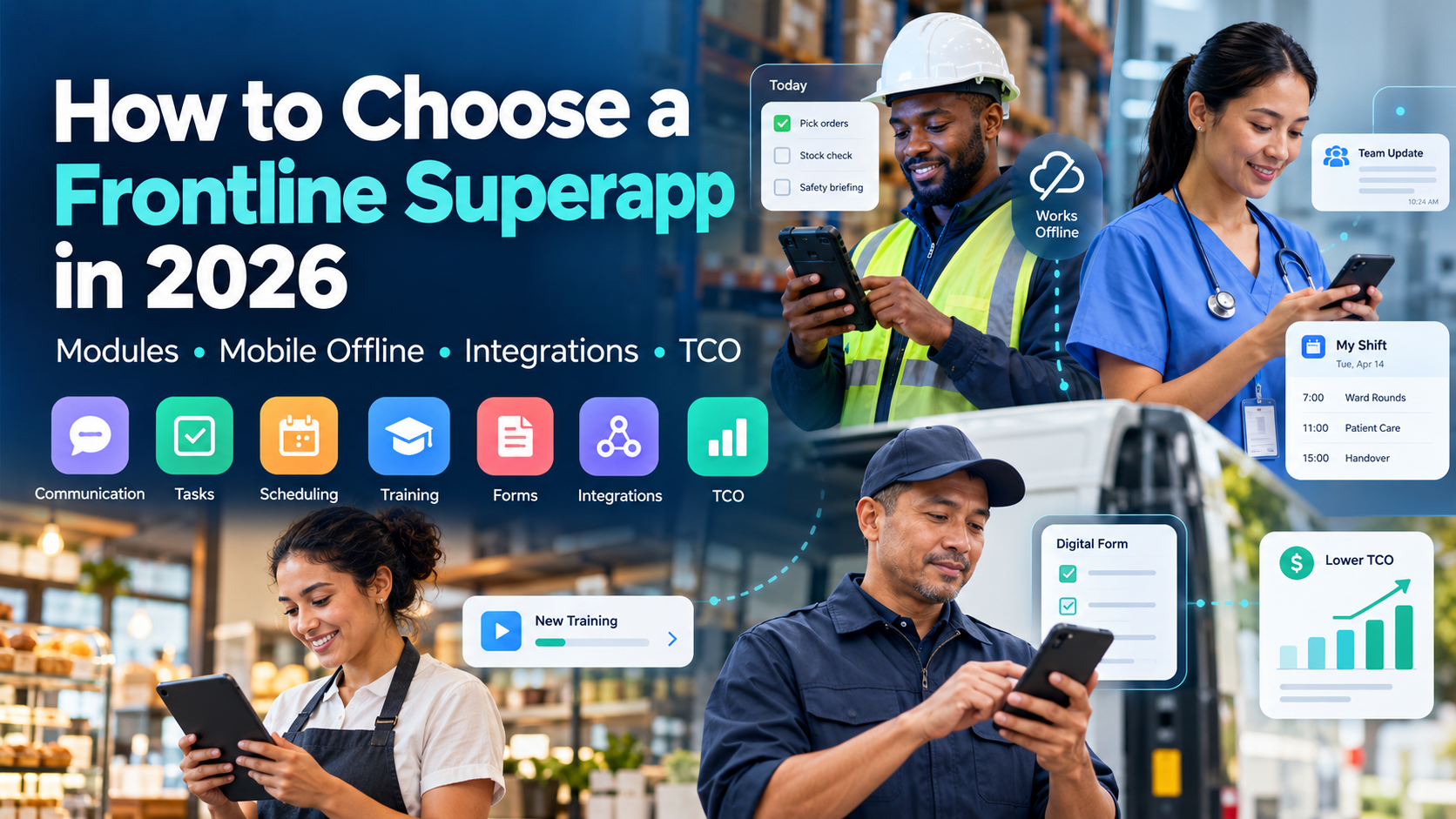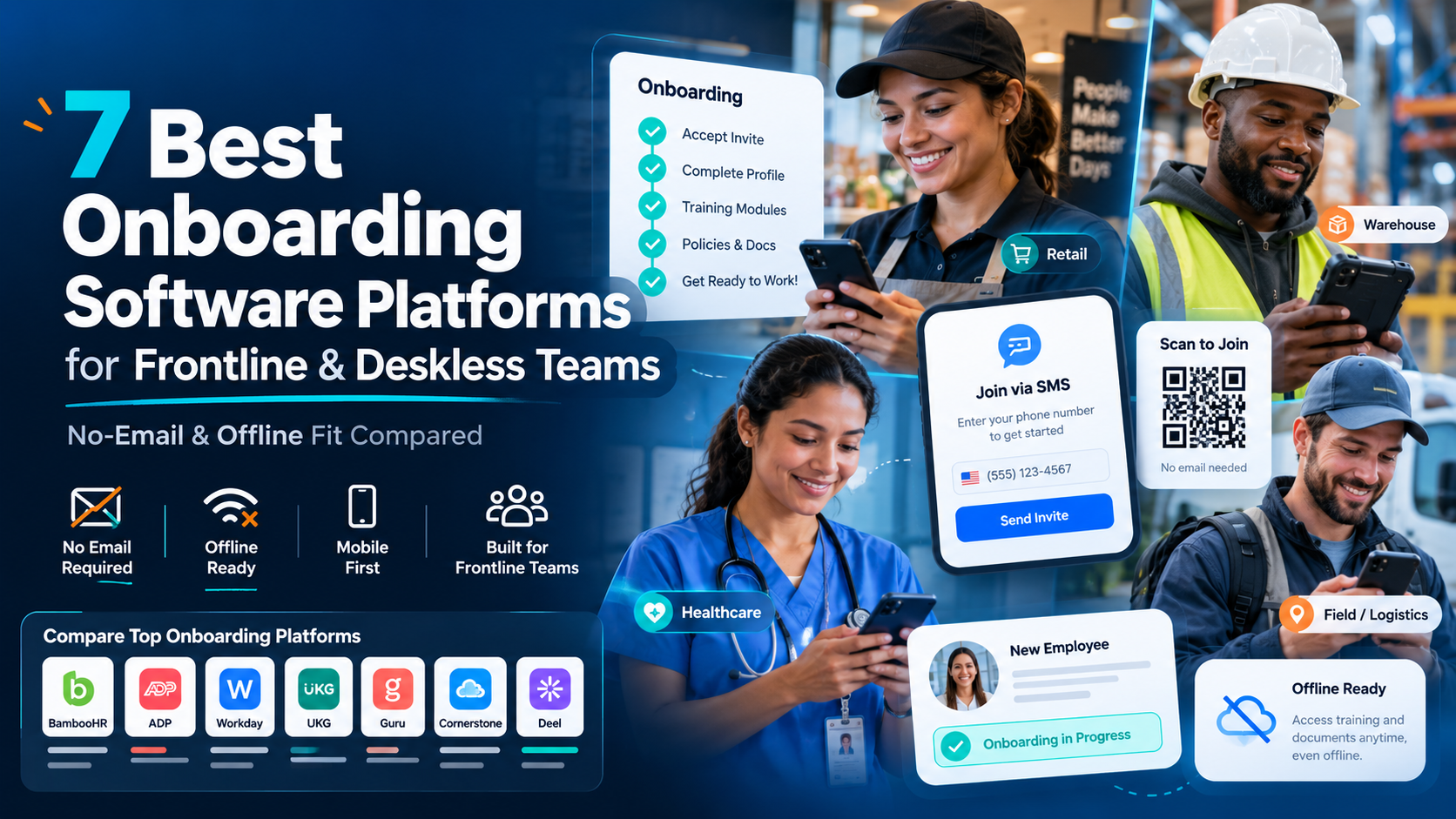
The best onboarding software for frontline and deskless teams in 2026 includes HubEngage, Connecteam, Beekeeper, Blink, WorkJam, YOOBIC, and HR Cloud. HubEngage is a strong fit when onboarding should continue into frontline communication, recognition, surveys, knowledge, and other employee workflows rather than ending after orientation.
But frontline onboarding has two requirements that standard HR software often handles poorly: employees may not have corporate email, and they may not have reliable connectivity during the workday.
That changes the buying criteria. HR and Operations teams need to evaluate first login, mobile access, shared devices, offline behavior, training, forms, employee data, HRIS integrations, security, manager visibility, seasonal hiring, implementation, and total cost, not simply whether a product has an onboarding module.
Why Frontline Onboarding Needs Different Software
A desk-based employee usually begins with a predictable technology setup. They receive a corporate email address, laptop, identity account, browser access, and enough uninterrupted time to complete forms or training.
A frontline hire may begin very differently.
A seasonal retail associate may never receive corporate email. A manufacturing employee may share a workstation with an entire shift. A field technician may complete orientation on a personal phone. A warehouse employee may have strong Wi-Fi in a break room and weak connectivity where work actually happens. A hotel housekeeper or restaurant employee may have only a few minutes between tasks to check company information.
That is why onboarding software for frontline and deskless teams should be evaluated as part of the employee’s real working environment.
Microsoft’s frontline workforce research estimated that roughly 2 billion people, or about 80% of the global workforce, work in frontline roles. Its research also found gaps in access to appropriate technology and training. Microsoft’s frontline Work Trend Index
The quality of onboarding itself is also uneven. Gallup reports that only 12% of employees strongly agree their organization does a great job onboarding. Gallup’s broader employee-journey research argues that onboarding should help people understand their role, build relationships, and connect with how the organization works rather than function as a paperwork event. Gallup’s employee onboarding research
For a frontline workforce, software cannot solve those human problems on its own. It can, however, remove unnecessary friction.
The first question should therefore be simple:
Can the employee get into the onboarding experience easily on day one, using the device and identity they actually have?
Frontline Onboarding Software Compared
The no-email and offline ratings below are deliberately conservative.
Yes means current documentation clearly supports the capability. Limited means the vendor supports part of the requirement, but buyers should not assume that every onboarding workflow works that way. No means current documentation indicates the capability is unavailable or does not establish genuine offline functionality.
| Tool | Best for | No-email access | Offline fit | Pricing model |
| HubEngage | Mixed frontline workforces that want onboarding connected to communication and engagement | Limited | Limited | Custom quote |
| Connecteam | SMB and midmarket hourly teams needing onboarding plus workforce tools | Yes | No | Public plan pricing plus Enterprise |
| Beekeeper by LumApps | Frontline communication, forms, and selected offline workflows | Yes | Limited | Custom quote |
| Blink | Mobile-first activation, communication, knowledge, and onboarding journeys | Yes | Limited | Public per-user pricing; Enterprise custom |
| WorkJam | Large hourly workforces combining learning, scheduling, and workforce operations | Limited | No verified broad offline mode | Published Frontline Connect tiers plus add-ons |
| YOOBIC | Retail and multi-site onboarding tied to learning and store execution | Yes | Limited | User/location/module-based custom pricing |
| HR Cloud | Formal HR onboarding, compliance, forms, and SMS-led workflows | Yes | No | Modular/custom pricing |
The rest of the comparison explains what those ratings mean in practice.
What Should Frontline Onboarding Software Actually Do?
Before comparing vendors, separate onboarding administration from employee readiness.
Administrative onboarding includes things HR needs completed:
- Personal data
- Tax documents
- I-9 or employment documentation
- Policies
- Payroll details
- Certifications
- Required signatures
- Emergency contacts
- Compliance acknowledgements
Employee readiness is wider:
- How do I log in?
- Where is my schedule?
- What is expected during this shift?
- Where are safety instructions?
- Who is my manager?
- Where do I ask for help?
- Where do company updates appear?
- How do I complete training?
- Where do I find a current policy later?
- What app am I expected to keep using after onboarding?
A dedicated HR onboarding platform may be excellent at the first group and weaker at the second.
A frontline employee platform may do the opposite.
That distinction matters when comparing HubEngage, WorkJam, YOOBIC, Blink, or Beekeeper with a more HR-centric tool such as HR Cloud.
The best choice depends on whether you need to digitize paperwork, improve job readiness, or do both.
1. HubEngage: Best for Onboarding That Continues Into Frontline Communication and Engagement
Best for: Organizations that want the onboarding app to become an ongoing employee destination for communication, workplace resources, recognition, surveys, and other frontline interactions.
HubEngage is broader than dedicated new-hire onboarding software.
Its employee platform combines mobile communication with employee resources, surveys, forms, recognition, social features, messaging, documents, and other modules that can remain useful well after an employee’s first week.
That is the main reason to consider it for frontline onboarding.
Instead of asking an employee to use a temporary onboarding portal and then abandon it, an organization can introduce the same employee app it expects the worker to keep using for communication and engagement.
Where HubEngage fits the onboarding process
A frontline onboarding flow could use HubEngage for:
- Welcome communication
- Workplace policies and resources
- New-hire surveys
- Manager or team updates
- Forms and checklists
- Training links and resources
- Recognition
- Location-specific communication
- Ongoing employee feedback
- Company news after onboarding ends
This model is particularly relevant to employers where onboarding is also the moment employees need to learn the organization’s communication system.
If an associate completes orientation successfully but still does not know where shift updates, safety changes, or company announcements appear, onboarding is incomplete.
That broader communication problem is covered in the guide to frontline employee communication.
No-email access: Limited
HubEngage is designed for frontline populations and publicly describes mobile, QR-based, username, SSO, SMS, and other access or communication approaches.
However, its public documentation describes more than one login and provisioning model. Buyers with a strict requirement that employees never need corporate email should therefore confirm the exact configuration rather than assuming the answer.
Ask HubEngage to demonstrate:
- How HR creates or imports the employee.
- What identifier the worker receives.
- Whether personal or corporate email is required.
- How first login works.
- How password recovery works without email.
- How a terminated employee loses access.
That is a better test than a generic “supports frontline employees” claim.
Offline fit: Limited
HubEngage’s current mobile-intranet material describes offline access to documents and checklists.
That can be useful for onboarding material such as policies, site instructions, procedural documents, or required checklists.
It does not mean every part of the platform works offline.
A company onboarding field workers or employees in low-connectivity facilities should specifically test whether the required onboarding step can be read, completed, submitted, and later synchronized without an active connection.
Integrations and ongoing fit
HubEngage also becomes more relevant where onboarding data and employee targeting depend on HRIS or payroll systems.
The broader employee app can connect employee information with later communication, surveys, recognition, and other workflows, which reduces the need to build a completely separate employee audience after onboarding.
Review the HubEngage employee mobile app if the objective is to make onboarding part of a wider frontline employee experience rather than a stand-alone HR transaction.
Pricing
HubEngage does not publish a universal onboarding price. Pricing depends on workforce size, selected capabilities, communication channels, contract structure, and implementation requirements.
For procurement, ask the quote to separate:
- Core platform
- Mobile app
- Required onboarding-related modules
- SMS
- Integrations
- Implementation
- Training
- Support
- Any digital signage or other channels you expect to use
Best fit: Mixed frontline workforces that want onboarding, employee communication, engagement, and workplace resources to live in the same broader platform.
2. Connecteam: Best for Phone-Based Access and Smaller Hourly Teams
Best for: Small and midsize hourly employers that want onboarding, training, documents, scheduling, time, and other workforce tools in one mobile environment.
Connecteam handles one of the hardest frontline onboarding requirements clearly: the employee’s mobile phone number acts as a unique identifier.
That makes it easier to onboard employees who have not been given corporate email.
Connecteam’s current Onboarding feature can also organize employee data, documents, policies, and onboarding tasks through packs that administrators monitor centrally.
No-email access: Yes
This is one of the strongest areas of the product for this comparison.
Connecteam requires a phone number for each employee profile and uses it during first identification. Employees can receive a verification code and begin using the mobile app without relying on a corporate mailbox.
That is a meaningful advantage for:
- Restaurants
- Construction
- Cleaning businesses
- Home services
- Retail
- Smaller manufacturers
- Hospitality
- Other hourly workforces
Shared-device environments can also use Connecteam’s Kiosk model, although buyers should test the exact onboarding process on shared hardware separately from normal employee use.
Onboarding and training
Connecteam supports digital onboarding through its courses and newer onboarding functionality.
The platform can handle employee information, documents, policies, onboarding tasks, courses, quizzes, and other workforce information inside the wider HR & Skills environment.
That means a new hire can move from onboarding into normal workforce tools without needing a completely new product.
For employers with relatively straightforward onboarding, that can reduce software sprawl.
Offline fit: No
This is the clearest limitation.
Connecteam’s current documentation explicitly says its mobile app, Kiosk application, and desktop product require an internet connection.
That does not make Connecteam a poor frontline product. It means an employer with remote field sites, unreliable warehouse connectivity, or disconnected job locations should not assume onboarding can continue offline.
A restaurant group with dependable cellular and Wi-Fi access may barely notice this limitation.
A utilities contractor operating in remote areas might consider it disqualifying.
Seasonal and high-turnover hiring
Connecteam is particularly interesting for seasonal or high-turnover employers because phone-based account access reduces one common administrative dependency: waiting for email provisioning.
But the software does not solve the entire turnover problem by itself.
The employer still needs a repeatable process for:
- Adding new workers
- Assigning the correct onboarding pack
- Removing former workers
- Updating roles and locations
- Training managers
- Handling phone-number changes
- Supporting employees who do not receive an SMS code
Pricing
Connecteam publishes pricing, which makes early budgeting easier than with many enterprise platforms.
Its HR & Skills Hub currently starts at $29 per month when billed annually for the first 30 users, with higher plan levels and custom Enterprise pricing available.
See the current Connecteam pricing for package details.
Best fit: Budget-conscious smaller or midmarket hourly employers that value simple phone-based access and want onboarding bundled with everyday workforce functions.
3. Beekeeper by LumApps: Best for Frontline Communication With Selected Offline Forms
Best for: Distributed frontline organizations where onboarding should connect to employee communication, forms, knowledge, and workplace workflows.
Beekeeper is another product where onboarding works as part of a longer employee experience rather than a temporary HR portal.
Its strongest fit appears when the onboarding requirement includes company information, policies, communication, forms, and continued frontline participation.
No-email access: Yes
Beekeeper documents several invitation methods.
If employees have phone numbers but not email, login instructions can be delivered through SMS. Personalized QR-code invitations can also be used to help employees activate access.
This is a practical pattern for hospitality, manufacturing, logistics, and other distributed workforces.
It also helps HR avoid creating artificial email accounts simply because one software product requires them.
Offline fit: Limited, with useful depth
Beekeeper has one of the more clearly documented offline models among the seven products.
Its Offline Mode covers Streams and configured Forms.
That means employees can access synchronized content and complete selected forms in situations where a connection is unavailable.
But Tasks are specifically excluded from the current offline mode, and some form components can still require connectivity.
That distinction is important for onboarding.
Suppose a warehouse new hire needs to:
- Read a site safety update.
- Complete an inspection form.
- Finish a task checklist.
- Watch a video.
- Sign a document.
Those five actions may not all behave the same way offline.
Buyers should therefore evaluate onboarding as a sequence of workflows, not one “offline support” checkbox.
Training and knowledge
Beekeeper can also connect employees to workplace resources, communication, forms, tasks, and training-related experiences.
Where a separate LMS already exists, the platform may act as the employee access layer rather than the system that owns every learning record.
That can be a sensible design. Replacing a mature compliance LMS merely to consolidate tools can create more work than value.
Pricing
Beekeeper does not publish one simple universal per-user price.
Treat it as a custom quote and ask the vendor to itemize:
- Base platform
- Forms
- Learning capabilities or integrations
- Offline requirements
- Implementation
- HRIS integration
- Support
- Any additional workflow modules
Best fit: Larger distributed workforces that want mobile communication and employee workflows with stronger documented offline support than many general employee apps.
4. Blink: Best for Simple Mobile Activation and Structured Onboarding Journeys
Best for: Organizations that want phone-based access, employee communication, workplace knowledge, and automated onboarding sequences.
Blink’s strength for onboarding is the combination of simple employee access and Journeys.
Journeys allow organizations to trigger a sequence of posts, reminders, surveys, documents, or other employee actions around events such as registration or the employee’s start date.
That allows onboarding to unfold over several days or weeks rather than arriving as a wall of information during orientation.
For frontline workers, that pacing can be more realistic.
No-email access: Yes
Blink supports authentication using the email address or phone number registered to the employee.
Organizations can also configure approaches such as one-time passcodes, passwords, or SSO depending on their deployment.
Blink documents additional frontline invitation models as well, including SMS and manager-led employee activation.
This is important because frontline access should not depend on one invitation method.
An employee might:
- Change phone numbers
- Lose an invitation message
- Start before the corporate identity is ready
- Need help from a local manager
- Work somewhere shared devices are more practical
Onboarding journeys
Blink’s employee Journeys feature is the main reason it belongs in an onboarding comparison instead of being treated only as a communications app.
An organization can sequence onboarding around events rather than expecting new hires to discover every resource themselves.
For example:
Day 0: Welcome and first-shift instructions
Day 1: Workplace safety and manager introduction
Day 3: Short survey and policy reminder
Week 1: Benefits or HR resources
Week 2: Training follow-up
Day 30: New-hire pulse survey
That type of structured sequence can work well in multi-location operations where individual managers otherwise deliver inconsistent onboarding.
Offline fit: Limited
Blink supports offline access to saved Hub content.
Employees can keep selected workplace resources available on their device, and content can refresh when connectivity returns.
This is useful for:
- Employee handbooks
- Procedures
- Policies
- Reference documents
- Local instructions
It should not be confused with fully offline onboarding.
A saved document and an offline workflow are different things.
If the employee must complete forms, submit acknowledgements, upload attachments, finish surveys, or complete other transactions without connectivity, those functions should be tested separately.
Pricing
Blink currently publishes US pricing beginning at $3.75 per user per month for Core when billed annually and $5 per user per month for Pro, with custom Enterprise pricing.
See Blink pricing for current plan details.
Best fit: Organizations that prioritize mobile employee access, communications, knowledge, and progressive onboarding journeys more than deep workforce scheduling or formal HR paperwork.
5. WorkJam: Best for Enterprise Onboarding Connected to Scheduling and Operations
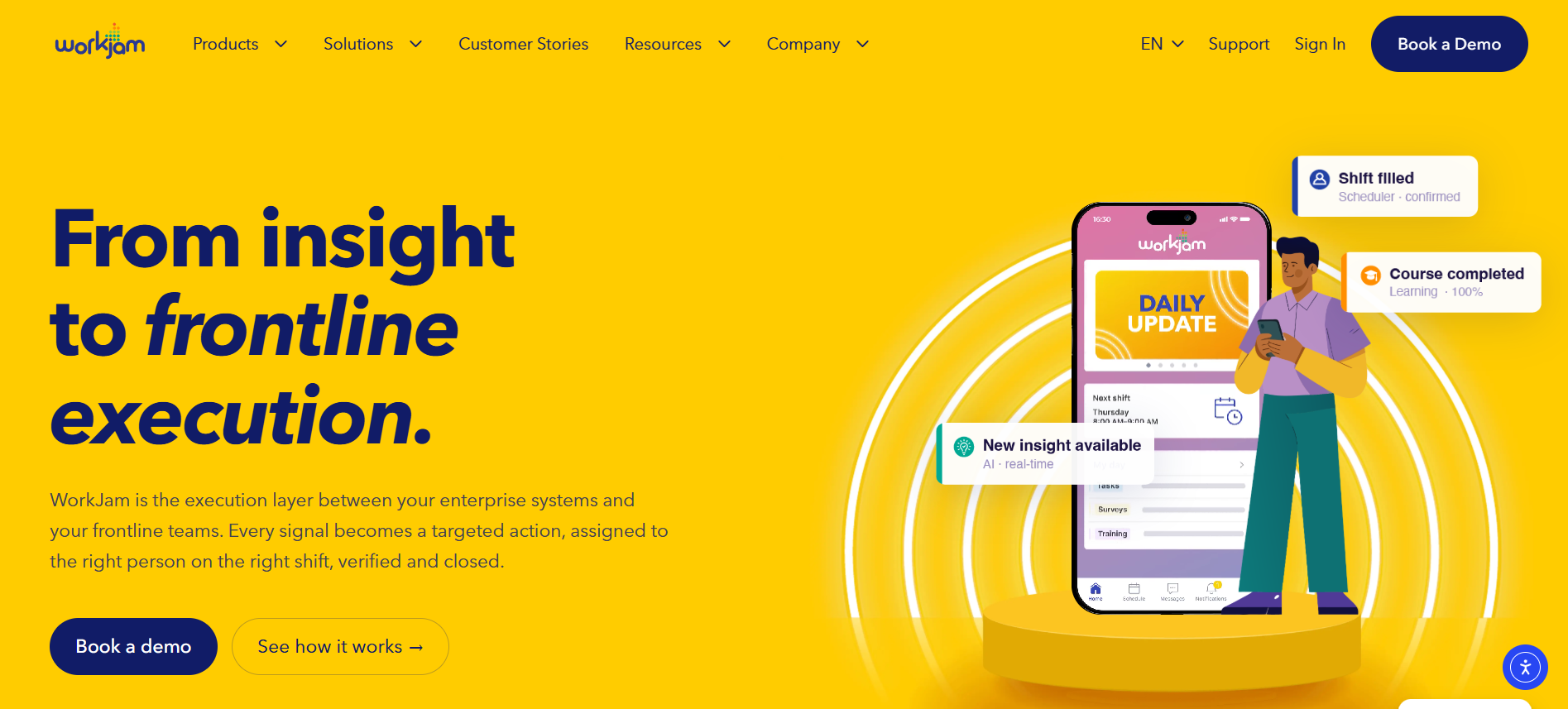
Best for: Large hourly workforces where onboarding should sit close to learning, scheduling, shift management, tasks, audits, and operational work.
WorkJam has a different center of gravity from most onboarding platforms.
Its value is not mainly digitizing HR forms. It is helping a new hire move quickly into the same environment used for ongoing frontline operations.
That makes it especially relevant to:
- Retail
- Hospitality
- Logistics
- Healthcare
- Large service workforces
- Other complex hourly organizations
Learning as part of the workday
WorkJam’s learning capabilities include mobile training, microlearning, role-based content, assessments, certifications, and common learning formats.
That is useful when onboarding is expected to prepare the employee for work rather than merely collect information.
An employee can learn a process and then move into scheduling, operational communication, task execution, or other daily functions within the same broader environment.
No-email access: Limited
WorkJam is clearly positioned toward hourly and deskless employees.
However, the current public documentation reviewed for this article does not provide enough detail to assign an unconditional Yes for SMS- or phone-based no-email activation.
The correct procurement response is not to guess.
Ask WorkJam to demonstrate:
- Employee creation
- Initial invitation
- Authentication
- Credential recovery
- Shared-device behavior
- Seasonal-worker activation
- Deprovisioning
If corporate email is unavailable to most workers, put that process in the RFP as a requirement.
Offline fit: No verified broad offline mode
WorkJam describes mobile and on-the-go access, but current public information does not clearly establish a broad offline onboarding mode.
That matters because mobile does not mean offline.
If workers need to train in areas without connectivity, ask specifically whether:
- Courses can be downloaded
- Completion is recorded offline
- Assessments work offline
- Forms or tasks can be completed offline
- Data synchronizes automatically
- Failed syncs are visible to administrators
Integration depth
WorkJam becomes especially interesting where scheduling and workforce-management integrations are important.
A large retailer may already use UKG or another workforce-management platform as the system of record. The onboarding platform does not necessarily need to replace it.
Instead, the employee experience may need to surface schedule information, learning, communication, shift actions, or other work through one frontline interface.
That is often more practical than rebuilding workforce management from scratch.
Pricing
WorkJam currently publishes Frontline Connect pricing.
Its Essential package starts at $799 per month billed annually for up to 500 users, while Operations Elite starts at $1,599 per month for up to 500 users. Additional functional packages can affect the final price.
See WorkJam Frontline Connect pricing.
Best fit: Larger enterprises that want onboarding and learning close to workforce operations rather than inside a stand-alone HR portal.
6. YOOBIC: Best for Retail and Multi-Site Onboarding That Leads Into Execution
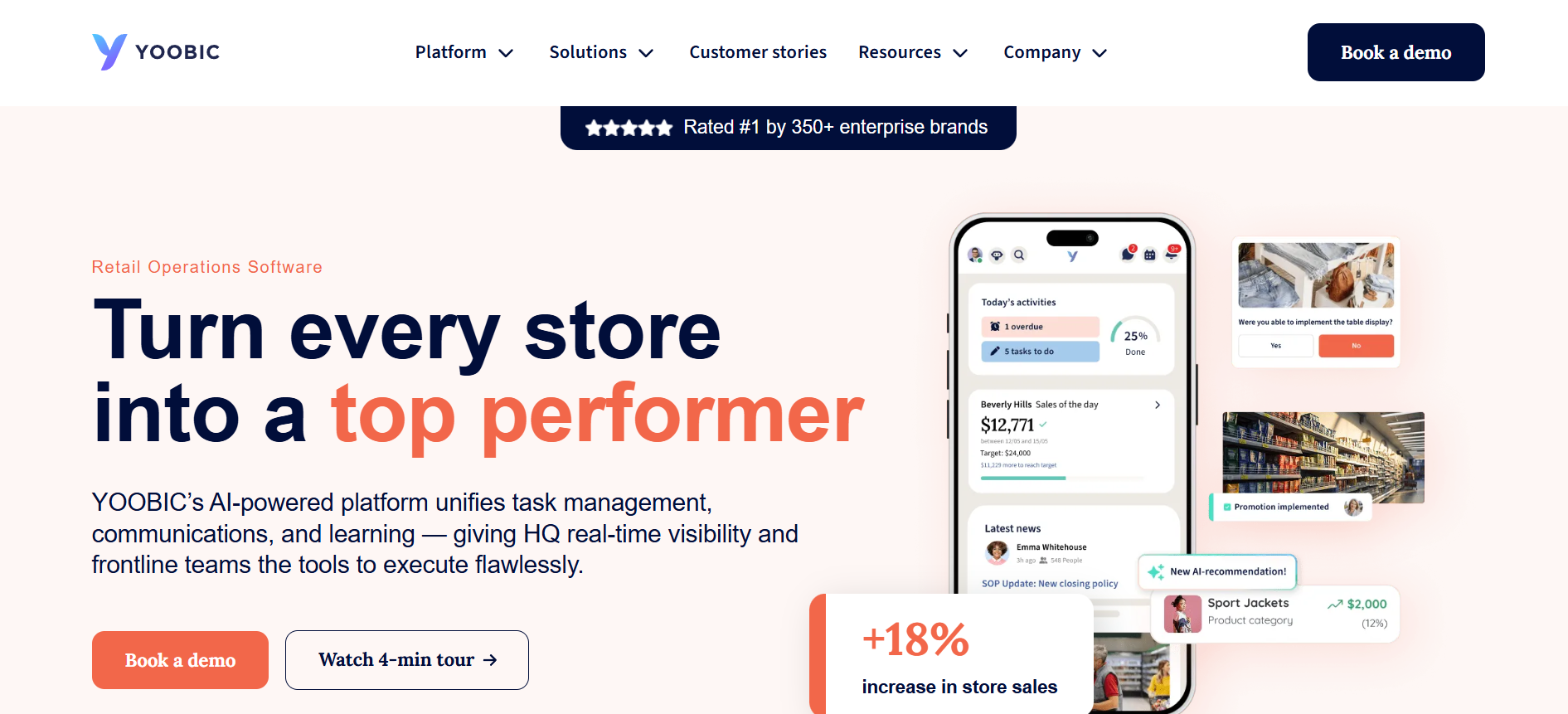
Best for: Retailers, restaurants, hospitality businesses, and other multi-site organizations where new-hire learning should transition directly into daily operational work.
YOOBIC combines frontline learning, communication, tasks, audits, and store execution.
That makes it particularly useful where the onboarding question is not simply, “Has the employee read the handbook?” but, “Can the employee perform the job correctly at this location?”
No-email access: Yes
YOOBIC publicly describes employee access through methods including QR code, employee ID, and phone login without requiring company email.
That is a strong fit for:
- Seasonal retail associates
- Part-time employees
- Store teams
- Restaurant workers
- High-turnover multi-site workforces
The employee can enter the digital onboarding process without waiting for IT to create a mailbox.
Learning and operational readiness
YOOBIC is strongest when onboarding includes:
- Microlearning
- Role-specific content
- Store or site procedures
- Operational checklists
- Audits
- Communications
- Daily tasks
- Manager visibility
- Multilingual learning
That lets organizations connect learning with execution.
For example, a new associate can learn a merchandising procedure and then encounter the related checklist in actual store operations.
That may provide more value than a traditional LMS if the work itself is highly operational.
Offline fit: Limited
YOOBIC documents offline learning scenarios and offline operational checklist or audit functionality.
That is meaningful in:
- Warehouses
- Large stores
- Back-of-house areas
- Field environments
- Locations with inconsistent Wi-Fi
But offline functionality still needs to be tested at the workflow level.
An offline course does not mean every survey, form, communication, or administrative process works without a connection.
Pricing
YOOBIC does not publish one fixed universal dollar amount.
Pricing depends on users or locations and selected modules.
See the current YOOBIC pricing model.
Best fit: Retail and multi-location employers that care as much about operational readiness after onboarding as they do about the onboarding process itself.
7. HR Cloud: Best for HR Paperwork, Compliance, and SMS-First Onboarding
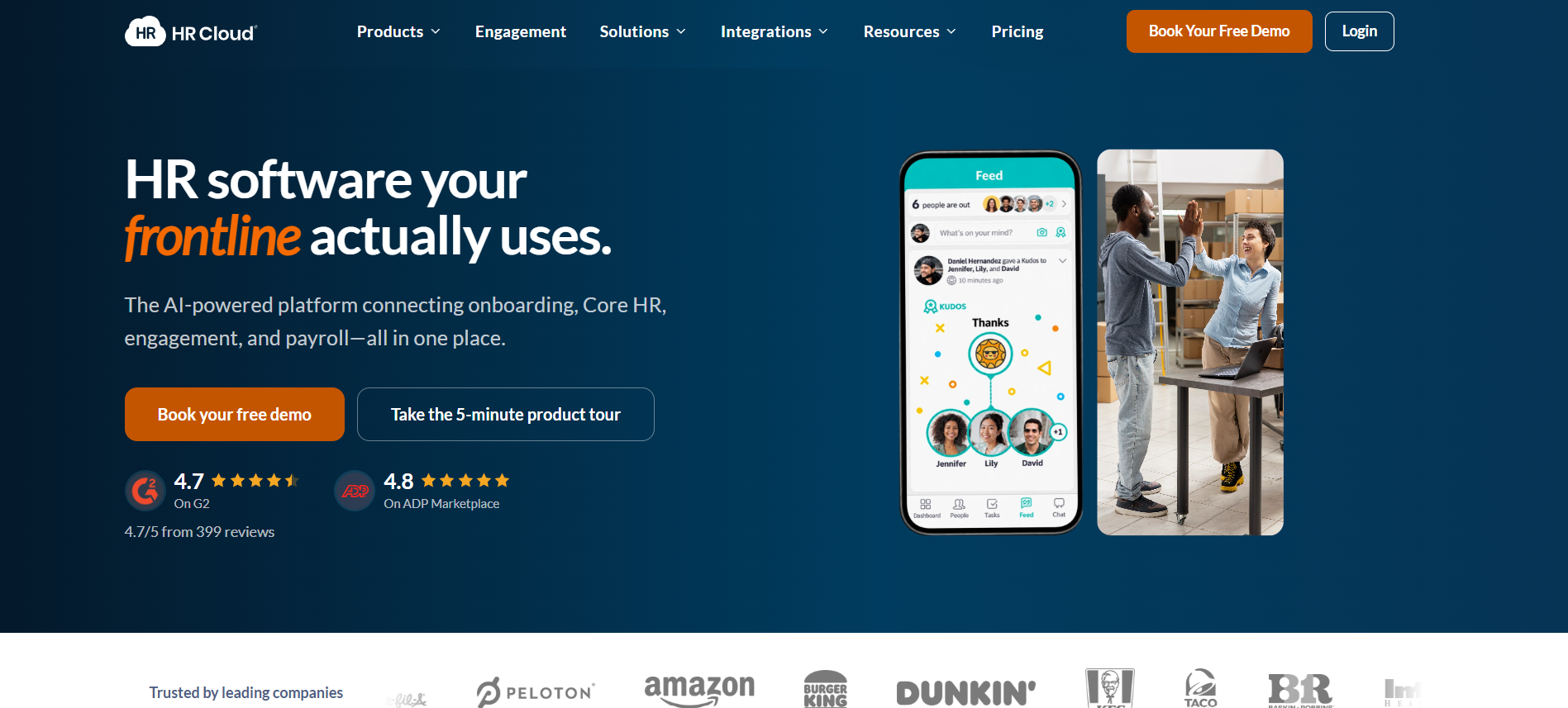
Best for: Employers that need a more formal HR onboarding system for documents, compliance, workflows, payroll-related processes, and large populations of employees without corporate email.
HR Cloud is different from the other platforms in this list because onboarding is much closer to the center of the product.
That makes it particularly relevant when HR administration is the problem being solved.
No-email access: Yes
HR Cloud promotes SMS-first onboarding for deskless employees.
That is important for organizations where new hires may not have company email during onboarding or may never receive one.
A worker can receive onboarding steps on their phone without first entering the conventional corporate technology environment.
This makes HR Cloud relevant to:
- Manufacturing
- Construction
- Field services
- Healthcare support roles
- Seasonal employment
- Large hourly hiring programs
Formal onboarding workflows
HR Cloud is a stronger fit than many employee-app platforms when the process revolves around:
- Employee information
- Required documents
- Compliance
- E-signatures
- HR tasks
- Payroll connections
- Policy acknowledgement
- Administrative tracking
That does not mean it automatically provides the strongest employee communication or operational experience after onboarding.
Buyers should decide whether they need an onboarding system or a frontline employee platform with onboarding capabilities.
Those are not always the same purchase.
Offline fit: No
SMS-based access does not make the platform offline.
Employees still need connectivity to access the mobile web experience, submit information, complete forms, or interact with the system.
Current HR Cloud documentation does not establish a true offline onboarding model where work can be completed without connectivity and synchronized later.
Pricing
HR Cloud uses modular pricing rather than publishing one universal frontline onboarding rate.
See HR Cloud employee onboarding software for the current offering.
Ask for a quote that separates:
- Onboarding
- Compliance
- SMS
- Payroll integration
- Implementation
- Support
- Additional modules
Best fit: HR teams that care most about formal onboarding administration and need SMS-led access for deskless populations.
How Should Frontline Employees Access Onboarding Without Corporate Email?
This is one of the most important questions in the article because “mobile onboarding” and “no-email onboarding” are not the same thing.
Common access patterns include:
Phone-number login
The employee’s mobile number becomes the account identifier.
This is straightforward for personal-device workforces but requires a process for changed or recycled phone numbers.
SMS verification
The employee receives a one-time code or activation link.
This reduces password friction but still depends on cellular access and accurate HR phone data.
Employee ID or username
The organization assigns an identifier independent of email.
This can work well for workers who already know an employee number.
QR activation
The employee scans a location-specific or individualized QR code to claim or access an account.
This is particularly useful during group onboarding sessions, store openings, seasonal hiring, or shared-device environments.
Shared-device or kiosk access
Employees use a shared tablet, kiosk, or terminal but authenticate individually.
This is useful where personal phones are prohibited, impractical, or undesirable.
A serious no-email onboarding evaluation should test initial login, forgotten credentials, changed phones, shared devices, and termination, not just the happy path.
What Does Offline Onboarding Actually Mean?
“Offline onboarding” can refer to four very different capabilities.
1. Offline reading
Previously loaded documents remain accessible.
This is useful for policies and reference material but does not allow employees to complete work.
2. Downloaded learning
The employee downloads training content, completes it offline, and later synchronizes progress.
This is stronger for field or warehouse onboarding.
3. Offline forms or checklists
The employee enters information without connectivity, and the app queues the submission.
This is particularly useful in manufacturing, inspections, retail execution, and field work.
4. Full offline transactional workflow
The app manages offline changes, attachments, conflicts, timestamps, retries, and synchronization.
This is the hardest level and should never be assumed.
Ask every vendor:
- Which onboarding objects are cached?
- Which can be edited?
- Can the employee submit offline?
- Are attachments stored locally?
- How much content can be downloaded?
- How are conflicts handled?
- What happens if the employee closes the app?
- How long does cached data remain?
- Can IT remove cached company data?
- How does the employee know synchronization succeeded?
A vendor saying “we support offline” should be the start of the conversation, not the end.
What Should Onboarding Look Like for Seasonal and High-Turnover Teams?
High-volume onboarding changes what good software looks like.
If hundreds of employees start across dozens of locations, HR cannot depend on manual invitations, local spreadsheets, or individual follow-up.
The platform should support repeatability.
Look for:
- HRIS-driven employee creation
- Bulk provisioning
- Location or role-based assignment
- Automated onboarding sequences
- Mobile-first account activation
- Reusable training
- Manager dashboards
- Clear incomplete-task reporting
- Automated deprovisioning
- Easy reassignment when employees move locations
The administrative experience matters almost as much as the employee interface.
A beautiful onboarding screen becomes expensive if HR has to manually create every user, update every audience, or chase local managers for completion data.
Should Frontline Onboarding Software Include Training?
Usually, yes, but the required depth varies.
Some organizations need simple orientation content:
- Welcome video
- Safety basics
- Workplace conduct
- Role introduction
- Short quizzes
Others need a real learning system:
- Certifications
- Recertification
- SCORM or xAPI
- Compliance reporting
- Assessments
- Skills matrices
- Manager assignments
- Detailed learning records
Do not replace a mature LMS simply because a frontline platform contains a “training” module.
Instead, decide which system should own the record.
The frontline app may be the place employees access or discover training while a specialist LMS remains the source of truth.
That distinction reduces duplication.
What HRIS and Workforce Integrations Matter Most?
Frontline onboarding software rarely operates alone.
Common systems include:
- Workday
- UKG
- ADP
- SAP SuccessFactors
- Payroll platforms
- Workforce-management systems
- Scheduling platforms
- Learning systems
- Microsoft Entra ID
- Okta
- Other identity providers
The important question is not whether the vendor displays an integration logo.
Ask what the connection actually does.
Employee provisioning
Does a new hire automatically appear in the onboarding platform?
Attribute synchronization
Do role, manager, location, department, language, and employment status update automatically?
Deprovisioning
Does a termination in the HR system remove access quickly?
Scheduling connection
Can employees simply view schedules, or can they act on them?
Learning connection
Can the employee launch learning, and does completion return to the LMS?
SSO
Can employees use an existing identity where available?
A frontline onboarding platform that saves HR fifteen minutes per employee but requires IT to maintain another user database manually may not be much of an improvement.
Personal Phones, BYOD, and Frontline Onboarding Security
Many organizations solve the no-email problem by putting onboarding onto employees’ personal phones.
That creates a new set of questions.
NIST’s BYOD guidance explains that personally owned devices introduce distinct security and privacy risks because company data is being accessed from hardware the employer does not fully control. NIST’s BYOD security guidance
Ask:
- What onboarding information is stored locally?
- Is cached content encrypted?
- Can sensitive HR documents be prevented from downloading?
- What appears in push notifications?
- Can data be remotely removed?
- What happens after termination?
- What does the app collect from the personal device?
- Does the company need MDM?
- Can employees use a browser instead of installing an app?
- How does the system behave on shared devices?
There is also an employee-experience issue.
Workers should understand what the employer can and cannot see on their personal device. A rollout that creates privacy anxiety can damage adoption before onboarding has even started.
How Much Does Frontline Onboarding Software Cost?
There is no meaningful universal price because these products use very different commercial models.
A dedicated onboarding platform, employee app, frontline superapp, and workforce-management platform may all price differently.
Common structures include:
- Per employee
- Per active user
- Per location
- Fixed package pricing
- Modular pricing
- Annual enterprise contracts
- SMS usage charges
- Implementation fees
- Integration charges
- Premium support
- Learning or compliance add-ons
That is why software price should be compared as total onboarding cost, not headline license price.
A useful three-year calculation includes:
| Cost category | What to include |
| Subscription | Base platform and employee licenses |
| Onboarding module | Any onboarding-specific package |
| Learning | Courses, certifications, LMS add-ons |
| Communication | SMS, mobile messaging, other channels |
| Integrations | HRIS, payroll, WFM, identity, LMS |
| Implementation | Setup, configuration, project services |
| Migration | Employee data, documents, training content |
| Devices | Shared tablets, kiosks, managed devices |
| Training | HR, managers, administrators |
| Internal labor | HR, IT, L&D, Operations |
| Ongoing administration | User management, reporting, content maintenance |
| Expansion | New sites, modules, employee growth |
| Renewal | Price changes and contract commitments |
A common buying surprise is that the product demonstrated during the sales cycle includes modules that are not included in the initial price.
Ask every vendor to quote the exact configuration you saw.
Which Platform Fits Which Scenario?
Best for mixed frontline and office workforces
Consider HubEngage, Blink, or Beekeeper when onboarding needs to connect to a wider employee communication and knowledge environment.
Best for smaller hourly organizations
Connecteam is one of the easiest products to evaluate because of phone-based login, published pricing, and the breadth of workforce functions available in the same product family.
Best for unreliable connectivity
Start with Beekeeper and YOOBIC, then test HubEngage and Blink for the specific offline use cases they document.
Do not call any of them “fully offline” without testing the workflow.
Best for enterprise workforce operations
WorkJam deserves closer attention when scheduling, learning, tasks, and workforce-management integrations matter as much as onboarding itself.
Best for retail onboarding
YOOBIC is particularly relevant where training needs to turn quickly into store execution, audits, and tasks.
Best for formal HR onboarding and compliance
HR Cloud is the clearest specialist in this group.
Best for onboarding that should become a permanent employee app
Consider HubEngage, Blink, Beekeeper, WorkJam, and YOOBIC.
The broader decision framework is covered in the frontline superapp buyer’s guide.
Run This Frontline Onboarding Demo Before You Buy
Do not let the vendor demonstrate onboarding only from an administrator’s desktop.
Use this scenario:
A new employee arrives at 6:00 a.m. for their first shift. They have a personal Android phone, no corporate email, no laptop, limited time with their supervisor, and unreliable Wi-Fi in part of the facility.
Ask the vendor to show, not describe:
- How the employee record enters the platform.
- How the employee receives the invitation.
- How first login works without corporate email.
- What happens if SMS verification fails.
- How required documents are accessed.
- How training is assigned.
- What works after the phone loses connectivity.
- Whether forms or checklists can still be completed.
- How offline work synchronizes.
- How the manager sees progress.
- How the employee finds information after week one.
- How access is removed after termination.
Then repeat one part of the demo on a shared device.
This reveals weaknesses that a polished product tour will not.
Questions to Ask Every Vendor
Before building the final shortlist, ask:
Access
- Can a worker onboard with no corporate email?
- Which identifiers can be used?
- Is SMS required?
- Can workers use employee IDs?
- How does QR activation work?
- Is shared-device access supported?
- How does credential recovery work?
Offline
- Which exact onboarding workflows work offline?
- Can forms be completed?
- Can training be completed?
- Can documents be downloaded?
- How does synchronization work?
- What happens when sync fails?
HR and learning
- Which documents are supported?
- Can policies be acknowledged?
- Does the product handle e-signatures?
- Does it replace or integrate with our LMS?
- How are certifications tracked?
- Can onboarding differ by role and location?
Integrations
- How are employees provisioned?
- Which HRIS fields synchronize?
- How quickly are terminated users removed?
- Are connectors included or paid?
- Who owns integration support?
- Is the connection one-way or two-way?
Administration
- Can onboarding be assigned automatically?
- Can local managers see only their employees?
- Can HR track incomplete onboarding centrally?
- Can employees be moved between sites without rebuilding profiles?
- Can content be updated without republishing the entire program?
Pricing
- Which features shown in the demo are not included?
- Is SMS separately priced?
- Are integrations extra?
- Is implementation included?
- Does support cost more?
- How does price change when headcount changes?
Frequently Asked Questions
What is the best onboarding software for frontline employees without company email?
Connecteam, Beekeeper, Blink, YOOBIC, and HR Cloud all document clear email-free access approaches such as phone numbers, SMS, QR codes, or employee IDs.
HubEngage can also fit frontline environments, but buyers with a strict no-email requirement should confirm the exact authentication model for their deployment.
What onboarding software works offline?
Beekeeper and YOOBIC currently provide some of the clearest documented offline functionality among the products compared here.
HubEngage and Blink also support selected offline content or resources.
The important point is that offline functionality is usually selective. Ask which specific forms, training activities, documents, or checklists continue working without connectivity.
Can frontline employees onboard using a personal phone?
Yes, many frontline onboarding platforms are designed for personal-phone use.
But employers should evaluate security, privacy, cached data, off-duty expectations, device compatibility, and whether workers have a practical alternative if they do not want to use a personal device.
Can onboarding software replace an HRIS?
Usually not.
The HRIS normally remains the system of record for employee data, employment status, payroll, benefits, and organizational information.
The onboarding system manages the new-hire workflow and may synchronize with the HRIS.
Can onboarding software replace a learning management system?
Sometimes for simple onboarding and microlearning, but not always.
Organizations with detailed compliance, certification, SCORM, recertification, or regulatory learning requirements may still need a dedicated LMS.
Does no-email onboarding mean employees do not need any digital identity?
No.
The worker still needs a secure way to identify themselves. That may be a phone number, SMS verification, employee ID, username, QR activation, or identity provider.
“No email required” should never mean “no authentication required.”
What is the best onboarding software for seasonal workers?
Products with simple mobile activation, reusable onboarding sequences, automatic provisioning, manager visibility, and easy deprovisioning usually fit seasonal work best.
Connecteam, Blink, HR Cloud, YOOBIC, Beekeeper, and broader employee platforms such as HubEngage are all worth evaluating depending on whether the main requirement is HR paperwork, training, communication, or ongoing workforce use.
How much should frontline onboarding software cost?
There is no reliable universal benchmark because products use different commercial models.
Compare the full configuration, including licenses, onboarding modules, SMS, learning, integrations, implementation, support, shared devices, and internal administration.
How to Build the Final Shortlist
Do not start with seven product demos.
First, write down your workforce conditions:
- How many employees lack corporate email?
- How many use personal phones?
- Are shared devices common?
- Where is connectivity unreliable?
- How seasonal is hiring?
- Which languages are required?
- Which HRIS owns employee data?
- Which LMS owns learning records?
- Which workflows must work on day one?
- What should employees keep using after onboarding?
Then remove any platform that fails a mandatory access or offline requirement.
From the remaining products, shortlist three or four and run the same onboarding scenario through each platform.
Score them on:
- Employee access
- Mobile usability
- No-email fit
- Offline fit
- Training
- Forms and compliance
- HRIS integration
- Manager experience
- Administration
- Security
- Post-onboarding usefulness
- Three-year cost
The goal is not to find the product with the most onboarding features.
It is to find the platform that gets your actual employees through day one, prepares them to work, gives managers visibility, and still makes sense after orientation ends.