A frontline superapp is a mobile-first workforce platform that brings several everyday employee functions into one place, typically communication, tasks, schedules, training, forms, knowledge, and employee services. The idea is to give frontline employees one practical entry point instead of five or six disconnected apps.
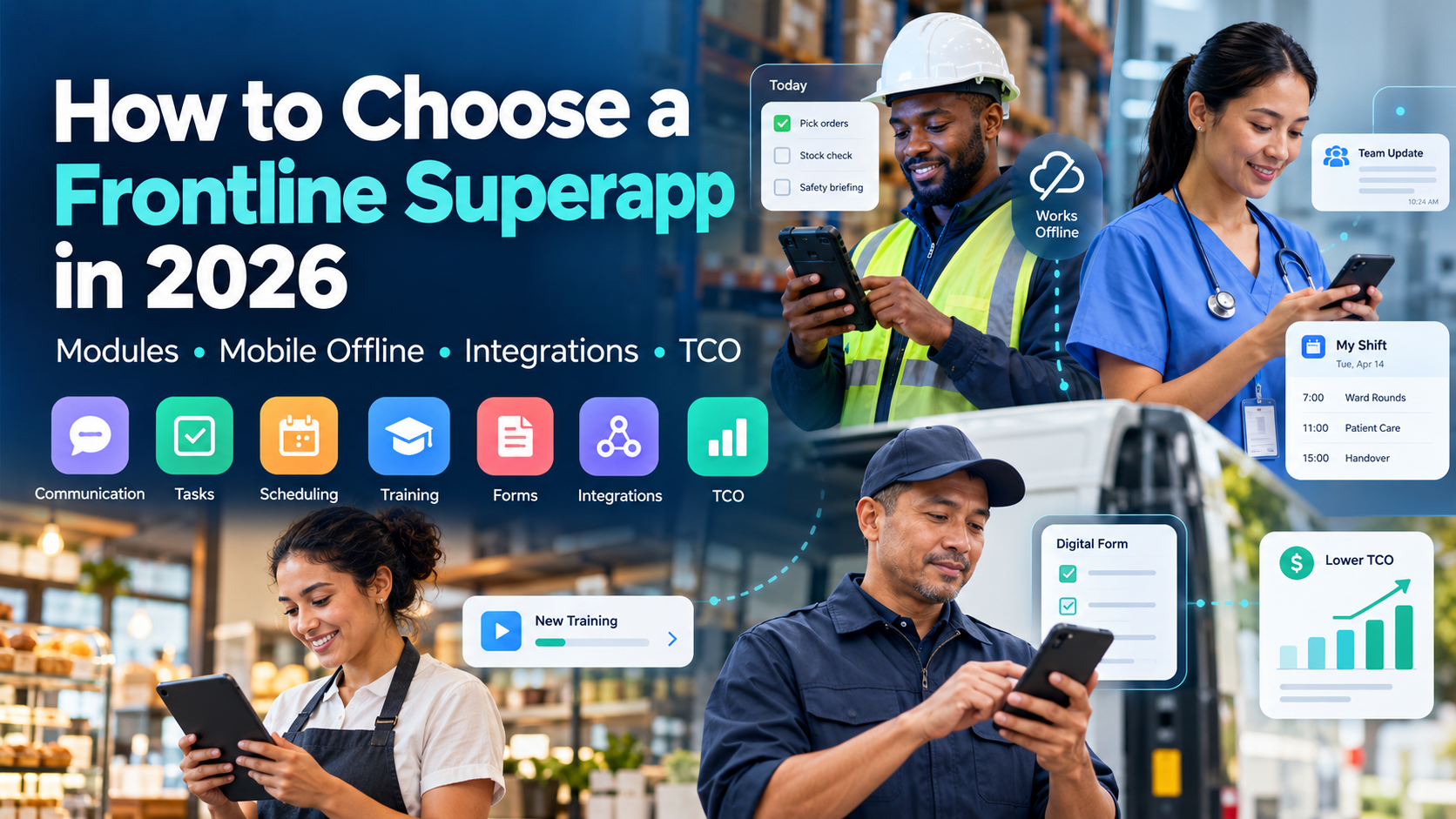
If you are deciding how to choose a frontline superapp in 2026, evaluate four things first: Modules, Mobile Offline, Integrations, and Total Cost of Ownership. Those four areas tell you whether an all-in-one frontline employee app will actually reduce tool sprawl or simply put another icon on workers’ phones. Start with the work employees need to complete, then make vendors prove those workflows under the conditions your people actually face.
Why Consolidate Into a Frontline Superapp?
The case for consolidation starts with the workforce itself. Microsoft’s frontline Work Trend Index estimated in 2022 that roughly 2 billion people, about 80% of the global workforce, worked in frontline roles. Its survey also found substantial gaps in access to appropriate tools and technology training. Microsoft’s frontline Work Trend Index
The problem is not solved by giving every worker more software. Deloitte has pointed out that poor integration and poor user design can create additional work for frontline employees rather than reducing it. Deloitte’s research on the frontline technology gap
A frontline super app is useful when consolidation removes real friction: fewer logins, fewer places to check a schedule, fewer duplicated employee records, fewer apps to learn, and fewer systems managers have to update.
It is not automatically useful because it has more modules.
That distinction should guide the entire purchase.
1. Modules: Decide What Actually Belongs in the Superapp
The first buying mistake is treating module count as a score.
One vendor may offer twelve modules and be mediocre at the three you need every day. Another may cover six and handle your most important workflows far better.
Start by listing what a frontline employee should be able to do during a normal shift.
For a retail associate, that might be:
- Check today’s schedule.
- Read the opening update.
- Complete a store checklist.
- Confirm a merchandising task.
- Find a returns policy.
- Complete five minutes of training.
- Respond to a short pulse survey.
For a manufacturing employee, the sequence could be completely different. Safety information, shift handoffs, work instructions, compliance forms, training, maintenance reporting, and urgent alerts may matter more than recognition or social features.
That is why you should evaluate frontline app modules as workflows rather than boxes on an RFP.
Which modules are becoming common?
Across current frontline worker platforms, the recurring capability areas are communication, task management, learning, forms or audits, schedule access, knowledge, and employee services.
Recognition, surveys, full workforce scheduling, advanced compliance workflows, time tracking, AI assistants, digital signage, and deeper operational analytics are less consistent. Some platforms include them as native modules. Others depend on integrations or add-ons.
A practical requirements table looks like this:
| Module | Baseline requirement to test | What separates stronger implementations |
|---|---|---|
| Employee communication | Targeted updates, push notifications, feed, acknowledgements | Multi-channel publishing, local publishing, translation, segmentation by shift/location |
| Task management | Assign, complete, track, due dates | Recurring work, photo proof, conditional workflows, audit trails, schedule-aware assignment |
| Scheduling | View assigned shifts | Shift swaps, open shifts, availability, WFM synchronization, compliance rules |
| Learning | Mobile courses and completion tracking | Microlearning, certifications, assignments by role, offline learning, LMS interoperability |
| Forms and compliance | Mobile forms and checklists | Offline submission, conditional logic, audits, corrective actions, evidence capture |
| Knowledge | Policies and workplace resources | Strong search, permissions, version control, contextual answers |
| Recognition | Peer or manager recognition | Automated milestones, rewards, points, values-based programs |
| Surveys | Polls and pulse surveys | Segmentation, anonymity controls, reminders, analysis |
| Employee services | Links to payroll, HR, benefits, leave | Embedded workflows, SSO, actionable notifications |
| Workforce operations | Basic tasks and schedules | Time tracking, labor workflows, audits, shift-based orchestration |
Communication remains one of the main reasons organizations buy these platforms. If that is your starting problem, the broader guide to improving frontline employee communication can help define the channel and adoption requirements before you decide which other modules belong beside it.
Do you really need native scheduling?
This is where buyers can overbuy.
If UKG, Workday, Blue Yonder, or another workforce-management platform already runs your scheduling process well, your frontline superapp may only need to display schedules, support SSO, surface notifications, or pass selected employee actions back to the source system.
Rebuilding scheduling inside a second platform can create two sources of truth.
The same logic applies to learning.
If you operate a regulated LMS with certifications, course governance, detailed learning records, and compliance reporting, the superapp does not automatically need to replace it. It may need to make assigned training much easier for a frontline employee to reach.
Native module or integration?
Use this rule:
Make a capability native when employees need it frequently and integration would add unnecessary friction. Keep the specialist system when it owns complex business logic that the superapp cannot reproduce safely.
Communication and simple tasks often benefit from being native.
Payroll calculation usually does not.
Complex labor scheduling may not.
A specialist LMS may remain the system of record while the frontline superapp becomes the place employees discover and launch learning.
How current platforms approach the module question
The category is not uniform.
HubEngage currently brings communication, recognition, social participation, surveys/forms, messaging, scheduling, task management, time-related workforce functions, mobile access, web/intranet, SMS, email, and digital displays into its broader workforce platform. Its modular structure is relevant when communication and employee engagement need to sit beside operational functions rather than remain separate applications.
WorkJam takes a more operations-heavy approach. Its current platform centers six module areas and includes employee communication, task management, flexible scheduling, audits, learning and related frontline workforce functions. Its strongest buying case appears when operational execution and workforce-management connections carry considerable weight.
YOOBIC currently concentrates heavily on task execution, communication, learning, compliance and retail operations. That makes it particularly relevant when the employee app is expected to turn headquarters instructions into measurable store-level action.
Beekeeper combines communication with frontline workflows, forms, tasks, schedule visibility, learning connections and HR-system access. Blink puts more of its weight on a mobile employee experience, communication, workplace resources and access to systems such as Workday.
None of those approaches is automatically the correct one.
The useful question is: Which five employee actions need to become easier enough that people will open this app every shift?
2. Mobile Offline: Test What Happens After the Signal Disappears
“Works offline” is one of the least useful answers a vendor can give you.
You need to know what works offline.
A warehouse may have excellent Wi-Fi near the office and dead zones around racking. A technician may spend several hours at a remote site. A hospital employee may move through basement areas with unreliable mobile coverage. Retail Wi-Fi may prioritize customer systems rather than employee traffic.
In those environments, offline behavior is part of the workflow.
There are several levels of offline support
Think about mobile offline functionality in four levels.
Level 1: Previously loaded content can still be read.
The employee can reopen a saved policy, article, procedure, or document after connectivity disappears.
Useful, but limited.
Level 2: Content can be deliberately downloaded or cached.
The employee prepares resources in advance and keeps controlled copies on the device.
Now ask how versions update when the phone reconnects.
Level 3: Employees can complete work offline.
This might include a checklist, form, audit, learning module, photo capture, inspection, or other input.
The system stores the action locally and uploads it later.
Level 4: Offline transactional work handles synchronization properly.
This is where the evaluation becomes technical.
What happens if a manager changes the task while the employee is offline? What happens when two records conflict? Can attachments queue? Does the employee know whether submission succeeded? Can IT see failed sync attempts?
Do not assume a product with Level 1 capability also has Level 3 or Level 4 capability.
Current products illustrate the difference
Beekeeper’s current documentation provides an unusually useful example. Its offline mode covers offline Streams and selected offline Forms. The documentation also states limitations, including that Tasks are not covered by offline mode and that some Android configurations or form elements may behave differently.
Blink’s current offline capability focuses on saving Hub content such as policies, procedures and updates to the device for offline reading, then refreshing that content when connectivity returns.
YOOBIC currently documents offline capability for areas such as mobile audits/checklists and offline learning use cases.
HubEngage’s current mobile-intranet documentation describes offline access to documents and checklists. Buyers with deeper offline operational requirements should confirm exactly which employee actions can be completed offline, how they queue, and what happens after reconnection.
That is a much more useful comparison than four green checkmarks under “offline.”
Run an offline demo yourself
Ask the vendor to take the demo phone offline in front of you.
Then test a real workflow:
- Open a policy that was previously viewed.
- Open one that was never viewed.
- Complete a checklist.
- Attach a photo.
- Complete a training step.
- Submit a form.
- Mark a task complete.
- Close and reopen the app.
- Restore the connection.
- Confirm what synchronized.
Then ask the administrator to show what happened on the server side.
If a vendor cannot demonstrate this during a serious procurement process, do not fill the gap with assumptions.
Offline creates a security question too
Offline data may be stored on a device that the company does not own.
NIST’s guidance for enterprise mobile devices covers both organization-provided and personally owned phones and emphasizes managing mobile-device risk across the full device lifecycle. Its BYOD guidance separately notes that personal devices create distinct security and privacy challenges when they access organizational information. NIST’s enterprise mobile-device security guidance
For every mobile offline app for frontline workers, ask:
- What information is stored locally?
- Is locally stored information encrypted?
- Can sensitive content be excluded from offline access?
- What happens after an employee is terminated?
- What happens if the phone is lost?
- Can company data be remotely removed?
- How long does cached information remain?
- What can a user see from the lock screen?
- Does the design change for shared devices?
- What happens on a personal phone that is not enrolled in company mobile-device management?
A mobile employee app is not frontline-ready simply because it runs on iOS and Android.
3. Integrations: Find Out What “Integrates With” Actually Means
Integration pages are good for building a vendor list.
They are poor evidence that your workflow will work.
If a salesperson says, “Yes, we integrate with Workday,” your next question should be: What data moves, in which direction, how frequently, and what happens when the integration fails?
That one question will save you a great deal of vague discussion.
Start with the systems that already matter
Build an inventory before contacting vendors.
For a typical frontline organization, it may include:
| System type | Examples | What the superapp may need |
|---|---|---|
| HRIS/HCM | Workday, UKG, SAP SuccessFactors, ADP | Employee records, role, location, manager, status |
| Workforce management | UKG Pro WFM, Blue Yonder, scheduling tools | Shifts, availability, swaps, time data |
| Identity | Microsoft Entra ID, Okta, Google | Authentication, lifecycle, groups |
| Payroll | ADP, Workday, other payroll systems | Payslip access, employee self-service |
| Learning | Cornerstone, Docebo, SAP, specialist LMS | Assigned courses, launch, completion |
| Knowledge | SharePoint, Google Drive | Documents, policies, search |
| Collaboration | Microsoft Teams, Slack | Content access, notifications, employee interactions |
| Service management | ServiceNow and internal service tools | Requests, tickets, employee actions |
| Custom operational systems | Store, plant, logistics, field tools | APIs, links, embedded workflows, event data |
Then decide what “connected” needs to mean for each system.
Integration depth has at least five levels
1. Authentication
The employee signs in once.
This solves a credential problem. It does not synchronize employee data.
2. Provisioning and deprovisioning
New employees are added automatically. Leavers are removed.
This matters heavily in high-turnover frontline environments.
3. Data synchronization
Role, location, manager, department, language, employment status, and other attributes remain current.
These fields often determine which message, task, course, or survey the employee sees.
4. Embedded access
The superapp surfaces a schedule, payslip, course, form, document, or another system inside the employee experience.
Sometimes this is little more than a link with SSO. Sometimes it is a genuine data connection.
Find out which.
5. Transactional or two-way workflow
An employee completes an action in one interface and the source system is updated.
This is harder and much more valuable when the workflow genuinely needs it.
A frontline app integration with scheduling software, for example, is very different if employees can merely see a shift compared with requesting, accepting, or swapping one and having that change recorded in the workforce-management system.
SSO deserves its own frontline test
Office workers commonly receive corporate identities as part of onboarding.
Frontline workers may not.
Some have no company email. Some share devices. Some use personal phones. Some work seasonally. Some need app access before every other corporate account has been created.
That makes the identity architecture part of the product decision.
Ask whether employees can authenticate through employee IDs, phone numbers, one-time codes, QR methods where appropriate, or your chosen identity provider without creating unnecessary help-desk work.
Also test password recovery.
An elegant login flow that produces hundreds of password-reset tickets every month is not elegant operationally.
HRIS synchronization is not scheduling integration
Do not confuse the two.
A Workday or UKG integration that imports employee names, roles, locations and employment status may be excellent for audience creation and provisioning.
It does not mean shift-management workflows are connected.
Likewise, schedule visibility does not necessarily mean two-way schedule management.
Current vendor documentation shows the range.
WorkJam has put substantial effort into its UKG relationship and currently describes integrations spanning frontline communication, task management, learning, schedule-related workflows and workforce-management data.
Beekeeper currently documents Workday user-data connectivity, UKG HR Service Delivery notifications, shift APIs and HRMS synchronization capabilities.
Blink now documents Workday user provisioning as well as SAML-based SSO into Workday, which is a good example of two separate integration jobs being described separately rather than rolled into one label.
YOOBIC has a technology partnership with UKG around its frontline task, communication, learning and operations environment.
HubEngage currently describes integration with HRIS and payroll environments including Workday, UKG and ADP, alongside SSO and workplace-system connections.
The lesson is simple: compare the workflow, not the vendor logo.
Questions to ask about every frontline app integration
Ask the vendor to document:
- Whether the connector is standard, configurable, partner-built, or custom.
- Which product editions include it.
- Whether an additional vendor or marketplace fee applies.
- Which data objects and fields move.
- Direction of data flow.
- Sync frequency.
- Failure handling.
- Logging and alerting.
- Who supports the connector after launch.
- Whether API limits apply.
- Whether you need internal developers.
- Whether employee data can drive targeting automatically.
- What happens to access immediately after termination.
IT should be involved before the commercial shortlist becomes fixed.
Integration surprises become expensive when they appear after procurement has already selected a favorite product.
4. TCO: Calculate the Cost of the Configuration You Will Actually Use
Frontline employee app pricing rarely tells you the whole cost of a frontline technology stack.
A base subscription may cover communication but not advanced learning.
Another platform may include tasks but charge separately for enterprise integrations.
SMS may be usage-based. Recognition rewards may sit outside the software fee. Branded apps, implementation services, premium support, digital signage, additional environments, integrations, training or data migration may change the commercial picture.
So calculate three-year total cost of ownership, not the first invoice.
A useful formula is:
Three-year TCO = software subscription + required modules + implementation + integrations + migration/configuration + training + devices + usage charges + support + internal administration + expected expansion and renewal costs
Frontline superapp TCO checklist
| Cost area | What to include |
|---|---|
| Core subscription | Employee or active-user licenses, minimum commitments |
| Modules | Tasks, learning, scheduling, recognition, surveys, forms, AI or other add-ons |
| Implementation | Configuration, project management, setup |
| Identity | SSO, SCIM, provisioning work |
| Integrations | HRIS, WFM, LMS, payroll, custom API work |
| Migration | Content, documents, employee data, training material |
| Mobile deployment | Branded app work, MDM, shared devices, kiosks |
| Communication usage | SMS, email volume, digital signage or related channels |
| Training | Administrator, manager and employee rollout |
| Change management | Launch communications, local champions, adoption activity |
| Support | Standard versus premium tiers |
| Internal labor | IT, HR, Operations, Internal Comms, local administrators |
| Expansion | New countries, locations, employees, modules, integrations |
| Renewal | Contract increases, minimum commitments, changed packaging |
There is a very ordinary TCO surprise that buying teams often find late: the capability everyone assumed was part of the platform turns out to be a separately licensed module or higher-tier feature.
Current documentation gives concrete reasons to ask early. Beekeeper identifies Learning as an add-on in relevant packages. Blink documents SAML SSO as a Pro or Enterprise capability. HubEngage states that its employee-app pricing varies with employee count and contract structure and that channels such as SMS and digital displays can add cost depending on the configuration.
None of those packaging decisions is inherently bad.
They simply make base-price comparisons unreliable.
Put adoption into the cost model
Software that employees do not use still costs money.
That sounds obvious, but adoption spending is frequently pushed into “change management” and treated as secondary to the software purchase.
For frontline technology, it belongs in the implementation budget.
You may need:
- Paid employee time for onboarding or training
- Manager briefings
- Printed QR material
- Local launch support
- Translation
- Shared devices
- Mobile data or device policies
- Help-desk preparation
- Additional communications during rollout
- Continued onboarding for new hires after the initial launch
McKinsey’s 2026 work on frontline technology and skills makes the broader point clearly: technology value depends heavily on training, process changes, and adoption, not the software investment alone. Its research on advanced operating sites found substantial spending went toward process redesign and scaling/adoption around technology. McKinsey’s 2026 research on frontline technology and skills
If you need to turn that broader cost-and-benefit argument into an executive business case, the Internal Communications ROI guide gives you a framework for separating reach, action, business outcomes and monetary impact.
Compare all vendors against the same three-year scenario
Give every shortlisted vendor the same commercial assumptions:
- Same employee count
- Same expected growth
- Same modules
- Same integrations
- Same countries
- Same support tier
- Same SMS or communication volume
- Same implementation scope
- Same contract period
Then ask for years one, two and three separately.
A vendor that looks more expensive in year one can become less expensive once competing products require additional integrations or modules.
The reverse can also happen.
TCO is useful because it forces you to price the system you intend to run rather than the demo you just watched.
Which Frontline Superapps Should You Shortlist?
This is not a ranking. These platforms approach frontline work differently, which makes them useful comparison points for different buying situations.
HubEngage: when communication and engagement need to sit beside workforce operations
HubEngage deserves consideration when the requirement starts with frontline reach but extends into recognition, surveys, social participation, messaging, scheduling, task management and broader employee services.
Its multi-channel model also matters when a workforce cannot rely on one app alone. Mobile, web, email, SMS and digital displays can serve different parts of the employee population.
For low-connectivity use cases, its current mobile documentation describes offline access to documents and checklists. Buyers needing deeper offline transactions should make those workflows part of the demo rather than assume all functions behave the same way offline.
You can review the current HubEngage employee mobile app if this combination matches your requirements.
Beekeeper by LumApps: when frontline workflows and defined offline forms matter
Beekeeper is particularly interesting when communication needs to sit close to forms, workplace workflows, task management, schedule visibility and connected employee resources.
Its current offline documentation is unusually specific. Streams and configured forms can work offline, while Tasks are explicitly excluded from the current offline mode.
That makes Beekeeper a useful vendor to investigate when low-connectivity forms and content access matter, because the product documentation gives buyers something concrete to test.
Its current integrations also include Workday and UKG-related workflows.
WorkJam: when workforce operations and WFM integration dominate the decision
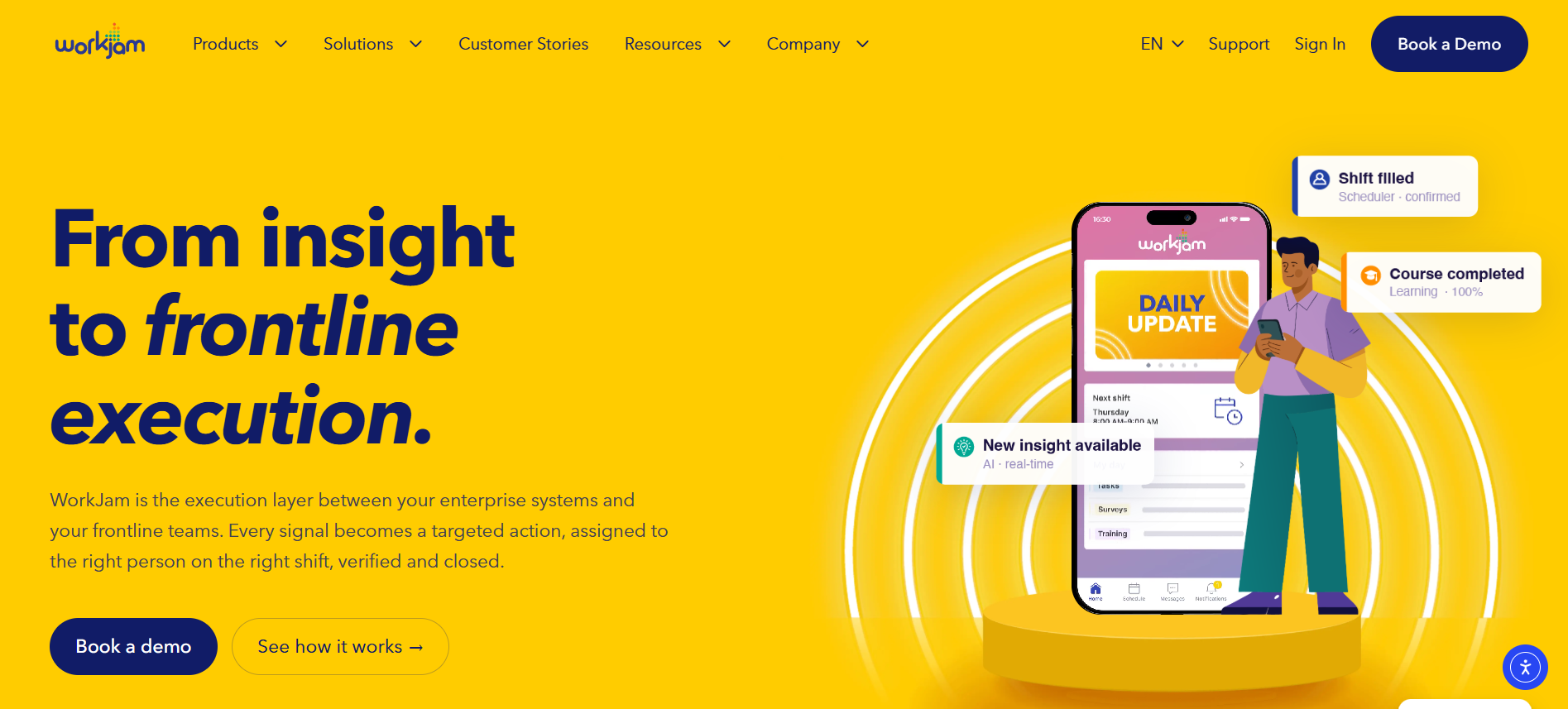
WorkJam has one of the clearest operational positions in this group.
Its platform currently combines employee communication, task management, flexible scheduling, audits, learning and related workforce functions. Its work with UKG is especially relevant to enterprises already running UKG workforce-management infrastructure.
A retailer, hospitality group, healthcare network or other large hourly employer that wants the superapp to sit close to scheduling and execution should examine WorkJam’s operational workflows carefully.
Do not assume this means it should replace the workforce-management engine. In many deployments the value is in putting a better frontline interface and additional workflows on top of existing workforce systems.
YOOBIC: when retail execution, tasks and learning are the center of the purchase
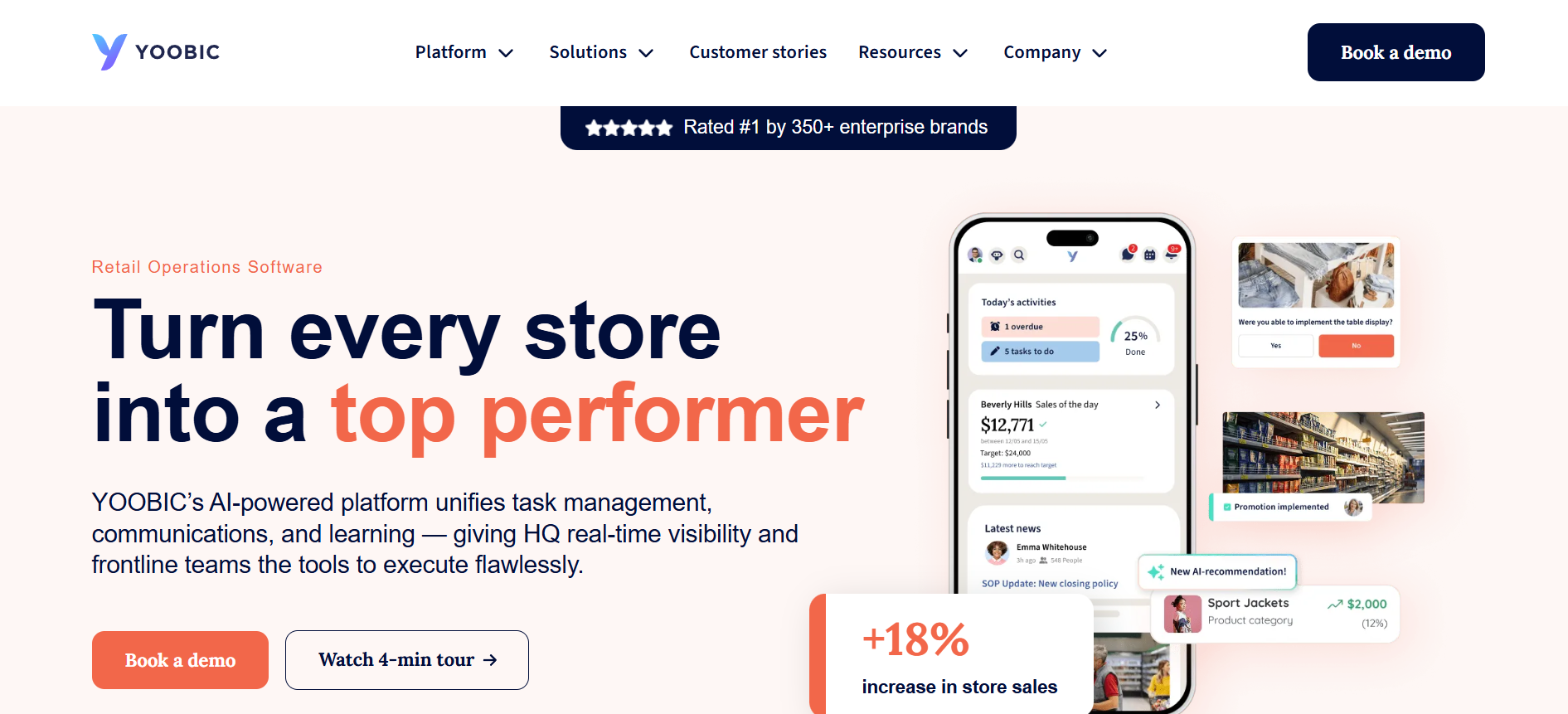
YOOBIC’s current product direction is heavily tied to retail and distributed frontline execution.
Tasks, communications, learning, audits and store-performance workflows sit together in its mobile environment. Current materials also document offline support in operational checklists/audits and mobile learning scenarios.
For retailers, restaurants and other multi-site environments where headquarters needs proof that store-level work happened, that is a meaningful distinction.
Organizations outside those use cases should check how well its retail-centered operating model maps to their own processes.
Blink: when mobile access and employee communication come first
Blink makes more sense when the first problem is reaching employees through a usable mobile employee experience and making workplace systems easier to access.
Its current offline mode focuses on saved Hub content, and its Workday documentation covers user provisioning and SSO. That makes it useful where communication, workplace resources and employee access are more important than replacing a full workforce-management stack.
A company primarily seeking deep native store audits, scheduling optimization or operational task orchestration should compare those areas carefully against more operations-led products.
What if you need something narrower?
A superapp can be the wrong purchase when one problem clearly dominates.
If digital signage is the main gap, compare dedicated and multi-channel options in the digital signage platform comparison before paying for a broader workforce platform.
If you mainly need enterprise internal communication, the Staffbase alternatives comparison covers products with a more communications-centered position.
And if your project is really an employee-engagement purchase rather than an operational frontline platform, use the broader Employee Engagement Platform Buyer’s Guide to reset the requirements before you shortlist.
Buying a smaller product that handles the real problem well can be better than consolidating for consolidation’s sake.
Questions to Ask Every Frontline Superapp Vendor
Use these questions in every serious vendor call. Ask for a demonstration or written answer rather than a yes/no response.
Modules
- Show the five most common employee workflows end to end.
- Which modules are native, which are integrations, and which require separate products?
- Which modules cost extra?
- Can scheduling, tasks, communication and learning share the same employee data and audiences?
- Which capabilities are still roadmap items?
- What happens if we remove a module at renewal?
- Can local managers operate their part of the platform without global administrative rights?
Mobile Offline
- Show exactly which functions work with the phone in airplane mode.
- Can employees read only cached content, or complete work?
- Can forms, tasks, audits, training and attachments be completed offline?
- How are offline submissions queued?
- How are synchronization conflicts handled?
- What happens when offline content has been updated centrally?
- What company information remains on personal devices?
- Can offline data be removed when employment ends?
Integrations
- Show the actual Workday, UKG or other HRIS/WFM integration we would use.
- Is it SSO, user sync, schedule data, a link, embedded content or a two-way workflow?
- Which employee fields synchronize?
- How quickly are joiners, movers and leavers reflected?
- Who monitors failures?
- Is the connector included in our plan?
- Does it require professional services?
- Can we access APIs ourselves?
- Which team owns support when your product and the third-party system disagree?
TCO
- Give us a three-year quote for the exact configuration demonstrated.
- Which capabilities shown today are paid add-ons?
- What implementation work is included?
- Which integrations carry setup or recurring fees?
- Are SMS or other communication channels usage-based?
- What training is included?
- What support tier is included?
- How does pricing change with headcount?
- What costs change at renewal?
- What will our internal administrators still need to do every week?
One additional question is worth asking at the end of every demo:
“Show us something customers regularly assume is included or automatic that actually requires additional configuration, licensing, or internal work.”
The answer can be more useful than another thirty minutes of polished product screens.
If your shortlist includes HubEngage, this is also the right point to request a demo built around your own workforce scenarios rather than a generic tour.
Frequently Asked Questions
What is the difference between a frontline superapp and a standard intranet or communication app?
A communication app primarily helps employees receive and exchange information. An intranet usually adds structured content, company resources and navigation.
A frontline superapp goes further by trying to bring everyday work into the same mobile experience. That can include tasks, schedules, training, forms, employee services and operational workflows alongside communication.
The important word is “trying.” Do not classify software by what the vendor calls it. Check how many of your real frontline workflows it can handle well.
Does a frontline superapp replace Workday, UKG, ADP or dedicated scheduling software?
Usually, no.
Those systems often remain the source of record for HR, payroll, time or workforce management. The frontline worker platform can make their information and workflows easier for employees to access.
That is why integration quality matters so much. You want one employee experience without accidentally creating two systems that both think they own the schedule or employee record.
How long does frontline superapp implementation take?
There is no reliable universal implementation timeline.
A limited employee-communication rollout with standard employee data and simple authentication is very different from deploying communication, tasks, learning, offline workflows, custom branding, Workday or UKG integration, SSO, shared devices and thousands of employees across several countries.
Ask each vendor for a project plan that separately shows employee-data setup, identity, integrations, configuration, testing, pilot, manager training and rollout. Compare that scope, not a headline launch-time promise.
Is offline mode necessary for every frontline workforce?
No.
If employees have dependable connectivity throughout the places where they use the app, offline functionality may carry relatively little weight.
It becomes much more important in field service, manufacturing, logistics, basements, remote locations, large store environments or any workplace where a connection regularly disappears during the task itself.
Test your actual locations before making it a mandatory requirement.
Is a frontline superapp cheaper than several point solutions?
It can be, but consolidation does not automatically reduce cost.
You may save software licenses, integration work, duplicate administration, training and employee time. You may also discover that the broad platform needs paid modules to match specialist applications you already own.
Build both scenarios over three years: your current point-solution stack and the proposed consolidated platform. Include internal operating costs on both sides.
Build the Shortlist Around Twelve Real Workflows
Do not finish the buying process with another feature spreadsheet.
Write down roughly twelve tasks your frontline workforce has to complete regularly. Include at least one communication, one schedule action, one task, one learning workflow, one form, one knowledge search, one employee-service request, one offline scenario, one new-hire login, one termination, one manager workflow and one administrator workflow.
Give the same scenarios to three or four serious vendors. Make them demonstrate the work. Then compare integration depth, offline behavior and three-year TCO against those workflows.
That will tell you far more about a frontline superapp than its feature count.