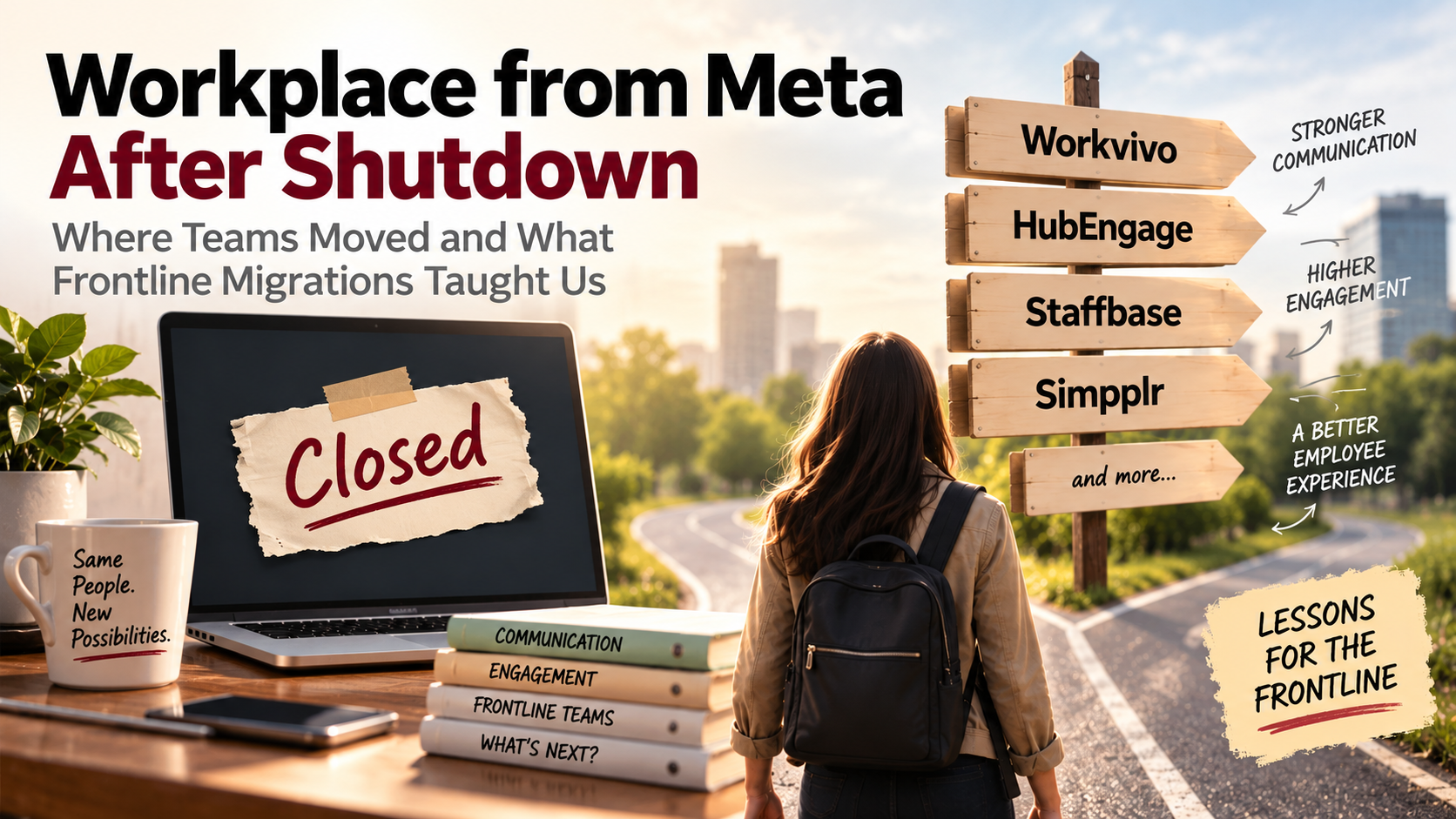
Workplace from Meta is gone. After normal access ended in 2025, the platform moved into a read-only period before closing completely in 2026.
What happened next was more interesting than a simple software replacement.
Some organizations followed Meta’s preferred migration route to Workvivo. Others used the shutdown to reconsider what they actually needed from an employee platform and evaluated products such as HubEngage, Staffbase, Simpplr, and frontline-focused alternatives. For companies with large deskless workforces, the migration exposed a bigger issue: replacing a familiar social feed was relatively easy. Recreating reliable access, communication habits, local participation, and trust was much harder.
That is the useful story now that the shutdown is behind us.
What Happened to Workplace from Meta?
Meta announced the end of Workplace in May 2024, giving organizations a long runway to prepare.
Customers could continue using Workplace normally until the end of August 2025. It then shifted into a read-only period, giving organizations time to access and export existing information. By June 2026, access had ended.
The official Workplace from Meta page now simply confirms that the service has closed.
The long notice period helped, but it also created an unusual migration problem.
Workplace had often grown informally inside companies. A Communications team might own company announcements while individual locations ran their own groups. Employees posted photos, questions, recognition, local updates, safety discussions, and informal knowledge. In some companies, Workplace functioned as an intranet. In others it behaved more like an internal social network. For frontline teams, it could be the only company platform they opened regularly.
Moving that environment meant deciding which of those jobs still belonged together.
That question pushed many organizations beyond the idea of finding a direct Workplace clone.
Where Did Workplace Teams Move?
There is no credible public dataset showing exactly what percentage of former Workplace customers moved to each competitor.
That is worth saying clearly.
Vendors have published migration numbers and customer stories, but those figures describe their own customer bases. They do not give us a reliable market-wide split.
What we can see is that several distinct migration paths emerged.
Some companies wanted a broader employee app rather than another Workplace clone
For organizations that were already questioning how many employee tools they had, the shutdown became an opportunity to combine functions.
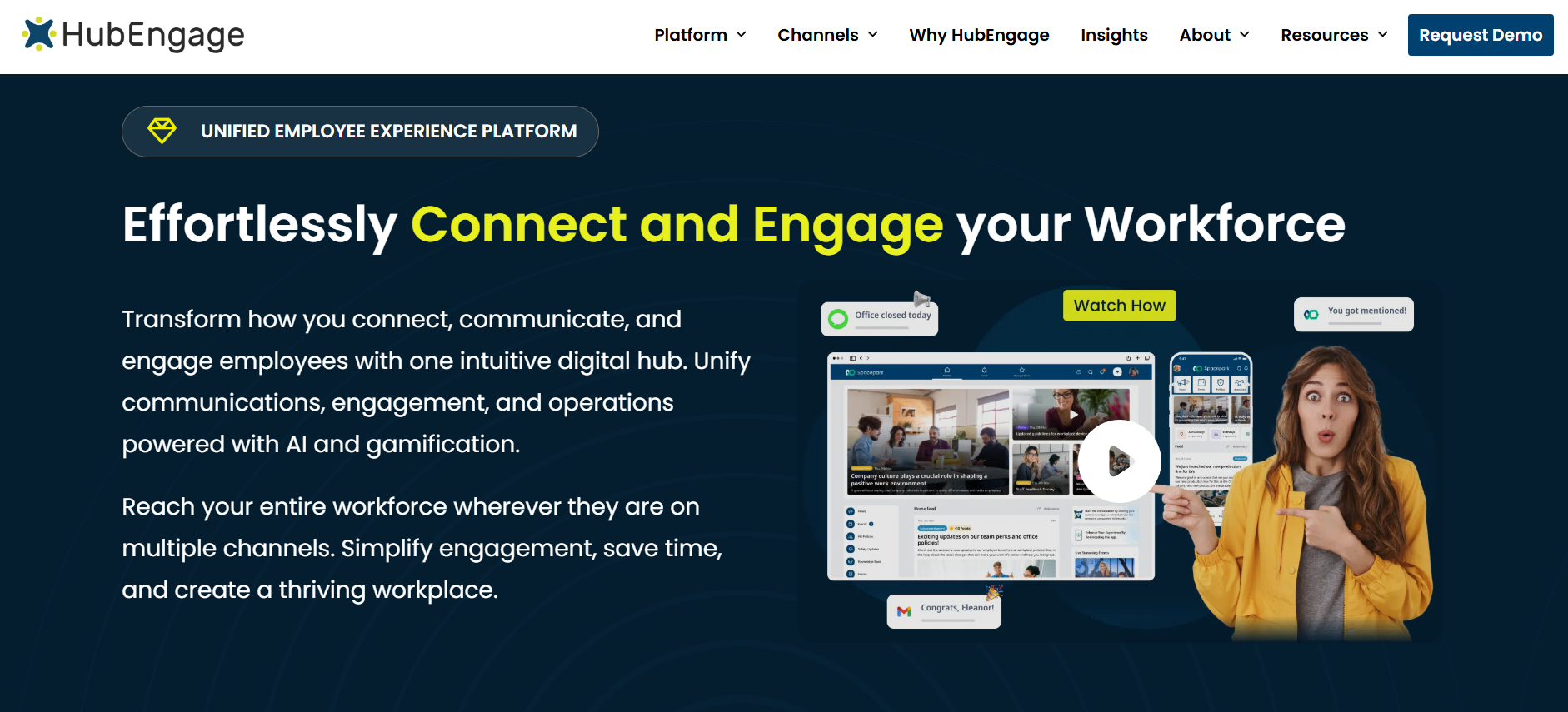
That is where platforms such as HubEngage became relevant.
Rather than recreating only the Workplace feed, an organization can use an employee app such as HubEngage for company communication while also bringing in areas such as surveys, recognition, social participation, messaging, documents, and other employee engagement functions.
That approach makes particular sense when Workplace was only one piece of a fragmented employee experience.
Imagine a restaurant group using Workplace for company news, another product for employee surveys, email for HR announcements, text messages for urgent communication, and a separate recognition system. Replacing Workplace with another standalone social network fixes the immediate problem but preserves the underlying fragmentation.
A broader employee platform gives the organization a chance to question that setup.
It will not be the right choice for every former Workplace customer. A company mainly seeking an intranet may prefer a more dedicated intranet product. A company whose primary problem is workforce scheduling needs a different category of software entirely.
The shutdown forced buyers to make those distinctions.
Workvivo received the most direct migration route
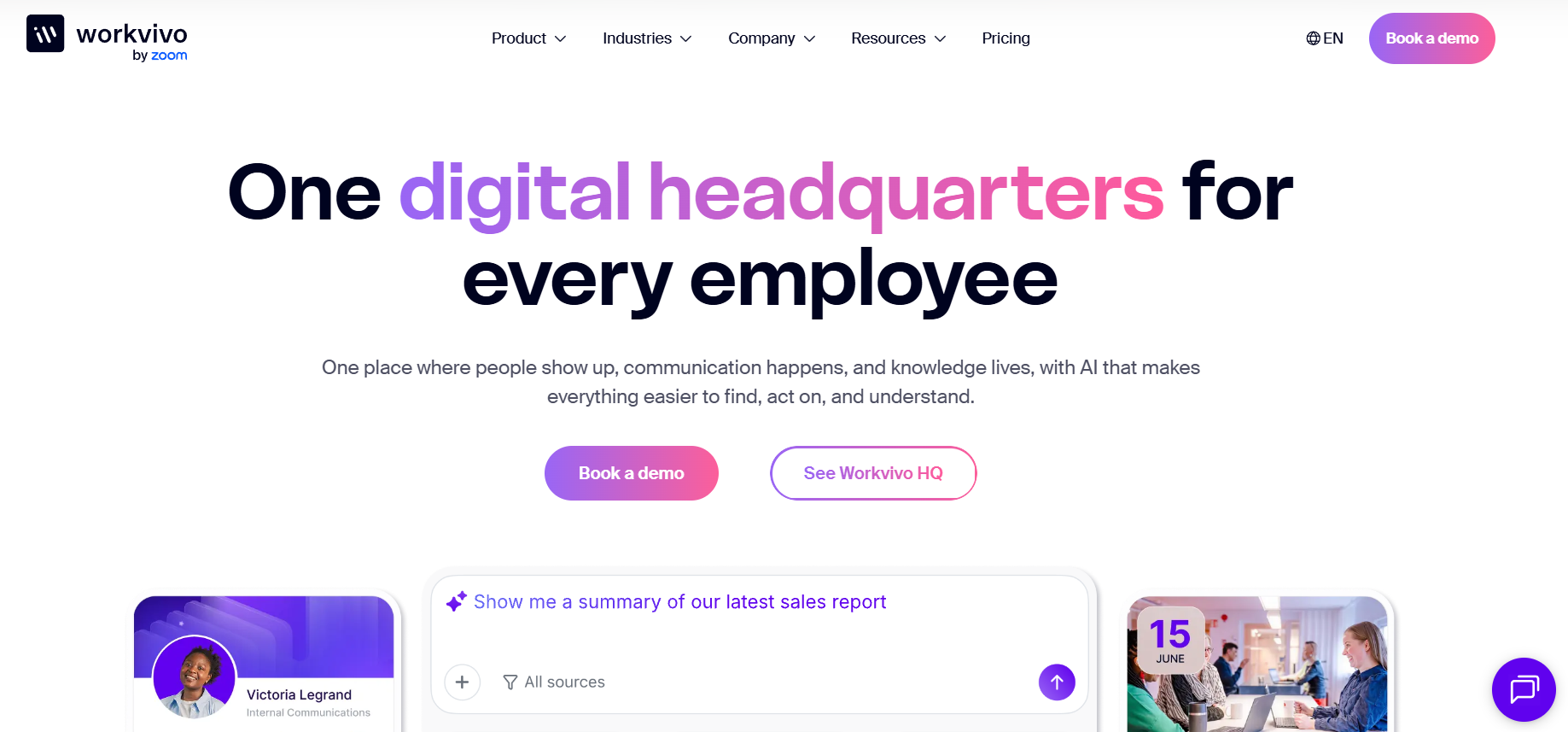
Workvivo had one advantage no other competitor could claim: Meta selected it as its preferred migration partner.
The companies created a direct migration process that could move Workplace users, groups, memberships, posts, comments, reactions, knowledge articles, files, and related information into Workvivo.
That reduced one of the biggest risks in a platform shutdown: the technical effort involved in extracting years of employee activity and putting it somewhere useful.
It also made Workvivo a natural option for companies that liked the communication and community behavior employees already had in Workplace.
There are real examples of organizations taking that route.
Inghams, a large food producer in Australia and New Zealand, had used Workplace as its primary employee communications platform. According to Workvivo’s published case study, around 90% of its more than 8,200 employees were frontline workers, and most did not have company email addresses.
When Workplace’s closure was announced, Inghams chose Workvivo and created a new employee destination called The Hatch.
The interesting part of that story is not simply that one vendor replaced another.
Inghams used the migration to consolidate older tools and build a broader employee entry point. The company also had to solve account activation for people who lacked corporate email. Its implementation partner created a self-service claims process so workers could activate accounts using existing credentials.
Workvivo reports that almost 3,000 employees activated accounts in the first week and that 60% of the workforce engages through the mobile app.
Those are vendor-published figures, but the implementation itself makes an important point: for a frontline migration, identity can be a bigger project than content.
Other organizations deliberately chose a different route
Meta’s recommendation did not remove the need for a buying process.
Staffbase has published an example of an Australian manufacturer with about 4,500 frontline workers that evaluated Workvivo after the Workplace shutdown and ultimately chose Staffbase instead.
That company reportedly wanted to consolidate its intranet, app, email, and digital-screen communication rather than recreate a social-first environment.
Other former Workplace customers considered products such as Simpplr for a more structured employee experience and intranet model, while frontline-heavy organizations had options such as Beekeeper, which is now part of LumApps.
The choice tended to follow the job that Workplace had actually been doing inside the company.
If employees primarily used it for social communication and community, Workvivo was a natural comparison.
If Internal Communications needed stronger publishing control across several channels, Staffbase could make more sense.
If the organization wanted a broader communications and engagement platform, HubEngage entered the conversation.
If the real need was an enterprise intranet with personalization, search, and structured knowledge, Simpplr or LumApps might sit higher on the shortlist.
The important lesson is that “Workplace replacement” turned out to be too broad a software category.
The First Frontline Lesson: Login Is Part of the Employee Experience
Corporate technology teams can underestimate login friction because office employees usually have an established digital identity.
They have an email address. They know their Microsoft or Google credentials. They probably use multi-factor authentication. If something stops working, they can contact IT from a laptop.
A factory employee, retail associate, driver, hotel worker, or restaurant employee may have a very different experience.
Some frontline workers do not have a corporate email account at all. Others share terminals. Some rarely need their company credentials. Many are using personal phones and will decide quickly whether downloading another work app is worth the effort.
That makes authentication an adoption issue.
A migration team can spend months moving posts and documents perfectly and still struggle at launch because thousands of workers cannot get through account activation.
The Inghams example is useful precisely because the organization had to solve that issue directly.
When evaluating a platform for a similar workforce, I would pay very close attention to the first five minutes.
How does a new user know where to get the app? What identifies them? Do they need an email address? Can a QR code help? Does the company allow personal devices? What happens when someone forgets a password halfway through a shift?
Those details can decide whether the platform becomes part of work or another application employees ignore.
The Second Lesson: You Probably Shouldn’t Move Everything
A platform shutdown naturally makes teams anxious about losing information.
That can lead to the opposite mistake: migrating everything.
Years of Workplace activity could include useful knowledge, but they could also include obsolete announcements, dormant groups, expired campaigns, old leadership messages, duplicated files, abandoned initiatives, and conversations with no lasting business value.
A technically perfect lift-and-shift can leave the new platform carrying the same clutter as the old one.
The better question is not, “Can we migrate this?”
It is, “Will anybody need this after the migration?”
Groups deserve the same scrutiny.
A location group that still has active managers and daily employee participation may be essential. A project group that has been silent since 2021 probably does not need a new home.
That distinction also affects search.
If you move years of obsolete content into a modern employee platform and then add AI-powered search, you can make old information easier to find. That is not an improvement.
A migration should include content retirement.
The Workplace shutdown gave companies a rare deadline to do work they had been postponing for years.
The Third Lesson: Workplace’s Familiarity Was a Feature
One reason Workplace gained adoption was simple: employees already understood the interaction model.
There was a feed. People could react. Groups made sense. Posting an update did not require much explanation.
Companies replacing it sometimes focused heavily on whether the new software had equivalent functionality.
That misses part of the problem.
The challenge is behavioral continuity.
If employees were used to opening Workplace at the beginning of a shift, where will they go now?
If store managers posted local updates in a group, what replaces that behavior?
If employees recognized colleagues with comments and reactions, does the new platform support an equally natural habit?
If senior leaders communicated through informal video posts, will the new environment encourage them to keep doing it?
You can migrate a group. You cannot automatically migrate the habit of checking it.
That is where implementation and change management become more important than feature matching.
The strongest migrations treated the new platform as a change in employee routine rather than an IT replacement.
The Fourth Lesson: Frontline Communication Cannot Depend on One Channel
Workplace demonstrated the value of having a recognizable employee destination.
Its shutdown also showed the risk of assuming that one application will reach everyone forever.
A frontline communications strategy in 2026 needs to account for situations where employees do not open the app.
An urgent safety notice may need a push notification. Some employees may require SMS. A break-room digital display may catch workers who rarely use company software during a shift. Email can still work well for managers and office populations. Mobile can remain the primary experience for employees on the floor or in the field.
This does not mean sending every announcement everywhere.
It means separating the employee platform from the delivery channel.
Your organization should know which communication is routine, which is important, which requires acknowledgement, and which needs another route when the first channel fails.
That question became much clearer after Workplace.
A feed is excellent for participation. It is less convincing as the only delivery method for an urgent operational update.
If you are comparing this generation of tools now, our review of the best frontline employee communication apps in 2026 looks at the differences between communication-first, employee-experience, and frontline-operations platforms.
The Fifth Lesson: Local Managers Can Make or Break Adoption
Frontline technology rollouts often look centralized on project plans.
Actual adoption is local.
An employee at a distribution center is more likely to ask a supervisor what the new application is for than read a corporate change-management document.
If that supervisor is using the platform, referring employees to it, posting updates there, and helping people get logged in, adoption has a chance.
If the supervisor keeps printing notices and using the old group chat, employees notice that too.
This is one reason activation statistics should be treated carefully.
Downloading the app is an early milestone.
The more interesting question comes three months later: has the new platform become part of how the location operates?
You can look for simple evidence. Are managers publishing locally? Are employees reading required information? Have repetitive questions decreased? Are shifts that previously missed updates now being reached? Do employees know where to find the current policy without asking somebody else?
That tells you much more than total registered users.
The Sixth Lesson: A Social Feed Is Not an Intranet
Workplace blurred an important line.
For many organizations, it started as a communication and community platform but gradually became the place employees went for almost everything.
That worked until the organization needed more structure.
Policies need ownership. Benefits information needs to stay current. Search needs permissions. Important documents need a clear authoritative version. Navigation needs to work even if the employee did not see last week’s post.
A social feed handles time-sensitive communication well because recent information naturally rises to the top.
Persistent organizational knowledge works differently.
A safety procedure should not disappear down a feed because ten birthday posts appeared after it.
This is one reason some former Workplace customers moved toward intranet and employee-experience products rather than another social-first platform.
The distinction is still useful for buyers today.
If the main problem is communication, buy for communication.
If the main problem is findability and structured knowledge, evaluate the intranet more seriously.
If you need both, test both. Do not assume a good news feed automatically gives you a good intranet. Our guide on how to choose an intranet platform covers the requirements, security, integration, and cost questions in more detail.
The Shutdown Also Changed How Buyers Should Think About Vendor Risk
There is an uncomfortable lesson in all of this.
Workplace was owned by Meta.
That did not guarantee permanence.
Large technology companies close products when those products stop fitting the wider business strategy. Smaller vendors can be acquired. Products merge. Roadmaps change. Pricing changes. Features disappear.
No procurement process can remove that risk.
But buyers can prepare for it.
I would want clear answers about data exports before signing a long-term employee-platform contract. I would want to know which content can be extracted, in what format, and whether employee identities, group structures, documents, posts, and historical records remain usable outside the system.
I would also look at how deeply the platform becomes embedded in operations.
Replacing a communications feed is disruptive.
Replacing the system that stores communication, training, schedules, employee forms, knowledge, recognition, messaging, and operational tasks is a much larger project.
Consolidation has benefits, but it increases the importance of an exit plan.
The Workplace experience should have made that question normal in HR technology buying.
What a Good Workplace Migration Would Look Like Now
If I were designing the migration again with the benefit of what organizations learned from the shutdown, I would spend less time asking how to reproduce Workplace and more time asking what employees should experience afterward.
First, I would map the jobs Workplace was actually performing. Company news, local groups, peer discussion, recognition, knowledge, urgent communication, leadership updates, documents, and informal help are different jobs even if Workplace happened to house them together.
Next, I would identify the frontline access conditions before choosing software. Corporate email availability, personal-device rules, shared terminals, languages, shifts, union or privacy considerations, and manager behavior should shape the shortlist.
Then I would clean the content before moving it. A new platform deserves a cleaner information environment.
I would also pilot with a difficult location rather than the corporate communications team.
Choose a site with employees who do not have company email, managers working under time pressure, multiple shifts, and limited desktop access. If the platform works there, you have learned something useful.
Finally, I would measure actual behavior after launch.
Registration matters. Monthly active users matter. But successful migration shows up when employees know where to go, managers stop maintaining shadow communication systems, urgent information reaches the intended people, and company knowledge becomes easier to retrieve.
That is a much higher standard than “we replaced Workplace before the deadline.”
What Should Former Workplace Teams Choose in 2026?
At this point, companies should stop looking for a Workplace replacement simply because they once used Workplace.
The better question is what your workforce now needs.
HubEngage is worth considering when communication needs to sit alongside recognition, surveys, social participation, mobile access, and several communication channels.
Workvivo remains a logical fit for organizations that valued the community and social experience of Workplace and want a broadly similar employee-experience model. Its role as Meta’s migration partner also gave it unusually deep experience handling Workplace transitions.
Staffbase deserves consideration when enterprise internal communications, publishing governance, employee apps, and multi-channel distribution carry more weight.
Simpplr is relevant when the project is moving toward a more structured intranet and employee-experience model.
LumApps and Beekeeper are particularly interesting for organizations trying to connect corporate intranet needs with a significant operational or frontline workforce.
Other companies may discover that they do not need one replacement at all. Microsoft 365, an employee app, a workforce-management product, and a smaller set of communication channels may fit better than another broad platform.
There is no reason the architecture that existed before the shutdown has to be rebuilt exactly as it was.
The Useful Legacy of Workplace Might Be the Migration It Forced
Nobody wants a major employee platform to close.
It creates cost, uncertainty, retraining, technical work, content decisions, and disruption for people who had finally learned where to find things.
But the Workplace shutdown forced many organizations to examine employee communication habits they had stopped questioning.
Could frontline employees log in without corporate email?
Were important messages too dependent on a feed?
Did local managers actually use the company platform?
Was Workplace serving as a social network, an intranet, or both?
How much historical content was genuinely useful?
Did employees need another standalone app, or could several tools be consolidated?
Those are better questions than, “Which product looks most like Workplace?”
By 2026, the organizations that handled the transition well were not necessarily the ones that recreated the old environment most accurately.
They were the ones that understood what employees had been relying on and rebuilt those experiences around the way their workforce actually works.
Frequently Asked Questions
Is Workplace from Meta still available?
No. Workplace from Meta has shut down. Normal use ended in 2025, followed by a read-only period that allowed customers to access and export information before final closure in 2026.
What replaced Workplace from Meta?
There is no single replacement. Workvivo became Meta’s preferred migration partner and therefore had the most direct official migration path. Other organizations evaluated or moved to platforms including HubEngage, Staffbase, Simpplr, LumApps/Beekeeper, and other employee communication or intranet products based on their requirements.
Why did many Workplace customers consider Workvivo?
Meta selected Workvivo as its preferred migration partner, and the two companies created a direct migration route for Workplace information. Workvivo also has a communication and community model that can feel familiar to organizations that used Workplace heavily for social interaction and employee engagement.
What should frontline organizations prioritize when replacing Workplace?
Start with employee access. Determine how workers without corporate email will authenticate, whether personal devices are allowed, how local managers will support adoption, what languages are needed, and which communications require channels beyond an app. Content migration comes after those questions.
Should companies migrate all old Workplace content?
Usually not. Historical content should be reviewed for relevance, ownership, duplication, accuracy, and regulatory requirements before migration. Moving obsolete groups and outdated documents into a new platform can create search and governance problems immediately.
What was the biggest lesson from the Workplace shutdown?
Employee-platform migration is primarily an operating and behavior change, not a file-transfer project. Moving content is measurable and technical. Rebuilding the habit of checking company information, participating locally, and trusting the new platform is the harder part.