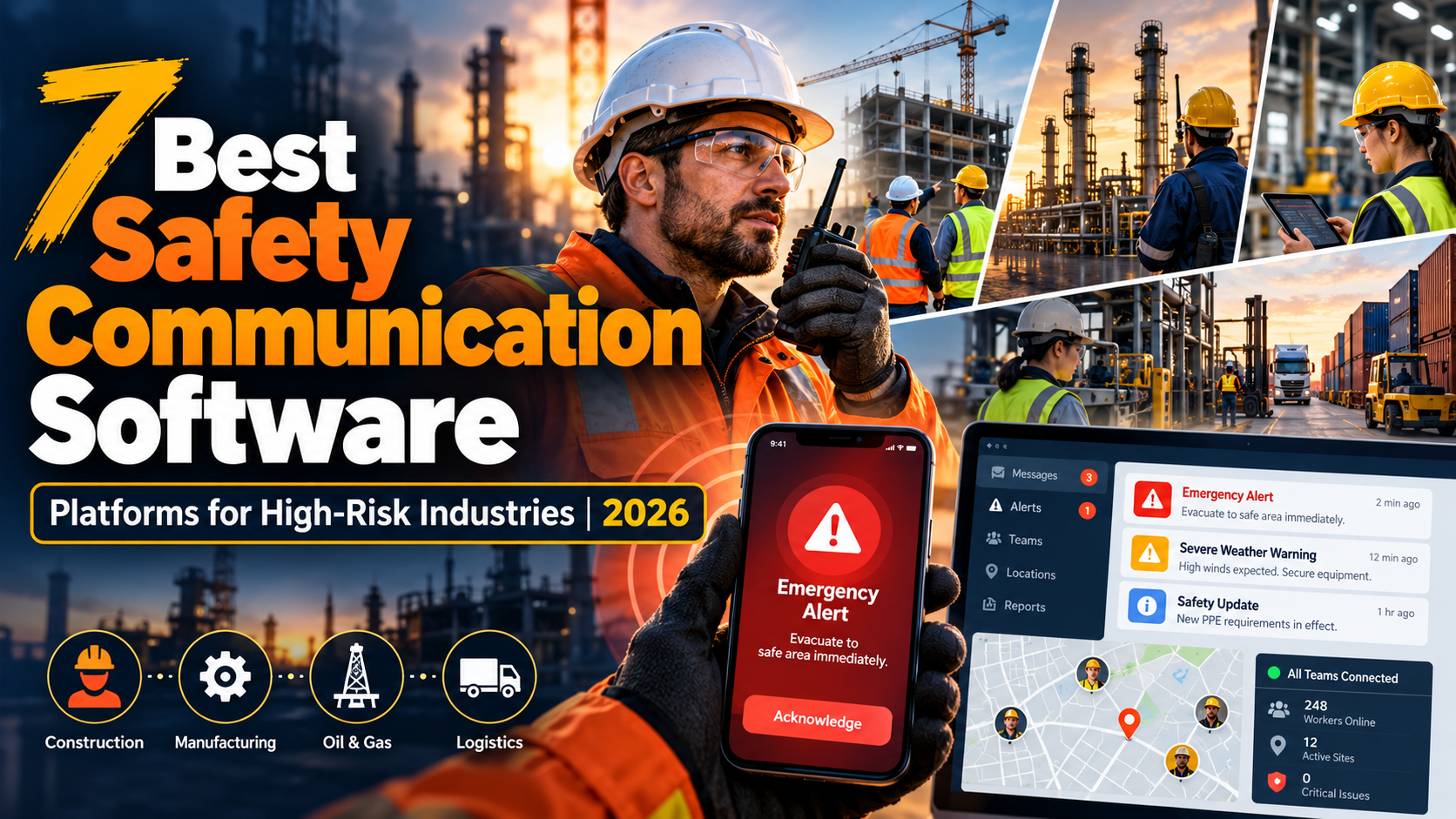
The best safety communication software for high-risk industries includes HubEngage, AlertMedia, Everbridge, Mitti (formerly SafetyCulture), EcoOnline, Cority, and HammerTech. These platforms serve different needs, from frontline safety messaging and emergency notifications to incident reporting, inspections, and corrective action management.
The right choice depends on your industry’s hazards, workforce accessibility, emergency response requirements, and existing safety systems. This guide compares seven platforms, explains their limitations, and provides a practical framework for evaluating software in manufacturing, construction, oil and gas, mining, logistics, and other high-risk workplaces.
Key Takeaways
- Different safety risks require different software. Frontline communication apps, emergency notification systems, and environmental, health, and safety (EHS) platforms address related but distinct operational needs.
- Multichannel communication improves workforce reach. SMS, mobile notifications, voice alerts, digital signage, radios, and facility alarms may all have roles in a workplace communication strategy, although not every software platform supports every channel.
- Two-way communication supports faster escalation. Employees need accessible ways to acknowledge instructions, report hazards, request assistance, and raise concerns.
- Documentation should lead to action. Safety reports, message acknowledgments, investigations, and corrective actions are more useful when responsibility and follow-up are clearly defined.
- Software does not replace physical safety controls. Employers still need effective hazard prevention, appropriate alarm systems, employee training, emergency procedures, and qualified safety oversight.
What Is Safety Communication Software, and How Does It Work?
Safety communication software helps organizations distribute workplace hazard information, communicate emergency instructions, collect employee responses, and coordinate actions following safety incidents.
In high-risk environments, effective communication must account for more than message delivery. Workers may operate machinery, work in restricted areas, move between temporary worksites, or have limited access to smartphones and corporate email.
A useful safety communication process connects four activities: identifying a hazard, notifying affected people, confirming an appropriate response, and tracking any required follow-up.
However, safety communication software is not a single product category.
| Software category | Primary purpose | Typical capabilities |
|---|---|---|
| Employee safety communication software | Share safety information with employees and frontline teams | Targeted announcements, SMS, mobile notifications, employee feedback, acknowledgments |
| Emergency notification software | Warn affected people and coordinate urgent responses | Mass notifications, location targeting, voice alerts, escalation, employee check-ins |
| EHS and safety management software | Record hazards, investigate incidents, and manage preventive actions | Incident reporting, inspections, risk assessments, investigations, corrective actions |
Some platforms combine elements of these categories. Others specialize in one.
For example, a manufacturing business might use an employee communication platform for weekly safety briefings, emergency notification software for severe-weather alerts, and an EHS system for documenting machinery incidents and corrective actions.
These systems may work together without being interchangeable.
The distinction matters because notifying employees about a hazard does not eliminate the hazard itself.
The CDC’s National Institute for Occupational Safety and Health explains in its Hierarchy of Controls that elimination, substitution, and engineering controls generally provide more effective protection than controls that depend heavily on individual behavior.
Safety communication should therefore support the organization’s prevention and response processes rather than substitute for them.
For organizations managing employees across locations, shifts, and communication channels, Turn On Work’s frontline employee communication guide provides additional guidance on workforce accessibility and communication effectiveness.
Safety Communication Software Comparison: 7 Platforms
The following platforms address different combinations of employee communication, emergency notification, operational safety, and EHS management.
The comparison focuses on their intended uses and practical limitations rather than implying that all seven products perform the same functions.
| Platform | Best for | Relevant capabilities | Main consideration |
|---|---|---|---|
| 1. HubEngage | Frontline safety messaging | SMS, mobile push, targeted announcements, employee responses | Not a dedicated EHS incident management suite |
| 2. AlertMedia | Emergency notifications and employee protection | Multichannel alerts, geotargeting, threat intelligence, two-way check-ins | Detailed EHS recordkeeping requires separate evaluation |
| 3. Everbridge | Enterprise emergency communication | Mass notification, location targeting, incident coordination, multichannel delivery | Broader functionality may exceed routine communication needs |
| 4. Mitti (formerly SafetyCulture) | Inspections and operational safety communication | Heads Up announcements, acknowledgments, inspections, issue tracking | Offline inspection support does not extend to offline emergency alerts |
| 5. EcoOnline | Multi-site EHS and incident management | Hazard reporting, investigations, notifications, corrective actions | Emergency communication capabilities depend on selected products |
| 6. Cority | Enterprise occupational safety and EHS management | Incident reporting, mobile workflows, investigations, analytics | Not primarily a standalone mass-notification service |
| 7. HammerTech | Construction safety communication | Site bulletins, targeted notifications, contractor records, safety workflows | Construction-specific focus and regional feature availability |
How These Platforms Were Evaluated
This comparison is based on publicly available product pages, vendor documentation, pricing information, and relevant updates reviewed in October 2026.
The assessment considers workforce reach, communication channels, two-way capabilities, incident management, frontline usability, industry fit, and meaningful limitations.
It does not represent independent product testing, comparative delivery-performance measurements, or a verified ranking of safety outcomes.
Editorial disclosure: Turn On Work is an editorial initiative of HubEngage. HubEngage appears first in this comparison, but the assessments use the same general criteria for all seven platforms. Readers should evaluate each vendor against their operational requirements rather than interpret the order as an independently measured performance ranking.
1. HubEngage — Frontline Safety Communication and Employee Engagement
Best fit: Manufacturing, logistics, healthcare, and distributed organizations that need to include safety messaging within everyday employee communication.
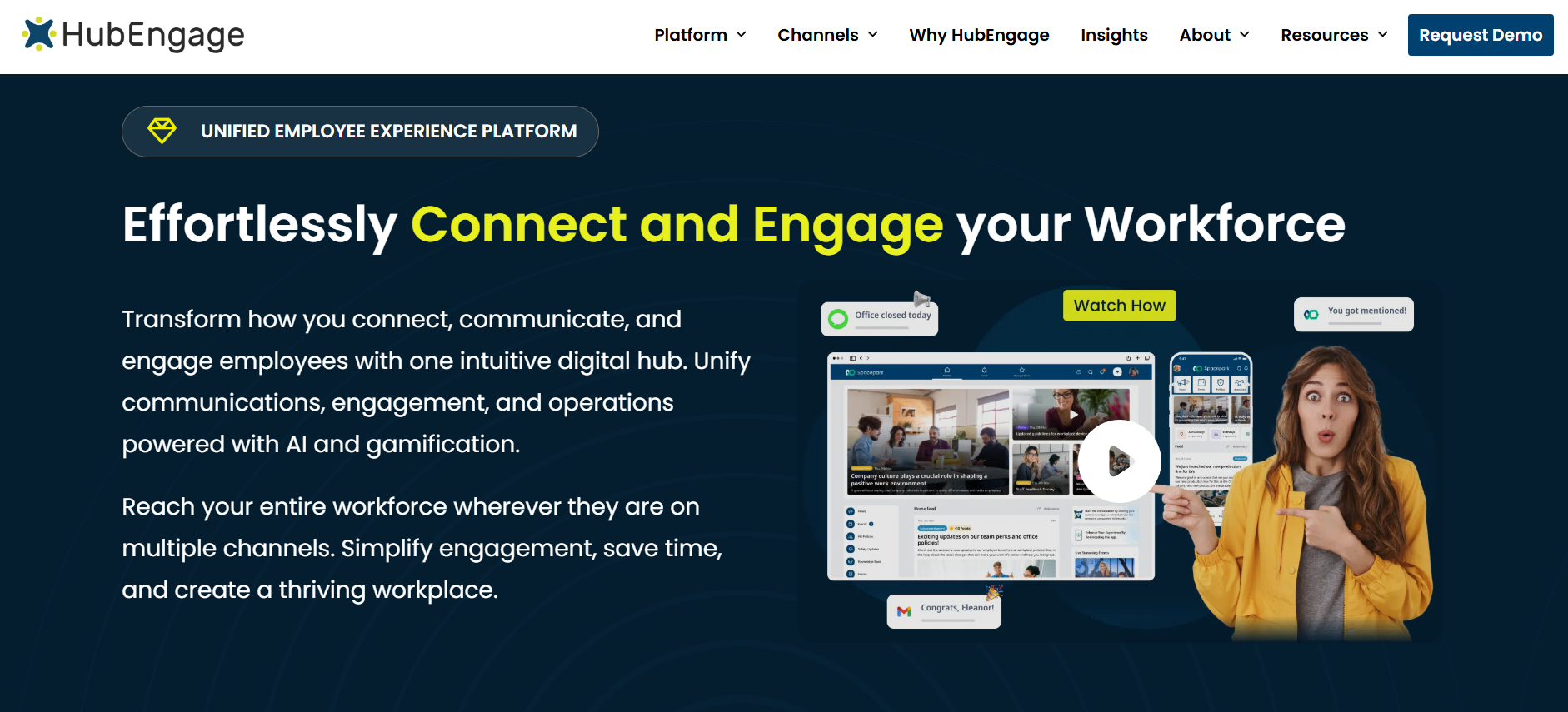
HubEngage is an employee communication and experience platform designed to reach workers through multiple digital channels.
Its capabilities include targeted SMS, mobile push notifications, email, and in-app announcements. Organizations can segment communications by department, site, location, or employee group instead of sending every safety notice to the entire workforce.
HubEngage’s emergency text messaging capabilities also support two-way employee responses and delivery reporting. These features can help supervisors distribute urgent operational updates and identify employees who have responded.
For example, a logistics company could notify workers at an affected distribution center about a temporary loading-area restriction while continuing ordinary operations at other locations.
HubEngage also includes employee surveys and broader engagement capabilities. This makes it relevant to organizations that want to distribute recurring safety reminders, share updated policies, and collect feedback about communication problems through familiar employee channels.
Limitations: HubEngage is not a specialist EHS suite for advanced incident investigations, industrial hygiene, or complex permit-to-work processes. Its employee messaging capabilities should not automatically be treated as equivalent to a dedicated critical-event management platform or required workplace alarm system.
Pricing: Organization-specific pricing is available through HubEngage. Buyers should confirm licensing, SMS allowances, support arrangements, and required integrations.
2. AlertMedia — Emergency Alerts and Employee Safety Monitoring
Best fit: Organizations needing to communicate during severe weather, security incidents, natural disasters, travel-related threats, and emergencies affecting multiple locations.
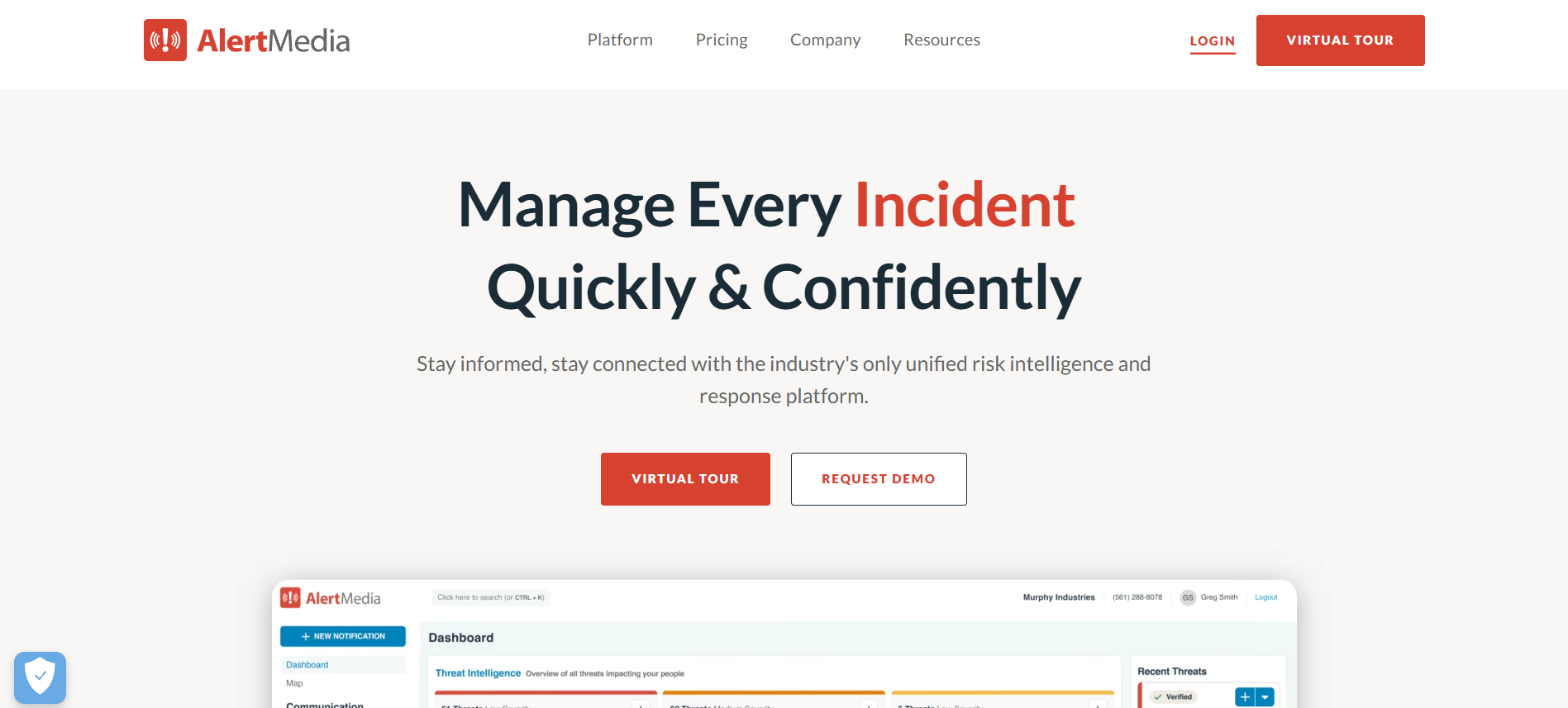
AlertMedia specializes in emergency communication, threat intelligence, employee safety monitoring, and incident response.
Its mass notification platform supports SMS, email, voice, mobile apps, and workplace collaboration channels. Organizations can target notifications to affected locations or employee groups and use employee responses to coordinate assistance.
Two-way communication allows employees to confirm their safety, provide status updates, or request help.
Its integration with workforce information and location-based targeting can be valuable when organizations need to identify which employees may be affected by a developing incident.
For example, a transportation company monitoring severe weather could notify drivers assigned to an affected region, request status confirmations, and escalate unanswered alerts according to its emergency procedures.
AlertMedia also publishes regular platform updates.
In July 2026, the company documented improvements to SMS creation, visibility into multimedia replies, survey-response timestamps, and a fix to an issue affecting geofencing user visibility. These changes are relevant to organizations evaluating alert administration and response tracking.
Limitations: AlertMedia focuses primarily on threat awareness and protective response coordination. Organizations requiring detailed EHS audits, chemical inventory management, or occupational incident investigations should assess additional tools.
Pricing: Request a proposal covering required notification, threat intelligence, monitoring, and incident response capabilities.
3. Everbridge — Enterprise Mass Notification and Critical Event Management
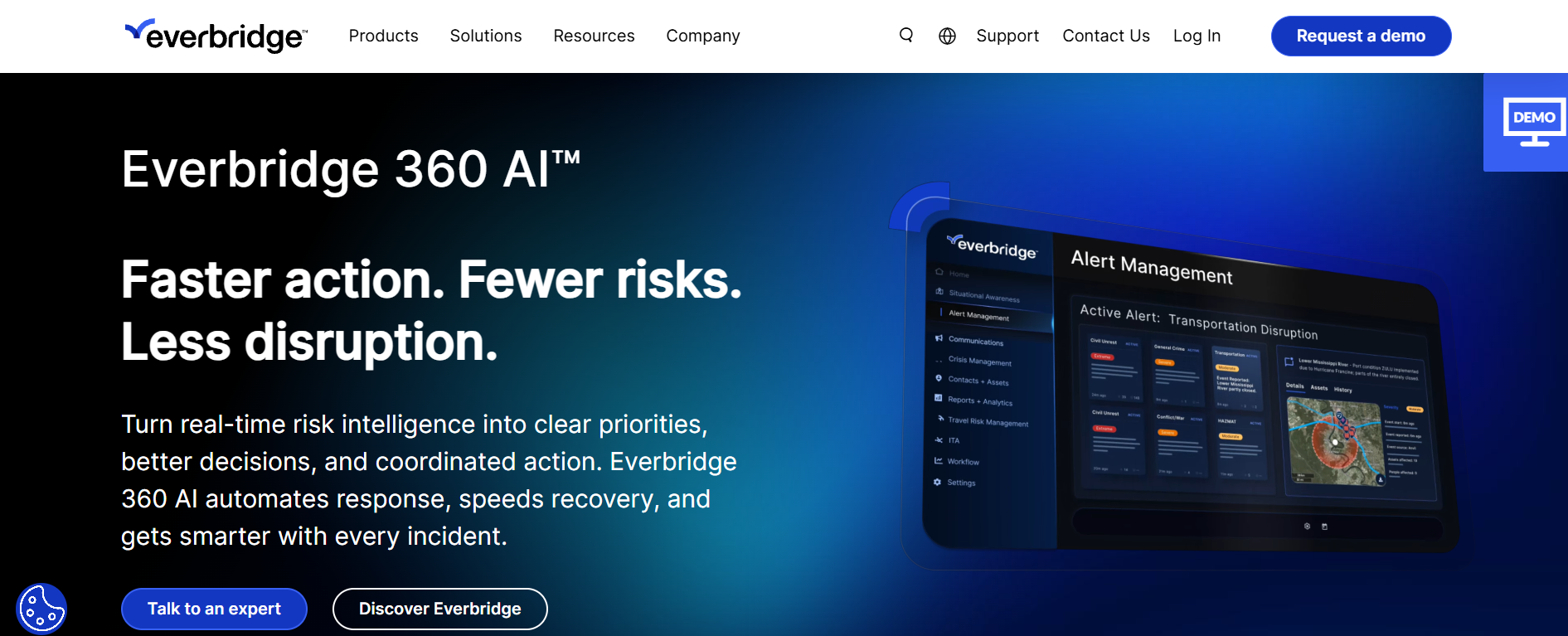
Best fit: Large organizations coordinating emergency communication across multiple facilities, geographic regions, operational teams, and employee populations.
Everbridge provides mass notification capabilities within a broader portfolio of critical event management solutions.
Its communication capabilities include SMS, email, voice, mobile applications, desktop notifications, and other supported delivery channels.
Organizations can target employee groups and geographic areas, use predefined notification templates, distribute urgent instructions, and gather responses.
These capabilities support situations such as workplace security incidents, severe-weather warnings, evacuations, and multi-location operational disruptions.
Everbridge can be particularly relevant when organizations need to coordinate incident information and emergency communication across several departments.
For example, a company operating manufacturing facilities in different regions may need local site alerts alongside centralized visibility for security, business continuity, and executive response teams.
Its broader critical event management approach can help organizations coordinate those activities through connected processes.
Limitations: Everbridge may introduce more functionality, configuration, and procurement complexity than organizations need for routine safety announcements. Buyers should also establish which EHS documentation needs remain outside its selected modules.
Pricing: Request a tailored quote and verify the inclusion of mass notification, risk intelligence, integrations, and incident management capabilities.
4. Mitti (Formerly SafetyCulture) — Inspections and Operational Safety Communication
Best fit: Manufacturing facilities, field operations, service businesses, and distributed teams seeking to connect inspections, safety observations, communications, and follow-up actions.
SafetyCulture officially rebranded as Mitti in August 2026.
The platform combines digital inspections, issue reporting, tasks, frontline training, workplace communications, and related operational processes.
Its Heads Up functionality allows managers to share safety announcements with selected workers, request acknowledgments, monitor responses, and communicate changes to workplace procedures.
Employees can also report issues involving equipment defects, near misses, or unsafe conditions. Reports can be connected to inspections, investigations, and corrective actions.
This combination is relevant when a workplace wants safety observations to become documented tasks rather than remain isolated reports.
For example, an inspection might identify a damaged machine guard. The issue can be recorded and assigned for corrective action while affected employees receive the relevant operational restriction through approved communication procedures.
Mitti also supports offline work for selected mobile functions.
According to its offline feature documentation, inspections, issues, actions, and certain other activities support offline functionality, subject to limitations. However, Heads Up, notifications, and lone worker features are not supported offline.
This is an important distinction for remote operations.
Limitations: Mitti is primarily an operational management platform rather than a specialist crisis broadcasting system. Its offline inspection capabilities should not be interpreted as the ability to deliver real-time emergency notifications without connectivity.
Pricing: Mitti publishes a free plan for up to 10 users, Premium at $24 per seat per month with annual billing or $29 with monthly billing, and custom Enterprise pricing. These are published USD prices excluding applicable taxes. Check its current pricing and plan details before purchasing.
5. EcoOnline — Multi-Site EHS Communication and Incident Reporting
Best fit: Industrial organizations that need standardized hazard reporting, incident investigations, safety documentation, and corrective action oversight across multiple facilities.
EcoOnline provides EHS management software covering incident management, audits, risk assessments, corrective actions, occupational safety, and related processes.
Its incident management tools help organizations collect reports, document investigations, assign responsibilities, and monitor follow-up work.
EcoOnline also offers products addressing chemical management, lone worker protection, and emergency and crisis response.
This broader portfolio can be useful for organizations whose safety responsibilities extend beyond distributing employee messages.
For example, an industrial company operating multiple production facilities might use structured EHS workflows to capture hazard observations, investigate incidents, and track whether assigned corrective actions have been completed.
Management teams can then review information across locations rather than rely on disconnected spreadsheets or informal email reports.
EcoOnline’s separate safety and emergency offerings are worth evaluating individually because buyers may need different combinations of functionality.
Limitations: EcoOnline’s core EHS capabilities are not identical to an employee engagement or enterprise mass-notification system. Buyers should confirm which alerting, lone worker, incident management, and emergency response features are included in their selected products.
Pricing: Contact EcoOnline for pricing based on the selected solutions, implementation scope, users, and configuration.
6. Cority — Enterprise Occupational Safety and Incident Management
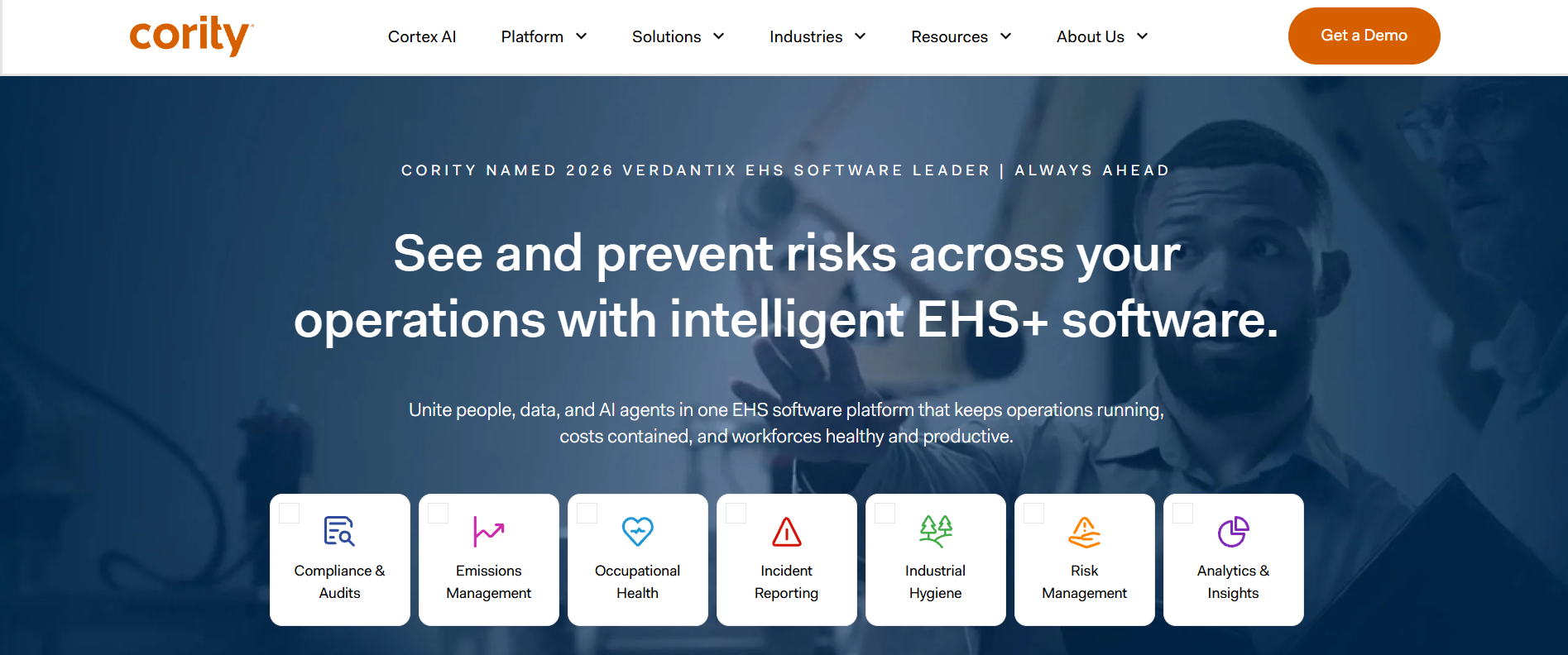
Best fit: Large industrial, manufacturing, energy, mining, and regulated organizations requiring detailed EHS records, investigations, occupational health processes, and safety analytics.
Cority provides enterprise environmental, health, safety, and related management capabilities through its CorityOne platform.
Its incident management software supports incident reporting, investigations, corrective and preventive action management, documentation, and analytics.
The platform also supports mobile-first field reporting, including offline data-capture workflows for supported functions.
These capabilities can be relevant to organizations where incidents must be assessed consistently across several sites, with clear investigation responsibilities and documented resolution.
For example, a mining organization may need to collect safety observations from remote facilities, investigate incidents according to standardized procedures, and review patterns across its operations.
Cority also offers Cortex AI capabilities intended to support EHS-related workflows and analysis.
In March 2026, the company described and demonstrated numerous AI workflows within CorityOne. Buyers should still confirm which features are available in their proposed configuration and how AI-generated recommendations are reviewed.
Limitations: Cority’s enterprise EHS functionality is broader than routine employee safety announcements. Organizations whose primary requirement is immediate mass notification should specifically evaluate its communication capabilities against specialist emergency platforms.
Pricing: Cority provides enterprise pricing through vendor proposals covering modules, implementation, integrations, and support.
7. HammerTech — Construction Site Safety Communication
Best fit: General contractors, construction managers, and project teams managing changing subcontractor populations, temporary workers, and site-specific safety requirements.
HammerTech provides construction-focused safety and operations software covering orientations, contractor information, job hazard analyses, permits, inspections, observations, and site communications.
Its construction notification capabilities allow project teams to share safety alerts, weather warnings, access changes, and operational instructions with selected workers or contractor groups.
Supported communication channels include email, SMS, site displays, and project-related interfaces.
A significant 2026 update was the introduction of native SMS Bulletins, which became generally available in North America in September.
This allows authorized teams to send text messages using workforce and contact records already maintained in HammerTech instead of exporting recipient lists into an unrelated messaging service.
The software records information about message sends, including recipients and sending times. However, a sending record should not be interpreted as independent evidence that every worker received, read, or understood a message.
HammerTech’s construction-specific workflows are particularly useful when site conditions and subcontractor assignments change frequently.
Limitations: HammerTech is designed primarily for construction environments rather than general employee communications across unrelated industries. SMS availability may vary by region, and buyers should verify actual acknowledgment, delivery reporting, and escalation capabilities.
Pricing: Request a quote covering project requirements, worker access, supported channels, messaging usage, and available modules.
Which Safety Communication Platform Is Best for Each Industry?
Different industries face different communication risks. The appropriate software depends on how workers operate, how hazards are managed, and which systems are already in place.
| Industry | Platforms worth evaluating | Priority requirements |
|---|---|---|
| Manufacturing | HubEngage, Mitti, EcoOnline | Shift updates, equipment warnings, inspections, hazard reporting |
| Construction | HammerTech, Mitti, EcoOnline | Contractor communication, orientations, site alerts, inspections, permits |
| Oil and gas | Cority, EcoOnline, AlertMedia | Incident investigation, lone worker protection, emergency coordination |
| Mining | Cority, EcoOnline, Everbridge | Hazard tracking, remote-site procedures, emergency response |
| Transportation and logistics | HubEngage, AlertMedia, Everbridge | Driver communication, severe-weather alerts, employee check-ins |
| Healthcare and large facilities | AlertMedia, Everbridge, Cority | Emergency coordination, employee protection, occupational safety documentation |
These are editorial shortlisting recommendations based on product focus, not independently verified industry-performance rankings.
Manufacturing: Connect Alerts With Shift-Level Action
Manufacturing facilities may operate continuously across several shifts. Employees may have restricted access to personal phones, work around noisy machinery, or spend little time using corporate computers.
Safety communication tools should support equipment restrictions, revised procedures, maintenance updates, and hazard notifications without creating unnecessary operational confusion.
Consider a production line temporarily shut down because of an equipment defect.
An effective process should identify the affected workers, notify responsible supervisors, communicate the restriction, and maintain appropriate controls until authorized personnel approve the equipment’s return to service.
HubEngage may be relevant for communicating the operational update. Mitti and EcoOnline are more directly associated with inspections, incident documentation, and safety management workflows.
However, safety-critical controls such as appropriate isolation procedures, machine guarding, and required employee alarms remain separate from ordinary software messaging.
Construction: Account for Contractors and Temporary Workers
Construction sites bring together multiple employers, changing crews, temporary workers, and frequent changes in site conditions.
Safety communication must account for people who may not have accounts in the main contractor’s internal employee systems.
For example, severe winds might require the suspension of crane operations.
The communication process may need to reach crane operators, subcontractor supervisors, rigging crews, and site management while ensuring that stop-work instructions are implemented and maintained.
HammerTech is particularly relevant because it connects construction workforce records with site communication and project workflows.
Mitti and EcoOnline may also be suitable where inspections, risk assessments, and incident reporting are the primary requirements.
When evaluating any platform, test whether recently onboarded contractors can access the safety information relevant to their assigned work.
Oil, Gas, and Mining: Prioritize Communication Resilience
Oil and gas facilities, mines, and remote industrial operations may face communication challenges that conventional employee messaging cannot solve.
Remote locations can have inconsistent cellular coverage, restricted electronic-device use, hazardous atmospheres, or specialized communication requirements.
Cority and EcoOnline can support structured EHS reporting and incident management. AlertMedia and Everbridge may be useful for broader emergency communication and coordination.
However, organizations must separately assess their requirements for industrial radio systems, approved devices, underground communication, lone worker procedures, and emergency infrastructure.
An offline inspection form is not equivalent to an offline emergency alert.
If a worker cannot transmit a distress signal because a communications network is unavailable, storing a report locally does not solve the immediate emergency communication problem.
How Should You Choose Safety Communication Software?
Choose safety communication software based on whether it can move important information from the person identifying a problem to the people responsible for responding and resolving it.
A vendor’s feature list provides a starting point. The final purchasing decision should depend on what the system can demonstrate under realistic operating conditions.
The Turn On Work Reach-to-Resolution Scorecard
The Reach-to-Resolution Scorecard is an editorial evaluation framework for comparing workplace safety communication software. It is not a regulatory standard, an industry certification, or an independently validated vendor benchmark.
It considers six factors that influence whether communication leads to appropriate action.
| Evaluation criterion | Suggested weight | What to evaluate |
|---|---|---|
| Workforce reach | 25% | Can affected employees and contractors be reached across sites, shifts, and approved devices? |
| Emergency delivery and resilience | 20% | Are urgent messages prioritized, and are documented backup communication methods available? |
| Two-way communication | 15% | Can workers acknowledge instructions, report hazards, and request help? |
| Incident-to-resolution workflow | 20% | Can reports lead to assigned corrective actions, escalation, and verified closure? |
| Frontline usability | 10% | Can workers use the system with minimal friction, including language and accessibility requirements? |
| Governance and integration | 10% | Does it support permissions, reliable worker records, appropriate integrations, and audit trails? |
| Total | 100% |
Assign each criterion a rating from 0 to 5:
- 0: The requirement has not been demonstrated.
- 1: Major gaps remain.
- 2: The requirement is only partially supported.
- 3: The basic requirement is demonstrated.
- 4: The requirement is demonstrated well under representative conditions.
- 5: The requirement is satisfactorily demonstrated against the organization’s defined tests.
Calculate the overall score using:
Weighted score = Sum of (criterion rating ÷ 5 × criterion weight)
The result is a score out of 100.
For example, a platform rated 4 out of 5 on workforce reach would receive 20 points from that criterion when its weight is 25%.
These weightings are suggested priorities, not universal safety requirements. Organizations should adjust them according to their risks and operating conditions.
Importantly, a high overall score must not compensate for failure on a safety-critical requirement.
If a system cannot reliably support the required communication process during a credible emergency scenario, strengths in analytics or ordinary messaging do not make that failure acceptable.
Before contacting vendors, organizations can use Turn On Work’s multichannel internal communications audit checklist to identify gaps in employee access, communication channels, and accountability.
Six Questions to Ask During a Vendor Demonstration
- Can you demonstrate a safety alert reaching employees across different sites and shifts, including workers without corporate email?
- What happens when a message fails to deliver or a worker does not acknowledge it?
- Can employees report a hazard without navigating a complicated login or reporting process?
- Which functions work offline, and what happens to information awaiting synchronization?
- Can the system distinguish routine announcements from urgent emergency notifications?
- How do permissions, contractor access, worker records, integrations, and audit logs affect the complete response workflow?
The demonstration should use representative employee groups, realistic operating scenarios, and test data.
A polished demonstration using ideal network connectivity and a small set of administrator accounts may not reveal the problems workers will encounter during ordinary shifts or actual emergencies.
What OSHA Requirements Should Safety Communication Software Support?
Safety communication software can help employers organize procedures, distribute information, and maintain records relevant to occupational safety requirements.
However, purchasing software does not automatically establish OSHA compliance.
Applicable obligations depend on industry, workplace conditions, relevant hazards, and federal or state requirements.
The standards below concern the United States. Organizations operating in other countries must evaluate the laws and safety requirements applicable to those jurisdictions.
Emergency Action Plans and Employee Alarm Systems
Under 29 CFR 1910.38, employers required to maintain an emergency action plan must address matters including emergency reporting, evacuation procedures, employee accountability, and designated responsibilities.
The standard also addresses employee alarm systems, evacuation assistance, and reviewing emergency plans with affected employees.
The related employee alarm systems standard, 29 CFR 1910.165, establishes requirements for applicable alarm systems, including recognizable warnings and signals that can be perceived under workplace conditions.
For example, a smartphone notification that employees cannot hear, see, or access while operating noisy equipment should not be assumed to replace a required facility alarm.
Software may supplement emergency communication, but employers must evaluate whether the complete arrangement meets applicable requirements.
Hazard Communication and Employee Training
OSHA’s Hazard Communication Standard, 29 CFR 1910.1200, addresses communication of chemical hazards through measures including labels, safety data sheets, written programs, and employee information and training.
OSHA updated the standard in 2024 and extended several compliance dates in January 2026.
As of October 22, 2026, an upcoming deadline is November 20, 2026, for applicable employer updates concerning substances. These include necessary changes to alternative workplace labeling, hazard communication programs, and additional employee training arising from newly identified hazards.
Later compliance dates apply to mixtures, including May 19, 2028, for specified employer obligations.
Organizations should review the exact transition requirements relevant to their chemicals, responsibilities, and operations.
Safety software may help distribute revised information, manage document versions, and record training-related activities.
However, an electronic acknowledgment does not automatically establish that employees received adequate instruction or understand the relevant hazards.
Construction employers should also consider 29 CFR 1926.21, which addresses employee instruction concerning unsafe conditions and applicable regulations.
Incident Reporting and Worker Participation
Under 29 CFR 1904.35, covered employers have responsibilities involving injury and illness reporting procedures, employee information, and protection against retaliation for reporting.
Reporting procedures should be reasonable and understandable.
A system that creates unnecessary login barriers, limits access to approved reporting channels, or discourages employees from raising concerns can undermine those objectives.
OSHA’s worker participation guidance also emphasizes meaningful employee involvement and access to relevant safety information.
A useful reporting platform should therefore support more than collecting incident forms.
It should make it possible for responsible personnel to investigate concerns, assign necessary actions, and communicate appropriate outcomes.
How Do You Implement Safety Communication Software Across Frontline Teams?
Successful implementation requires clear responsibilities, reliable communication channels, appropriate training, and regular testing.
Installing software without defining the operating process can leave major communication gaps unresolved.
A practical implementation can follow seven steps.
1. Identify Safety Communication Scenarios
Begin with the incidents and conditions employees are likely to encounter.
Examples include equipment failures, chemical exposure warnings, unsafe site access, severe weather, contractor hazards, medical emergencies, and revised operating procedures.
Separate immediate protective-action messages from routine announcements and formal incident documentation.
This distinction helps determine which communications require urgent escalation and which belong in normal workplace workflows.
2. Define Responsibilities and Escalation
Identify who can report, verify, approve, and distribute different safety messages.
For urgent incidents, establish who is authorized to initiate protective action without creating unnecessary approval delays.
Also define backup responsibilities when designated personnel are unavailable.
These arrangements should follow the organization’s approved emergency procedures and established safety responsibilities.
3. Map Workers to Available Communication Channels
Identify which employees can access corporate email, approved mobile devices, shared terminals, radios, or facility-based communication systems.
Account for employees working outside office hours, contractors, temporary workers, and people with accessibility or language needs.
Do not assume that possession of a phone number means a worker can receive or safely read messages while working.
A message may need to be supported through supervisor briefings, approved alarms, radio communication, or other established channels.
4. Prepare Clear Safety Messages
Create approved templates for recurring incidents while allowing responsible personnel to communicate accurate instructions specific to the situation.
An effective alert generally identifies the affected area, the hazard, the required action, and the source of further instructions.
For example:
Safety alert — Building B
A chemical spill has been reported near the west loading area. Do not enter the affected area. Follow posted site instructions and supervisor directions. Await authorization from the incident response team before returning.
This is an illustrative communication example, not a universal emergency response procedure. Actual instructions must follow the organization’s hazard assessment and approved emergency plan.
Messages should also be accessible to the employees who need them.
For multilingual teams, important translations should be reviewed for technical accuracy and understandable terminology.
5. Train Employees and Supervisors
Employees need to know how to recognize critical notifications, report concerns, request assistance, and locate current safety procedures.
Supervisors need additional training on escalation, accountability, documentation, and operational decision-making.
Communication must also continue across shift transitions.
Turn On Work’s shift handover communication guide explains how teams can transfer unresolved issues, operational restrictions, and responsibilities between shifts.
6. Conduct Realistic Communication Exercises
Test the system under conditions employees may actually experience.
These could include changing shift patterns, outdated contact records, unavailable supervisors, inactive devices, poor connectivity, and newly onboarded contractors.
Where appropriate, coordinate communication tests with existing emergency exercises.
Evaluate not only whether a system reports that it sent a message but also whether workers obtained understandable instructions and followed the required response process.
7. Measure Results and Improve
Review communication failures, near misses, and feedback from employees.
Update worker records, message templates, escalation rules, device arrangements, translations, and backup processes when weaknesses are identified.
A communication system becomes more useful when its performance is reviewed as part of ongoing safety management rather than only after an incident.
Which Safety Communication Metrics Actually Matter?
The most useful safety communication metrics reveal whether critical information reached the intended workforce and supported appropriate action.
Message volume alone is not a reliable measure of safety effectiveness.
| Metric | How to measure it | What it reveals |
|---|---|---|
| Targeting accuracy | Compare intended recipients with workers who needed the information | Problems with audience selection and contact records |
| Delivery success rate | Confirmed delivered notifications ÷ attempted notifications | Technical channel performance |
| Acknowledgment rate | Confirmed acknowledgments ÷ workers required to acknowledge | Response coverage |
| Time to protective action | Time from verified hazard identification to required action | Operational response performance |
| Hazard escalation time | Time from report submission to responsible-person notification | Reporting and routing delays |
| Corrective action completion | Actions completed by deadline ÷ actions due | Follow-through and accountability |
| Communication drill performance | Compare exercise results with predetermined objectives | Preparedness under tested conditions |
These metrics require context.
A successful SMS delivery status does not prove that an employee read or understood the instruction.
Likewise, an acknowledgment is not necessarily evidence that a worker completed training, demonstrated competence, or performed the required safety action.
A temporary increase in near-miss reporting may indicate improved reporting access rather than a deterioration in underlying safety conditions.
Organizations should examine reporting quality, actual exposure, corrective actions, and operational outcomes together.
What to Measure Beyond Software Dashboards
It is also useful to review communication questions that may not appear in standard platform reports.
For example:
- Did the message reach all relevant subcontractors?
- Were workers able to understand the required action?
- Did the backup process function when the primary channel failed?
- Were unanswered alerts escalated to the correct person?
- Did corrective actions remain open after the immediate incident was resolved?
These questions help distinguish communication activity from effective safety coordination.
How Much Does Safety Communication Software Cost in 2026?
Safety communication software pricing varies considerably by product category, workforce size, licensing structure, messaging usage, implementation requirements, and support.
For the platforms covered here, Mitti publishes self-service pricing. The other vendors generally require organization-specific proposals for the configurations discussed.
Mitti currently lists:
| Plan | Published pricing |
|---|---|
| Free | $0 for up to 10 users |
| Premium — annual billing | $24 per seat per month |
| Premium — monthly billing | $29 per seat per month |
| Enterprise | Custom pricing |
Prices are in USD, excluding applicable taxes. Seat types, regional arrangements, and location-based pricing can affect the final cost.
These prices should not be used as a direct cost comparison with enterprise EHS or specialized emergency notification systems because the included functionality is different.
What Should Buyers Include in the Total Cost?
A realistic evaluation should account for more than the software subscription.
Consider the following expenses:
- Licensing: Employee, administrator, contractor, location, and module-based costs.
- Messaging: SMS, voice, international delivery, and usage allowances.
- Implementation: Configuration, workforce data preparation, migration, and integrations.
- Resilience: Backup communication arrangements, support coverage, and operational continuity.
- Administration: Training, permissions, contact-data maintenance, reporting, and internal support.
- Contract terms: Minimum commitments, renewal conditions, cancellation requirements, and data export.
Existing technology also matters.
For example, a manufacturer may already have an employee communication platform and an EHS system.
If the principal remaining gap is emergency broadcasting, purchasing a specialist emergency notification solution may be more appropriate than replacing both existing platforms.
Conversely, an organization with separate tools performing overlapping tasks may benefit from consolidation if the proposed system satisfies all critical requirements.
The objective is to evaluate the complete communication and safety workflow, not simply minimize the number of applications.
What Has Changed in Safety Communication Technology in 2026?
Several vendor product updates in 2026 demonstrate how safety communication is being connected with field operations, incident records, and AI-assisted administration.
These developments are examples of current product capabilities, not evidence that every platform or industry has adopted the same technology.
Communication Is Becoming More Closely Connected to Field Work
HammerTech’s September 2026 introduction of native SMS Bulletins in North America shows how construction teams can distribute messages using existing project workforce information.
This reduces the need to maintain separate recipient lists for the supported communication workflow.
Mitti’s combination of inspections, issue reporting, actions, and Heads Up messages represents another approach.
These functions support organizations seeking to connect safety observations with communication and operational follow-up.
However, the existence of connected features does not by itself prove successful incident resolution.
Organizations still need clear responsibilities, worker participation, appropriate controls, and reliable records.
AI Is Supporting More Administrative Tasks
Some platforms now offer AI-assisted drafting, reporting, or analytical capabilities.
HammerTech documents AI-assisted bulletin drafting. Mitti includes AI capabilities in its current product plans. Cority has demonstrated AI-supported EHS workflows through its Cortex AI capabilities.
These functions may help organizations prepare communications, organize information, or reduce manual administrative tasks.
However, AI-generated safety instructions and findings require appropriate human review.
In high-consequence situations, outputs must be evaluated against approved procedures, current site conditions, and applicable safety requirements.
AI should support accountable human decision-making rather than independently determine protective actions.
Connectivity Remains a Major Practical Constraint
Mobile-first software can make communication more accessible, but it cannot overcome every physical or operational limitation.
Remote facilities may require industrial radio systems, satellite communication, approved devices, or other specialized arrangements.
Software buyers should distinguish offline data capture from real-time communication capability.
A form that can be completed without connectivity may be useful for inspections. It does not necessarily allow an employee to report an emergency immediately.
Multilingual functionality also requires careful testing. Translation features should be evaluated using the organization’s actual safety instructions, terminology, and workforce language needs.
The most valuable improvements are those that help employees access reliable information and complete the necessary response process.
Frequently Asked Questions About Safety Communication Software
Can safety communication software replace radios, sirens, or facility alarms?
No. Digital safety communication software may supplement radios, facility alarms, and approved emergency procedures, but it should not automatically replace required safety-critical infrastructure.
The appropriate arrangement depends on workplace hazards, ambient conditions, accessibility, applicable regulations, and established emergency planning.
What should companies look for in lone worker safety software?
Lone worker safety software should be evaluated for check-ins, missed-check-in escalation, distress reporting, monitoring responsibilities, and location information where appropriate.
Organizations must also test how the system performs in actual working conditions, including limited connectivity and situations where employees cannot actively operate a device.
A general employee messaging application may not provide all the capabilities necessary for a specific lone working risk.
How can companies communicate safety information to multilingual employees?
Organizations should identify employees’ language requirements and provide understandable instructions.
Multilingual messaging can help, but important automated translations should be reviewed before being used for high-consequence safety instructions.
Employers should also consider literacy, technical terminology, signs, training materials, and opportunities for employees to ask questions.
How should safety communication work when multiple contractors share a worksite?
The organization should establish clear responsibilities for communicating hazards among the host employer, contractors, subcontractors, supervisors, and affected workers.
Communication systems should reflect current workforce records, site access, work zones, and assigned responsibilities.
Contractors who cannot access the host organization’s usual employee applications still need appropriate ways to receive relevant safety information.
Is it better to purchase one integrated platform or multiple specialized systems?
An integrated platform can reduce administrative duplication, disconnected records, and employee access problems.
However, a specialist emergency notification system may offer capabilities that an EHS or employee communication platform does not provide.
Similarly, a dedicated EHS platform may offer deeper incident management than a general messaging application.
The right approach depends on whether the combined solution can demonstrate all essential requirements under realistic conditions.
Can safety communication software guarantee OSHA compliance?
No. Software can support procedures, training records, reporting, communication, and documentation, but compliance depends on the organization’s actual activities and applicable requirements.
Employers remain responsible for appropriate safety systems, hazard controls, worker training, emergency arrangements, and other obligations.
A software provider’s compliance-related marketing claims should be evaluated against the specific regulations and operational responsibilities that apply.
Final Verdict: Which Safety Communication Software Should You Choose?
There is no single safety communication platform that is suitable for every high-risk industry.
HubEngage is worth evaluating when the main requirement is recurring frontline safety messaging and employee communication.
AlertMedia and Everbridge are relevant candidates for organizations prioritizing emergency notification, employee protection, and critical event coordination.
Mitti, EcoOnline, and Cority offer different combinations of inspection, hazard reporting, incident management, and EHS workflow capabilities.
HammerTech provides a construction-specific approach to connecting site communication with contractors, workforce records, and project safety activities.
The most useful buying process begins with operational risks rather than product feature counts.
Identify your critical communication scenarios, shortlist platforms designed for those needs, confirm the relevant modules, and conduct realistic demonstrations and communication exercises.
Ultimately, the question is not how many messages a platform can send. It is whether affected workers receive understandable instructions, have a reliable way to respond, and can trust that reported hazards will be appropriately evaluated and addressed.