The seven LumApps alternatives worth evaluating in 2026 are HubEngage, Simpplr, Workvivo, Unily, Staffbase, Microsoft SharePoint, and Happeo. These platforms address different intranet needs, including frontline employee communication, AI-powered search, knowledge management, employee engagement, and enterprise collaboration.
HubEngage suits organizations seeking multichannel communication and employee engagement. Simpplr emphasizes personalized intranet experiences and enterprise search, while Workvivo combines internal communication with employee communities. Unily, Staffbase, SharePoint, and Happeo provide additional options for enterprise knowledge management and digital workplace requirements.
No single platform is the best choice for every organization. The right alternative depends on employee access needs, existing technology, security requirements, implementation complexity, and total cost.
This comparison examines each platform’s capabilities, practical limitations, pricing approach, and suitability for different workplace environments.
What Are LumApps Alternatives, and Why Do Companies Consider Them?
LumApps alternatives are employee intranet platforms, internal communication systems, and digital workplace solutions that organizations can use instead of, or alongside, LumApps.
These platforms help employees access company information, find workplace policies, communicate with colleagues, participate in company activities, and connect with business applications.
Organizations commonly consider an alternative when they need:
- Better communication with frontline and deskless employees.
- More effective enterprise search and knowledge management.
- Simpler content publishing and administration.
- Stronger Microsoft 365 or Google Workspace integration.
- Recognition, surveys, and employee engagement capabilities.
- Greater visibility into licensing and implementation costs.
- Better alignment with existing security, identity, and governance requirements.
Replacing LumApps is not always necessary. Some organizations may benefit more from improving their existing content architecture, integrations, employee onboarding, and platform adoption. for more See Employee App vs Intranet vs Employee Hub
What Changed About LumApps in 2026?
One important development is the merger of LumApps and Beekeeper.
The companies announced their combination in July 2025 and completed the merger later that year. By 2026, LumApps was positioning its offering as an AI Employee Hub for both desk-based and frontline employees.
The expanded platform direction brings together intranet content, enterprise integrations, AI capabilities, employee communication, and frontline-oriented workflows.
LumApps also offers AI-agent capabilities and integrations with Microsoft 365 and Google Workspace.
This matters because older comparisons may describe LumApps primarily as a traditional corporate intranet. That characterization does not fully reflect its expanded employee hub offering.
Organizations considering a replacement should distinguish between:
- Capabilities currently available in their LumApps deployment.
- Features available elsewhere in the current LumApps product portfolio.
- Additional modules, contractual requirements, or integrations needed to use those capabilities.
A replacement should be evaluated against the product LumApps offers today, not an outdated feature description.
Sources: LumApps and Beekeeper announcement and LumApps Beekeeper platform overview.
7 LumApps Alternatives: Quick Comparison
| Platform | Best fit | Key capabilities | Main consideration | Pricing approach |
|---|---|---|---|---|
| 1. HubEngage | Frontline and distributed employee communication | Intranet, mobile communication, recognition, surveys, messaging, AI search | Validate enterprise search integrations and document governance | Custom quote; modular |
| 2. Simpplr | Personalized enterprise intranets and search | AI search, personalized content, governance, analytics | Confirm connector coverage and enterprise-search entitlements | Custom quote |
| 3. Workvivo | Employee communication and community | Social intranet, engagement, mobile access, AI-powered knowledge | HQ Agent, Seer, and other products have separate commercial considerations | Custom quote |
| 4. Unily | Complex enterprise intranets | Personalization, enterprise search, knowledge management, AI workflows | Requires appropriate governance and implementation planning | Custom quote |
| 5. Staffbase | Multichannel internal communications | Employee app, intranet, email, AI assistant, digital signage | Pricing depends on employee population, channels, and modules | Custom quote |
| 6. Microsoft SharePoint | Microsoft 365-based intranets | Document libraries, communication sites, permissions, collaboration | Requires configuration; standalone SharePoint plans are being retired | Included in eligible Microsoft 365 plans |
| 7. Happeo | Company knowledge and internal updates | Knowledge pages, AI Search, collaboration integrations, governance | Search behavior and advanced features vary by source, device, and package | Custom quote; tiered packages |
Pricing note: Vendor pricing and product information were reviewed in November 2026. Most vendors require customized proposals. Actual costs can vary by organization size, location, product configuration, contract length, implementation requirements, and optional services.
The order above is an editorial shortlist, not a ranking derived from independent benchmark testing.
1. HubEngage
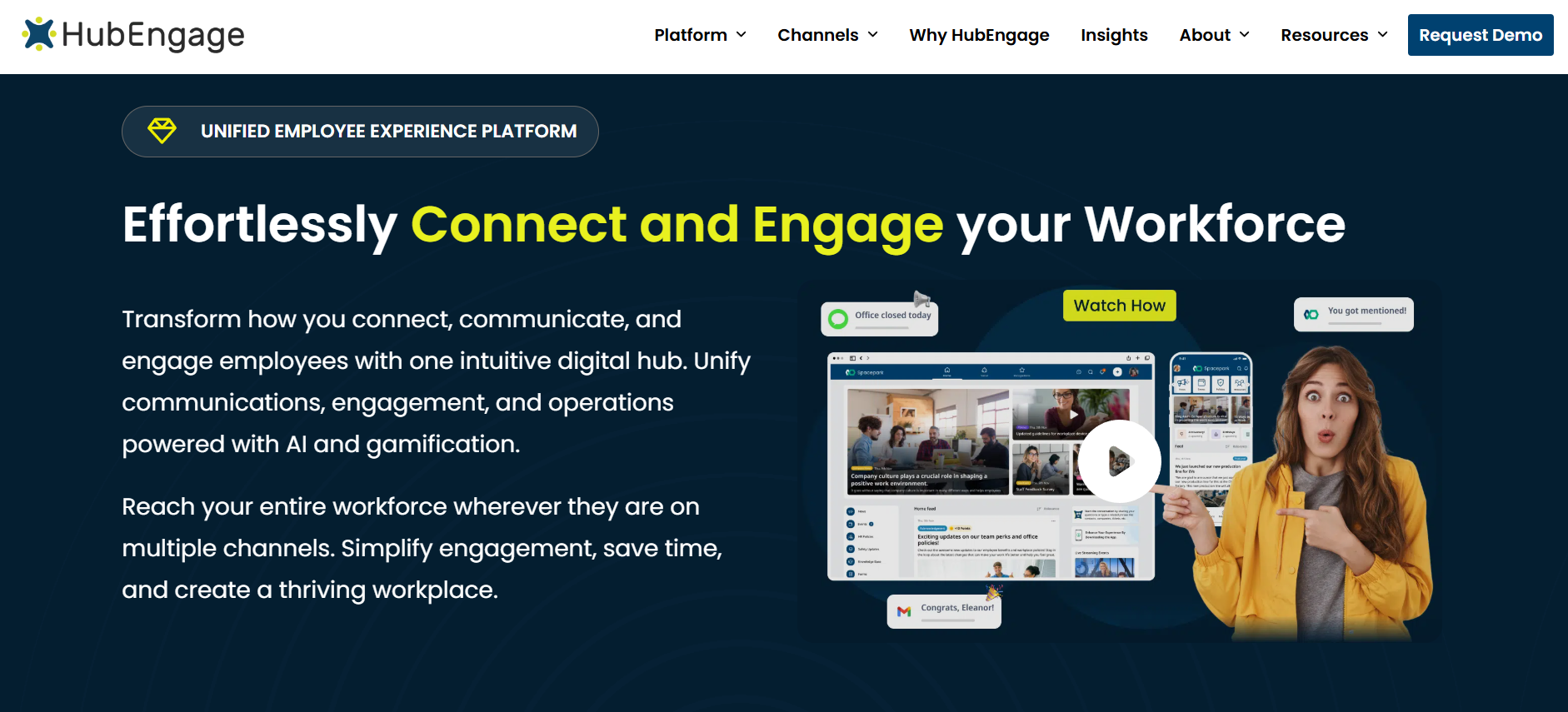
Best fit: Organizations that want a customizable employee intranet with mobile communication, recognition, surveys, and employee engagement capabilities.
Key Features
HubEngage’s employee intranet combines workplace content and communications with employee engagement tools.
Organizations can use it to publish company announcements, distribute policies, provide workplace resources, and create employee-facing digital experiences.
Its capabilities include:
- Branded employee intranet and mobile experiences.
- Targeted internal communications.
- Employee recognition and social engagement.
- Surveys and feedback collection.
- Messaging and AI-powered search capabilities.
- Communication through channels such as mobile apps, web, email, SMS, and digital signage.
A distinguishing characteristic is its modular approach. Organizations can choose the capabilities relevant to their workforce instead of automatically deploying every engagement and communication function.
This can be useful for organizations whose employees do not regularly use corporate laptops or desktop intranets.
Limitations
HubEngage should be evaluated carefully when a project centers on complex enterprise knowledge retrieval, extensive content governance, or document management across numerous repositories.
Buyers should verify:
- Which external repositories AI search can access.
- Whether search results respect the permissions of connected systems.
- How documents are managed and updated.
- Which communication channels require additional modules or charges.
- How employees without corporate email accounts authenticate.
Its communications and engagement capabilities should not automatically be treated as equivalent to a specialized enterprise document-management platform. for more See Best Frontline Employee Communication Apps
Pricing
HubEngage uses custom pricing influenced by workforce size, selected modules, communication channels, and contractual requirements.
Request an itemized proposal showing software licensing, implementation, integrations, AI functionality, and any usage-based communication costs.
Verdict: HubEngage is a relevant candidate for organizations looking to combine internal communication, employee engagement, and mobile access in one configurable platform.
2. Simpplr
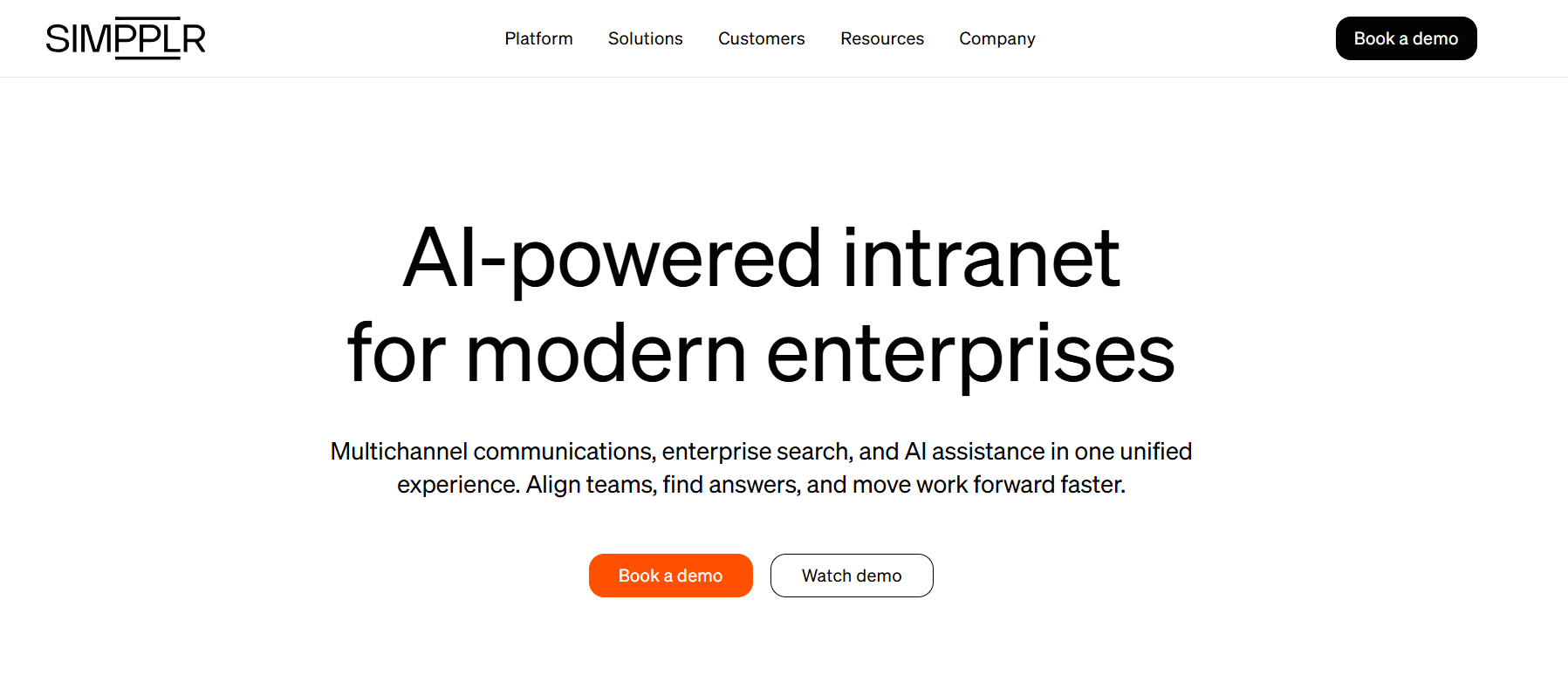
Best fit: Mid-sized and enterprise organizations that need personalized intranet content, structured knowledge, governance, and enterprise search.
Key Features
Simpplr provides an employee experience platform combining intranet publishing, personalization, search, administration, and analytics.
Its enterprise search capabilities can help employees discover information stored within the intranet and across supported external systems.
Relevant capabilities include:
- Personalized intranet content and employee experiences.
- AI-powered search and knowledge discovery.
- Content publishing and governance.
- Enterprise search connectors.
- Employee communications and analytics.
- Integration with supported workplace applications.
Simpplr is particularly relevant when employees struggle to locate approved company information across departments and document repositories.
For example, an organization with policies stored in SharePoint and other knowledge distributed across workplace applications can evaluate Simpplr as a common discovery interface.
Limitations
Core intranet search and broader enterprise search should not be assumed to have identical functionality or licensing.
Buyers should verify connector availability, searchable content types, permission handling, indexing behavior, and the commercial scope of enterprise search.
Organizations primarily seeking SMS, digital signage, or specialized frontline communication should also assess whether the proposed Simpplr configuration meets those needs.
Pricing
Simpplr uses volume-based custom pricing.
Its official pricing page states that subscriptions include technical support, customer success oversight, and training resources, with additional support options available.
The final proposal depends on organizational size, complexity, and support requirements.
Verdict: Simpplr deserves consideration when trusted knowledge discovery, personalized content, and intranet governance are the central priorities.
3. Workvivo
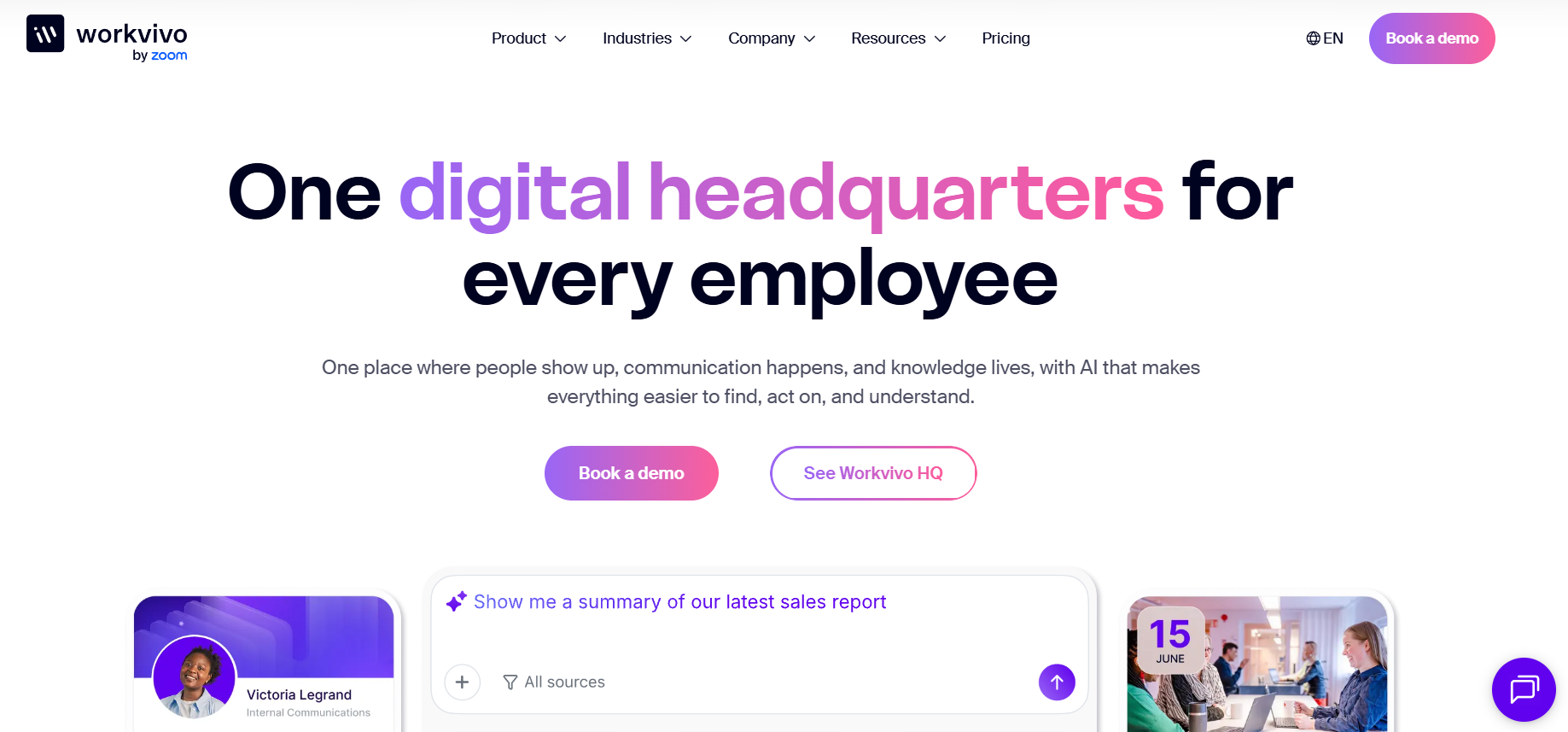
Best fit: Organizations looking to combine employee communication, workplace communities, engagement, and knowledge access.
Key Features
Workvivo provides internal communication and employee experience capabilities built around company updates, employee participation, and workplace knowledge.
Its Workvivo HQ offering combines communication and knowledge experiences with AI-powered functionality.
Capabilities include:
- Company announcements and communication feeds.
- Employee communities and social interaction.
- Personalized content and mobile access.
- Employee recognition and engagement.
- Knowledge and intranet experiences.
- AI-powered search and content assistance.
Workvivo also offers additional products with distinct capabilities.
HQ Agent extends the experience with AI-powered retrieval and task execution across connected workplace systems.
Seer provides employee listening and people intelligence functionality, including surveys and analysis.
These distinctions matter because organizations may need different combinations of communication, engagement, search, and employee listening capabilities.
Limitations
Workvivo’s product portfolio should not be treated as one universally included feature bundle.
Its pricing documentation identifies HQ Agent, Seer, and Chat as additional offerings.
Buyers should establish which functions are included in their proposed configuration and which require separate commercial arrangements.
Organizations with complex document-retention policies or extensive knowledge governance requirements should also examine how Workvivo integrates with existing enterprise repositories.
Pricing
Workvivo provides customized pricing based on license requirements and organizational needs.
Its official pricing page identifies HQ Agent as an add-on, while Seer can be purchased separately or added to Workvivo HQ.
Workvivo does not advertise a standard free trial; it offers personalized demonstrations.
Verdict: Workvivo is particularly relevant for organizations that want employee communication, community participation, and engagement alongside intranet capabilities.
4. Unily
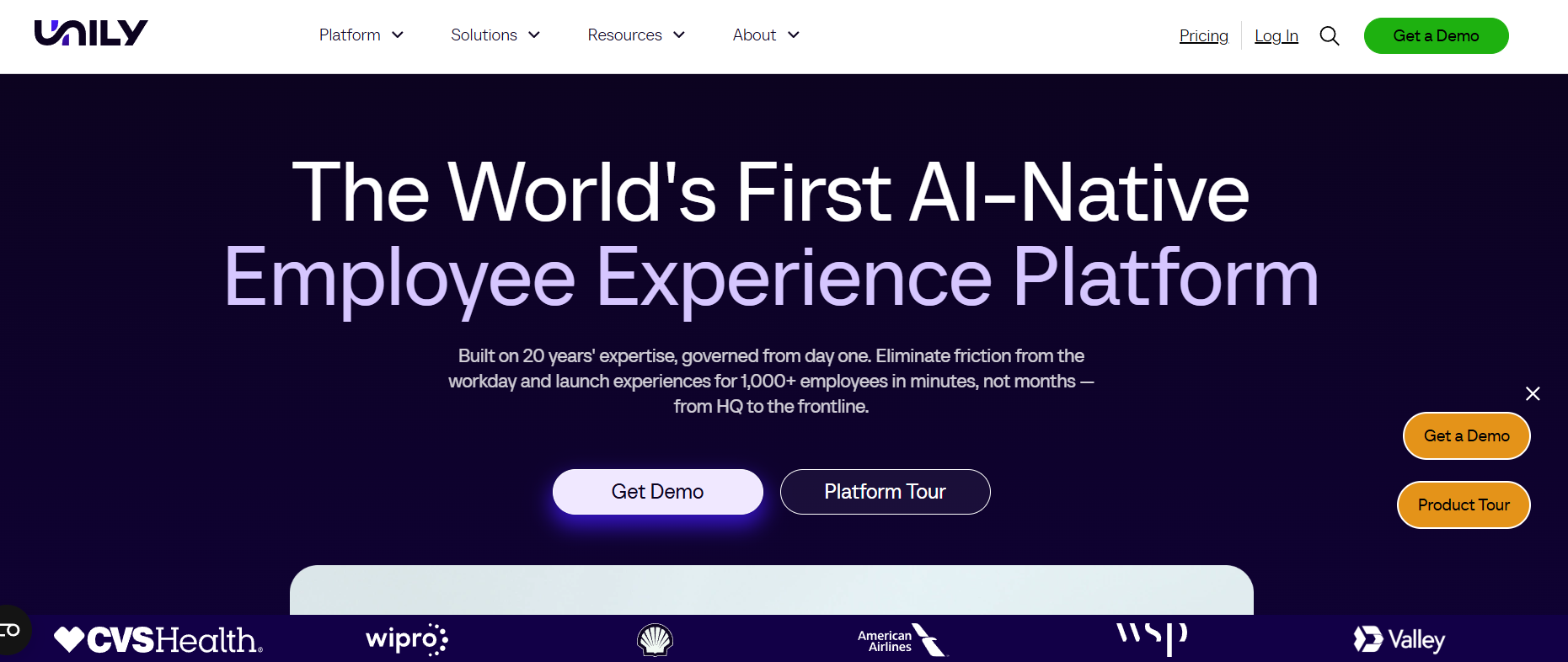
Best fit: Enterprises requiring extensive personalization, content governance, workplace integrations, and knowledge access.
Key Features
Unily offers an enterprise employee experience platform designed to connect information, applications, and employees.
Its capabilities include:
- Personalized intranet experiences.
- Employee communications and communities.
- Enterprise search and knowledge access.
- Structured content publishing and governance.
- Integrations with workplace applications.
- AI-assisted experiences and workflows.
One notable 2026 development was the introduction of Unily Glass.
Unily announced the availability of Glass in March 2026 and highlighted it in its April 2026 V21 product update.
Glass provides a conversational AI layer intended to help employees retrieve information and initiate actions across connected business systems.
This makes Unily relevant for organizations evaluating the intranet as more than a communication portal.
Limitations
Unily’s enterprise capabilities should be assessed against the organization’s actual implementation requirements.
A successful deployment may involve significant planning around content architecture, identity, integrations, permissions, and administrative responsibilities.
Buyers should clarify implementation ownership and the commercial scope of advanced AI and professional services.
Organizations requiring only a simple employee news portal may not need the full breadth of the platform.
Pricing
Unily provides tailored pricing rather than a standard public per-user rate for its enterprise intranet platform.
Its pricing documentation also describes optional Premium Support and Professional Services arrangements.
Verdict: Unily is a suitable platform to evaluate for complex enterprise digital workplaces requiring personalization, governance, and connected employee experiences.
5. Staffbase
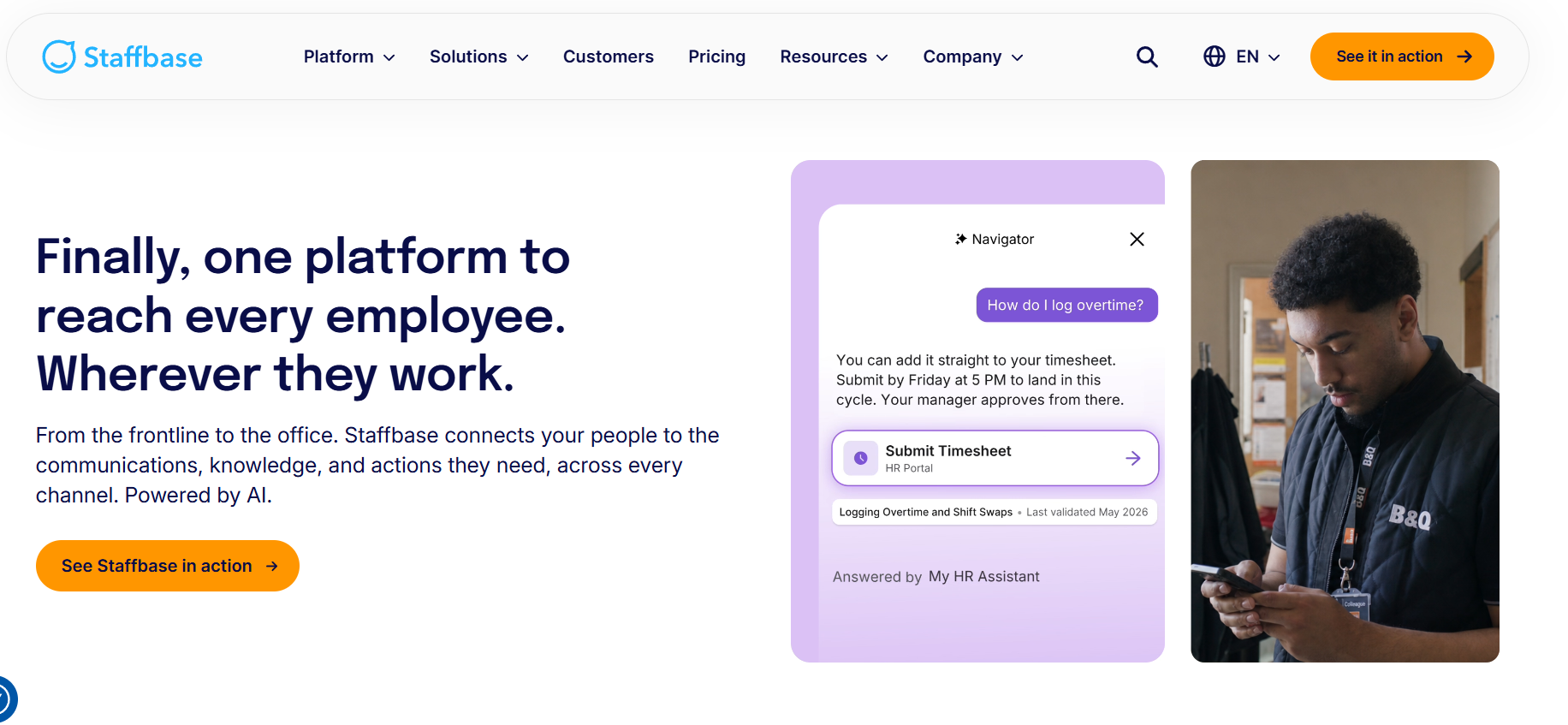
Best fit: Enterprises that need to communicate consistently across office, remote, and frontline workforces.
Key Features
Staffbase combines employee communications with intranet, mobile, and AI-assisted workplace experiences.
Its product portfolio supports:
- Employee apps and intranet experiences.
- Targeted internal communications.
- Employee email and mobile communication.
- Digital signage and other communication channels.
- Knowledge access and AI-assisted functionality.
- Analytics and audience personalization.
- Enterprise integrations.
The platform is relevant when employees receive information through different channels.
For example, an organization may use intranet content for office employees while also reaching operational teams through mobile devices, employee email, and workplace displays.
Staffbase allows buyers to evaluate those channels as part of a broader employee communications program.
Limitations
Staffbase’s pricing depends on the employee population, selected channels, and optional features.
Not every module is necessarily included in a base proposal.
Organizations should confirm their requirements for employee apps, intranet publishing, digital signage, SMS, AI functionality, and enterprise integrations.
If the main requirement is document storage and collaboration, a more focused document-management platform may be sufficient.
Pricing
Staffbase uses quote-based pricing.
Its official pricing page explains that costs depend on the employees being reached, the communication channels selected, and optional modules.
Dedicated frontline pricing arrangements are also available.
Verdict: Staffbase is a strong candidate for organizations prioritizing reliable communication across several employee groups and delivery channels.
6. Microsoft SharePoint
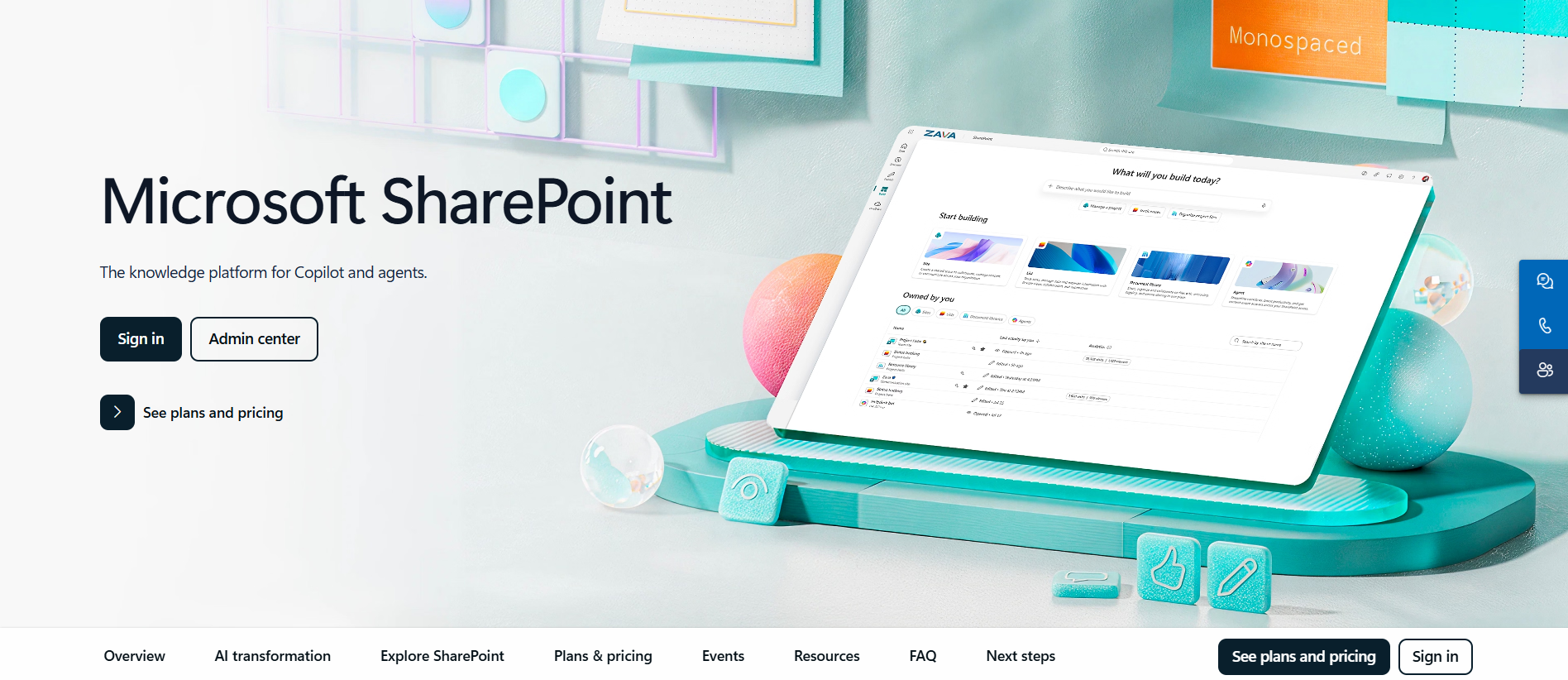
Best fit: Organizations already using Microsoft 365 that need intranet content, document management, permissions, and collaboration.
Key Features
Microsoft SharePoint provides document management and collaboration capabilities that organizations can use to build an intranet.
Common capabilities include:
- Communication sites and team sites.
- Document libraries and version history.
- Content permissions and sharing controls.
- Integration with Microsoft 365 applications.
- Enterprise content management.
- Search and workflow integration.
- AI-assisted capabilities through eligible Microsoft products and configurations.
SharePoint is particularly relevant when company information already resides within Microsoft’s workplace ecosystem.
An organization may be able to build a practical intranet using its existing SharePoint environment rather than purchasing an additional employee experience platform.
Limitations
SharePoint provides flexibility, but organizations still need to design and maintain the employee experience.
Information architecture, site navigation, publishing responsibilities, document permissions, and lifecycle management require ongoing attention.
Specialized capabilities such as employee recognition, multichannel communications, and frontline engagement may require additional Microsoft products or third-party integrations.
AI capabilities also vary according to Microsoft 365 licensing, configuration, and possible usage-based charges.
Pricing and the 2026 Licensing Change
Microsoft has historically published standalone SharePoint Online Plan 1 pricing of $5 per user per month in the US.
However, that historical price should not be used as a current new-customer purchasing option.
In January 2026, Microsoft announced the retirement of standalone SharePoint Online Plan 1 and Plan 2 subscriptions.
According to Microsoft’s announced timeline:
- New-customer sales ended after May 31, 2026.
- Renewals for existing customers are scheduled to end in January 2027.
- Service retirement is scheduled for December 2029.
SharePoint remains available through eligible Microsoft 365 subscriptions.
New buyers should therefore evaluate their current Microsoft 365 licensing options instead of assuming they can purchase the older standalone SharePoint plans.
Verdict: SharePoint is a practical starting point for organizations already invested in Microsoft 365, provided they account for implementation, administration, and any additional employee experience requirements.
7. Happeo
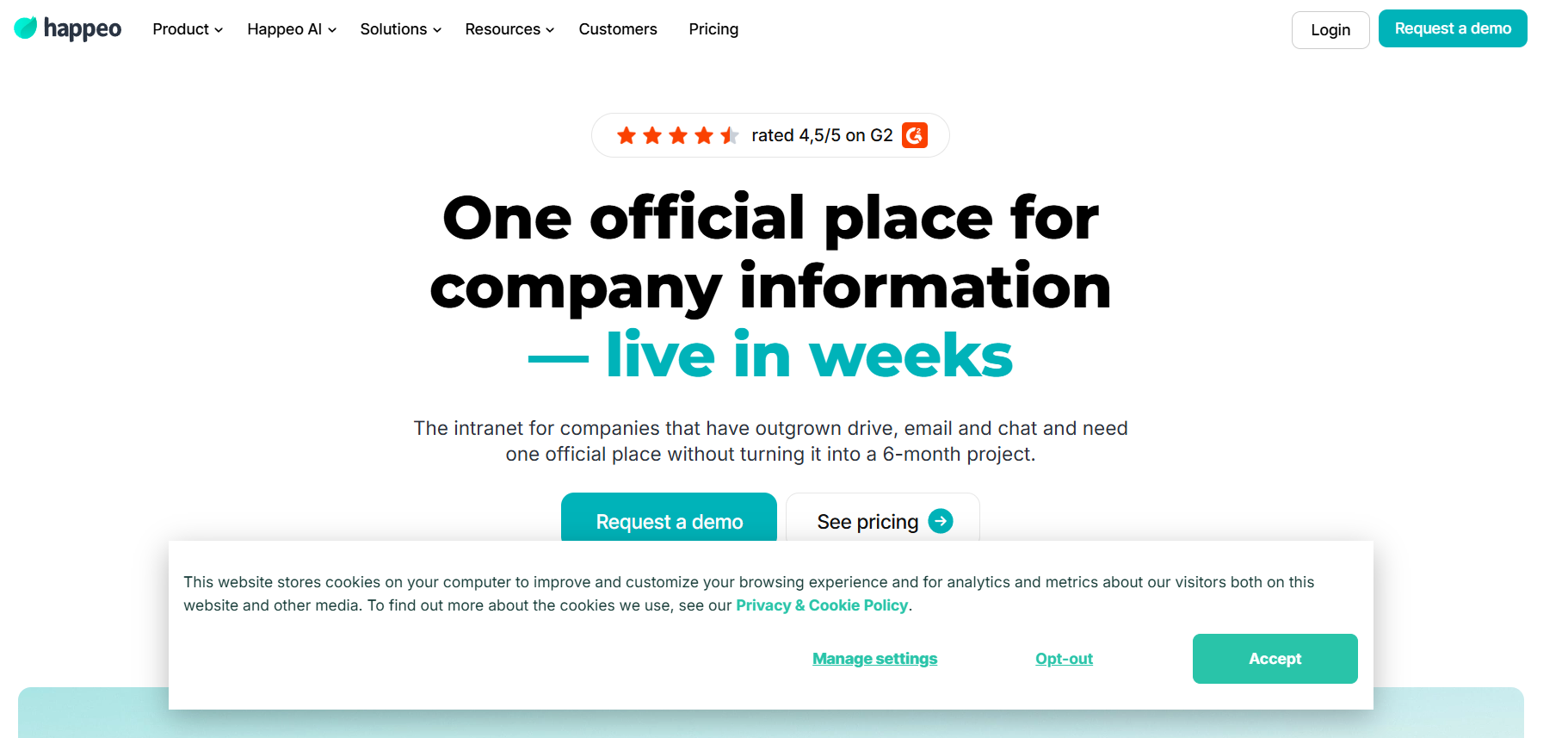
Best fit: Organizations that want an employee knowledge hub combining company information, internal updates, and workplace search.
Key Features
Happeo provides knowledge publishing, internal communication, and employee information capabilities.
Its features include:
- Company knowledge pages.
- Internal posts and communication channels.
- Employee profiles and directories.
- AI-powered search.
- Workplace integrations.
- Content governance and lifecycle capabilities.
Happeo supports knowledge discovery across its own content and selected external applications.
Its documentation identifies integrations including Google Drive, Microsoft SharePoint, OneDrive, and Slack.
This makes it relevant for organizations looking to improve employee access to information without necessarily transferring every document into a new system.
Limitations
Happeo’s AI search behavior requires careful evaluation.
According to its documentation, Search AI normally retrieves information from Happeo content. Users can select an external integration filter to query a supported connected system, but only one integration filter can be active at a time.
Its mobile Search AI experience has an additional limitation: AI answers search Happeo content rather than attachments and external integrations.
These restrictions matter for organizations expecting employees to search several external repositories through the same mobile experience.
Buyers should also distinguish Happeo’s broader federated search functionality from the specific behavior of Search AI.
Pricing
Happeo offers three packages:
- Starter.
- Growth.
- Enterprise.
Pricing is available through custom sales proposals.
Its official pricing page provides package-level feature comparisons.
Search AI is documented as available across the three packages, while certain analytics, governance, and enterprise capabilities vary.
For specific behavior and restrictions, refer to Happeo’s Search AI documentation.
Verdict: Happeo is relevant for organizations prioritizing structured knowledge, internal communication, and access to information across supported workplace systems.
How Do LumApps Alternatives Compare on AI Search?
AI-powered search is an important differentiator among modern intranet platforms.
However, vendors use the term to describe different capabilities.
Traditional enterprise search helps employees locate relevant documents, pages, and people.
AI-assisted search may interpret natural-language questions and generate summaries from retrieved content.
More advanced AI agents may also initiate tasks or interact with connected workplace applications.
These capabilities are not interchangeable.
| Platform | AI search or assistant capabilities | What buyers should verify |
|---|---|---|
| HubEngage | AI-powered intranet search and assistant capabilities | External content coverage, permissions, and module inclusion |
| Simpplr | AI intranet search and enterprise search | Connectors, source indexing, and licensing |
| Workvivo | Workvivo HQ knowledge capabilities and HQ Agent | Core features versus separately purchased agent functions |
| Unily | AI-powered knowledge access and Unily Glass | Connected applications, permissions, actions, and availability |
| Staffbase | AI-assisted knowledge and employee experiences | Source governance, employee access, and selected modules |
| SharePoint | Microsoft search and associated Copilot and agent capabilities | Eligible licenses, usage charges, and administrative configuration |
| Happeo | Search AI and broader search functionality | Integration filters, mobile restrictions, and package entitlements |
Five Tests to Run Before Buying an AI-Powered Intranet
A product demonstration should use your organization’s actual employee workflows rather than generic sample data.
1. Search accuracy
Ask the system to find a current workplace policy while an outdated version exists elsewhere.
Check whether it identifies the approved source and distinguishes obsolete content.
2. Permission handling
Verify that employees cannot retrieve information outside their authorized access.
For example, a general frontline employee should not receive confidential HR or financial documents through an AI-generated answer.
3. Source transparency
Check whether AI-generated answers identify the documents or systems used.
Employees should be able to review authoritative information when accuracy matters.
4. Integration behavior
Test the actual repositories used by your organization.
A vendor listing SharePoint or Google Drive as an integration does not necessarily mean the same functionality is available across search, summaries, content synchronization, and workflow actions.
5. Uncertainty and error handling
Ask a question for which no reliable answer exists.
The platform should communicate uncertainty rather than generate unsupported instructions.
For example, a warehouse employee looking for an equipment safety procedure needs access to the current approved instructions. An AI summary derived from obsolete material could create operational risk.
AI-powered search should improve access to reliable information without weakening permissions, content ownership, or human oversight.
How Much Do LumApps Alternatives Cost?
LumApps does not provide a universal public per-user price for every enterprise configuration.
Its pricing depends on organizational requirements and the capabilities included in the proposed deployment.
Most competing intranet platforms also use custom pricing.
The biggest mistake in comparing these products is treating subscription prices as the complete cost of ownership.
Which LumApps Alternative Is Cheapest?
There is no reliable universal cheapest alternative for every organization.
An organization already using eligible Microsoft 365 subscriptions may be able to build a basic SharePoint intranet using existing entitlements.
However, that does not eliminate the costs of information architecture, configuration, governance, training, or administration.
Similarly, a modular platform may appear economical for a limited deployment but become more expensive when additional communication channels, AI features, integrations, and support services are included.
Compare platforms using the same employee population and requirements.
What Costs Should You Include?
| Cost category | Questions to ask |
|---|---|
| Software licenses | What is the price for each employee group and contract period? |
| Implementation | Are configuration, design, onboarding, and launch included? |
| Migration | What will it cost to move pages, documents, links, and content structures? |
| Integrations | Are HR systems, identity providers, and knowledge connectors included? |
| AI functionality | Are AI search, assistants, or agents included or billed separately? |
| Communication channels | Are mobile apps, SMS, email, and digital signage included? |
| Support | Which response commitments and professional services are available? |
| Ongoing administration | How much internal IT and content-management work will be required? |
| Change management | What training and communication are needed to support adoption? |
Calculate Three-Year Total Cost of Ownership
A useful comparison should calculate:
Three-year total cost = License fees + implementation + migration + integrations + paid add-ons + administration + training and change management.
Also account for anticipated contract increases and usage-based charges.
For consistent comparisons, provide vendors with identical assumptions about:
- Employee counts and employee types.
- Required integrations.
- AI and communication capabilities.
- Contract duration.
- Implementation responsibilities.
- Support requirements.
- Currency and tax treatment.
This reduces the risk of choosing a low initial subscription quote that creates unexpected implementation or operating expenses.
Which LumApps Alternative Fits Your Organization?
The right platform depends on the problem employees need solved.
| Organizational requirement | Platforms worth evaluating | Main decision factor |
|---|---|---|
| Frontline communication and engagement | HubEngage, Staffbase, Workvivo | Mobile access, employee authentication, communication reach |
| Finding approved company policies | Simpplr, Unily, Happeo | Search accuracy, document ownership, governance |
| Existing Microsoft 365 environment | SharePoint, Simpplr, Unily | License utilization, integrations, administration |
| Employee connection and communities | Workvivo, HubEngage | Participation, recognition, communication |
| Complex global enterprise intranet | Unily, Simpplr, Staffbase | Governance, scale, integrations, security |
| Knowledge distributed across Google Workspace and other tools | Happeo, Simpplr | Connector coverage, permission handling, search behavior |
These are practical shortlists, not guaranteed rankings.
The final choice should be based on demonstrations, security reviews, commercial proposals, and real employee workflows.
The TurnOnWork Five-Factor Intranet Decision Model
Comparing intranet platforms becomes easier when HR, IT, internal communications, and operations teams use the same evaluation criteria.
The following is a TurnOnWork editorial decision framework, not an independently validated industry benchmark.
Assign each platform a rating between 0 and 5 across five factors.
| Evaluation factor | Suggested weight | What to measure |
|---|---|---|
| Employee access and frontline reach | 25% | Mobile usability, authentication, accessibility, notifications |
| Search and knowledge governance | 25% | Search accuracy, permissions, content ownership, lifecycle controls |
| Communications and engagement | 20% | Targeting, recognition, feedback, employee participation |
| Integrations, security, and administration | 15% | SSO, provisioning, APIs, auditability, administrative effort |
| Total cost and implementation effort | 15% | Three-year cost, migration, training, support, deployment |
| Total | 100% |
How to Calculate the Score
For each evaluation factor:
Weighted factor score = (Vendor rating ÷ 5) × Factor weight
Add the five weighted scores to calculate a total out of 100.
For example, a vendor that scores 4 out of 5 for employee access receives:
(4 ÷ 5) × 25 = 20 points
Apply the same calculation to the other factors.
The suggested weights are appropriate for an organization with both desk-based and frontline employees.
A company whose main challenge is enterprise knowledge management could reasonably give more weight to search, governance, and integrations.
Apply Mandatory Requirements Before Scoring
A high total score should not compensate for a platform that fails an essential requirement.
For example, a vendor should not advance simply because it scores well on communication and usability if it cannot demonstrate a mandatory security control.
Establish pass-or-fail requirements covering identity, data handling, accessibility, integration compatibility, and employee access.
Example: A Company With 2,000 Employees
Consider a hypothetical organization with:
- 2,000 employees.
- 700 frontline workers without company email accounts.
- Several operating locations.
- Workplace policies published in three languages.
Each vendor should demonstrate how those 700 employees can authenticate, receive relevant announcements, access translated information, and find approved documents.
The organization should also test whether employees can access the system from permitted devices and whether managers can maintain relevant content.
Use the same scenario in pricing discussions.
That creates a more consistent evaluation than comparing separate vendor demonstrations featuring different functionality.
How Do You Migrate From LumApps to Another Intranet?
Migrating from LumApps involves more than transferring pages.
Organizations need to preserve access to important company information, retain appropriate permissions, connect existing business systems, and support employees through the transition.
Step 1: Audit Existing Content and Usage
Inventory:
- Intranet pages and document libraries.
- Company news and announcements.
- Employee communities.
- Navigation structures.
- Integrations and workflows.
- User groups and permissions.
- Employee directories and content ownership.
Identify frequently used resources, outdated information, and duplicated content.
Some material may need migration, while other documents should remain in their existing repositories.
TurnOnWork’s frontline tech stack audit guide provides a related approach to evaluating overlapping tools, hidden costs, and employee adoption issues.
Step 2: Define the New Content Architecture
Decide which platform will be authoritative for each type of information.
For example, an organization may retain approved policies in SharePoint or Google Drive while using the replacement intranet for employee-facing navigation, communication, and search.
This approach can reduce unnecessary document transfers and preserve established governance processes.
Step 3: Validate Identity and Permissions
Before migration, confirm:
- Single sign-on.
- Multifactor authentication.
- Employee provisioning and access removal.
- Role-based permissions.
- Access for frontline employees without corporate email.
- Contractor access where appropriate.
- Integration permissions.
Relevant internal teams should also assess data processing, retention, accessibility, and contractual obligations.
Step 4: Run a Pilot With Representative Employees
Select employees across departments, locations, languages, roles, and device types.
Ask them to complete common tasks, such as finding a current policy, reading a location-specific announcement, accessing an HR resource, and locating a colleague.
Measure task completion, search failures, access difficulties, and feedback.
Login counts alone do not show whether employees can use the new intranet effectively.
Step 5: Migrate Approved Content
Move content that has an identified business owner and a clear purpose.
Verify document versions, permissions, navigation, embedded content, and important links.
Plan redirects or replacement links where technically possible.
Communicate the changes through channels employees already use.
Do not retire important content until the replacement has been validated.
Step 6: Measure Adoption and Maintain Governance
After launch, monitor:
- Employee access and participation.
- Successful and unsuccessful searches.
- Communication reach.
- Content freshness.
- Support requests.
- Permission issues.
- Employee feedback.
Assign responsibility for reviewing information, managing permissions, publishing updates, and improving the employee experience.
A migration is successful when employees can complete their everyday tasks reliably, not merely when the replacement homepage is live.
What Else Should Buyers Evaluate?
Features and pricing are only part of an intranet purchasing decision.
Employee Accessibility
Mobile access must work for the actual workforce.
Employees may use shared devices, limited-connectivity environments, or personal phones governed by company policy.
A mobile application does not automatically resolve those issues.
Buyers should test authentication, device compatibility, accessibility, language support, and notification behavior.
Content Ownership
An intranet becomes less reliable when no one is responsible for its information.
Important content should have designated owners, review dates, publishing permissions, and retirement procedures.
This is especially important for HR policies, workplace safety information, and operational instructions.
Integration Depth
An advertised integration can mean different things.
It may support simple hyperlinks, embedded applications, synchronized content, federated search, employee data exchange, or actual workflow actions.
Ask vendors to specify what each connector does.
AI Governance
AI-generated answers should be evaluated for source accuracy, permissions, auditability, and appropriate handling of sensitive employee information.
Where an AI agent can execute tasks, confirm whether administrators can review activity and enforce approvals.
Administrative Workload
The long-term effort required to maintain an intranet can significantly affect total cost.
Organizations should evaluate publishing processes, support arrangements, content review responsibilities, and the ability of authorized local managers to maintain information.
For additional context, see TurnOnWork’s employee experience platforms guide.
Frequently Asked Questions About LumApps Alternatives
What Are the Main Limitations of LumApps?
Potential evaluation concerns include enterprise deployment complexity, integration requirements, content governance responsibilities, and customized pricing.
These are purchasing considerations rather than evidence that LumApps performs poorly.
Because LumApps expanded its frontline offering through Beekeeper, buyers should confirm its current capabilities before deciding that a replacement is necessary.
Is SharePoint Better Than LumApps?
SharePoint may be a better fit when an organization mainly needs document management, Microsoft 365 collaboration, and existing license utilization.
LumApps may be preferable when the goal is a packaged employee experience that combines communications, personalization, workplace knowledge, and connected applications.
Neither platform is universally better.
What Is the Difference Between LumApps, Simpplr, and Workvivo?
LumApps combines enterprise intranet capabilities with an expanded employee hub direction that includes frontline employees, AI, and workplace workflows.
Simpplr emphasizes personalized intranet experiences, search, and structured knowledge access.
Workvivo emphasizes employee communication, communities, and engagement alongside knowledge and AI capabilities.
The best choice depends on whether the main problem involves accessing workplace services, finding reliable information, or connecting employees.
Which LumApps Alternative Is Best for Large Enterprises?
Unily, Simpplr, Staffbase, and SharePoint are relevant candidates for large enterprise evaluations because of their approaches to integrations, knowledge management, governance, and administration.
HubEngage and Workvivo may also be appropriate for large organizations, particularly when employee communication or engagement is central.
Enterprise suitability should be verified against specific security, scale, identity, and operational requirements.
Do LumApps Alternatives Support AI-Powered Employee Search?
Yes. All seven platforms in this comparison offer AI-assisted search functionality or connect with Microsoft’s broader AI capabilities.
However, their functionality differs in the sources they can search, the way answers are generated, permission enforcement, mobile access, agent functionality, and licensing.
Organizations should test the relevant capabilities using their actual workplace systems.
Can a Company Replace LumApps Without Moving All Its Documents?
Potentially, yes.
A replacement intranet can provide an employee-facing information and communication layer while existing systems such as SharePoint or Google Drive continue storing approved documents.
Feasibility depends on available integrations, permissions, content architecture, and search functionality.
Which LumApps Alternative Is Easiest to Implement?
There is no reliable universal winner.
Implementation effort depends on customization, employee provisioning, integrations, content migration, governance, and training.
An organization needing a straightforward communication portal may have a simpler deployment than one building a complex enterprise digital workplace, regardless of vendor.
Final Verdict: Which LumApps Alternative Should You Choose?
The most appropriate LumApps alternative is the platform that solves your organization’s most important employee experience problems without creating unnecessary cost or complexity.
HubEngage is worth evaluating when frontline communication, multichannel reach, recognition, surveys, and employee engagement are the main requirements.
Simpplr is relevant when personalized intranet experiences, enterprise search, and knowledge governance are central.
Workvivo deserves consideration for employee communication and communities. Unily is suitable for complex enterprise intranet evaluations, while Staffbase is relevant for multichannel employee communications.
Microsoft SharePoint may be a practical option for organizations already using Microsoft 365, and Happeo is worth evaluating for company knowledge and internal communication.
Before replacing LumApps, compare the existing platform and alternatives using the same employee workflows, security requirements, integrations, and three-year cost assumptions.
The objective is not to purchase the intranet with the longest feature list. It is to choose one employees can access, understand, trust, and use to complete their work.
Research Methodology and Editorial Disclosure
This comparison draws on publicly available vendor documentation, official pricing pages, product descriptions, and support materials reviewed through November 20, 2026.
The seven platforms were selected to represent different approaches to employee intranets, workplace knowledge, communications, and engagement. They are presented in an editorial order rather than ranked by independently measured performance.
This article does not represent independent hands-on software testing, customer interviews, or a controlled performance benchmark.
Product limitations are described as documented restrictions or considerations that buyers should investigate, rather than unverified claims about vendor performance.
Commercial relationship: TurnOnWork is an editorial initiative by HubEngage, which appears first in this comparison. Readers should consider that relationship when evaluating the recommendations.
Features, product packaging, licensing, and commercial terms can change. Organizations should confirm current capabilities and contract details directly with vendors before making a purchasing decision.