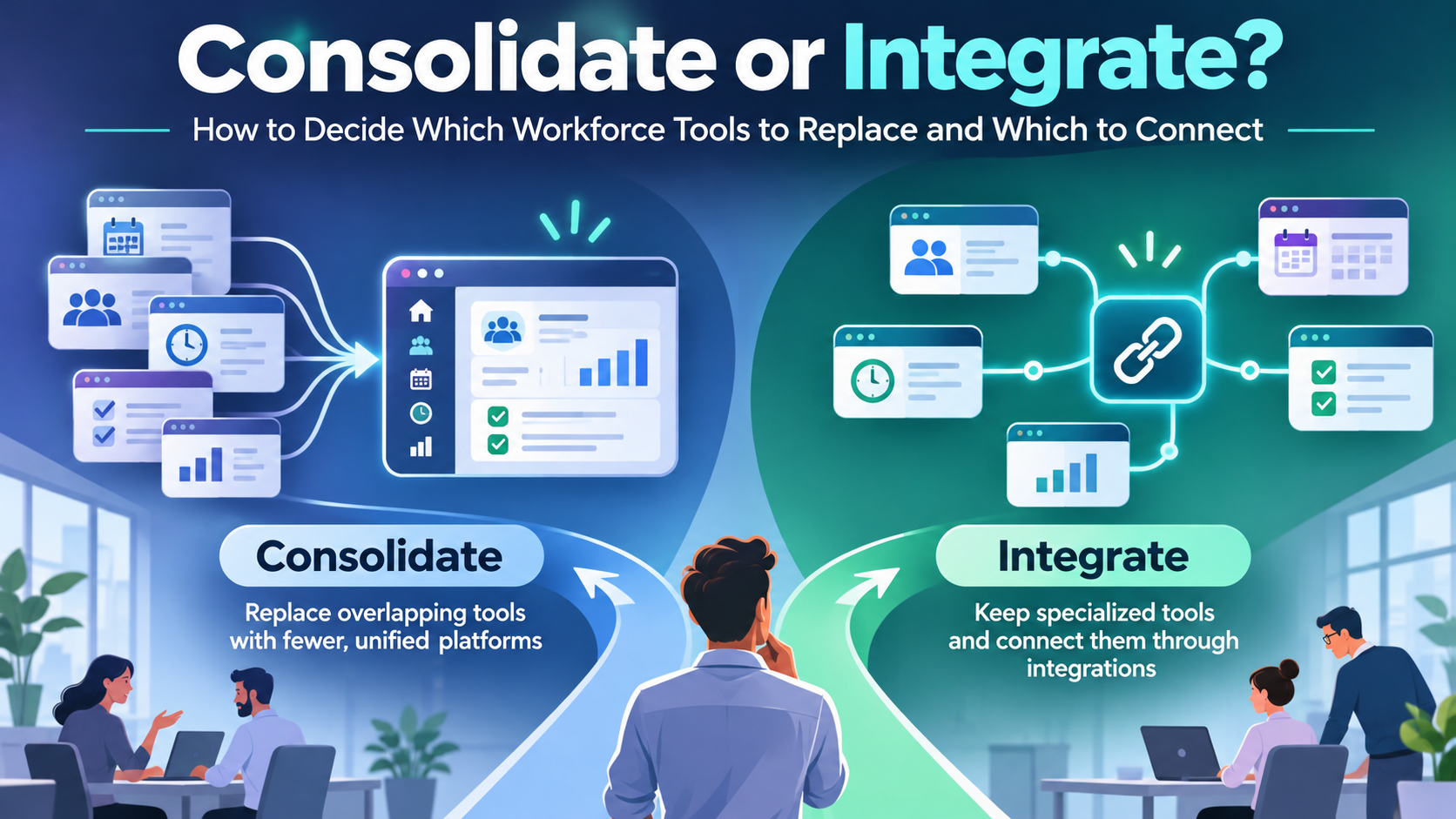
Most buying guides tell you to pick an employee app for frontline staff, an intranet for office workers, and a hub for everyone. That advice is too neat to be useful. In an employee app vs intranet vs employee hub decision, the label matters less than the work. An app prioritizes mobile reach. An intranet organizes trusted information. A hub connects information with services and tasks. Many platforms now do all three, which is why feature checklists keep producing wrong purchases.
Ask three questions instead: Who must receive this update? What must they complete afterward? How will they sign in without a corporate email address? Those questions treat internal communications and workforce operations as one problem, because for a deskless employee they are one problem. A warehouse worker who cannot log in never sees your polished feed, no matter which category you bought.
The TurnOnWork Receive, Complete, Access model turns those questions into a decision framework. Receive tests whether the right audience gets the message. Complete tests whether they can act on it, from submitting a form to finishing an onboarding step. Access tests whether they can get in at all, on a shared device, a personal phone, or a shift schedule with no desk in sight. It is an editorial model, not an industry standard, and each platform review below applies it directly. For wider context on combining these functions in one place, our frontline superapp guide explains the trade-offs worth weighing before you shortlist Blink or any similar product.
Key takeaways
- Choose an employee app when mobile access and frontline employee communication are the immediate problems.
- Choose employee intranet software when employees can connect but cannot find trustworthy information.
- Choose an employee hub platform when employees need actions across HR, knowledge, and operational systems.
- Test access before engagement, because a polished feed is useless behind a login a shift worker cannot complete.
- Buy completed work, not features, by measuring successful searches, submitted requests, and verified reach.
1. Blink
Blink earns a shortlist slot when the daily problem is reach on personal or shared devices. It is strongest where scattered chats, paper notices, and supervisor word of mouth still decide who hears what.
Blink combines mobile chat, a news feed, surveys, forms, and a knowledge hub with pages, documents, shortcuts, and micro-apps. Public tiers and a free trial make early screening straightforward, while Enterprise remains a custom conversation.
Access decides whether the feed matters. HFS Research in 2025 reported that 53% of deskless workers lacked easy, reliable ways to communicate with peers and managers; if that describes your workforce better than “our intranet looks dated,” Blink belongs near the top.
How Blink fits the decision model
- Receive: Use mobile news and chat for location-specific updates instead of broadcasting every announcement.
- Complete: Test forms, micro-apps, and scheduled or milestone-based journeys against onboarding and routine requests.
- Access: Prove enrollment, sign-in, and account recovery with employees who do not routinely use corporate systems.
Blink describes integrations and search across Microsoft 365, SharePoint, Google Workspace, Workday, and ServiceNow. Demo the exact path you need: finding a document is different from completing a transaction.
The advantage is a focused mobile entry point with visible packaging and a trial. The trade-off is plan gating: advanced SSO, API access, and custom branding depend on tier. Before treating Blink as an intranet replacement, prove your chosen tier supports the authentication, audience targeting, and workflow depth you need. Where identity is messy, run the access checks in our frontline superapp guide before the sales demo.
For a warehouse scenario, test one changed picking instruction, its acknowledgment, and an issue-report form on the devices employees will use.
2. Staffbase
Choose Staffbase when internal communicators need coordinated reach across frontline and desk-based employees. Its appeal is the combination of an employee communication app, intranet capabilities, and additional distribution channels, not just a mobile version of a news page.
Staffbase offers a branded employee app with role- and location-specific content, downloadable resources for offline access, and communications that can extend to email and digital signage. Forms, directories, surveys, communities, integrations, and HR self-service links broaden its usefulness beyond announcements.
Its strongest use case is a distributed employer whose communications team needs consistent messages without identical delivery. A factory employee, regional manager, and finance analyst shouldn’t have to follow the same channel routine.
Practical rule: Publish one authoritative message, then adapt its delivery to the audience. Don’t create competing versions for every channel.
That matters because a Gartner survey reported by Harvard Business Review found that 38% of employees considered organizational communication volume excessive. Adding channels without audience rules can make that problem worse.
Where Staffbase earns its place
Apply Receive to targeting and channel coverage, Complete to forms and service links, and Access to enrollment without company email. Test offline resources separately from live transactions, since a downloaded document and an authenticated HR request have different requirements.
Pricing is custom, with dedicated frontline pricing and costs shaped by workforce composition, channels, and scope. Starting with an app and expanding later is useful, but insist on channel ownership, publishing permissions, and notification rules from launch.
Use our Staffbase alternatives comparison to distinguish multichannel requirements from a simpler app purchase. Pair the platform with deliberate strategies for engaging all-hands meetings, including recordings and follow-up questions for employees who can’t attend live.
3. LumApps Employee Hub with Beekeeper frontline experience
Choose LumApps when the objective is connecting knowledge, communications, and employee services across systems. Evaluate its Beekeeper frontline experience as a specific contracted configuration, not an assumption that every capability already operates as one unified product.
The LumApps employee hub brings together intranet content, targeted communications, knowledge, search, tools, micro-apps, and workflows. The Beekeeper combination adds a mobile-first frontline experience encompassing communications, forms, tasks, and access without corporate email.
This is the clearest employee hub vs intranet distinction: an intranet helps an employee find leave guidance, while a hub should also help them start the appropriate request. A collection of links alone doesn’t prove that the employee can finish it.
Test the transaction, not the homepage
For Receive, demonstrate targeting across desktop and mobile. For Complete, follow a request through submission, approval, status, and confirmation. For Access, use a frontline identity rather than a conveniently preconfigured administrator account.
The architectural risk is real: Eptura’s 2025 research of enterprise leaders found that 67% of organizations used between six and 40 workplace solutions, while only 4% reported a fully integrated solution. Another front end won’t resolve conflicting permissions or duplicate records.
Strengths: LumApps suits employers seeking both conventional intranet functions and employee-facing services. Its breadth supports an enterprise shortlist where HR, IT, operations, and communications share responsibility.
Trade-offs: Integration is phased, and pricing requires a quote. Put available capabilities, licensing, migration, support ownership, and roadmap commitments into the contract.
For HRIS, Microsoft Teams, and SharePoint connections, specify whether each integration provides a link, search, embedded information, or transaction handling. That distinction determines whether the hub reduces work or merely changes where employees begin searching.
4. MangoApps
Choose MangoApps when you want intranet, mobile communication, knowledge, and engagement in a shared branded environment. Its broad scope is attractive when you can retire overlapping tools, not when you intend to keep every existing platform.
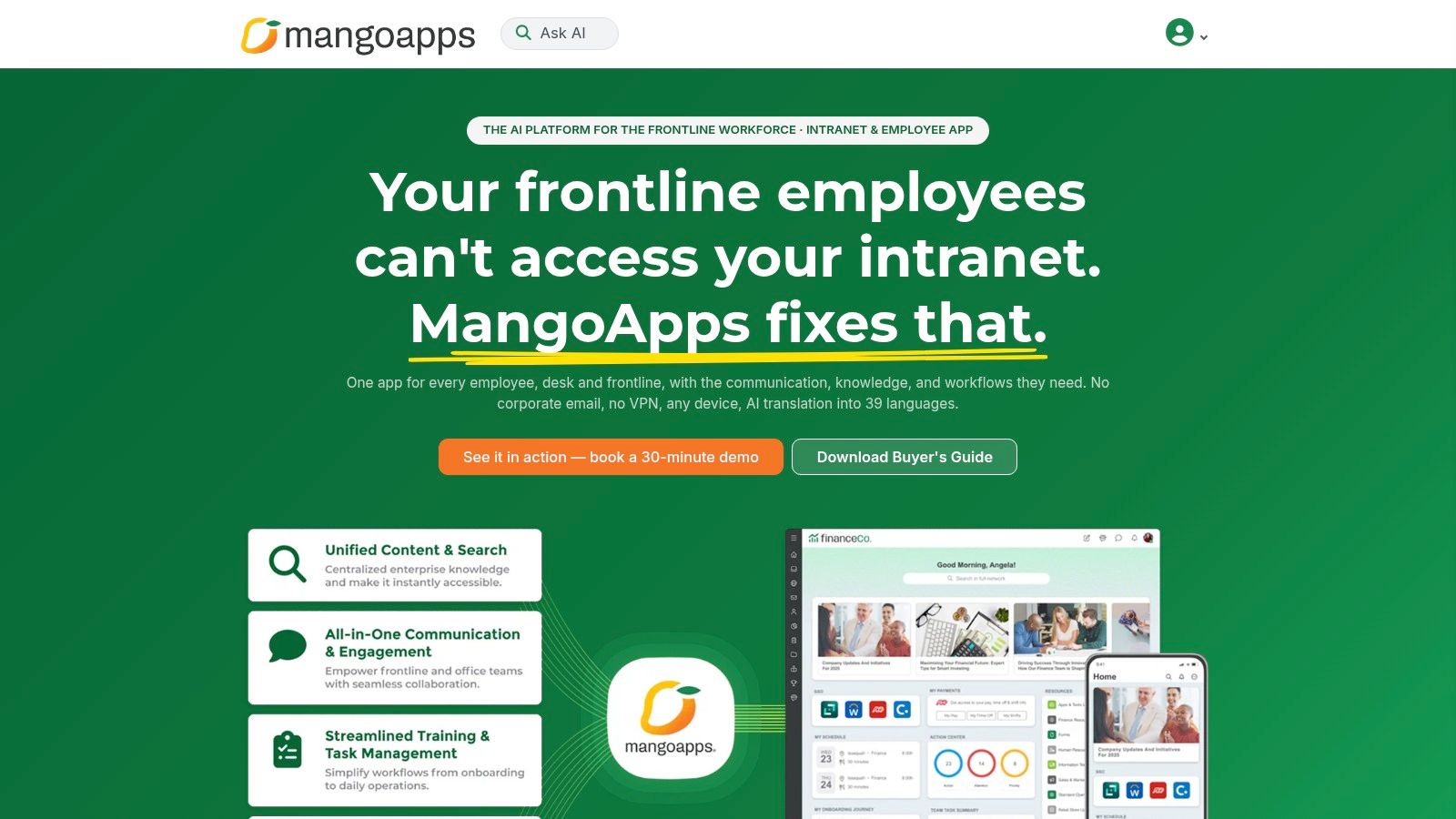
MangoApps’ modern intranet offering lists pricing from $4 per employee per month for organizations with at least 200 employees, with packaging and add-ons varying by offer. Its employee experience platform combines an intranet, employee app, news, sites, wikis, surveys, recognition, and personalized dashboards.
MangoApps also describes frontline access through options such as employee ID or mobile number. Those options make it relevant where universal company email isn’t available, but your pilot must still test identity verification, account recovery, and employee departures.
Separate useful breadth from duplication
- Receive: Show how role, location, and team information determine the dashboard and news employees see.
- Complete: Demonstrate a policy question, the relevant procedure, and the associated request or form.
- Access: Test employee-ID or mobile-number enrollment under your own security policies.
Its AI answers are positioned around company policies, handbooks, and standard operating procedures. Require answers to expose the underlying source and respect permissions, particularly where local procedures differ from corporate guidance.
AI access also needs audience discipline: BCG’s 2025 AI-at-Work survey found that 51% of frontline white-collar employees used generative AI several times per week. That finding concerns white-collar frontline respondents, not all deskless workers, so don’t use it as a manufacturing adoption benchmark.
The recommendation: Shortlist MangoApps when consolidation is an explicit project goal. Create a retirement plan for overlapping knowledge, recognition, or survey tools, and verify the exact bundle, employee minimum, and AI entitlements before comparing subscription costs.
For a smaller organization with a simple reference-library problem, this breadth may create more administration than value.
5. Workvivo
Choose Workvivo when employee participation and peer connection matter alongside company information. Its social-style experience is a deliberate alternative to a static policy portal, but social activity must not become your only measure of workforce experience.
Workvivo combines news, communities, employee content, and knowledge capabilities. Its Workvivo HQ offering describes knowledge spaces, AI-supported search, summaries of missed updates, and mobile access for office and frontline employees.
Say a hospitality group wants employees to recognize colleagues, hear from leadership, and find service guidance. Workvivo deserves consideration because those needs span connection and knowledge rather than document storage alone.
A busy feed proves that people are participating. It doesn’t prove they can find the current procedure during a shift.
Keep connection and execution separate
Under Receive, test whether mandatory operational updates remain visible among community posts. Under Complete, distinguish native capabilities from actions that require integrations or another application. Under Access, test authentication on the actual devices permitted at work.
The operational standard should be demanding: a 2025 survey reported by Unily found that 800 frontline employees spent 376 hours annually searching for, waiting on, or redoing tasks because information was inaccessible. That vendor-published finding supports testing useful access, not assuming social engagement removes operational friction.
Workvivo’s advantage is participation combined with knowledge, making it relevant to distributed organizations seeking an employee engagement platform with practical communications capabilities. It also has user-review coverage in employee-intranet comparisons, but reviews shouldn’t replace your workflow test.
Pricing requires a commercial discussion rather than a reliable public figure for this comparison. If task execution is your dominant requirement, use our Workvivo alternatives guide to compare more operationally focused options.
6. Simpplr
Most intranet failures are search failures. Employees have logins and licenses, then give up because the expense policy they need sits three menus deep. Choose Simpplr when your workforce already has digital access but struggles to find relevant information and workplace services. Its intranet-centered approach suits a modernization project better than a purchase driven mainly by social-feed engagement.
Simpplr highlights a central intranet experience, AI-supported employee answers, mobile access, an app launcher, surveys, feedback forms, and low-code or no-code workflows. Those capabilities make it a candidate for replacing outdated navigation and disconnected employee information.
Ease of use deserves more weight than homepage aesthetics: 70% of respondents identified ease of use as the most important factor in intranet success, according to the survey of senior intranet professionals described in Simpplr’s study announcement. Treat that as buyer sentiment, not proof that a particular deployment will succeed.
Make search quality the buying test
Give employees a realistic question rather than the exact document title. Ask them to find the correct expense rule, identify the policy owner, and open the submission process. If the task stalls or needs a hint from an administrator, the search experience will fail in production.
- Receive: Evaluate relevant communications rather than a crowded universal homepage.
- Complete: Test whether answers and app links lead to successful self-service.
- Access: Validate enrollment and usability for shared-device and personal-device users.
The advantage is an information-and-services-first experience. The trade-off is that custom pricing and package boundaries make early comparison harder, and frontline usability still requires hands-on validation on the devices your workforce carries.
Independent review rankings can help build a comparison shortlist, but they don’t establish suitability for your identity model or workflows. Require source-aware AI answers, an explicit response when information is missing, and a human escalation route.
For an intranet vs employee experience platform decision, buy the broader scope only when it improves concrete employee journeys. Platforms such as HubEngage combine internal communications, employee resources, recognition, and surveys in one environment, making them relevant when companies want to reduce disconnected workplace tools.
7. Microsoft SharePoint and Viva Connections
Start with SharePoint and Viva Connections when Microsoft 365 and Teams already provide your employees’ daily working environment. Don’t buy another portal until you’ve tested whether your existing Microsoft foundation can meet the requirement.
Microsoft Viva Connections provides a dashboard, branded experiences, and curated resources within the Microsoft environment. Published annual-payment prices include $2 per user per month for Viva Employee Communications and Communities and $12 per user per month for Viva Suite, but these aren’t complete implementation costs.
SharePoint supplies the intranet foundation; Viva Connections provides an employee-facing access layer. Relevant additional Viva capabilities support targeted experiences, announcements, campaign management, and communities, depending on licensing.
Existing infrastructure isn’t the same as universal access
A 2025 SharePoint intranet benchmark from SWOOP Analytics found that 93% of employees accessed participating intranets during the measurement period, while average use was 5.85 minutes per employee per workday. Reach and time spent are different measures, and neither alone proves useful task completion.
Apply Receive to audience targeting and news visibility. Apply Complete to dashboard actions and connected services. Apply Access to licensing, Teams availability, and authentication across actual employee groups.
Buying discipline: Count configuration, content cleanup, integration maintenance, and administration before calling an existing-license option cheaper.
The strength is architectural fit for Microsoft-centered employers. The weakness is the work required to assemble components into a coherent employee experience, especially where frontline teams don’t use Teams routinely.
The guide to optimise your workforce with Microsoft Viva provides additional implementation context. Use our Microsoft Viva alternatives comparison when a packaged experience would reduce your configuration burden.
How the seven platforms compare on pricing, frontline access, and best-fit use
| Item | Published pricing | Frontline access | Best for |
|---|---|---|---|
| Blink | Core $3.75/user/month; Pro $5/user/month, billed annually; Enterprise custom | Mobile-first app for frontline teams | Teams needing communications and basic digital workplace tools with public pricing |
| Staffbase | Custom pricing; dedicated frontline pricing available | Supports frontline staff, including workers without corporate email | Organizations seeking an employee app with communications and intranet options |
| LumApps Employee Hub with Beekeeper frontline experience | Not publicly available; quote-based | Mobile communications, forms, tasks, and access without corporate email | Organizations bringing intranet and frontline experiences together |
| MangoApps | From $4/employee/month for its modern intranet; 200-employee minimum applies | Access options include employee ID or mobile number | Organizations combining intranet, communications, knowledge, and engagement |
| Workvivo | Not publicly available | Mobile access; positioned for office and frontline staff | Organizations prioritizing employee communications, community, and knowledge |
| Simpplr | Custom pricing | Mobile access; validate device and authentication needs | Organizations modernizing an intranet and improving information discovery |
| Microsoft SharePoint and Viva Connections | Viva Employee Communications and Communities: $2/user/month; Viva Suite: $12/user/month, paid yearly | Teams-based access; suitability depends on licensing and frontline device needs | Microsoft 365 organizations building an intranet-style experience in Teams |
Match the Platform to the Work, Not the Label
Choose the platform that lets each employee group receive relevant information, complete essential work, and sign in reliably. The employee app vs intranet decision is primarily about access and authoritative knowledge; the employee app vs employee hub decision adds cross-system execution.
A small employer with straightforward needs should resist enterprise-scale complexity. A growing multisite organization should prioritize mobile targeting and local ownership, while a large enterprise should demand integration accountability, permissions, content lifecycle controls, and measurable tool retirement.
Use this shortlist process:
- Map employee groups. Record what each group must receive, complete, and use to sign in, including workers without corporate email.
- Write representative journeys. Include finding a safety procedure, receiving a shift update, submitting a request, and recovering access.
- Assign source ownership. Name who approves each answer, who maintains it, and when it must be reviewed.
- Pilot under real conditions. Include night shifts, weak connectivity, shared devices, and employees who aren’t confident technology users.
- Compare outcomes and total costs. Measure successful searches, completed tasks, repeat use, support demand, and redundant channels removed.
Device reality can overturn an attractive demo. A 2026 peer-reviewed healthcare study identified poor connectivity, restrictions on workplace phone use, limited time, and lack of private space as barriers to app adoption. That study concerned employee support, not a head-to-head platform comparison, but its access barriers belong in your pilot.
For ROI, establish current time spent finding guidance, resolving failed requests, and reconciling duplicate content. Compare the pilot against that baseline rather than attaching a speculative productivity value to every login.
Include subscription fees, implementation, migration, identity, integrations, support, and ongoing publishing capacity in ownership costs. If service requests depend on a separate service-management system, the DataLunix guide to Freshservice pricing is useful supporting context for that adjacent cost, not a price benchmark for employee hubs.
Better workforce experience requires communications, engagement, HR technology, AI, and operations to support the same employee journeys. Keep managers responsible for resolving access gaps and answering questions, rather than assuming the launch announcement completes adoption.
Employee App vs Intranet FAQs
These categories overlap, but their primary jobs remain distinct. Use the definitions below to keep vendor demonstrations focused on your requirements.
What is an employee app?
An employee app is a mobile-oriented entry point for workplace communication, knowledge, and selected services. It’s especially useful for employees without regular desktop access, provided authentication and device policies support them.
What is an employee hub?
An employee hub connects communications, trusted knowledge, tools, and employee services through a shared entry point. It should help employees act across systems, not just present another directory of links.
When should a company replace its intranet with an employee app?
Replace the intranet when the proposed app can preserve authoritative content, permissions, search, and required services while improving access. Otherwise, retain the intranet as the governed source and use the app as its mobile delivery layer.
Which employee communication platform is best for frontline workers?
Start with Blink or Staffbase for mobile-first communication, then evaluate broader hub options when operational tasks and connected services dominate. Reject any platform that fails enrollment, permitted-device, or real-shift testing, regardless of its feature list.
This week, bring HR, internal communications, IT, and an operations manager together to map a frontline employee journey and an office employee journey. Record what each person must receive, complete, and use to sign in, then send those journeys to your shortlisted vendors as the required demonstration script.