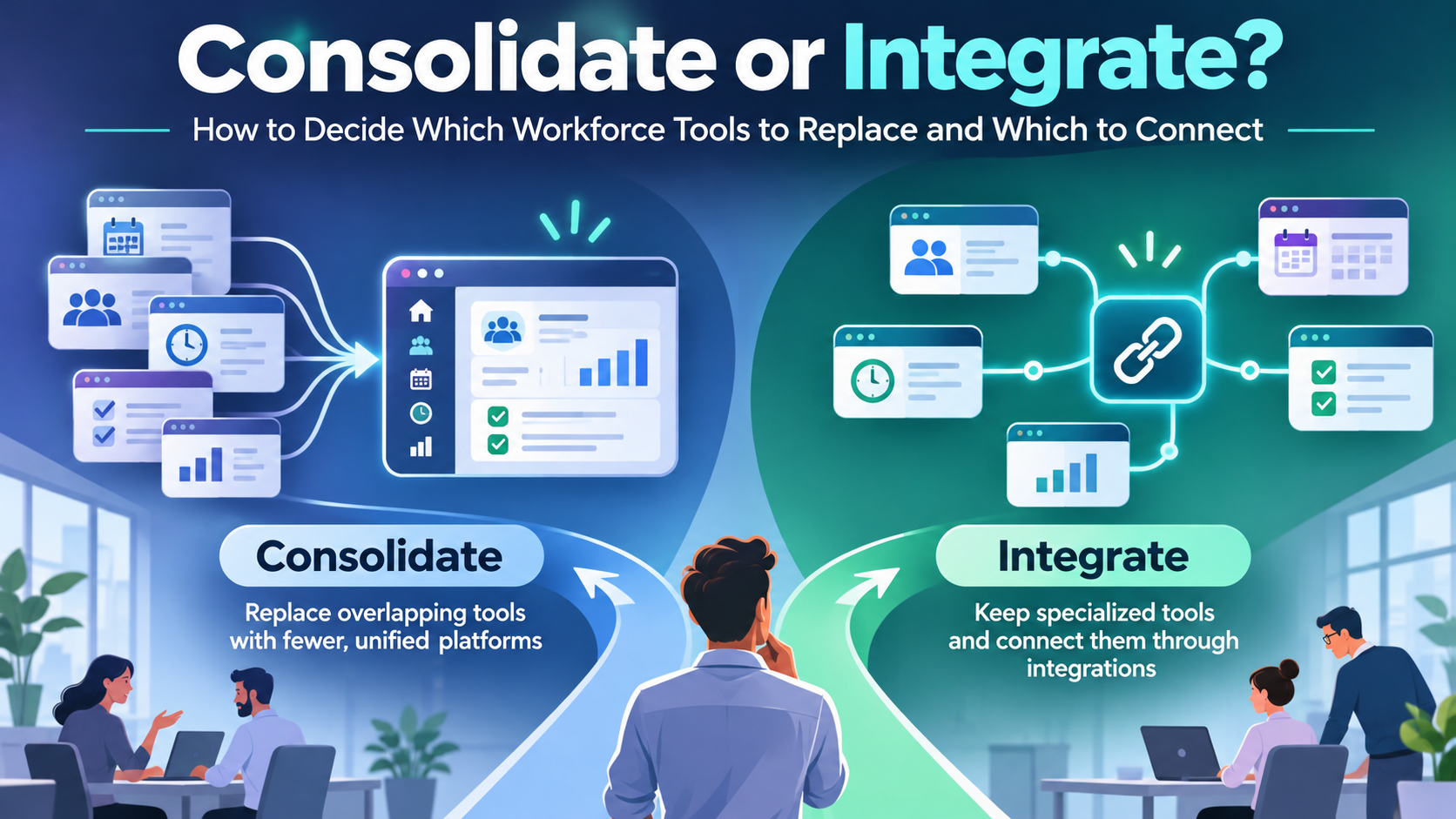
Your new hire signed the offer on Thursday and starts Monday. Between those two dates, three questions shape the first morning: where do I go, who do I ask for, and what do I do first? Most welcome message roundups answer none of them. They deliver warmth, enthusiasm, and a paragraph about how excited the team is, then stop before the useful part.
A welcome message for new employees is a written or verbal greeting sent before or on the first day that introduces the team, sets expectations, and explains what happens next. It earns its place when it carries operational weight. It becomes noise when it’s a greeting card with a logo on it.
The 30 scripts below are grouped by where the hire reads: office desks, frontline shifts, and remote or hybrid setups. Each one is a fill-in template with a start time, a named contact and a single next action.
Key Takeaways
- Context, channel and contact decide whether a message works. The same friendly paragraph fails on a shop floor and works in an inbox.
- Every script carries three elements. A time, one name, one action. Remove any of the three and you’ve written a greeting, not an onboarding message.
- Frontline scripts stay under 70 words and never depend on a laptop link.
- Personalization stops at what the hire approved. Medical details, family information and leave records stay out of group messages.
- Send the first message at least two days before day one, not on the morning of.
Choose the Right Welcome Message for Each Hire
A new employee may receive a welcome by email, text, chat, or in person. Whatever the format, the message should set expectations and make the next step clear. A greeting with no practical details leaves a new hire guessing about where to go, when to start, or whom to ask.
Choose the message by considering the job context, the channel the hire can access, and the person responsible for answering questions. A desk-based analyst, a shift-based nurse, and a remote engineer need different logistics.
| Hire type | Suitable channel | Must include |
|---|---|---|
| Office, desk-based | Email for the formal note, Slack or Teams for the team note | Start time, building entry, desk, manager name |
| Frontline, shift-based | SMS, mobile app or posted notice | Shift start, site entrance, uniform, named shift lead |
| Remote | Email plus Slack or Teams | Login steps, time zone, IT contact, first meeting |
| Hybrid | Email plus Teams or Slack | In-office days, booking tool, team schedule |
| Manager-led | Direct message or call | First-week priorities, check-in time, success measure |
Use the table as a starting point, then match the details to your own workplace and communication systems. For example, an app message is useful only if the hire can access the app before their first shift.
For organizations managing office, remote, and frontline employees, platforms like HubEngage help deliver employee communications through mobile apps, email, SMS, and digital signage, making it easier to reach new hires through accessible channels.
A named contact gives the hire a clear route for questions. In 2024, 65% of surveyed new employees identified having no clear point of contact for questions as an onboarding frustration, according to BambooHR’s survey of 1,500 full-time U.S. employees. Include the contact’s name and a practical way to reach them.
Turn On Work’s frontline communication channel guide explains trade-offs among channels. For a broader view of how communication and support continue after the first day, see the first 90 days of employee experience.
A useful welcome message gives the hire a start time, a named contact, and one next action. Without those, it is only a greeting.
Personalize Each Message Without Oversharing
Personalization fails in two directions. Generic copy makes the hire feel like a ticket number, and over-sharing puts details in front of an audience that never agreed to hold them.
What Is Safe to Use
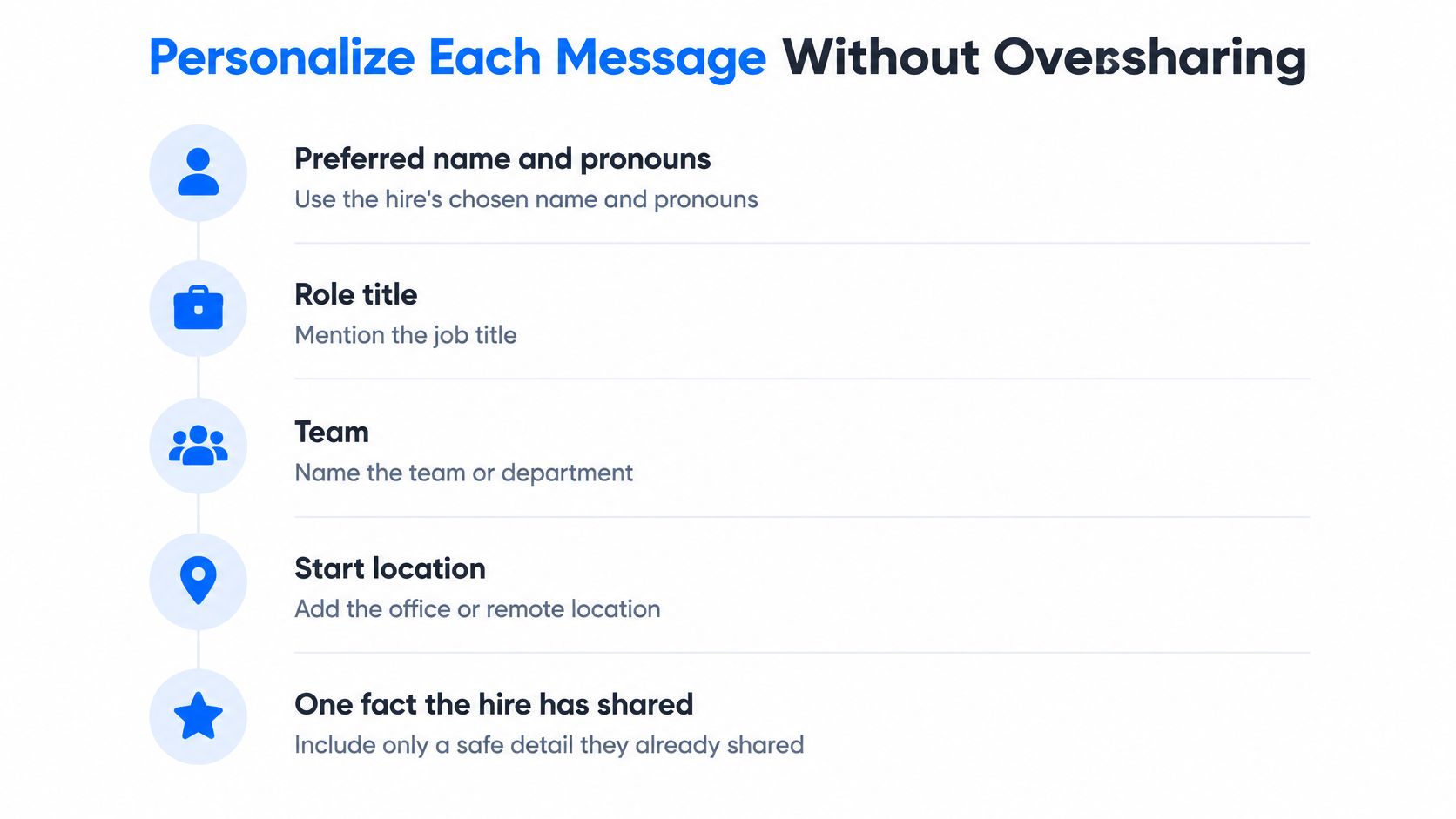
- Preferred name and pronouns. Confirm them before you write anything public.
- Role title and team. The title from the offer letter, not an internal shorthand the hire won’t recognize.
- Start location. Building, site or the word remote.
- One fact the hire shared themselves. A hobby, a certification, a project they mentioned in the interview.
That last item is opt-in only. If the hire mentioned a marathon in passing, ask before you announce it.
What to Leave Out
Medical details, reasons for leave, family information and anything sourced from a confidential record stay out of welcome copy entirely. Sensitive information belongs in restricted HR or leave-management systems, not in a channel post. The same discipline applies to managers: never pressure a new hire to disclose a diagnosis, and don’t read a recurring absence pattern as misconduct when a support conversation would serve better.
A team announcement should contain only details the hire has approved, and it should offer a private route to correct anything that’s wrong, including a misspelled name or the wrong pronouns.
A Six-Step Check Before You Send
- Confirm the preferred name.
- Check the role title against the offer letter.
- Remove anything the hire hasn’t approved.
- Add one named contact with a reply time.
- Confirm the channel reaches this person.
- Add one next action with a date.
For multilingual teams, send a translated version where the team’s first language differs, and test the wording on a small screen. A paragraph that wraps to nine lines on a phone won’t get read between shifts.
The public-post rule: if the hire hasn’t approved the detail, it doesn’t appear in the team announcement.
Ten Office Welcome Messages for Desk-Based Hires
Office hires get more messages than any other group, and most of them repeat each other. Split the work instead. A study of onboarding programs found that welcome content from corporate, managers and coworkers each contributed positively to commitment and engagement among 347 employees in Portuguese firms, which suggests that distributing authorship beats sending one long note from HR, as reported in this review of new employee onboarding.
- Role welcome: Welcome to [Company], [Name]. You start as [Title] on [Date] with the [Team] team. Your first day begins at [Time] at [Entrance].
- Manager introduction: I’m [Manager], your manager. In week one, focus on [Priority] and [Priority]. We’ll review [Measure] at our check-in on [Day].
- Peer buddy: Your buddy this week is [Colleague], who sits near [Area]. Start with this question: [Suggested question]. They’ll check in on [Day].
- Access checklist: Before you arrive, confirm your badge, laptop and login with [IT Contact] at [Email or number]. Reply once all three are confirmed.
- Day-one agenda: Arrive at [Time] at [Entrance]. Your first meeting is in [Room] at [Time] with [Name]. The day finishes at [Time].
- Team coffee: The team would like to take you for coffee on [Day] at [Time]. Reply to confirm so we can book a table.
- Leadership note: Our mission is [Mission]. Your work as [Title] supports [Outcome], and [Team] depends on it. Welcome aboard.
- Help path: Send questions to [Contact] on [Channel]. Expect a reply within [Time]. Nothing is too small to ask.
- Pre-start note: Your start date is [Date]. Please complete [Form] before then and reply to confirm. Bring [Document] on day one.
- Formal HR note: Your paperwork is due by [Date] in [Portal]. Contact [HR Contact] with questions. Your first-day check-in is at [Time].
Send scripts 1, 4, 9 and 10 by email, since they’re the record the hire may need to forward to a partner or a landlord. Send 2, 3, 5 and 6 in Slack or Teams, where a quick reply is normal.
Pair the formal note with a subject line along the lines of Your start details for [Date] at [Company]. Keep each script to 25 to 40 words so it reads on a phone, and end every one with a single line telling the hire what to do before they arrive. Ten scripts, ten different jobs, no duplication.
Frontline Welcome Messages for Shift and Deskless Workers
A new warehouse starter reads your first message at 9 pm on a personal phone, mid-break, gloves off for two minutes. Every script below is built for that moment: under 70 words, one named contact, one next action, and nothing that depends on a laptop link.
The gap behind this is measurable. In a 2025 global Employee Communication Impact Study conducted with YouGov, 51% of non-desk workers said workplace communication was infrequent, low quality, or both. Mobile access is part of the same problem: the 2024 Lighthouse Research & Advisory frontline study of 737 employers and 1,050 workers found 91% of frontline workers wanted training or resources on a mobile device, while 60% of manufacturing employees said they could not access training on mobile at all.
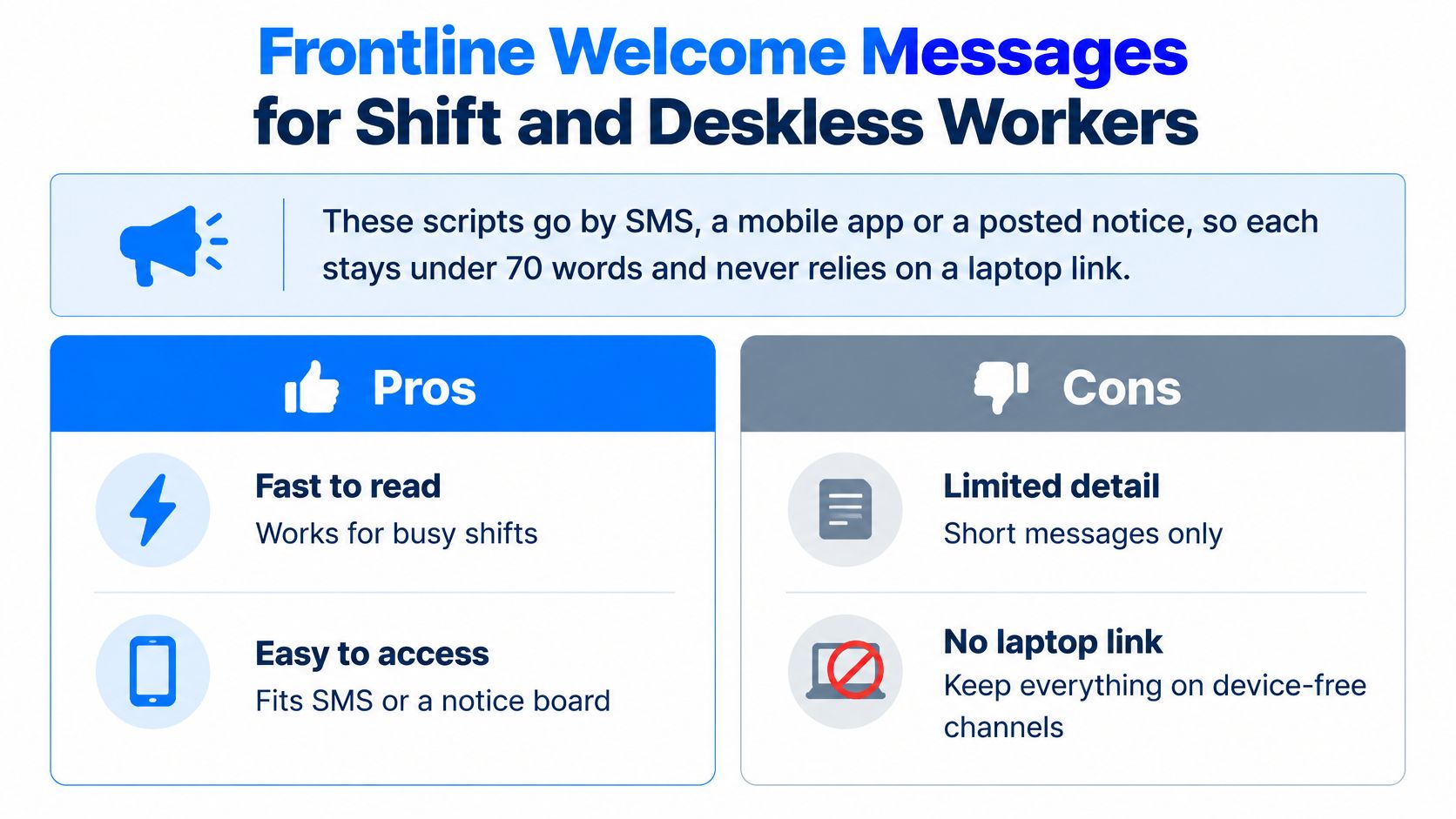
- Shift start: Your first shift starts at [Time] on [Date] at [Site]. Use the [Entrance] and check in with [Shift Lead]. Reply YES to confirm.
- Gear: Bring [ID or certificate] and wear [Uniform or PPE]. Ask [Contact] if anything is missing before [Date]. Reply YES when you’re set.
- Shift lead: Your shift lead is [Name] on [Number]. If you’re running late, call before [Time]. Reply YES so we know you have the number.
- App path: Open [App], tap Schedule, then choose [Team]. Login help is at [Contact]. Reply if the app won’t open.
- Safety: Safety orientation is at [Time] in [Place]. Arrive ten minutes early and bring [Item]. Reply YES to confirm.
- Training: Complete [Module] on your phone by scanning the code on [Notice] or opening [Short link]. It’s due by [Date], and questions go to [Contact].
- Floor buddy: Your buddy on shift is [Name]. They’ll show you [Area] and [Task] during your first shift. Text them at [Number].
- Timesheet: Log your hours in [App] by [Day] each pay cycle. Payday is every second Friday, and your first pay lands on [Date]. Questions go to [Contact].
- Call-out: To miss a shift, report it in [Channel] to [Recipient] by [Time]. If they don’t answer, call [Backup]. You never need to share medical details.
- Thanks: Welcome to the crew, [Name]. We’re glad you joined [Team]. Your shift lead [Name] will meet you at [Entrance].
Close each script with a reply line such as “Reply YES to confirm you got this,” so the hire learns the channel runs both ways. Keep pay rates out of these messages, because a wage figure in an SMS becomes a promise. The pay date itself belongs in the text, stated plainly, so nobody has to hunt for it.
Send scripts 1, 2, 8 and 9 by SMS or the workforce app, since those are the details a hire needs standing at the gate or on the floor. Post 5 and 6 on the break-room notice as well, because a safety time and a training deadline deserve a second surface. Seasonal hiring compresses this whole sequence into days, and our guide to seasonal employee onboarding covers that tighter timeline. Our frontline employee communication guide covers the wider channel picture. Everything a shift worker needs on day one should fit on one screen.
Remote and Hybrid Welcome Messages for Distributed Teams
Remote hires can’t absorb context by walking past a whiteboard. Every message has to be explicit about access, time and people.
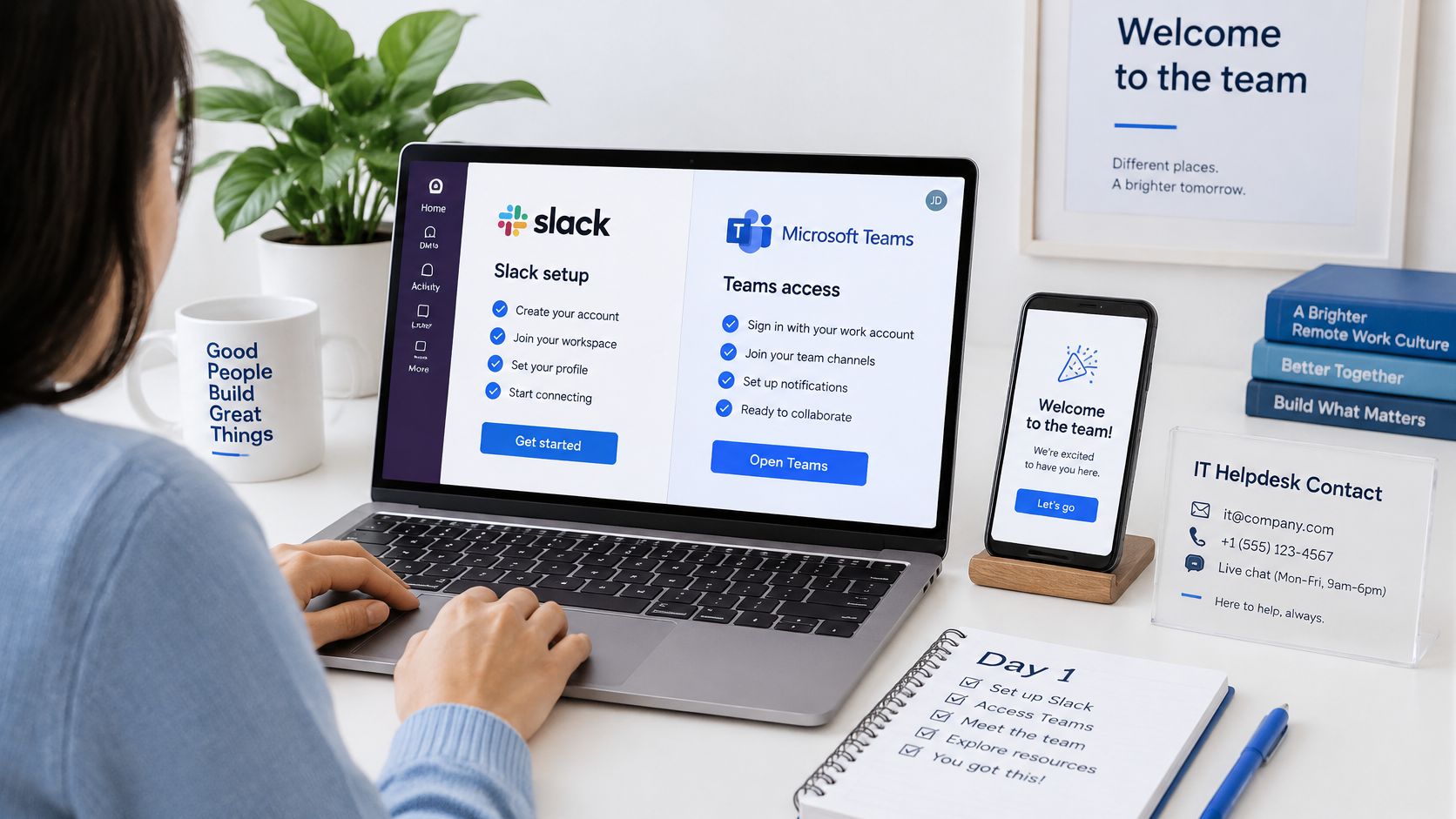
- Account setup (remote and hybrid): Your [Tool] account is live. Sign in at [Portal], set your display name to [Name], and post a hello in #[Channel]. IT helpdesk is [Contact].
- Team channel intro (both): Team, meet [Name], who joins as [Title] today. [Name], reply with one line on what you’ll be working on and, if you want, something you enjoy outside work.
- Time zone and core hours (remote): We work [Core hours] in [Time zone]. Mark focus time in your calendar and post a short status when you’re offline for more than [Hours]. Your manager is [Name].
- Virtual buddy (both): Your buddy is [Name]. Your first call is [Day] at [Time] on [Video tool]. They’ll walk you through [Topic] and answer the small questions.
- Coffee chat (remote): [Name] from [Team] would like a 20-minute virtual coffee on [Day]. Reply to confirm and we’ll send the invite.
- Hybrid days (hybrid): Your in-office days are [Days]. Book a desk in [Tool]. Your first in-person day is [Date], and [Name] will meet you at reception.
- Equipment (remote): Request your [Equipment] through [Portal] by [Date]. [Contact] handles delivery questions. Check the policy before buying anything yourself.
- Pinned post (both): Bookmark [Wiki] for policies and [Calendar] for team dates. The pinned post in #[Channel] lists who owns what.
- First one-to-one (both): [Manager] has booked your first one-to-one for [Day] at [Time]. Bring your questions and any access issues you’ve hit.
- Async welcome (both): Recorded by [Name], two minutes, no meeting required: “Welcome to [Team], [Name]. Watch this before Monday and message [Contact] if anything is unclear.”
Keep the division of labor clear. Email is the formal record the hire can search in six months. Chat is the working channel where questions get answered in minutes. Our internal communications strategy for distributed teams covers audience mapping and how information moves between central and local teams.
Name one owner for questions, even when three people send welcome notes. A hire who has to guess where to ask will usually ask nobody.
Formal, Casual and Motivational Tones Compared
Take one hire: a new operations coordinator starting Monday. The facts don’t change across tones. The opening does.
| Tone | Opening line style | Best for | Risk to watch |
|---|---|---|---|
| Formal | Welcome, we are pleased to confirm your start date | Senior hires, HR letters, regulated roles | Stiff phrasing that hides the next step |
| Casual | Hey Sam, glad you are joining the team | Small teams, chat channels, peer messages | Slang new hires may not read as welcoming |
| Motivational | Your first week starts a bigger story for the team | Early-career hires, milestone-based onboarding | Vague praise with no first task |
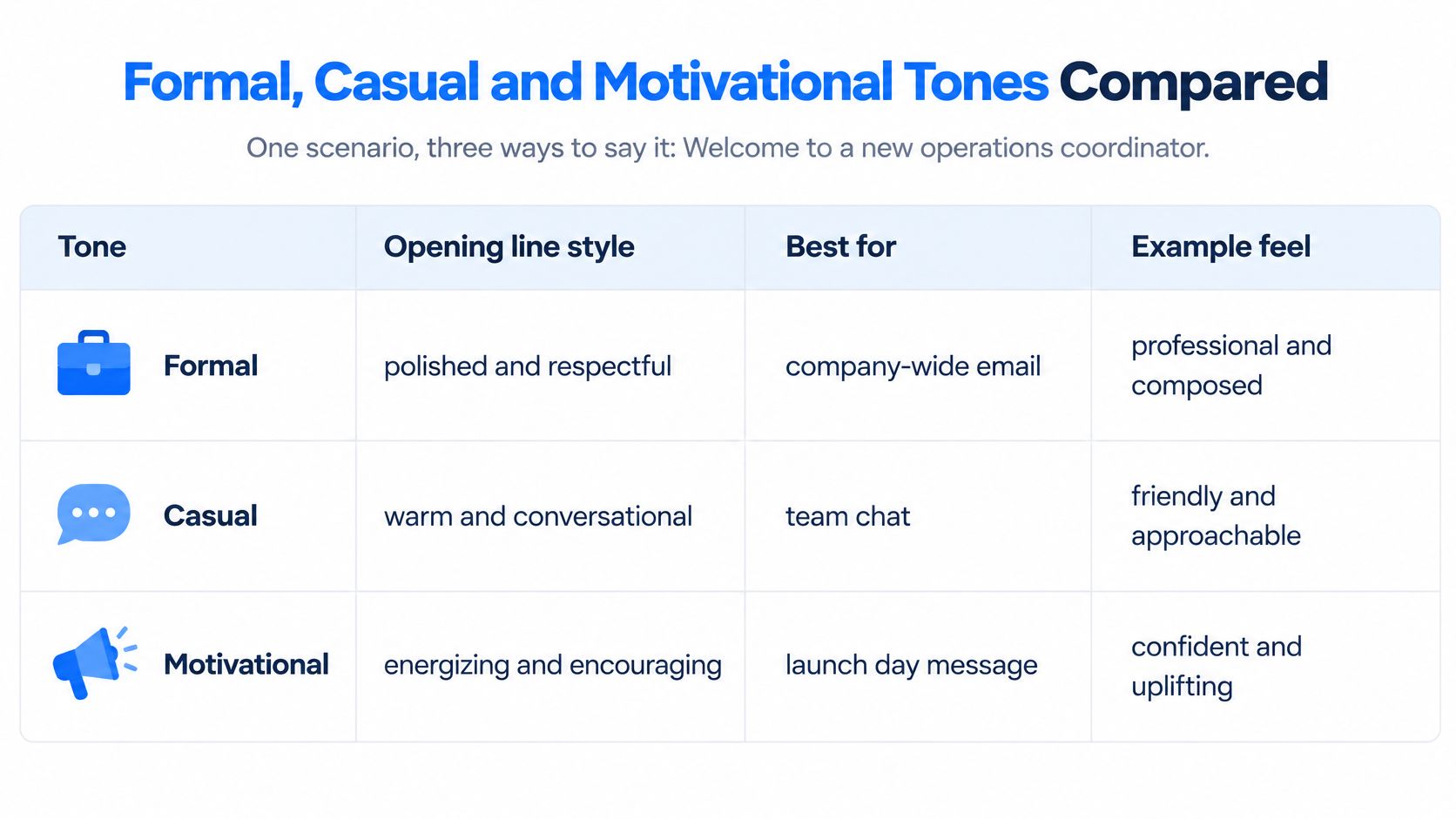
Match the tone to how the team already writes, not to the sender’s preference. A construction crew that communicates in short texts doesn’t need a formal letter, and a hospital compliance office that issues formal letters shouldn’t suddenly open with an emoji.
Warmth never substitutes for detail. The formal version still needs the start time, the named contact and the next step, and so does the motivational one. The motivational tone fails hardest when it promises a journey and forgets to mention where to park.
The decision rule: if the hire reads on a phone between shifts, send a short casual or formal text. If the message is the official record, send formal email and follow it with a casual chat note the same day.
Send Your Welcome Messages Before Day One
A hire who receives the door code at 7:25 a.m. is already standing in the wrong lobby. Treat the welcome as a handoff with a clock: every send names the start time, the person to contact and the next action for the channel that hire checks.
- Seven days out: send the pre-start note with logistics, the start time, the named contact and what to bring.
- Two days out: confirm access steps and the first meeting. Login failures often surface then, while there is still time to fix them.
- Day one: send the team welcome and the buddy introduction, with the manager check-in already booked on the calendar.
- End of week one: send a short check-in asking a single question. Do you have what you need to do the work?
When the note triggers work behind the scenes, LearningStudioAI training checklist templates can order setup, compliance and role-specific training so the message only promises what the schedule can deliver.
Measure four signals: open, completed setup task, use of the reply path and help requests in week one. Help requests tell you more about message quality than a satisfaction score, because a confused hire escalates instead of replying warmly. For deskless teams, keep this cadence inside the wider onboarding experience for frontline teams so access, shift details and buddy introductions land together.
Common Mistakes in New Hire Welcome Messages
- One email as the whole plan. Frontline and remote hires read other channels, so match each hire to the channel in the fit table.
- Key details buried. Put the start time, place and contact in the first two lines, not the third paragraph.
- Generic filler. Replace “we are so excited to have you” with one specific fact, such as the project the hire joins.
- Mismatched tones. A formal opening with a slang sign-off reads as a template. Choose one tone and hold it.
- Promises about pay or schedules. Those belong in the offer letter and HR systems, not in a welcome note.
- One template for every hire type. A remote hire who receives a note about a desk that doesn’t exist will stop reading.
Test before sending: read it on a phone, confirm a name, a time and a next step all appear, and check the sender is someone the hire will meet. For more patterns that work, see these internal communication examples for frontline employees.
FAQs on Welcome Messages for New Employees
Who should send the welcome message
The manager sends the working message, HR sends the formal record, and leadership sends the mission note, mostly for senior roles or small teams. Each sender covers a need the others can’t, which is why a single long email from HR rarely does the job.
Are emojis appropriate in a welcome message
Use them sparingly in casual chat channels, and avoid them in formal email and in messages to frontline staff who may read on shared devices. A device that three people touch is not the place for a joke that reads differently to each of them.
Can welcome messages go on WhatsApp or group chats
Only where your company already uses that channel for work and policy allows it. Otherwise use SMS, the company app, Teams or Slack, because personal accounts make records and privacy harder to control.
What should a manager do if the new hire doesn’t reply
Send one follow-up after two business days through the channel the hire uses, then arrange a short call. A single follow-up confirms the message arrived without pressure, and silence usually means a technical problem rather than disinterest.
If you’re rebuilding onboarding for a mixed workforce this quarter, start with the three-part filter and the fit table, then write the four send points into your onboarding system so nobody has to remember them. Pick one hire type you struggle with most, frontline or remote, and rewrite those ten scripts this week with real names and real times. For more frameworks like this, Turn On Engagement, our newsletter, sends practical onboarding and internal communication guides to your inbox.