The easiest way to buy the wrong employee recognition platform is to start with the reward catalog.
Recognition software demos naturally gravitate toward the most visually appealing part of the product. Someone receives 500 points, opens a marketplace and sees gift cards, electronics, merchandise, travel options or charitable donations. It makes for a convincing demonstration, but it tells you surprisingly little about whether the platform will work inside your organization six months after launch.
The harder questions appear once the novelty wears off. Can a nurse who rarely uses a desktop participate easily? Can a store employee without corporate email receive recognition? Does Finance understand where the reward budget goes? Can Payroll identify taxable rewards? Will employee records stay accurate when people change managers, transfer locations or leave the company? Can a manager recognize somebody in two minutes, or does the process become another administrative task?
Those questions lead to a more useful distinction: recognition and rewards are related, but they are not the same thing.
Recognition is the act of noticing useful work, behavior or contribution and acknowledging it. A reward is one possible way to reinforce that moment. A company can have excellent recognition without attaching money to every interaction, and it can distribute plenty of rewards without creating meaningful recognition.
The employee recognition platform you choose in 2026 should therefore fit the recognition program you intend to run, the workforce that needs to participate, the technology already supporting that workforce, the reward economics Finance can sustain and the behaviors managers can realistically maintain.
Once those requirements are clear, the vendor comparison becomes much easier.
Start with the recognition behavior you want to create
Before looking at platforms, decide what you want employees and managers to do differently.
This sounds obvious, but recognition programs often become vague during procurement. One company wants employees to thank colleagues more frequently for everyday contributions. Another wants managers to reinforce specific company values. A third wants to replace manual service awards. A manufacturer may want recognition tied to safety, quality or improvement ideas, while a retailer may care most about ensuring store employees receive the same visibility as employees at headquarters.
All of those needs can fall under the label “employee recognition,” yet they produce very different software requirements.
Consider a 450-person software company. Its program might revolve around quick peer recognition inside Slack, small manager budgets, automated anniversaries and a relatively simple gift-card catalog. That company may value ease of use and collaboration-tool integration far more than complex approval workflows.
Now consider a 12,000-person healthcare organization. Nurses, technicians, administrative staff, remote employees and corporate teams may all need access. Some employees rarely use company email. Managers may have different budgets by facility. HR may run service milestones and values programs. Payroll needs reward data. IT needs identity controls. Employees in different regions may require different reward options.
The second organization does not simply need a platform with more features. It needs a different operating model.
A useful way to frame the requirement is to identify which recognition moments actually deserve a formal program.
| Recognition program | What the organization is trying to accomplish | What the software needs to do well |
| Peer-to-peer recognition | Make everyday contributions visible | Fast recognition, mobile access, values tags, sensible visibility |
| Manager recognition | Reinforce useful work and behaviors | Budgets, approvals, team recognition, reporting |
| Spot awards | Attach a reward to an important contribution | Reward values, controls, tax data, approval rules |
| Service awards | Recognize tenure and anniversaries | Reliable hire dates, automation, reward choice |
| Values recognition | Connect work with company principles | Custom values, reporting, nominations |
| Formal awards | Run quarterly, annual or nomination programs | Nomination workflows, approvals, panels, audit history |
| Frontline recognition | Reach deskless, field and shift employees | Mobile, SMS, QR, kiosk or other accessible routes |
| Safety or operational recognition | Reinforce specific workplace behaviors | Location reporting, team awards, configurable rules |
| Customer-driven recognition | Turn customer praise into employee appreciation | External submissions, moderation and employee matching |
Most organizations do not need every program in that table. In fact, trying to launch too many recognition types at once can make the experience harder for managers and employees to understand. A smaller number of well-defined programs is usually easier to operate than a complex menu of awards that looks impressive during procurement but receives little use later.
The point is to let the recognition strategy determine the software requirements rather than allowing software features to determine the recognition strategy.
Test whether the platform still works without rewards
One of the most revealing questions you can ask during a demo is simple: what happens if monetary rewards are turned off?
A strong recognition platform should still have value. Employees should be able to acknowledge useful work quickly, explain what happened, connect a contribution with a company value where appropriate and share recognition with the right audience. Managers should be able to see meaningful employee contributions without every interaction requiring a budget.
If the product feels empty as soon as points or gift cards disappear, you may be evaluating a reward-distribution system more than a recognition platform.
That distinction matters because attaching money to every recognition moment can change employee behavior. Employees may begin to interpret recognition without points as less important. Managers can become hesitant to recognize somebody because they assume appreciation always requires budget. Teams can start paying more attention to point balances than to the behavior being recognized.
Research also suggests that recognition quality matters more than simply generating additional recognition activity. Gallup and Workhuman tracked 3,447 employees between 2022 and 2024 and reported that employees who received high-quality recognition were 45% less likely to have changed organizations two years later. Their definition of high-quality recognition includes characteristics such as authenticity, personalization, equity and connection with organizational culture. You can review the Gallup research on recognition and employee retention.
That does not mean buying recognition software will reduce turnover by 45%. Software is only one part of the workplace environment that produces meaningful recognition. The more useful lesson for buyers is that increasing recognition volume is a weak objective unless the program also improves the quality and reach of recognition.
Your workforce should determine how recognition is accessed
A recognition program can be described internally as company-wide while functioning mainly as an office program.
This usually happens when the platform assumes everyone has corporate email, company laptops, Slack, Microsoft Teams or standard identity accounts. Many employees do not work that way. Retail associates, production workers, drivers, field crews, hotel staff, warehouse teams and clinical employees often interact with company technology differently from employees at headquarters.
That changes what “easy to use” means.
Imagine a warehouse supervisor who wants to recognize a night-shift employee for preventing an expensive shipping error. The employee has no corporate email address and rarely uses a desktop computer. If the program is genuinely designed for that employee, the workflow should answer several practical questions without requiring unusual workarounds.
How does the supervisor find the employee? How does the employee learn that they were recognized? Can they access the recognition from a phone, SMS message, QR code or shared device? If a reward is attached, can they redeem it without navigating an account setup designed for office workers? If the employee transfers to another facility the following week, will the correct manager and location update automatically?
These scenarios tell you much more about frontline suitability than a vendor describing its product as mobile-first.
Current platforms approach the problem differently. HubEngage’s Recognition Hub supports recognition across web, mobile apps, email, SMS and digital displays. Recognition also sits inside a broader employee engagement platform that includes communications, surveys and social functionality. That can be useful when an organization is trying to solve both frontline communication and recognition rather than deploying another isolated employee application.
Achievers documents mobile, desktop, tablet, QR-code, physical-card and kiosk recognition options. Those routes can be valuable in organizations where large parts of the workforce do not spend their working day inside corporate collaboration tools.
Guusto also has a strong frontline orientation. Its current offering supports email and SMS delivery as well as offline print and QR codes. Its commercial structure can price senders and recipients differently, which may suit organizations where a smaller management population recognizes a much larger deskless workforce.
Nectar has expanded in a similar direction as part of a broader employee experience platform. Its current materials describe participation without work email and access through channels including text, Slack, Microsoft Teams and mobile.
These capabilities do not make one vendor automatically better for frontline employees. A hospital, distribution center, construction company and restaurant chain may all employ frontline workers, but their identity systems, device policies, shifts, privacy constraints and management structures can be very different.
The correct test is therefore not whether the vendor supports “frontline recognition.” It is whether the platform supports the actual frontline conditions inside your organization.
Global reward coverage is useful only when rewards are locally useful
Reward catalogs deserve similar scrutiny.
A vendor can advertise millions of reward options or coverage across dozens of countries, but those numbers are less important than the actual experience available to an employee in each location where you operate.
A U.S.-only organization has a relatively straightforward evaluation. A company employing people in the United States, Canada, Mexico, Germany, India, the Philippines, Australia and the United Kingdom needs to examine regional differences much more closely.
Ask the vendor to open the actual reward catalog available to employees in several representative countries during the demo. Look at local merchants, currencies, languages, delivery times, shipping arrangements, gift cards and merchandise availability. Check whether an employee can redeem something genuinely useful without contributing additional money.
Purchasing power matters too. Giving every employee the same nominal point allowance can create very different real-world value across countries, even when the platform technically supports all of them.
Awardco is one example where buyers should look carefully at how the reward infrastructure works. Its Amazon Business reward integration provides access to physical products in supported markets and includes a vendor-documented zero-markup model for eligible rewards. Availability, shipping, taxes and product selection can still differ by location, so the useful procurement question is not simply whether Amazon Business is integrated. It is what employees in each important country can actually redeem.
The same principle applies to every global reward provider. A supported-country map is a starting point, not evidence that employees receive an equivalent experience.
Price the recognition program rather than the software subscription
Employee recognition software is difficult to compare on price because the subscription is only one component of the total program cost.
A more useful model is:
Annual recognition program cost = software + implementation + integrations + funded rewards + fulfillment + tax and payroll administration + internal administration
Software and rewards should be modeled separately because the reward budget can easily exceed the platform fee.
Suppose a 2,500-person organization receives a software quote equivalent to $60 per employee each year. The annual subscription would be $150,000. If the company separately makes $100 per employee available for funded recognition, another $250,000 enters the program. Add $25,000 for implementation and integration work and the first-year cost reaches $425,000 before additional shipping, currency conversion, tax administration or internal HR time.
Those figures are illustrative rather than market averages. The example simply shows why a $5-per-user software price tells you little about the complete cost of a recognition program.
Public pricing can reveal very different commercial models
Some vendors publish prices, while larger enterprise providers often use custom proposals.
Bonusly currently publishes several tiers on its pricing page. Its Team plan with Bizy is listed at $5 per user per month for new customers, or $50 per user annually. Bonusly also lists a Team option without Bizy at $3 per user per month or $30 annually, while the Organization tier uses custom pricing.
Guusto follows a very different model. Its pricing structure separates sender seats from recipient seats on larger plans. That distinction can materially change the economics for a business with thousands of frontline employees but only a few hundred supervisors or managers authorized to issue funded recognition.
Awardco also structures its plans around program scope rather than a simple universal per-user rate. Its current plans page illustrates why buyers need to compare complete configurations rather than headline subscription numbers.
These pricing models should not be reduced to one cost-per-employee column. A 3,000-person employer where 200 managers distribute funded awards has different requirements from a 3,000-person organization where everyone participates in peer-to-peer point giving.
The pricing model has to match the recognition model.
Follow the reward budget all the way to the employee
Subscription cost is only one part of the financial analysis. Buyers should also understand what happens to the actual reward money.
Suppose Finance approves $200,000 for employee rewards. The useful question is how much of that $200,000 eventually becomes usable value for employees and under what conditions.
Funding models vary. Some platforms charge employers when rewards are redeemed. Others use prefunded accounts. Different arrangements can introduce shipping costs, foreign-exchange costs, merchandise markups or rules around unused balances. Employees who leave the company can create another question if points or unclaimed rewards remain attached to their accounts.
Bonusly states on its current pricing materials that employers pay face value when employees redeem rewards rather than depositing large amounts of reward funding in advance. Guusto states that gift cards are provided at face value and allows organizations on applicable paid plans to use claim periods or cancel unclaimed gifts under its program rules. Awardco documents zero markups for eligible Amazon Business rewards, although shipping, taxes and geographical differences can still affect the final experience.
There is no universally correct funding model. What matters is whether Finance understands when cash leaves the organization, what happens to unused value, which costs sit outside the subscription and how much administrative work the arrangement creates.
This is an area where procurement teams should ask for the commercial mechanics in writing rather than relying on a verbal product demo.
Bring Payroll into the evaluation before you launch monetary rewards
Gift cards deserve particular attention in U.S. recognition programs.
The IRS’s 2026 Employer’s Tax Guide to Fringe Benefits states that cash and cash-equivalent fringe benefits, including gift cards and gift certificates, are never excluded as de minimis benefits simply because the value is small. The IRS also provides separate rules for qualifying employee achievement awards involving tangible personal property for certain length-of-service and safety programs.
Your Payroll or tax team should determine how those rules apply to the specific recognition programs you intend to run. Software does not remove the employer’s responsibility for correct treatment.
What the software can change is how difficult the administration becomes.
When a vendor says its platform supports tax reporting, ask what that means in practice. Finance may need taxable reward values by employee and payroll period, clean exports, multi-currency handling, separation by legal entity or country and compatibility with existing payroll processes. Some organizations may also require gross-up workflows.
The important distinction is whether the vendor provides usable reward data or claims to determine tax treatment on the employer’s behalf. Those are very different responsibilities.
Tax functionality rarely gets much attention during a polished recognition demo. It can become one of the most important operational differences after the program launches.
Integration quality becomes visible when employee data changes
Recognition platforms depend on workforce data more heavily than they initially appear to.
Employees join and leave. Managers change. Teams reorganize. People transfer locations. Job titles and cost centers change. Contractors enter or leave the organization. Employees take extended leave.
Every one of those events can affect recognition.
Hire dates may drive service milestones. Manager relationships can determine award budgets and approval workflows. Location can influence reward availability and reporting. Employment status should control whether former employees remain active. Department and business-unit data can affect analytics.
A platform that relies on repeated spreadsheet uploads may technically work, but HR can end up recreating the administrative burden the software was supposed to remove.
An integration logo does not tell you how deep the integration goes
Buyers should distinguish between integration availability and integration capability.
A Microsoft Teams notification counts as an integration. Allowing an employee to give recognition without leaving Microsoft Teams is more useful. Supporting approval workflows inside Teams goes further again.
The same principle applies to HR systems. A periodic roster import is useful, but automated provisioning, manager synchronization, organizational updates and deactivation create a much more complete connection.
Workhuman currently documents integrations across Microsoft Teams, Outlook, Slack and Workday through its integration capabilities. The practical value is not the presence of the logos. It is what employees, managers and administrators can actually do through those connections.
Nectar similarly documents recognition functionality within Microsoft Teams through its Microsoft Teams integration, alongside connections to major HR systems.
Bonusly includes Slack and Microsoft Teams functionality on its current plans and adds HRIS integration and provisioning capabilities at higher tiers.
This is why an RFP should avoid a simple “Does the platform integrate with Workday?” question. A much better question is, “Which employee fields synchronize, in which direction, how often, and what happens when the records conflict?”
Test the integration with imperfect data
Clean demo data rarely reveals how a system behaves in normal company operations.
Ask vendors what happens when an employee has two manager records. Find out how contractors are represented. Change a location code. Move an employee into a new business unit. Terminate somebody. Ask which platform remains the source of truth when data conflicts and whether administrators can correct urgent problems before the next scheduled synchronization.
It is equally important to understand what happens when integration processes fail. Someone needs to know whether the platform produces an alert, where synchronization errors appear and who is expected to resolve them.
These are ordinary operational scenarios, which is exactly why they are useful during selection. Mature software should handle ordinary problems reliably rather than requiring constant intervention from HR.
Security and identity need to fit the workforce as well as IT policy
Recognition software may not contain the most sensitive information in your technology stack, but it can still hold employee identities, reporting relationships, comments, dates, reward activity and financial data.
IT should therefore review identity, access, data retention, permissions, audit history, APIs and export requirements before HR selects a finalist.
For conventional corporate employees, single sign-on can improve both security and ease of access. Automated provisioning and deprovisioning can also reduce the risk of former employees retaining access after they leave.
Frontline environments complicate the picture.
A technically strong SAML implementation does not solve access for employees who have no corporate identity account. If thousands of workers fall into that category, the organization needs a secure alternative that still allows them to participate.
That creates two separate questions for procurement. The first is how normal corporate users authenticate and how their access is controlled. The second is how authorized employees outside the normal corporate identity environment join the recognition program without creating weak or confusing workarounds.
A platform needs to answer both.
Manager usability will determine whether recognition becomes routine
HR may select the software, but managers will heavily influence whether it continues to be used.
That makes the manager experience one of the most important parts of the evaluation.
During a demo, give the vendor a realistic scenario rather than asking for another feature tour. A manager has five minutes before the next meeting and wants to recognize an employee who handled a difficult customer problem particularly well.
Watch what happens.
If the manager needs to open another website, search through several menus, choose from a confusing taxonomy of awards and work out the remaining budget manually, recognition can easily be postponed. Once recognition is postponed, it is often forgotten.
A stronger experience may allow the manager to recognize someone directly from a phone or collaboration tool, see the remaining budget immediately, recognize a team when appropriate and understand the difference between a simple acknowledgment and a funded award without consulting program documentation.
The platform should also encourage enough specificity to make the recognition meaningful. “Great job” takes seconds to write, but it gives the recipient little information about what behavior the organization actually values. A well-designed workflow can make it easier to explain the contribution without turning recognition into a form that feels bureaucratic.
Manager reporting deserves equal attention. The most useful signal is rarely that one manager sent 47 recognitions during the quarter. It is more informative to see that the same manager repeatedly recognizes only two employees, that another manager has recognized nobody for three months or that one location receives much less recognition than comparable locations.
Recognition software becomes much more useful when it helps HR identify weak or uneven behavior rather than simply reporting activity.
Peer recognition can produce misleading conclusions if the analytics lack context
Peer-to-peer recognition is easy to understand and often appealing to employees, but it can also create misleading data.
Some departments are naturally more public and socially connected than others. Employees in highly visible roles interact with more colleagues and may receive more recognition opportunities. Remote teams may use recognition differently from onsite teams. Night-shift employees may recognize one another while remaining largely invisible to the rest of the organization.
A dashboard might therefore report that Sales is the most recognized department. That does not establish that Sales performs best or contributes the most value. It only establishes that Sales received the most recognition under the behavior and access patterns created by the program.
Useful recognition analytics need more context.
HR should be able to examine the percentage of employees receiving recognition, manager participation, sender participation, time since last recognition, differences by team or location, cross-team recognition and how the activity aligns with company values. Where appropriate, organizations may also want to compare participation patterns across shifts or workforce types.
The key question is often not who receives the most recognition.
It is who repeatedly gets missed.
That question is much more useful for understanding whether the program is reaching the workforce fairly and consistently.
Adoption should be judged after the launch campaign has ended
Recognition platforms are relatively easy to launch well.
Leadership announces the new program, HR publishes instructions, managers receive budgets and employees are encouraged to recognize colleagues. The company feed becomes active and launch metrics look positive.
That says very little about long-term adoption.
The more useful assessment comes several months later. At that point, buyers should be able to see whether managers continue recognizing employees, whether frontline workers participate, whether rewards are being redeemed and whether recognition remains specific enough to mean something.
It is also worth examining whether the platform has become part of existing work routines. If employees need to remember another separate website, participation may gradually decline. If recognition appears naturally inside tools they already use, the behavior has a better chance of becoming routine.
Administrative adoption matters too. Service milestones that continue requiring spreadsheet cleanup or reward programs that create manual Payroll work should count against the platform even if the employee-facing interface looks good.
Raw recognition volume is a weak success metric
A company can increase recognition volume without improving recognition quality.
If HR sets a target to increase recognition by 30%, managers can send more messages and employees can exchange more shout-outs. The activity feed becomes busier and the target is achieved. None of that establishes whether employees feel more meaningfully recognized.
Coverage is often more useful than pure volume. How many employees received recognition during the quarter? How many managers participated? Which groups receive materially less recognition than comparable teams? Are certain employees going long periods without acknowledgment? Do recognition messages reinforce the behaviors the organization claims to value?
The data can also expose gaps between company messaging and employee experience.
An organization may describe collaboration as a core value while most recognition rewards individual sales results. Another company may publicly emphasize the importance of frontline workers while headquarters employees receive recognition twice as often.
Recognition analytics cannot explain those gaps automatically. They can tell HR where to investigate.
AI features should reduce administrative work without making recognition feel automated
AI has become a standard part of the employee recognition software conversation, but its value depends much more on where it is applied than on whether a vendor can claim to have AI features.
Some applications are genuinely useful. A recognition platform can identify employees who have received little recognition over a certain period, remind managers about milestones they may otherwise miss, surface unusual participation patterns, simplify reporting or help HR examine whether recognition is concentrated within particular teams, locations or employee groups. These are practical uses because they reduce administrative work or draw attention to patterns that would be difficult to find manually.
AI can also help at the moment recognition is written, although buyers should examine this capability carefully. A manager staring at an empty message box may benefit from a prompt asking what the employee actually did, what impact the work had and which company value it demonstrated. That can improve specificity without replacing the manager’s judgment.
The weaker use case is automatically generating polished recognition messages that require almost no input from the person giving recognition. A manager can click a button, receive an enthusiastic paragraph and send it without giving much thought to what was written. The message may sound better, but the recognition itself can become less personal.
That creates an important buying distinction. AI should help managers notice patterns, remember recognition moments and communicate more specifically. It should not become a substitute for noticing an employee’s contribution in the first place.
When a vendor demonstrates an AI feature, ask what work it actually removes and what decision it improves. If it helps HR find employees who are repeatedly overlooked, reduces reporting time or makes recognition more specific, the value is relatively clear. If the vendor cannot connect the feature with a concrete recognition or administrative problem, the AI capability should carry very little weight in the buying decision.
Decide whether you need a dedicated recognition platform or a broader employee experience product
The employee recognition software category has become less uniform.
Some products remain heavily centered on recognition and rewards. Others now sit within broader employee experience platforms that include internal communication, surveys, employee listening, social features or additional HR programs.
That changes the scope of the purchase.
If recognition is the only significant problem you are trying to solve, a more focused product may be easier to implement and govern. A company whose employees already use Microsoft Teams or Slack heavily may have little reason to buy a broad employee communication platform simply to add peer recognition.
The calculation changes when HR is already trying to solve several connected problems. A distributed employer may need recognition, employee communication, surveys and mobile frontline access at the same time. In that situation, consolidating some functions into one platform may reduce application sprawl and simplify the employee experience.
There is risk in both directions. An organization can buy a broad suite and use only a fraction of it, paying for complexity it never needed. It can also buy a narrow recognition product and discover a year later that additional tools are required for communication, listening and frontline access.
TurnOnWork’s comparison of employee recognition software for frontline, remote and hybrid teams examines the individual products in more detail. For the buying decision itself, the more useful question is how much of the employee experience you actually want the recognition platform to own.
How the main employee recognition platform models differ in 2026
The current market contains several recognizable product shapes. The platforms below should not be read as a ranking. Each one emphasizes different parts of the recognition problem, and those differences become more useful once you know what your organization needs.
HubEngage
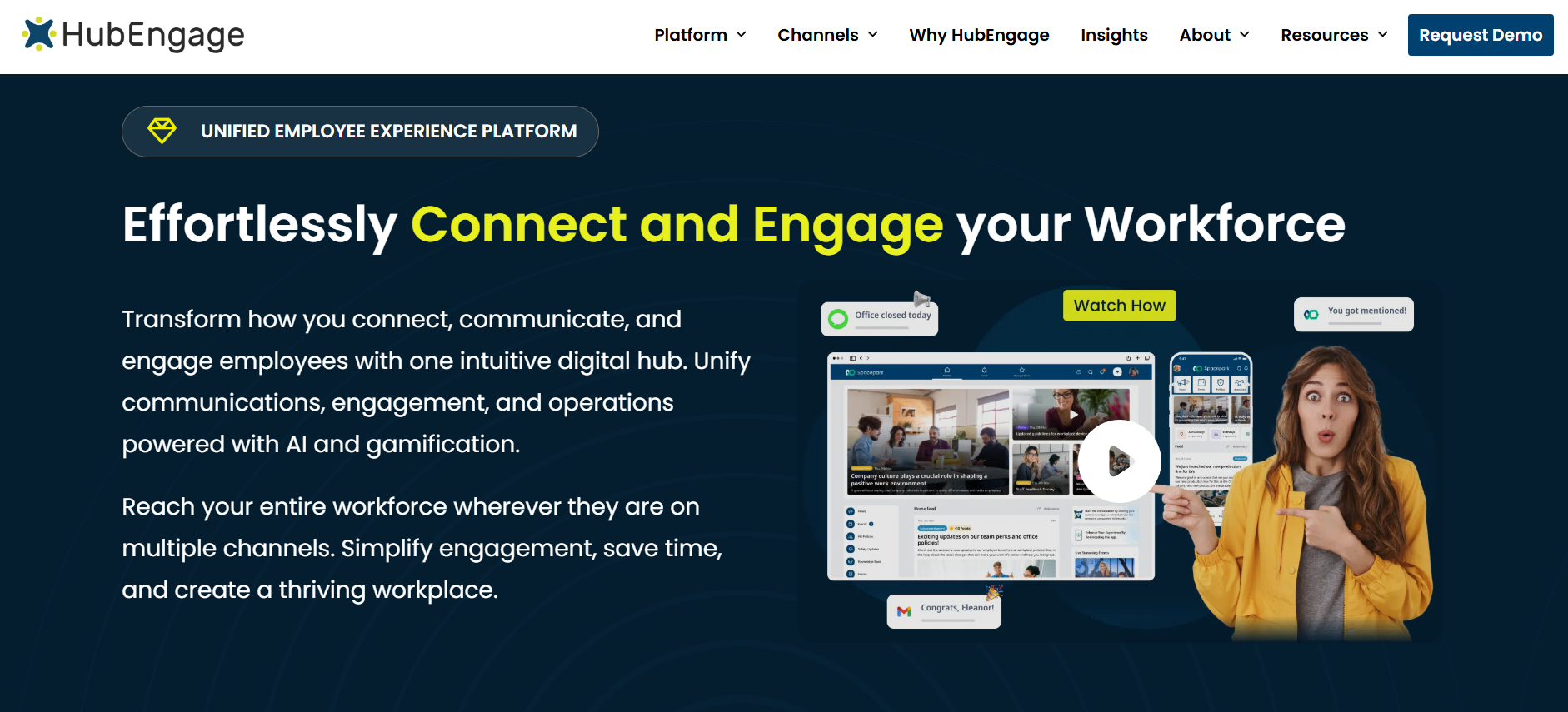
HubEngage is worth examining when recognition sits beside a broader employee communication or frontline engagement requirement.
Its Recognition Hub supports peer recognition, milestone automation, points and gift cards, while the broader HubEngage platform includes mobile apps, web access, SMS, communications, surveys, social participation and digital displays.
That breadth can be useful for a distributed employer trying to reduce the number of separate employee-facing tools. It can be unnecessary if the only requirement is lightweight peer recognition for employees who already spend most of their day in Slack or Microsoft Teams.
The practical buying question is therefore whether the organization benefits from combining recognition with a wider employee communication layer, not whether HubEngage has more functions than a narrower competitor.
Awardco
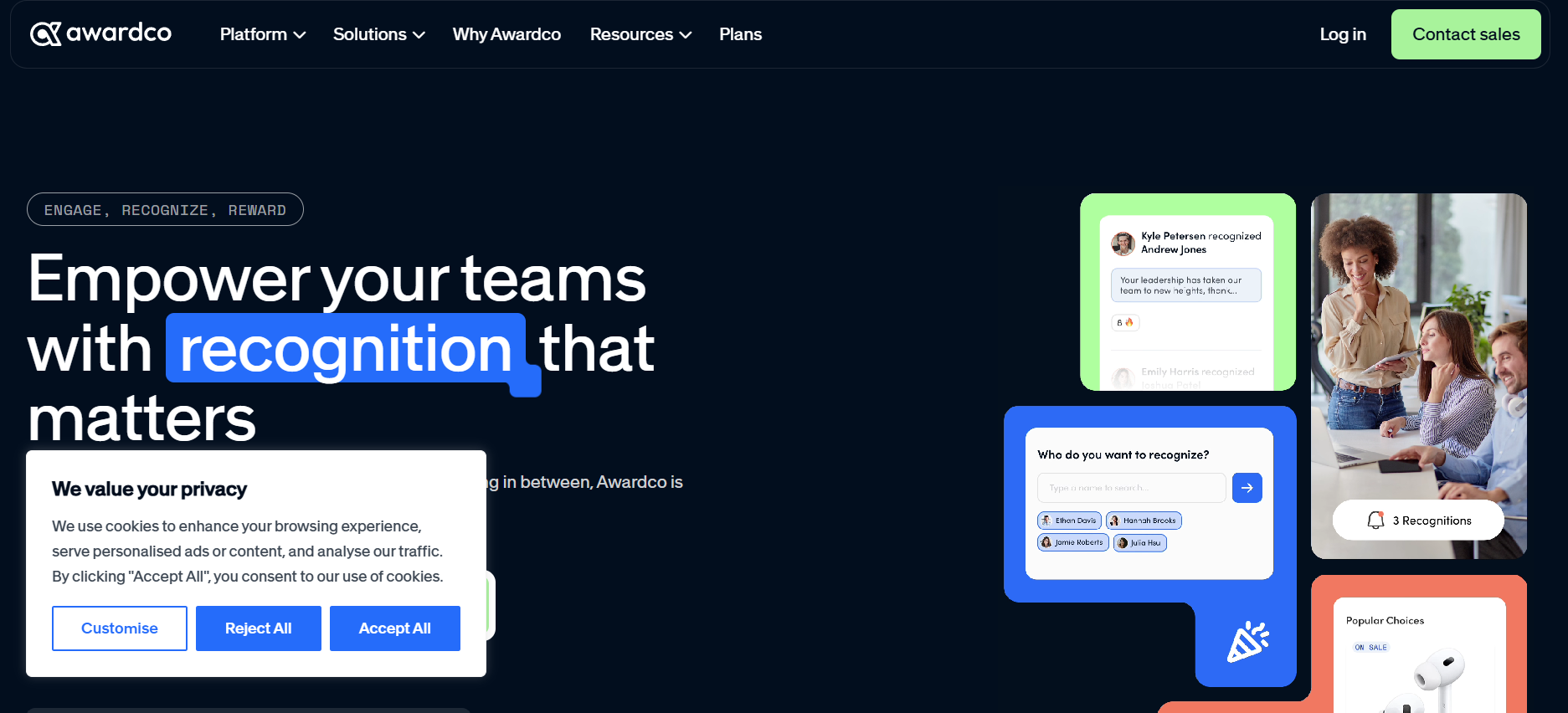
Awardco deserves attention when reward choice, program configuration and reward economics are central to the procurement.
Its current platform supports automated recognition, service awards, spot recognition, nominations and other recognition structures. Awardco’s Amazon Business integration also gives the platform a distinctive approach to physical rewards.
Awardco documents zero markups for eligible Amazon Business rewards, but buyers should still examine how shipping, tax, country availability and program configuration affect the actual employee experience. The important question is how the reward model behaves across the locations and recognition programs you intend to operate.
Workhuman
Workhuman is more likely to appear on enterprise shortlists where recognition is being treated as a substantial global program rather than a lightweight appreciation application.
Its Social Recognition product supports enterprise recognition and reward programs alongside workplace integrations. Workhuman currently documents connections with Microsoft Teams, Outlook, Slack and Workday through its integration capabilities.
That scope may suit a multinational employer that needs recognition embedded across workplace systems and managed at significant scale. A smaller company mainly looking for inexpensive peer recognition should compare the administrative and commercial scope carefully before assuming enterprise depth provides additional value.
Achievers
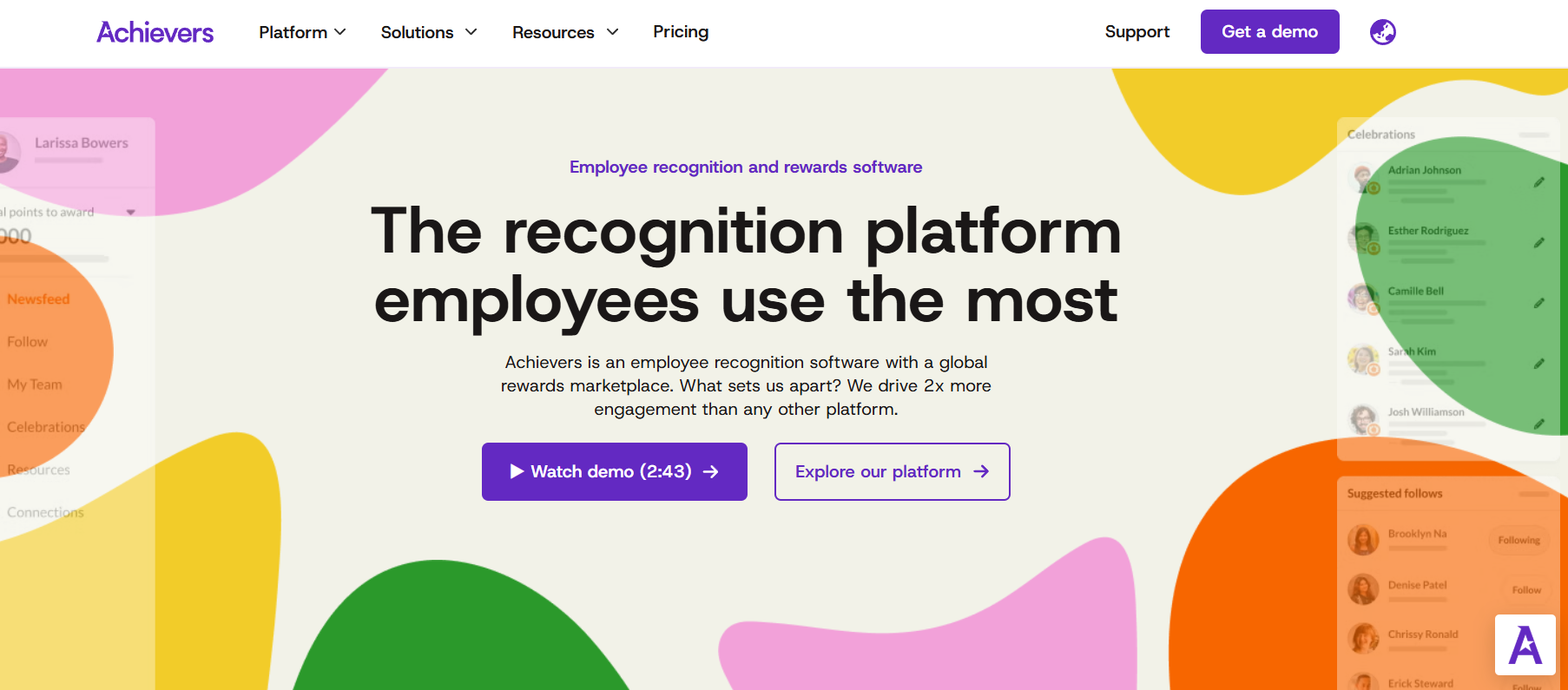
Achievers combines recognition and rewards with broader employee engagement capabilities and has invested heavily in access routes for employees outside conventional desk-based workflows.
Its recognition platform supports desktop, tablet and mobile access along with QR codes, physical recognition cards and kiosk scenarios. It also supports more structured recognition programs such as nominations.
That mix can be relevant to larger organizations where formal recognition programs coexist with everyday appreciation and where parts of the workforce have limited access to standard corporate technology.
Bonusly
Bonusly remains relatively easy to understand commercially because it publishes entry pricing and emphasizes recognition inside workplace collaboration tools.
Its current pricing and plan structure includes Slack and Microsoft Teams integrations, with higher tiers adding HRIS integration, milestone features, provisioning and additional administrative controls.
That approach can fit organizations that value quick peer recognition, relatively straightforward manager workflows and integration with existing collaboration software more than extensive enterprise program complexity.
Nectar
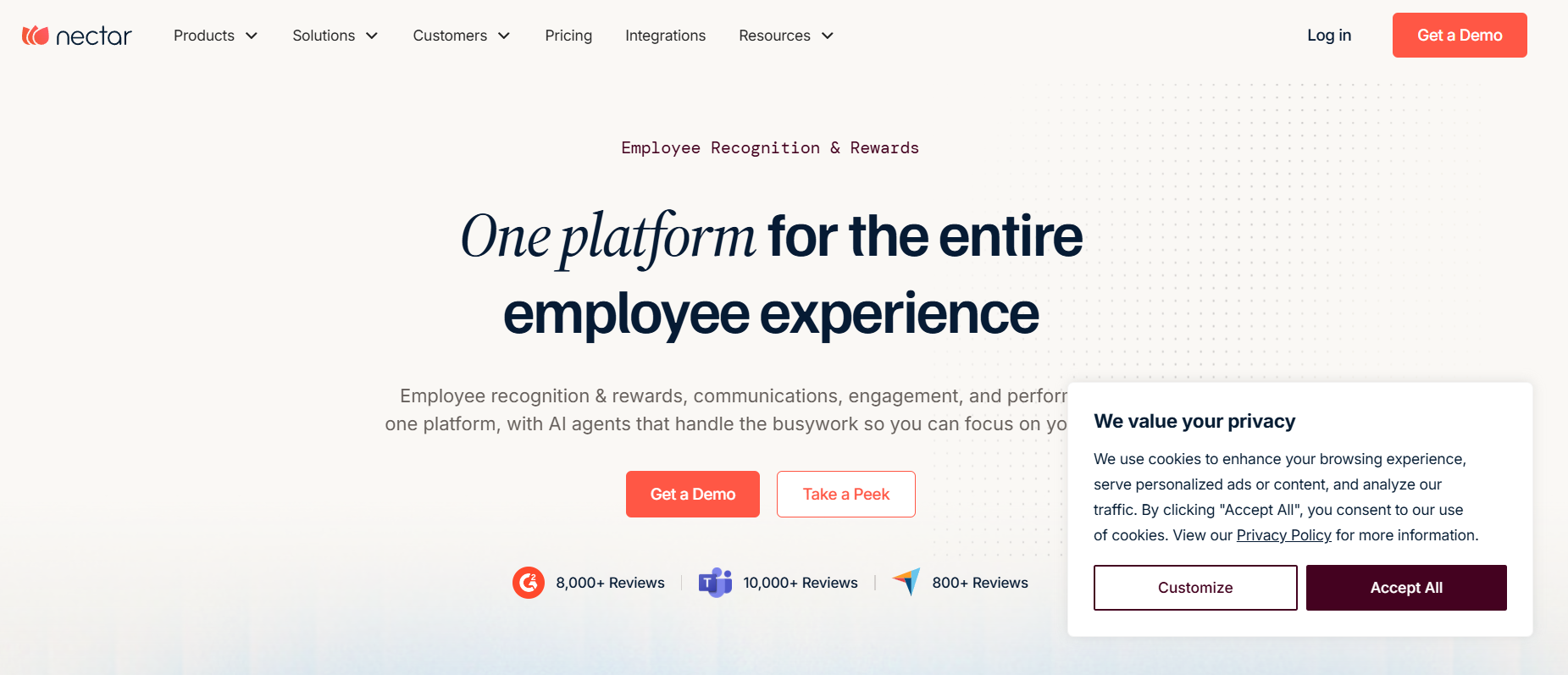
Nectar has moved beyond a recognition-only proposition.
Its current employee experience platform combines recognition with communication, employee listening and other employee programs. The company also documents participation routes for employees without conventional work email, including mobile, text, Microsoft Teams and Slack.
That makes Nectar worth examining when recognition is likely to sit beside wider employee experience requirements or when the workforce contains a mix of office and frontline employees.
Organizations interested only in recognition should still compare the cost and complexity of the broader platform with more narrowly focused alternatives.
Guusto
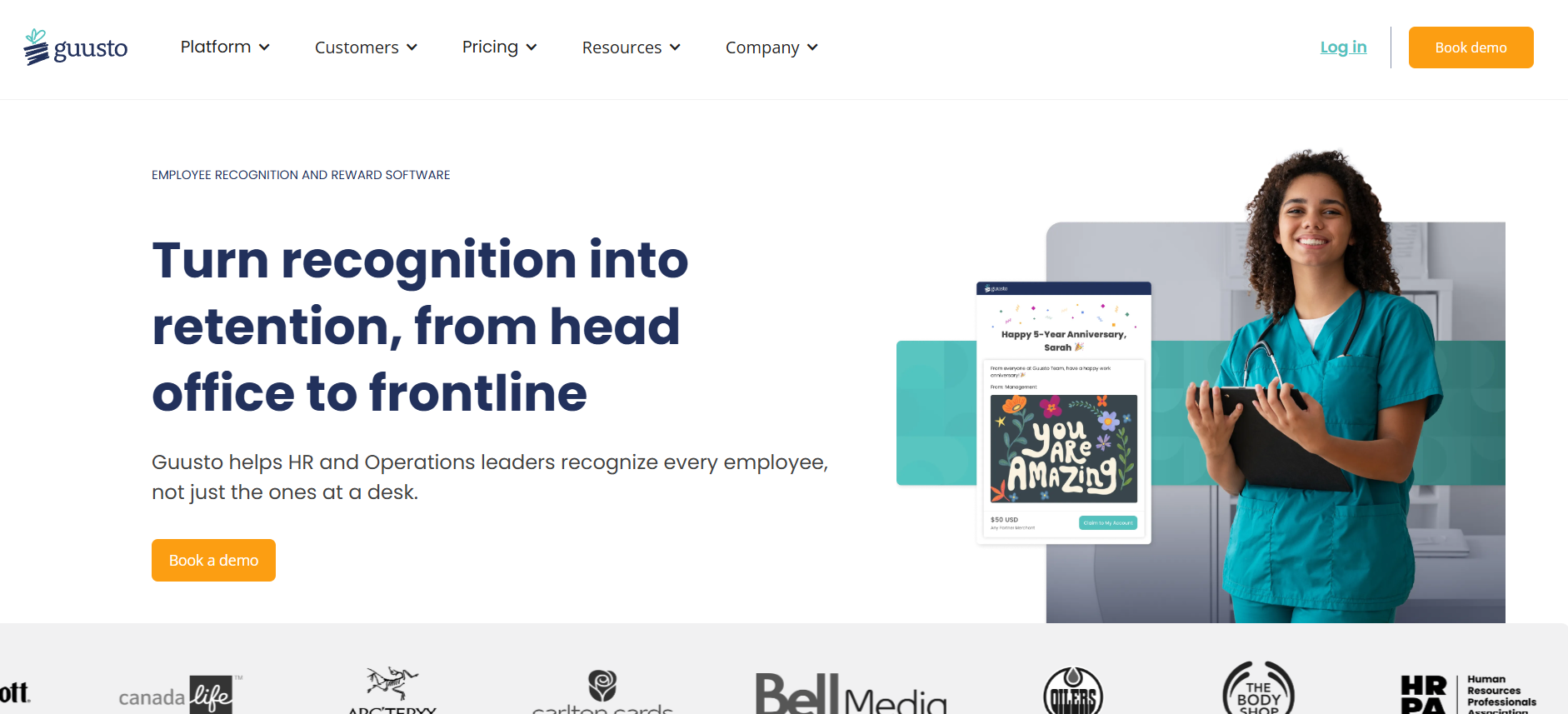
Guusto’s model becomes particularly interesting when frontline delivery and the economics of sender versus recipient access matter.
The platform supports email, SMS, print and QR delivery, while its current pricing structure separates sender and recipient seats on larger plans.
That can create a materially different commercial outcome for an organization where a few hundred managers recognize several thousand frontline employees. The advantage becomes less distinctive in a fully peer-to-peer model where almost everybody needs the ability to send recognition.
The point of examining these vendors is not to identify one universal winner. It is to understand which product architecture best matches your recognition program, workforce access model, integration requirements and budget structure.
Use mandatory requirements before you start scoring vendors
Weighted scorecards are useful once the shortlist is small, but they can hide serious weaknesses if used too early.
Suppose a retailer requires 8,000 store employees without corporate email to participate. One vendor supports that access model well while another does not. If frontline participation is genuinely mandatory, the second vendor should not remain in contention simply because it scores highly on rewards or analytics.
The same principle applies to required countries, languages, HRIS integrations, SSO, security standards, accessibility, payroll reporting or data export.
True requirements should eliminate unsuitable vendors before weighted scoring begins.
Once those conditions are satisfied, a comparison can become more nuanced.
| Evaluation area | Example weight |
| Recognition program fit | 20% |
| Workforce and frontline access | 20% |
| Manager and employee usability | 15% |
| Rewards, funding and fulfillment | 15% |
| Integrations and identity | 15% |
| Administration and analytics | 10% |
| Total cost and support | 5% |
These percentages are only an example.
A 15,000-person retailer may give frontline access substantially more weight. A multinational employer may care more about reward localization, currencies and international administration. A company running recognition without monetary rewards may give the reward category very little weight at all.
The scorecard should reflect the recognition program you have already designed rather than becoming a template that dictates the program.
Make finalists demonstrate your hardest employee journeys
The final demo should stop being a vendor presentation.
By that point, you already know what the platform claims to do. The remaining question is whether it can operate under the conditions you actually have.
Give every finalist the same difficult scenarios and ask them to perform the workflows in the product.
Start with the warehouse employee who has no corporate email. Then test a remote employee trying to recognize a colleague from Microsoft Teams. Give a manager a limited award budget and ask them to recognize an eight-person team. Transfer an employee from Chicago to Toronto and change their manager. Ask Payroll to retrieve taxable U.S. reward data for a pay period. Terminate an employee who still has unused points. Finally, ask HR to identify employees who have received little or no recognition during the last quarter.
The purpose is not to create an unrealistic stress test. These are exactly the situations the organization will encounter after implementation.
A vendor-controlled demo tells you what the company is good at presenting. A buyer-controlled workflow tells you whether the software fits the operating reality.
Normalize the commercial proposals before comparing prices
Recognition vendors can quote very different versions of what appears to be the same project.
One proposal may include only peer recognition. Another may include service awards, international rewards, SSO and several integrations. A third may bundle implementation and premium support. Placing those totals next to each other in a spreadsheet creates the appearance of comparison without actually comparing equivalent programs.
Every finalist should price the same employee population, countries, program types, anticipated reward budget, required integrations, languages, identity requirements and support assumptions.
It is also useful to separate first-year cost from ongoing annual cost. Implementation, configuration and integration work can make year one look very different from later years. Reward funding should remain distinct from subscription pricing, and optional modules should be shown separately rather than buried inside a package.
Internal administration deserves a place in the comparison as well. A platform with a lower subscription cost can still be more expensive operationally if HR spends several days every month cleaning roster data, correcting service awards or producing payroll files manually.
The objective is to compare the same recognition program across multiple vendors, not multiple interpretations of what the program could be.
The buying decision becomes clearer when you stop searching for a universal “best platform”
There is no single employee recognition platform that makes sense for every organization.
A 300-person software company whose employees already work inside Slack has a different problem from a hospital with thousands of clinicians. A multinational employer running formal service awards has different requirements from a retailer trying to reach employees who do not have corporate email. A frontline organization may care deeply about SMS, QR codes, shared devices and manager-assisted recognition, while another company places far more weight on Workday synchronization, SSO and global reward fulfillment.
That is why the selection process should begin with the recognition program, move through the realities of the workforce and only then reach the vendor shortlist.
By the time you speak seriously with finalists, you should be able to explain who needs to recognize whom, which contributions deserve monetary rewards, which employees are hardest to reach, what Finance is willing to fund, which systems hold authoritative employee data and what successful adoption should look like after the launch excitement has disappeared.
At that point, you are no longer asking a software vendor to define a good recognition program for you.
You are asking the vendor to prove that its platform can run yours.
Recognition software still has limits
Recognition can improve an employee’s experience of work, but it cannot compensate indefinitely for problems that sit elsewhere.
A warehouse employee can value recognition from a supervisor and still leave because scheduling is unpredictable. A nurse can appreciate an award while remaining exhausted because the unit is understaffed. A retail associate can enjoy peer recognition and still feel disconnected because important company information rarely reaches the store.
Poor pay, unsafe working conditions, weak management, unstable schedules, limited career opportunities and communication failures require their own solutions.
Recognition software should therefore support the wider employee engagement strategy rather than become a substitute for it. TurnOnWork’s employee engagement and retention strategy guide covers those broader conditions in more detail.
The recognition platform itself has a more specific job. It should make useful recognition easier to give, easier to receive and easier to administer. It should help Finance understand reward spending, give Payroll usable data, keep employee information aligned with the HR technology stack and give HR enough visibility to identify where recognition is strong and where employees continue to be overlooked.
If a platform can do those things for the workforce you actually employ, you have a credible basis for a buying decision.
If it cannot, the size of its gift-card catalog is beside the point.