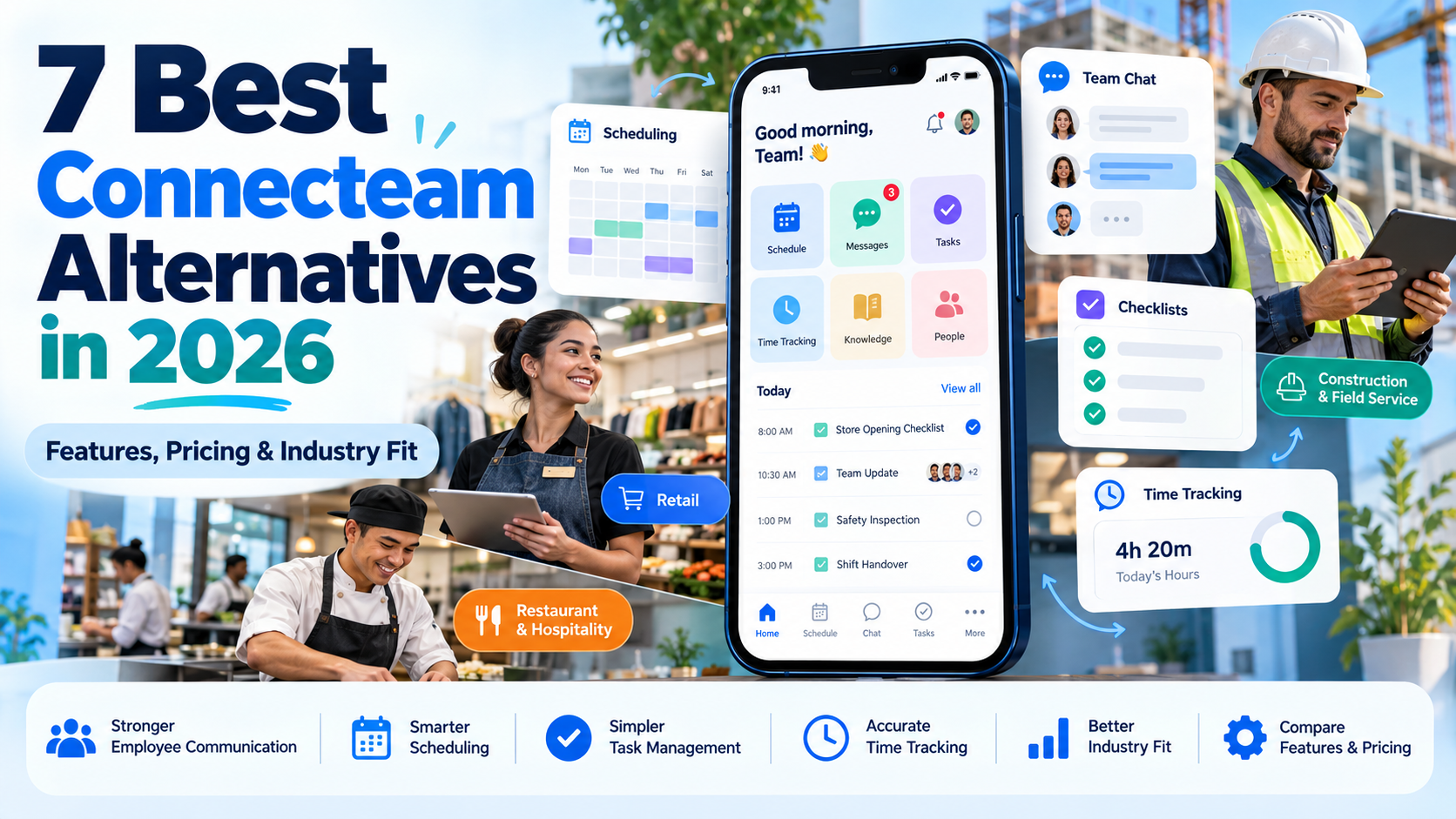
Connecteam already combines scheduling, time tracking, communication, forms, and HR tools. Businesses typically explore Connecteam competitors when they need deeper industry-specific capabilities, different pricing structures, or more specialized communication and engagement features.
HubEngage is especially relevant for organizations that prioritize multichannel employee communication, recognition, and feedback. Deputy and Homebase focus on hourly workforce operations, while 7shifts and ClockShark address restaurant and field-service needs.
The right choice depends on your industry, workforce size, existing systems, and the functions you need to replace.
Why Look Beyond Connecteam?
Connecteam remains a practical all-in-one workforce app for small and midsize businesses. Its Operations Hub includes scheduling, time clocks, forms, and tasks. Separate Communications and HR & Skills hubs add messaging, surveys, training, recognition, and employee administration.
Its published pricing starts at $29 per hub per month with annual billing for the first 30 users. That means organizations subscribing to multiple paid hubs must consider their combined costs.
A restaurant may need scheduling tied more closely to POS sales and tip management. A construction contractor may prioritize job costing and crew locations. A national retailer may need stronger headquarters-to-store communication and execution tools.
These distinctions matter because employee communication and workforce management solve related but different problems. Gallup’s 2026 State of the Global Workplace data reports that 32% of US employees were engaged, using its three-year rolling measure ending in 2025. Software alone cannot resolve disengagement, but access to information, feedback, and manager communication should be part of the evaluation.
For organizations considering a broader platform change, TurnOnWork’s frontline superapp buyer’s guide explains how to evaluate modules, mobile access, integrations, and total cost of ownership.
7 Best Connecteam Alternatives Compared
The following comparison focuses on the operational needs each platform serves rather than treating every employee scheduling and communication app as interchangeable.
| Tool | Best For | Standout Feature | Industry Fit | Pricing Model |
|---|---|---|---|---|
| HubEngage | Employee communications and engagement | Multichannel communication, surveys, recognition, and employee knowledge | Retail, healthcare, hospitality, manufacturing, distributed workforces | Custom quote |
| Deputy | Scheduling and labor management | Shift planning, time tracking, and labor compliance tools | Retail, hospitality, healthcare, shift-based services | From $5/user/month |
| 7shifts | Restaurant workforce management | Restaurant scheduling, labor forecasting, POS connections, and tip management | Restaurants, cafes, bars, QSR, foodservice franchises | Free plan; paid from $39.99/location/month annually |
| Homebase | Small hourly businesses | Scheduling, time tracking, hiring, and optional payroll | Independent retail, restaurants, cafes, salons, local services | Free plan; paid from $24/location/month annually |
| ClockShark | Mobile field crews | GPS time tracking, job tracking, and job-costing controls | Construction, contractors, trades, field services | From $42/month + $9.50/user/month |
| Beekeeper by LumApps | Frontline communication and workflows | Mobile messaging, digital forms, employee self-service, and integrations | Hospitality, manufacturing, retail, healthcare support operations | Custom quote |
| WorkJam | Large frontline operations | Targeted communications, workforce coordination, tasks, audits, and learning | Enterprise retail, grocery, hospitality, manufacturing | Frontline Connect from $799/month annually; modules extra |
Pricing reviewed October 14, 2026. All figures are in US dollars. Published starting prices are not directly equivalent: plans vary in feature access, employee limits, billing commitments, and add-ons. This comparison is based on publicly documented product information, not hands-on product testing.
1. HubEngage: Best for Employee Communication and Engagement
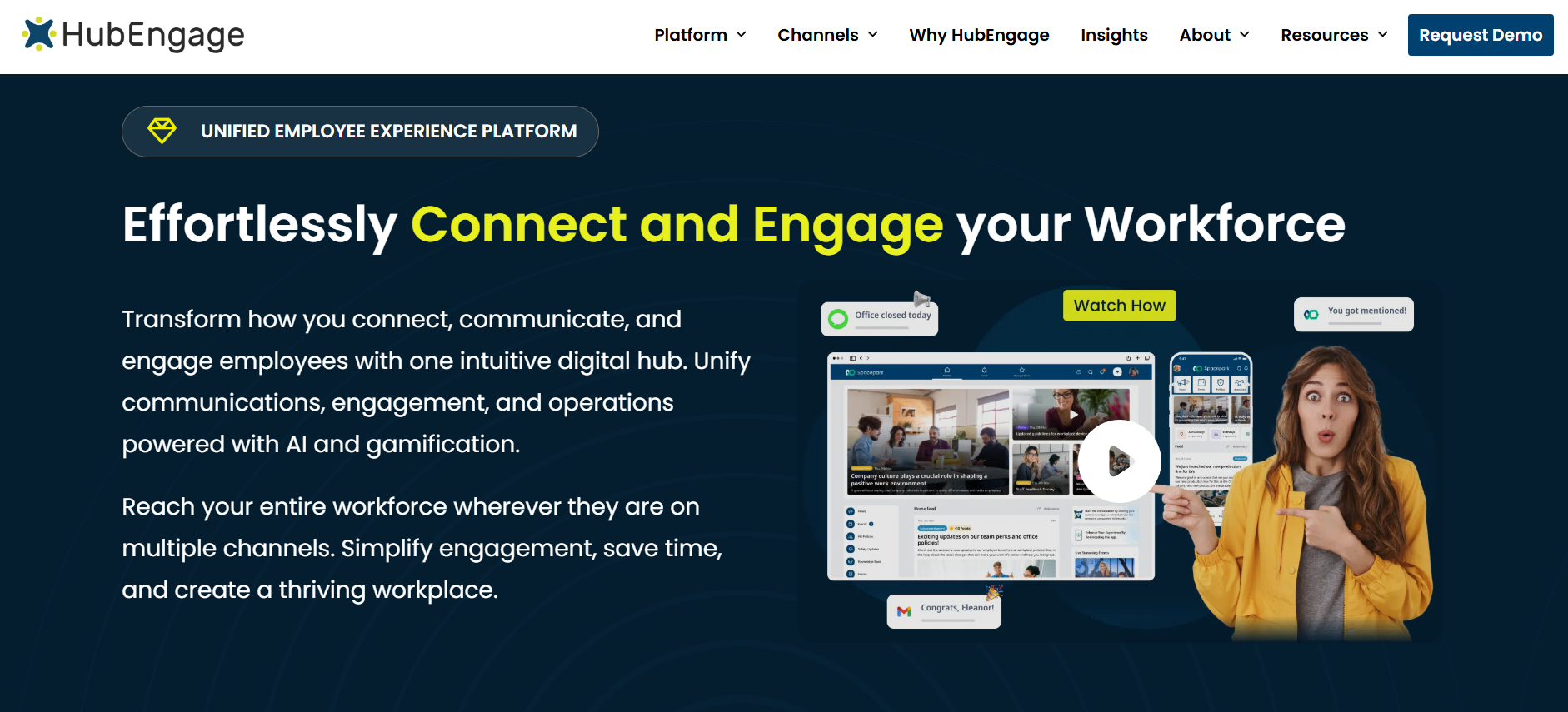
Best for: Organizations that need stronger internal communications, employee engagement, and workforce-wide information access without making scheduling and time tracking their primary purchasing criteria.
HubEngage approaches workforce technology from a different direction than Connecteam. Instead of centering the employee experience on shift schedules and time clocks, it focuses on communicating with employees, gathering feedback, recognizing contributions, and making workplace information easier to access.
Its employee communications platform supports multiple delivery channels, including mobile apps, web access, email, SMS, and digital signage. This is particularly useful for organizations where employees work across different locations, roles, and shifts.
For example, a hospitality operator managing several properties may need to deliver urgent operational updates, recognize exceptional service, collect employee feedback, and maintain a searchable library of HR policies. Those needs extend beyond scheduling employees for their next shifts.
Key features
-
Multichannel communication: Distribute employee announcements and updates through mobile, email, SMS, web, and workplace displays.
-
Targeted messaging: Send information to specific employee groups based on location, department, and other organizational attributes.
-
Recognition and rewards: Support peer recognition, employee appreciation, milestone celebrations, and rewards programs.
-
Employee surveys and listening: Collect feedback through pulse surveys, polls, and structured questionnaires.
-
Knowledge and communication analytics: Organize documents, monitor communication engagement, and track acknowledgments for important messages.
HubEngage also offers employee messaging, social engagement, and integrations with HR systems and workplace technology. The available modules and integrations should be confirmed against the proposed subscription.
Industry fit
HubEngage is particularly relevant to retail chains, healthcare organizations, manufacturing companies, hospitality businesses, and other employers with distributed or deskless employees.
Its value becomes clearer when different workforce groups need different communication channels. Production employees might receive announcements through screens and mobile notifications, while office teams use email or Microsoft Teams.
A single channel would not necessarily reach both groups equally well.
HubEngage vs. Connecteam
Connecteam already provides chat, announcements, surveys, and recognition. Its communication capabilities should not be overlooked.
The distinction is where each platform concentrates its product offering.
HubEngage emphasizes multichannel communication, employee experience, recognition, and listening programs. Connecteam combines communication with workforce scheduling, GPS-based time tracking, tasks, and administrative operations.
An organization seeking to replace Connecteam’s time clock and scheduling functionality may find HubEngage insufficient as a standalone replacement. It may need to retain a separate workforce-management system.
However, if the main problem involves reaching dispersed employees, improving communication measurement, or managing recognition and feedback across a growing organization, HubEngage deserves consideration.
Pricing: HubEngage does not publish a standard per-user price. Organizations request a custom quote based on workforce size, selected capabilities, and implementation requirements. Buyers should confirm whether SMS usage, integrations, and additional modules affect the total price.
2. Deputy: Best for Scheduling and Labor Management
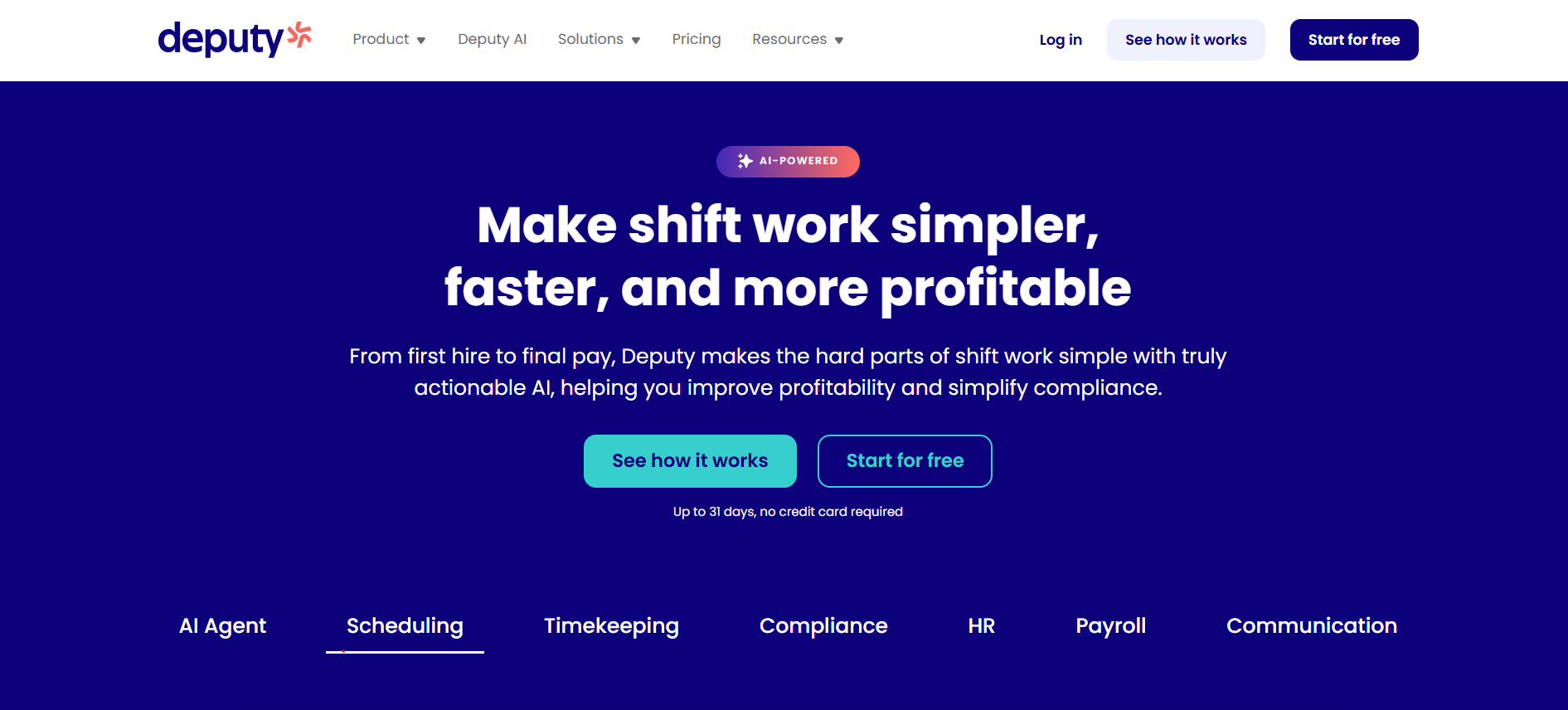
Best for: Shift-based businesses that need more detailed scheduling, attendance management, and labor planning.
Deputy is a direct Connecteam competitor for organizations where employee scheduling and time tracking are the most important daily workflows.
It is designed to help managers build schedules, fill vacant shifts, manage availability, record attendance, and monitor labor requirements.
Deputy is especially relevant when the complexity of scheduling has grown beyond assigning employees to a few recurring shifts.
Consider a healthcare support organization operating around the clock. Managers may need to coordinate employee availability, manage shift replacements, review hours, and address scheduling rules across different teams. Deputy provides tools built around that planning process.
Scheduling and workforce capabilities
Deputy’s platform includes:
-
Employee scheduling, open shifts, and shift swapping.
-
Time clocks, attendance records, and timesheets.
-
Leave requests and availability management.
-
Labor-related scheduling rules and reporting.
-
Employee messaging, newsfeeds, and payroll/HR integrations.
More advanced scheduling, analytics, and workforce management capabilities depend on the subscription tier. Deputy also offers paid messaging and analytics enhancements.
Where Deputy fits best
Deputy is well suited to restaurants, hospitality operations, retailers, healthcare support teams, and other businesses managing large numbers of hourly shifts.
Its industry fit comes primarily from scheduling requirements rather than specialized functions such as restaurant tip pooling or construction job costing.
For healthcare employers, particular attention should be given to staffing rules, overtime, fatigue, and scheduling practices. The software’s available controls do not replace an employer’s responsibility to establish appropriate staffing policies.
The US Department of Labor’s recordkeeping guidance also makes clear why accurate time records matter: employers covered by the Fair Labor Standards Act must maintain required records of hours worked and wages paid to covered nonexempt employees.
Deputy vs. Connecteam
Connecteam offers scheduling, GPS time tracking, forms, tasks, employee communication, and HR features across its hubs.
Deputy is a stronger candidate when managers want to concentrate their software investment on scheduling and labor management.
However, organizations using Connecteam extensively for training, knowledge sharing, recognition, or operational forms should assess whether Deputy can cover those processes without additional software.
Pricing: Deputy’s Lite plan starts at $5 per user per month, while Core starts at $6.50 per user per month. The vendor also lists a Messaging+ add-on at $1.95 per user per month. Additional tiers, features, and billing conditions should be reviewed before purchase.
For 100 employees, the published $5 Lite rate produces a $500 monthly base subscription before taxes or add-ons. That makes its per-user pricing model relatively straightforward to estimate.
3. 7shifts: Best Connecteam Alternative for Restaurants
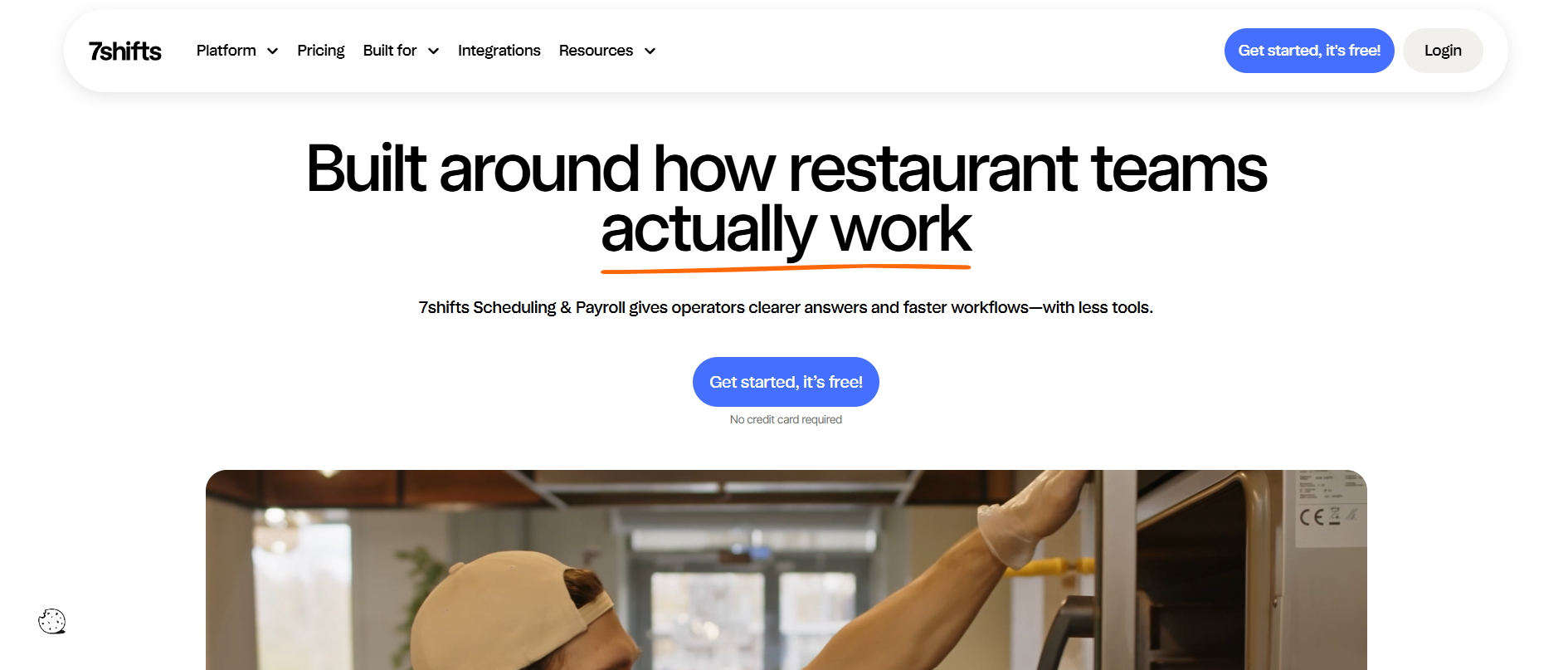
Best for: Restaurant operators that want workforce scheduling connected to restaurant labor management, POS information, and tip-related workflows.
7shifts is one of the most industry-specific platforms in this comparison. Its product is designed around restaurant operations rather than general-purpose workforce administration.
The distinction matters because restaurant scheduling has requirements that other industries may not share.
A restaurant manager may need to schedule servers, hosts, bartenders, and kitchen employees around changing demand. Some employees work different roles across the same week. Labor budgets, anticipated sales, and tip-related processes add another layer of complexity.
7shifts provides tools for these restaurant-specific needs.
Its capabilities include:
-
Employee schedules, availability, time-off requests, and shift coordination.
-
Restaurant labor planning and labor-cost controls.
-
POS integrations and sales-related workforce insights.
-
Team messaging and manager communication.
-
Time tracking, tip management, and payroll-related functionality, depending on the plan.
Not every feature is included in the entry subscription. Advanced labor tools, tip management, and other operational functions may require higher tiers.
Industry fit: Restaurants first
7shifts is especially appropriate for full-service restaurants, quick-service restaurants, cafes, bars, and restaurant groups with multiple locations.
Its specialization can be a meaningful advantage over a general employee scheduling app.
The National Restaurant Association’s 2026 State of the Restaurant Industry report projects US restaurant industry employment of 15.8 million and highlights continued pressure to manage costs while investing in workforce development and technology.
For restaurant operators, the practical question is whether scheduling software helps control labor costs while maintaining adequate service coverage.
7shifts addresses this problem more directly than a platform built equally for construction crews, retail associates, and office employees.
7shifts vs. Connecteam
Both platforms offer employee schedules, messaging, time-related tools, and other workforce features.
Connecteam offers broader general-purpose operations and HR functionality. 7shifts concentrates on restaurant-specific scheduling, labor management, and related workflows.
A restaurant that mainly needs scheduling and internal messaging may find Connecteam entirely sufficient.
A restaurant group trying to connect scheduling decisions with sales patterns, tips, and labor management should examine 7shifts more closely.
Pricing: The free Comp plan supports a single location with up to 15 employees. Essentials starts at $39.99 per location per month with annual billing, or $44.99 with monthly billing. Higher tiers add capabilities and support larger teams.
The location-based pricing model matters. A restaurant group operating ten locations should calculate the cost across all ten sites rather than comparing a single-location price with Connecteam’s workforce-based pricing.
4. Homebase: Best for Small Hourly Businesses
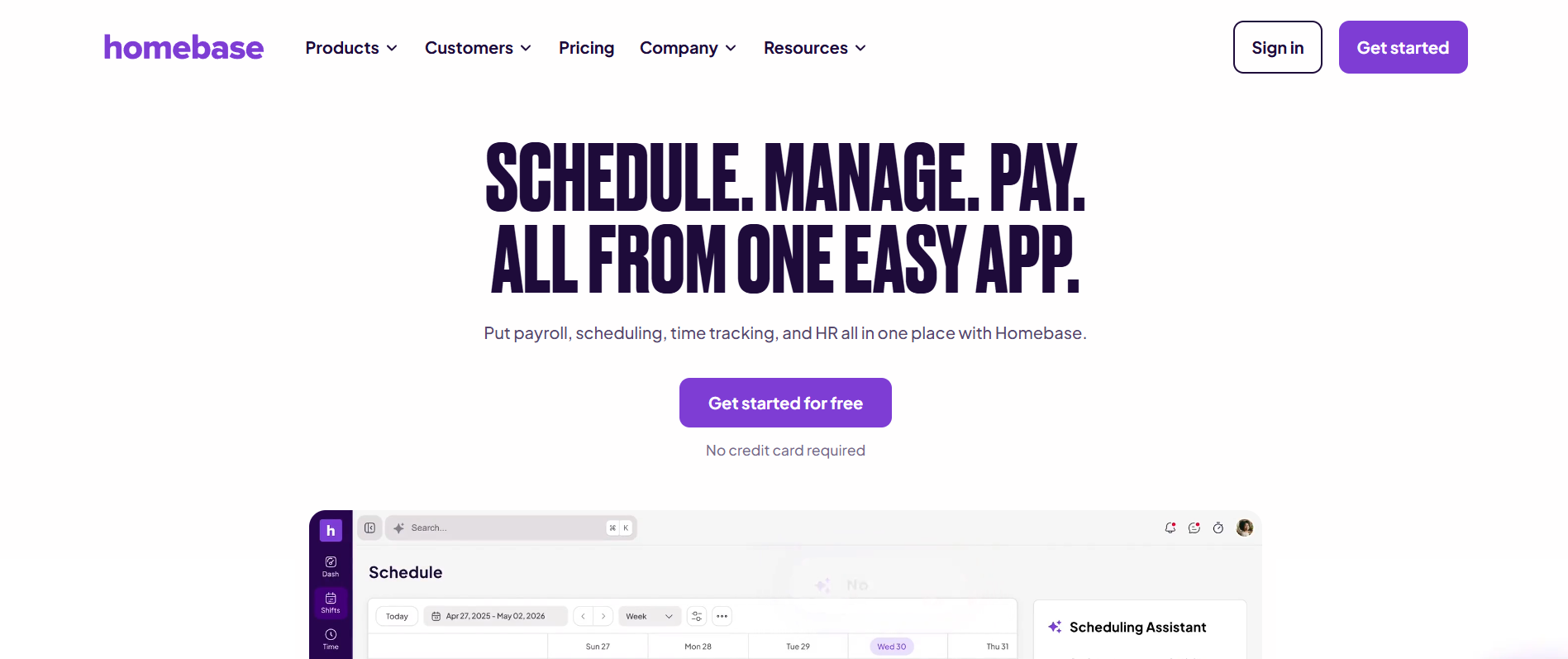
Best for: Independent businesses and smaller multi-location employers that want scheduling, time tracking, team management, and optional payroll in one system.
Homebase is particularly relevant to business owners who manage employees while also handling hiring, payroll administration, and everyday operations.
Its product is built around the needs of hourly teams. That makes it useful for neighborhood retailers, cafes, salons, small restaurants, and service businesses.
Rather than requiring a manager to maintain separate spreadsheets for schedules and employee availability, Homebase provides a central system for basic workforce administration.
Its payroll option is another consideration for small businesses that want fewer disconnected administrative processes.
What Homebase includes
Depending on the plan, Homebase provides employee scheduling, time tracking, team messaging, hiring-related capabilities, onboarding, time-off controls, and labor-cost reporting.
Payroll is available as a separate add-on rather than being automatically included in every plan.
This distinction is important when evaluating Homebase as an all-in-one workforce app for small business.
A store owner comparing Homebase with Connecteam should calculate the full cost of scheduling, payroll, and any HR capabilities rather than comparing their lowest advertised prices.
Homebase vs. Connecteam
Homebase has a natural advantage for businesses that want workforce administration closely connected to payroll.
Connecteam offers a wider combination of operational forms, checklists, mobile workforce communication, training, and employee engagement features.
The better choice depends on the business’s administrative priorities.
For example, a single-location coffee shop might get more practical value from straightforward schedules and payroll than from a comprehensive employee engagement program.
A growing field-service business with mobile crews, GPS tracking, and detailed worksite tasks may find Connecteam more suitable.
Homebase is also less compelling for organizations whose main need is enterprise-wide internal communication rather than location-level workforce management.
Pricing and growth considerations
Homebase’s Basic plan is free for one location with up to 10 employees.
Published paid rates include:
| Plan | Monthly billing | Annual-billing equivalent |
|---|---|---|
| Basic | Free | Free |
| Essentials | $30/location | $24/location |
| Plus | $70/location | $56/location |
| All-in-One | $120/location | $96/location |
Payroll is a separate add-on, with a standard published price of $49 per month plus $6 per employee paid per month. Promotional offers may temporarily change the effective cost.
Location-based pricing can be attractive when one store has many employees. It requires more careful calculation when a business operates numerous small locations.
5. ClockShark: Best for Construction and Field-Service Crews
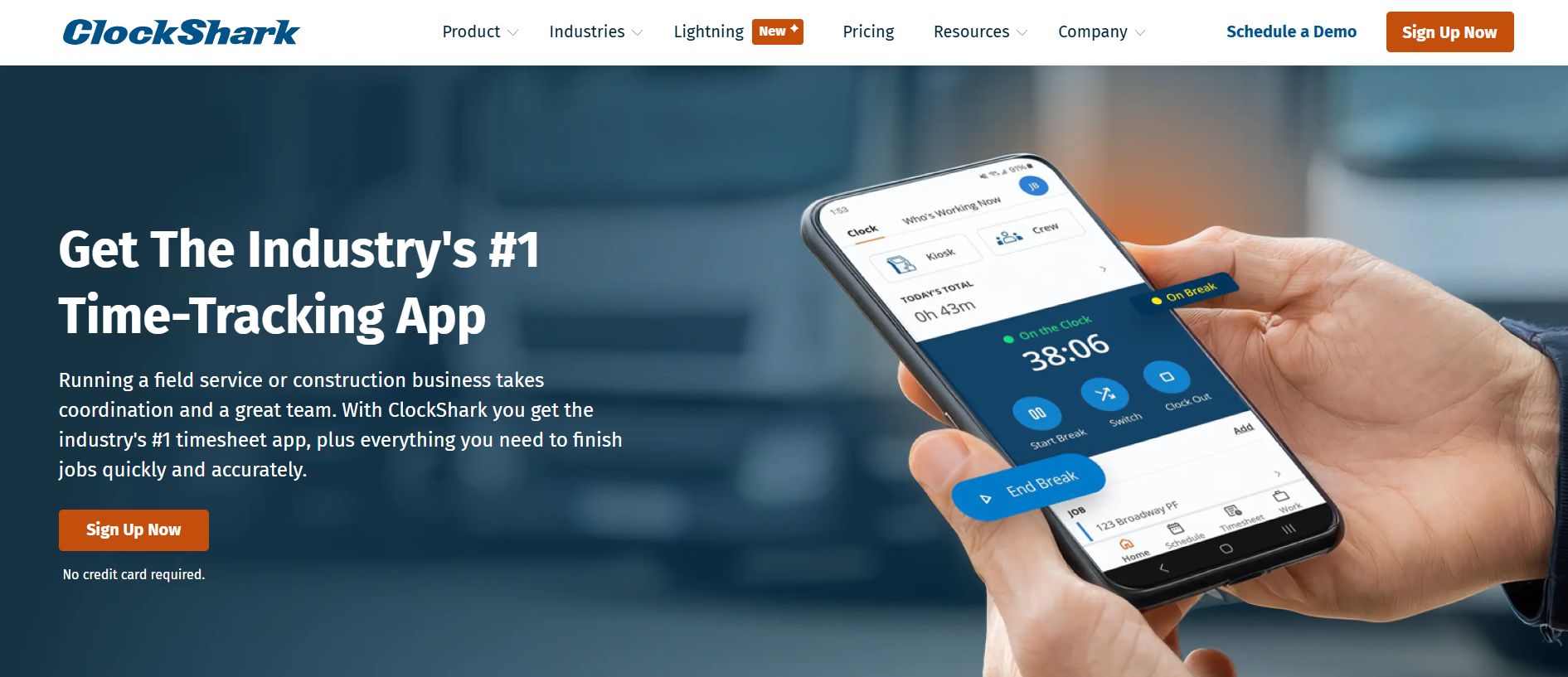
Best for: Contractors, construction companies, and mobile service businesses that need GPS-based time tracking connected to jobs and labor costs.
ClockShark addresses a problem that is different from restaurant scheduling or company-wide employee engagement.
Construction and field-service managers often need to know which employees worked on a particular job, how much labor time was recorded, and whether that information can support job costing and payroll.
A contractor may have electricians working at several locations, technicians moving between customer sites, and office administrators reviewing timesheets at the end of the week.
ClockShark brings those activities into a field-oriented time tracking system.
Capabilities for mobile crews
Its published plans include:
-
GPS-enabled time tracking and job-related attendance records.
-
Drag-and-drop employee scheduling.
-
Job and task tracking.
-
Geofencing and mobile workforce visibility.
-
Integrations with accounting and payroll systems.
The platform also supports Spanish-language use, which can help some multilingual field teams. Employers should still verify that workers understand safety instructions and operational requirements.
OSHA’s training standards policy explains that required safety training must be communicated in language and vocabulary employees can understand.
ClockShark vs. Connecteam
Connecteam already includes GPS-supported time tracking, job scheduling, forms, and workforce task management. It is therefore a credible option for contractors and field-service companies.
ClockShark is worth investigating when job-specific time records and labor-cost reporting are central purchasing requirements.
The important distinction is between tracking employees’ hours and understanding labor costs across individual jobs.
ClockShark’s more advanced job-costing controls are part of its Pro plan. Buyers should test those against their accounting and project-reporting requirements rather than assuming the entry tier covers every need.
Conversely, a contractor relying heavily on Connecteam for company announcements, employee surveys, onboarding, and broader engagement may need additional software alongside ClockShark.
Pricing
ClockShark publishes two main plans:
| Plan | Base monthly fee | Additional monthly cost |
|---|---|---|
| Standard | $42 | $9.50 per user |
| Pro | $63 | $11.50 per user |
The vendor states that a three-year contract term applies to all pricing plans. This is a significant consideration for businesses that prefer monthly flexibility.
For a 25-user team, the Standard plan’s published rates produce a monthly subscription cost of $279.50 before any other applicable charges.
A business considering this alternative should weigh its job-tracking requirements against both the subscription cost and the contractual commitment.
6. Beekeeper by LumApps: Best for Frontline Communication and Workflows
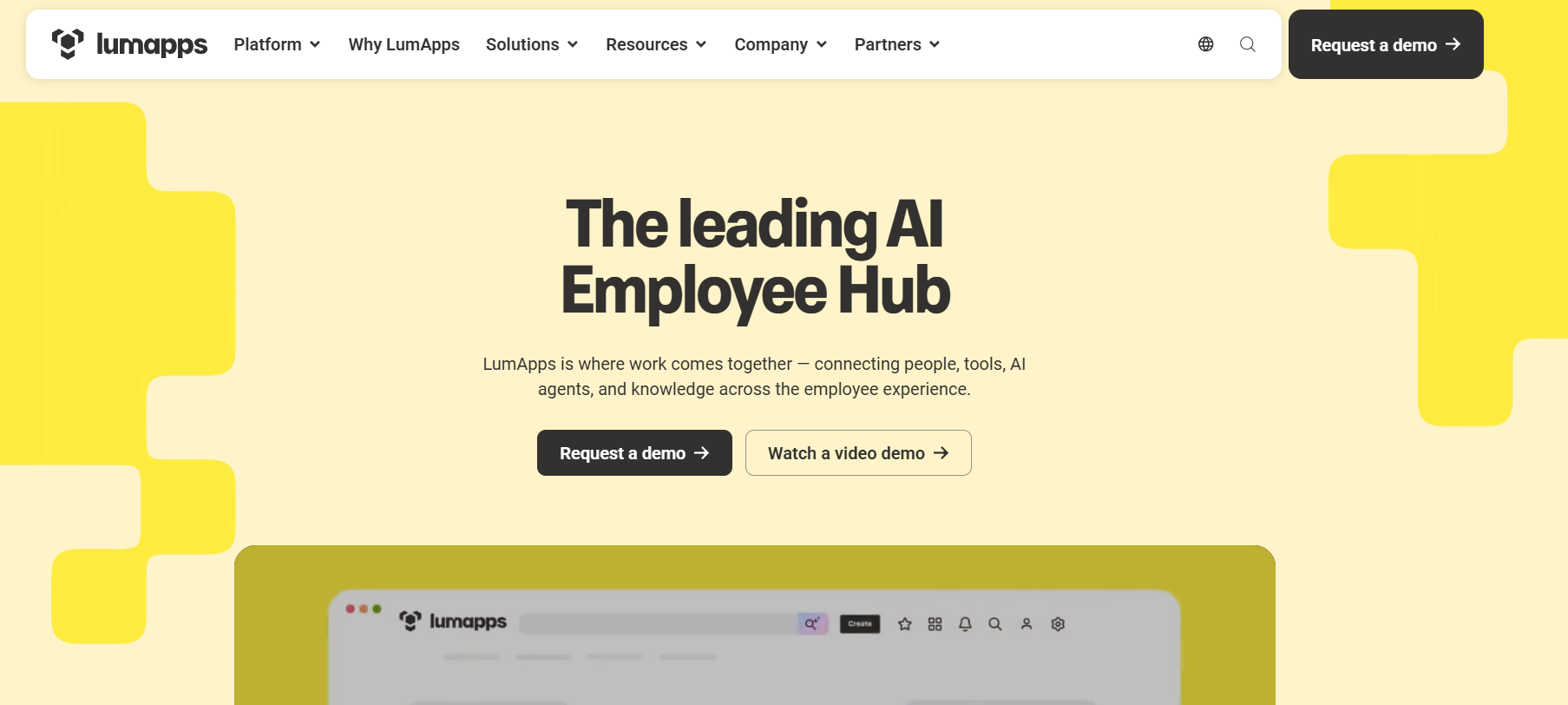
Best for: Mid-size and enterprise employers that need a mobile-first communication system connected to frontline workflows and employee services.
Beekeeper has long focused on employees who do not spend their workday at a corporate desk.
Its platform supports communication streams, secure messaging, digital forms, tasks, and employee access to workplace information.
A significant development for buyers in 2026 is its relationship with LumApps.
Beekeeper and LumApps joined forces in 2025, combining Beekeeper’s frontline-focused technology with LumApps’ broader enterprise intranet and employee experience platform. LumApps states that existing Beekeeper users retain their current login, data, and support arrangements as the offering develops.
This makes the combined platform relevant to organizations trying to connect frontline and office employees within a wider digital workplace strategy.
Key capabilities
Beekeeper’s documented frontline functionality includes:
-
Mobile-first communication streams and group messaging.
-
Targeted announcements and employee updates.
-
Digital forms, checklists, and operational workflows.
-
Employee self-service access to workplace resources.
-
Integrations that connect the frontline experience with HR and other enterprise systems.
The practical benefit is that workplace communication can sit closer to everyday employee activity.
A hotel, for example, might use mobile communications for housekeeping updates, digital forms for maintenance requests, and employee services for access to administrative information.
Industry fit
Beekeeper is particularly relevant to hospitality, manufacturing, retail, and other large frontline environments.
Its communication and workflow capabilities can also be useful for healthcare support teams, although healthcare organizations should evaluate data access, privacy, integration, and security requirements for their particular use cases.
The combined LumApps offering broadens its relevance to organizations with both office-based and frontline populations.
Beekeeper vs. Connecteam
Connecteam combines scheduling, time tracking, communication, and operational administration for a wide range of frontline businesses.
Beekeeper places greater emphasis on mobile employee communication, daily workflows, and access to enterprise information.
For a large hospitality company struggling to communicate consistently across properties, Beekeeper may provide a more focused alternative.
However, employers that depend on Connecteam’s scheduling and GPS timekeeping should not assume Beekeeper offers a like-for-like replacement.
The LumApps integration also creates a practical purchasing question: buyers should establish which capabilities are available in the current Beekeeper product, which require additional modules, and which are part of the wider LumApps offering.
Organizations reviewing frontline onboarding should also consider the practical access and implementation differences outlined in TurnOnWork’s frontline onboarding software comparison.
Pricing: Beekeeper by LumApps does not publish a standard current US per-user subscription rate for the offering discussed here. Buyers need a custom quote and should confirm modules, implementation services, integrations, and contractual conditions.
7. WorkJam: Best for Large Frontline Operations
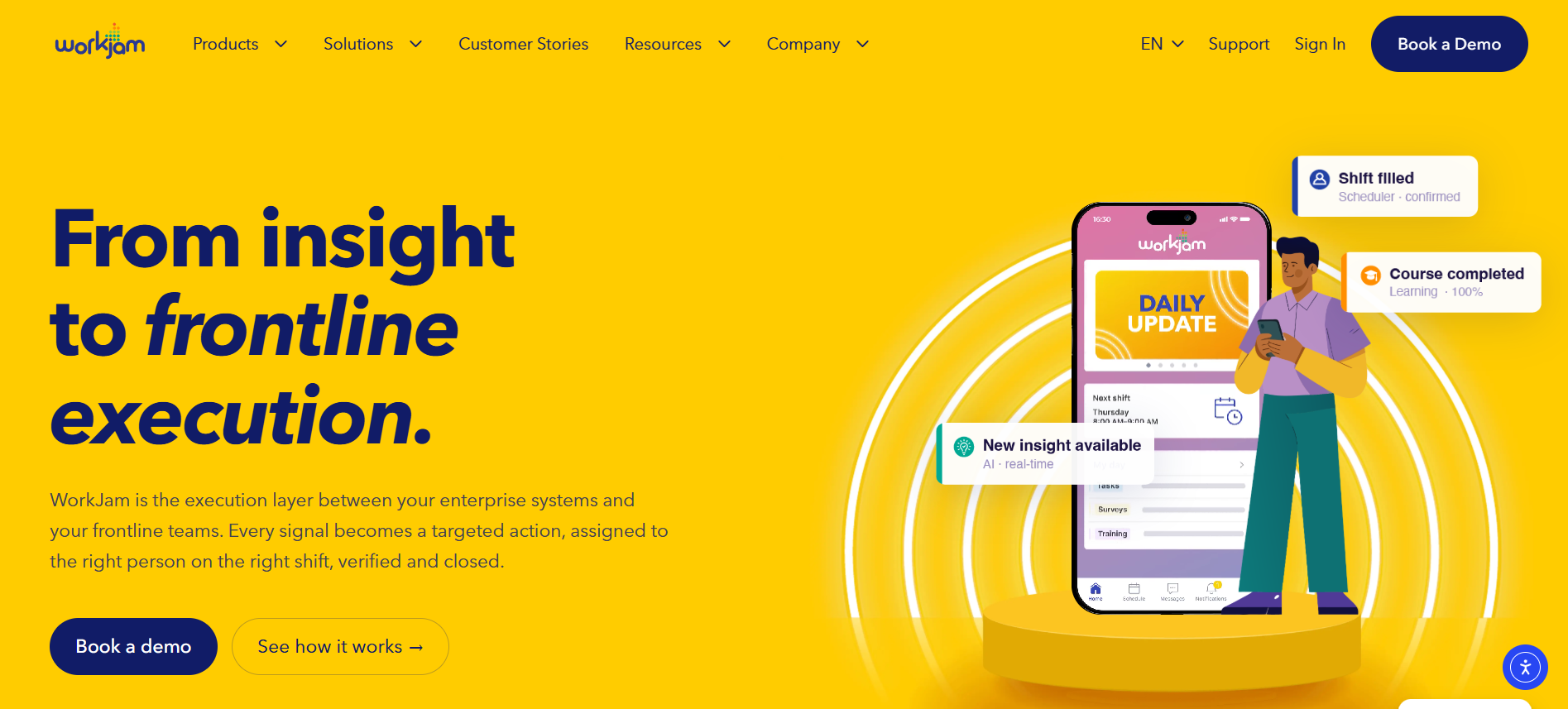
Best for: Larger multi-location employers that need frontline communications connected to operational tasks, staffing, learning, and store execution.
WorkJam serves organizations where frontline workforce management extends beyond basic scheduling and messaging.
Its platform combines targeted employee communication with operational capabilities such as task management, audits, workforce coordination, and learning.
This makes it particularly relevant to retailers, grocery businesses, hospitality organizations, and manufacturers operating across numerous locations.
For example, a retail chain introducing a seasonal promotion may need more than an announcement saying the promotion begins Friday.
Headquarters may need to distribute instructions, assign specific store tasks, confirm completion, and identify locations where implementation is incomplete.
WorkJam is designed to support that connection between communication and operational execution.
Capabilities for distributed operations
WorkJam’s documented platform includes:
-
Targeted announcements, channels, and frontline employee messaging.
-
Task assignments, completion verification, and operational audits.
-
Flexible staffing and shift coordination.
-
Learning and workforce knowledge tools.
-
Integrations with enterprise workforce-management systems.
Its workforce orchestration approach is particularly relevant where a company already operates large HR, scheduling, or payroll systems and wants frontline employees to access related activities through one experience.
WorkJam vs. Connecteam
Both platforms combine employee communication and operational workforce functions.
Connecteam is accessible to smaller teams through its free and fixed-price hub offerings. WorkJam’s product direction is more closely associated with enterprise-scale workforce coordination and complex multi-location operations.
WorkJam may therefore be a stronger candidate for large retail organizations with detailed task verification, staffing, and communication requirements.
That does not mean it is automatically the better choice for every growing business.
A 60-person service company could find WorkJam unnecessarily expensive or complex compared with Connecteam.
WorkJam also requires careful module-level evaluation. Its communication subscription does not automatically include every scheduling, task, audit, or learning capability.
Pricing
WorkJam publishes pricing for its Frontline Connect offering:
| Plan | Monthly rate, billed annually | Included workforce |
|---|---|---|
| Essential | $799 | Up to 500 users |
| Operations Elite 500 | $1,599 | Up to 500 users |
| Operations Elite 1000 | $2,499 | Up to 1,000 users |
On Operations Elite, additional packages for tasks, audits, and forms; staffing; or learning carry separate published monthly fees. For example, the Productivity Plus task/audit/forms package adds $999 per month to Operations Elite 500.
The price difference is substantial, but so is the difference in the type of organization each platform is designed to support.
For a 500-person retailer, the Essential plan may be worth investigating as a communications offering. An operations project requiring task management and staffing tools needs a more detailed budget.
Retail buyers comparing WorkJam with other specialized store platforms can consult TurnOnWork’s retail communication apps comparison.
Which Connecteam Alternative Fits Your Industry?
Industry fit should carry more weight than a long feature checklist.
Two companies may employ the same number of frontline workers but have entirely different technology requirements.
A restaurant with 80 employees schedules labor around customer demand. A construction company with 80 employees assigns people to projects, tracks jobs, and manages changing work locations. A retailer with 80 employees spread across several stores may care most about communication consistency.
Those differences should shape the software shortlist.
Restaurants and hospitality
Start with 7shifts, Deputy, and Homebase.
7shifts is the most restaurant-specific choice, particularly where POS information, labor planning, and tip-related processes matter.
Deputy is useful when scheduling rules, shift coverage, and timekeeping are the main problems. Homebase is worth considering for independent restaurants that want straightforward workforce administration and optional payroll.
Hotels and other hospitality businesses may have different priorities. If property-wide employee communication, feedback, and digital workflows are more important than restaurant labor management, HubEngage and Beekeeper deserve consideration.
Construction and field services
Start with ClockShark and compare it against Connecteam.
ClockShark is a natural candidate for contractors needing job-based time tracking, GPS information, and labor-cost controls.
However, Connecteam already provides a credible combination of GPS time clocks, schedules, forms, and tasks.
Switching platforms is not necessarily worthwhile if those existing workflows function well.
The decision becomes more meaningful when the contractor needs more detailed job costing, accounting integration, or field labor reporting.
Retail and multi-location businesses
Start with HubEngage or WorkJam, depending on the problem.
HubEngage is a stronger candidate when a retailer needs communication across stores, employee recognition, surveys, and information access through multiple channels.
WorkJam deserves attention when corporate instructions need to translate into store tasks, audits, staffing actions, and completion verification.
Homebase may be sufficient for a smaller retailer focused mainly on scheduling and time tracking.
A national retail chain should avoid making its decision purely on employee count. The number of stores, variety of operating procedures, management hierarchy, and existing enterprise systems may be more important.
Healthcare and large enterprises
Consider Deputy, Beekeeper by LumApps, HubEngage, and WorkJam, depending on the use case.
Deputy addresses shift planning and timekeeping requirements. HubEngage and Beekeeper fit communication and employee access needs, while WorkJam is relevant where organizations need more extensive frontline operational coordination.
Healthcare employers should pay particular attention to scheduling practices. The CDC’s National Institute for Occupational Safety and Health identifies shift work, long hours, and fatigue as concerns for nursing staff and managers.
Enterprise buyers should also investigate role-based access, employee authentication, integrations, administrative governance, audit records, and the treatment of sensitive employee information.
A product’s suitability for healthcare communication does not automatically establish that every intended data-processing use case is appropriate.
What Does Switching From Connecteam Actually Cost?
A lower advertised monthly price does not necessarily mean a lower total cost.
Connecteam uses a hub-based model, while the alternatives in this comparison use different combinations of per-user, per-location, base-fee, and module-based pricing.
Understand Connecteam’s actual pricing model
As of October 2026, Connecteam’s Basic, Advanced, and Expert plans start at $29, $49, and $99 per hub per month, respectively, when billed annually for the first 30 users. Monthly billing costs more.
Its free Small Business Plan serves eligible businesses with fewer than 10 employees, and the company also offers a more limited free option for teams up to 30 users. Enterprise pricing is available separately.
If a company needs both the Operations and Communications Basic hubs, its starting cost is $58 per month on an annual-billing basis for up to 30 users. That is different from assuming the advertised $29 includes every product hub.
For a larger example, consider a company with 50 employees using both Basic hubs:
| Cost component | Illustrative monthly equivalent |
|---|---|
| Operations Basic: $29 + 20 additional users at $0.80 | $45 |
| Communications Basic: $29 + 20 additional users at $0.50 | $39 |
| Combined total | $84/month |
This is a calculation using Connecteam’s published annual-billing rates, not a negotiated quote. It excludes other hubs, higher plans, taxes, and potential services.
Importantly, the example also shows why Connecteam should not automatically be described as expensive at scale. Depending on the modules selected, it may cost less than certain per-user competitors.
Compare the full operating cost
Before approving a replacement, calculate the 12-month or 36-month cost of:
-
Licenses, base subscriptions, additional users, and business locations.
-
Required modules and integrations.
-
Implementation, data migration, and manager training.
-
Payroll, SMS, and other usage-based charges.
-
Contract terms, renewal conditions, and support.
-
Any separate software needed to replace functions lost in the switch.
A small business leaving Connecteam for dedicated scheduling software might still need another employee communication system. Conversely, an organization adopting a communication-first platform might retain its existing payroll and scheduling system.
The cost comparison should reflect the full technology stack, not one subscription against another.
How to Choose the Right Connecteam Alternative
The most useful starting point is identifying which Connecteam workflows matter most to employees and managers.
A business can outgrow a tool without outgrowing every part of it. This is common when a company expands from one location to several.
A single store manager may initially handle scheduling, payroll preparation, announcements, and employee questions personally. As the company adds locations, those responsibilities become divided among HR, operations, finance, and internal communications teams.
The original all-in-one setup may still handle scheduling well while other departments require more specialized capabilities.
Evaluate these requirements before switching
| Requirement | What to test |
|---|---|
| Employee scheduling | Recurring shifts, open shifts, availability, breaks, approvals, and coverage rules |
| Time tracking | GPS, geofencing, timesheets, payroll export, job codes, and corrections |
| Communication | Announcements, targeted updates, mobile alerts, acknowledgments, and two-way messaging |
| Industry workflows | Restaurant labor planning, construction job costing, retail task execution, or healthcare staffing requirements |
| Employee experience | Recognition, surveys, onboarding, training, and knowledge access |
| Mobile accessibility | No-email onboarding, shared devices, multilingual access, and behavior with poor connectivity |
| Administration | Roles, permissions, locations, audit records, and employee data management |
| Integrations | HRIS, payroll, POS, scheduling, accounting, and identity systems |
This evaluation should involve employees as well as administrators.
A platform that appears efficient in a headquarters demonstration may create additional work for store managers or field employees.
Likewise, a mobile app that requires too many steps to clock in, find an updated schedule, or review a safety instruction may not improve daily operations.
Test a complete workflow, not an isolated feature
Ask shortlisted vendors to demonstrate a realistic process from beginning to end.
For a restaurant, that might involve publishing a schedule, handling a shift swap, recording time, and exporting payroll data.
For a construction company, it could involve assigning a crew to a job, recording field time, approving timesheets, and reviewing job labor costs.
For a retailer, the workflow might begin with a headquarters announcement, continue through employee acknowledgment, and finish with a completed store task.
The goal is to discover how much manual coordination remains after the software is introduced.
Frequently Asked Questions
Is Connecteam suitable for large enterprises?
Yes. Connecteam offers Enterprise plans and identifies organizations with roughly 201 to 10,000 employees as a primary audience for those plans.
However, enterprise suitability involves more than workforce size. Large organizations should evaluate their actual requirements for multi-location administration, integrations, security controls, communication governance, reporting, and industry-specific functionality.
Connecteam may be appropriate for a large business that values its combined workforce operations tools. Another enterprise may prefer specialized systems for scheduling, communication, and operational execution.
Which Connecteam alternative is best for restaurants?
7shifts is one of the strongest options when restaurant-specific workforce management is the priority.
Its scheduling, restaurant labor tools, POS connections, and tip-related capabilities address requirements that general-purpose employee scheduling apps may not cover as extensively.
Deputy is also worth comparing for complex scheduling. Homebase may suit smaller restaurants wanting scheduling and optional payroll.
Connecteam remains competitive where restaurant operators prefer a broad collection of workforce tools rather than specialized restaurant features.
Which Connecteam alternative is best for construction companies?
ClockShark is a strong option for contractors focused on GPS time tracking, job records, and job-costing controls.
However, Connecteam already offers GPS-based attendance, scheduling, forms, and tasks.
A construction company should compare the depth of job reporting and payroll/accounting integration before deciding to switch. Replacing Connecteam simply because ClockShark is construction-oriented may not produce enough operational benefit.
How much do Connecteam alternatives cost for 100 or more employees?
Costs vary substantially because each platform calculates its subscription differently.
Deputy’s published Lite starting rate of $5 per user per month would equal $500 monthly for 100 users before additional charges. Homebase generally prices paid plans by location, while 7shifts uses restaurant-location pricing.
ClockShark combines a monthly base fee with per-user charges. WorkJam offers published packages covering up to 500 or 1,000 users, with additional modules priced separately.
HubEngage and Beekeeper require tailored quotes.
Compare equivalent capabilities and billing commitments rather than assuming the lowest starting price is the least expensive option.
Can you switch from Connecteam without migrating all your employee data?
Yes. A full historical migration is not always necessary.
Many organizations can begin by transferring active employee records, current schedules, and the information required for everyday workflows. Historical records may be retained separately if permitted by the original system and appropriate for the organization’s retention requirements.
However, employers must preserve legally required records, including applicable wage and hour documentation. They should not assume that transferring employee names and schedules is sufficient.
Before switching, confirm export options, historical record access, file formats, integration methods, employee identifiers, and how the replacement platform handles existing data.
A phased rollout can reduce disruption. For example, a company may move employee communication first while keeping Connecteam’s scheduling and payroll-related processes running until the replacement has been tested.
Final Thoughts
The best Connecteam alternative depends on what your organization needs to manage.
HubEngage suits communication and engagement priorities. Deputy and Homebase focus on hourly workforce administration. 7shifts addresses restaurant operations, ClockShark serves field crews, Beekeeper supports frontline communication and workflows, and WorkJam fits complex multi-location operations.
Before switching, identify your most important workflows, calculate the full operating cost, and test the replacement with actual employees and managers. A specialized alternative is worthwhile when it solves a meaningful problem that your current system cannot address effectively.